Your First PC Build
Prebuilt gaming PCs cost a fortune, every forum says building your own is easy, and now you are staring at a parts list written in alphabet soup. Your first build is genuinely doable — thousands of first-timers succeed every week — but the failures all come from skipped planning, not from the assembly itself. This guide walks the planning phase: compatibility, budget, and the order to buy. When parts arrive, the build checklist takes over.
TL;DR / Quick Fix
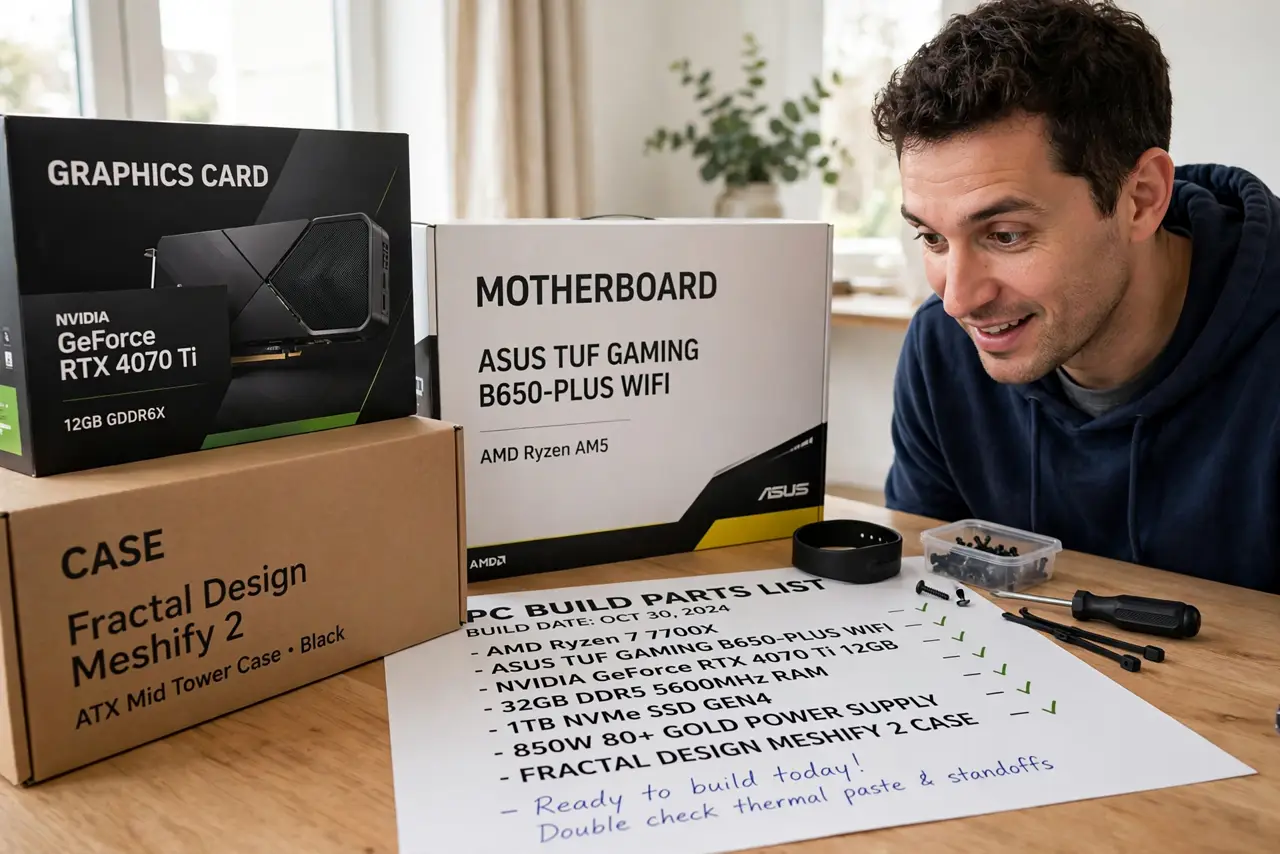
Quick fix: before buying parts, list every component you need, check that the CPU, motherboard, and RAM match, and confirm the power supply has enough wattage. Most first-build disasters are skipped compatibility checks — an hour of research saves a weekend of returns.
Follow these steps
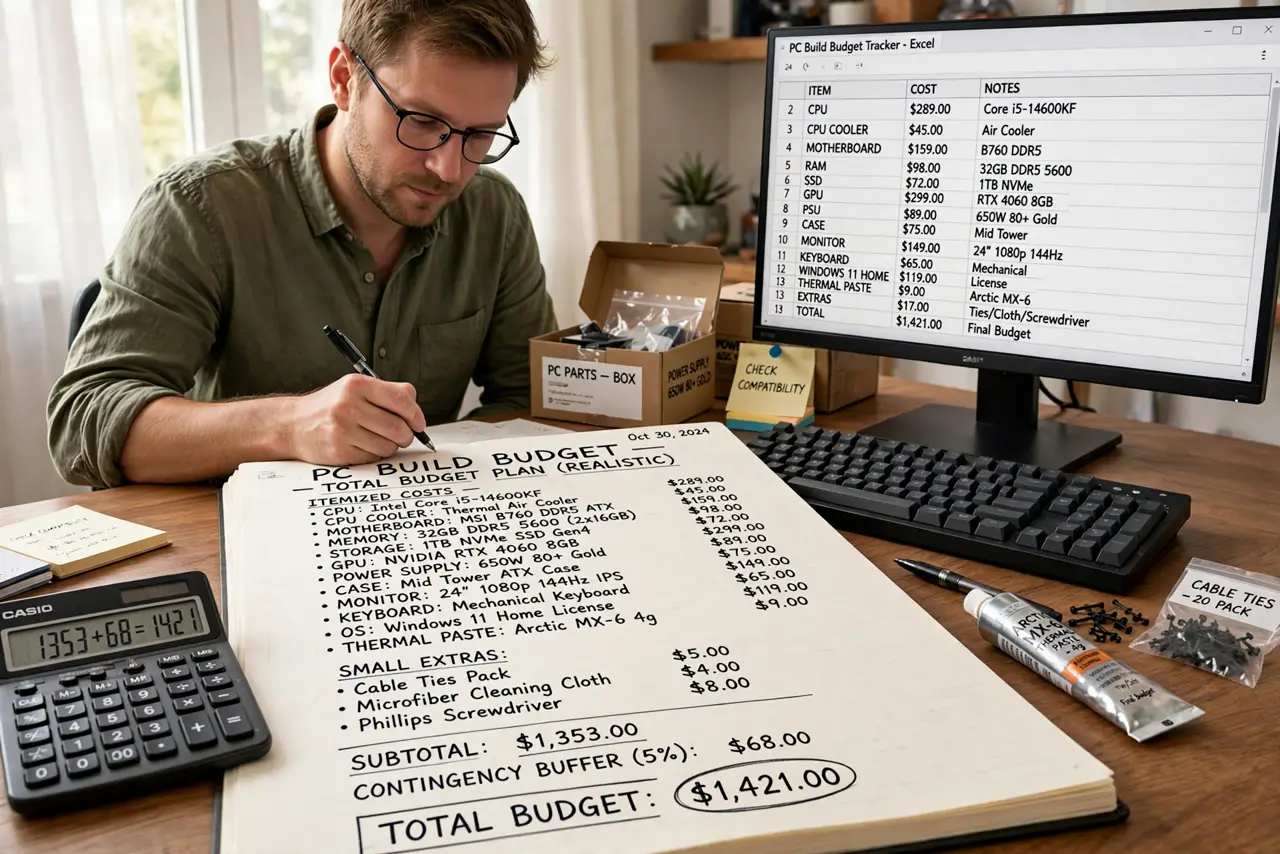
- Set a realistic total budget first. Include everything: parts, Windows if needed, monitor, keyboard, and a few small extras like thermal paste. Builds always cost more than the parts list suggests.
- Pick the CPU and motherboard as a pair. The CPU socket must match the motherboard socket — this is the number one compatibility trap. Choose these two together, then build outward from them.
- Match the RAM to the motherboard. Check the board's supported RAM type and speed. Buying the wrong generation of memory is an expensive, annoying return.
- Size the power supply honestly. Add up your parts' power draw and add headroom — the wattage guide shows how. A cheap undersized PSU risks the whole build.
- Check the case fits the graphics card. Long graphics cards do not fit compact cases. Compare the card's length against the case's maximum GPU clearance before ordering either.
- Buy in an order that lets you test. Order core parts first and test-boot outside the case before final assembly. Catching a dead part early, while returns are easy, beats discovering it after cable management.
What NOT to do
- Do not buy parts one at a time over months. Return windows expire, and prices shift — buy in a tight window.
- Do not cheap out on the power supply. It is the one part that can destroy everything else if it fails.
- Do not skip the motherboard manual. It answers half of all first-build questions, including which slots to use.
- Do not build on carpet in socks. Static discharge is rare but real — a table and occasional grounding touch are enough.
Frequently asked questions
Is building really cheaper than prebuilt?
Usually yes for mid-range and up, and you get better parts for the money. At the very low end, prebuilts can match DIY on price.
What tools do I need?
One Phillips screwdriver, patience, and the motherboard manual. A magnetic tray for screws is a nice luxury, not a requirement.
How long does a first build take?
Three to six hours for most first-timers, including the nervous double-checking. The second build takes half that.