PC Loud at Idle? Fix It
Nobody is using the PC, nothing is open, and the fans roar like it is rendering a movie. A loud idle means something is working hard in the background — or the fans forgot how to be quiet. The culprits are few, and the fixes are easy.
TL;DR / Quick Fix
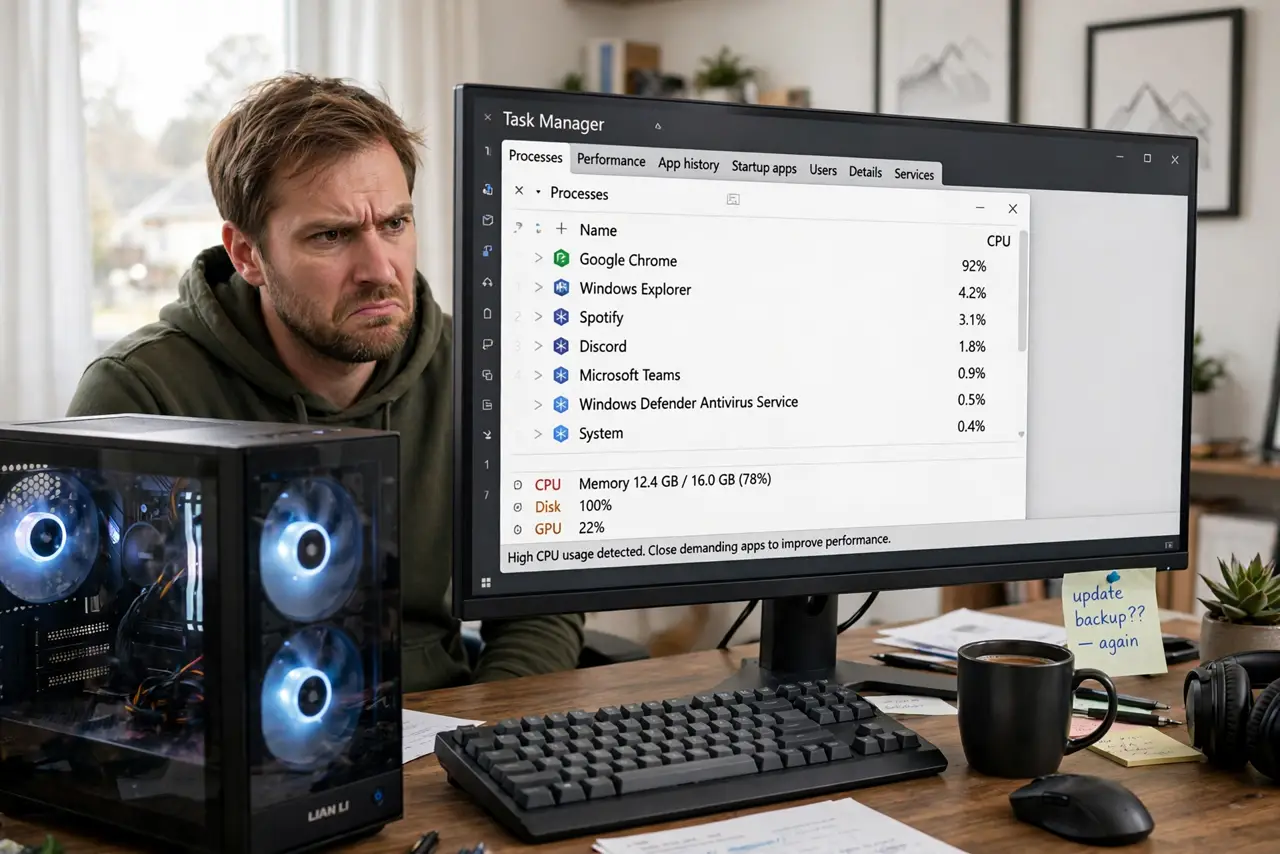
Quick fix: open Task Manager and sort by CPU — a background updater, indexer, or runaway process is usually the noise source; end it or let it finish. If usage is near zero but fans still roar, check the [[fan curve|fan-curve-bios]] and for dust-clogged heatsinks.
Follow these steps
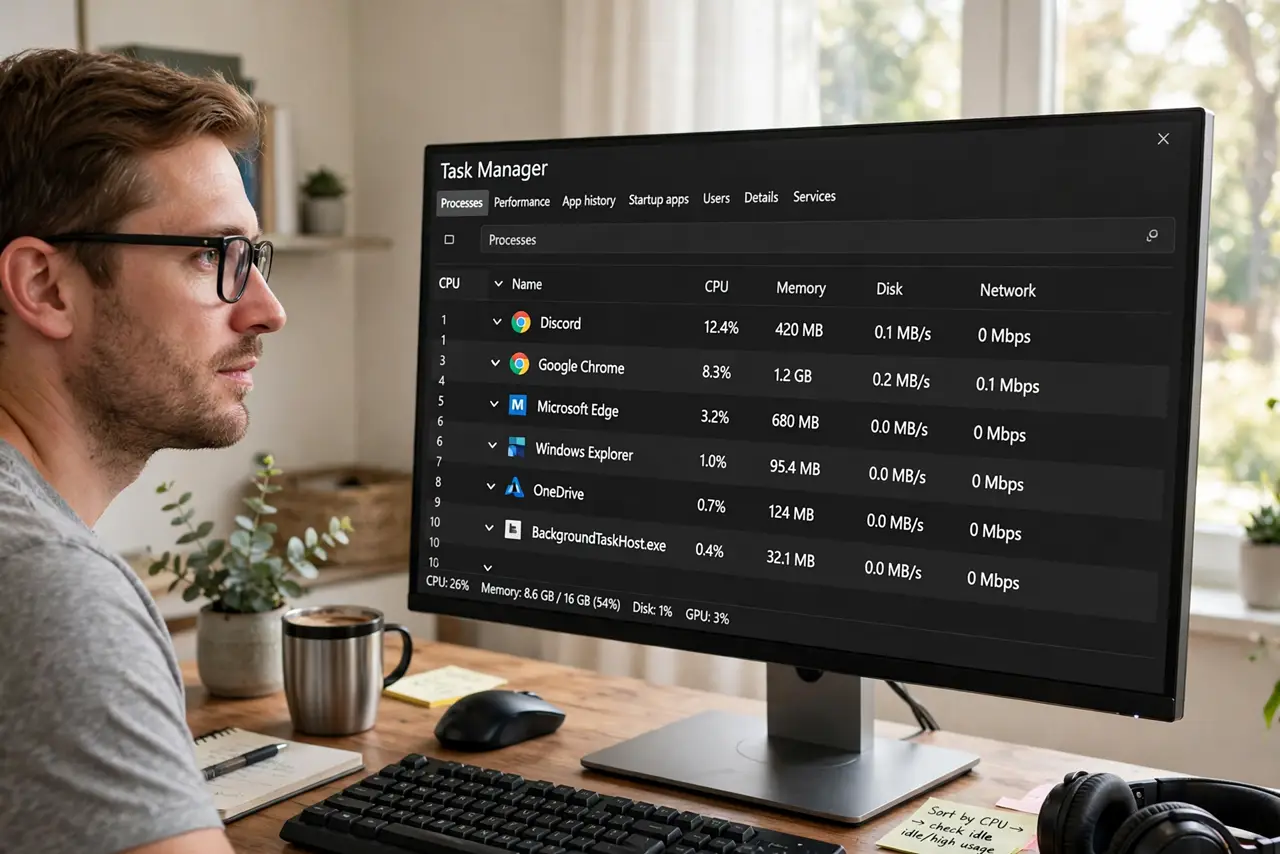
- Check Task Manager first. Sort by CPU usage. Indexers, updaters, antivirus scans, and runaway browser tabs are the classic idle-noise makers.
- Let legitimate work finish. First-boot indexing and updates are loud but temporary. Give a new or newly-updated PC a day before diagnosing.
- Hunt the runaway process. One process pinned at high CPU with no visible app is the target. End it; if it returns, investigate that program specifically.
- Check temperatures at idle. High idle temps point to dust or a cooler problem — see the compressed-air clean. Cool but loud points to fan control.
- Review the [[fan curve|fan-curve-bios]]. An aggressive curve or a stuck full-speed setting makes quiet hardware loud. Silence at idle is the curve's whole job.
- Listen for the specific fan. Bearing whine, rattling, or clicking identifies a dying fan — see the rattling fan guide. Noise with a pattern is hardware.
What NOT to do
- Do not set all fans to silent in software and ignore high temps. Quiet plus hot is worse than loud plus cool.
- Do not end critical system processes randomly. Ending the wrong thing crashes the PC — target the obvious hog, not system services.
- Do not assume loud idle is normal for your PC. It was quiet once; something changed — find it.
- Do not oil fan bearings as a first fix. It is temporary at best; a failing fan needs replacing.
Frequently asked questions
Why is my PC loud when I'm not using it?
Background tasks — updates, indexing, scans — or a fan control issue. Task Manager reveals which in seconds.
Is it bad to leave a loud-idling PC on?
Not immediately, but find the cause — sustained high temps from a real problem shorten component life.
My fans pulse up and down at idle — why?
Temperature hovering at a fan-curve step point. Smoothing the curve or lowering idle temps stops the pulsing.