PC Shuts Off During Games? Fix It
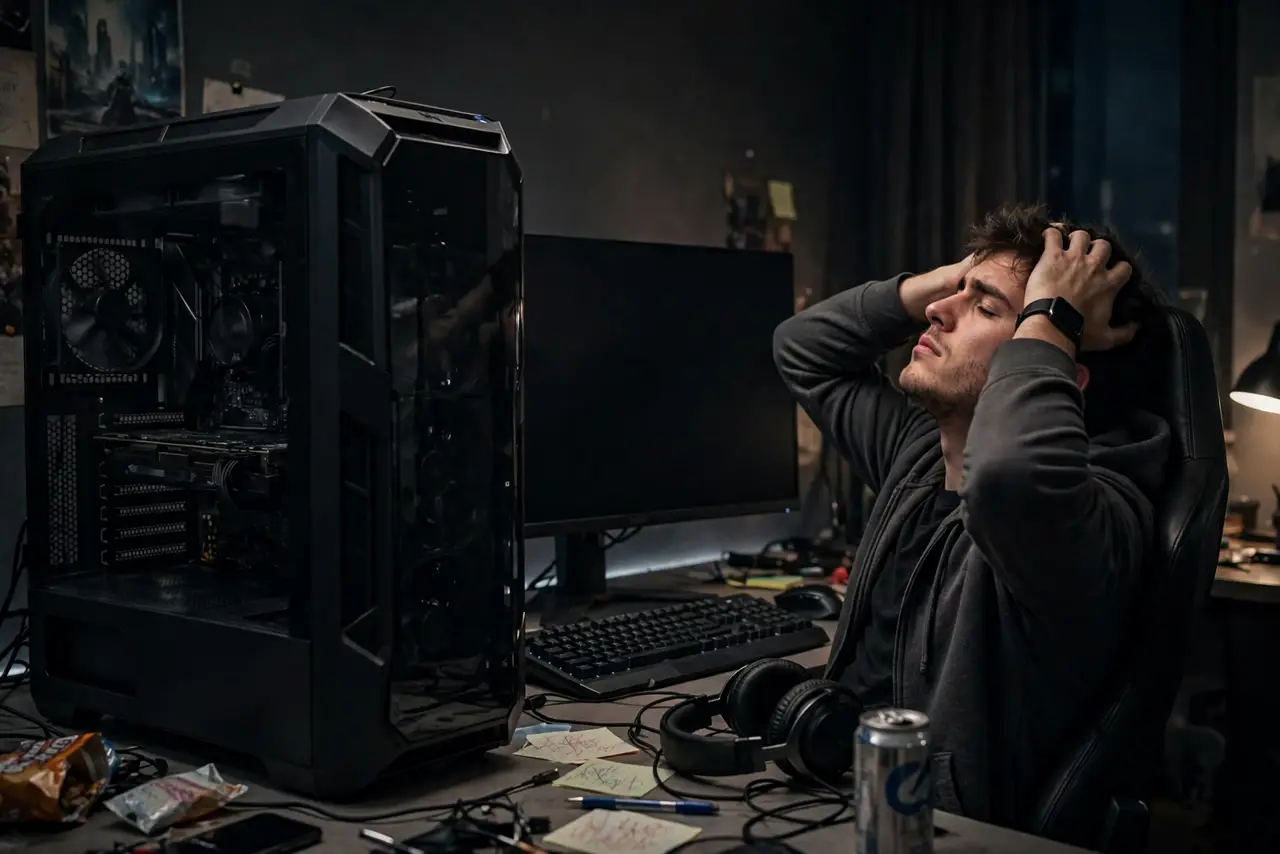
Your PC runs fine for browsing but dies minutes into a game — full shutdown, not a reboot. Gaming pushes the GPU and CPU to maximum, so this is almost always heat or power: the two things games demand most. This guide finds which one is starving your rig.
TL;DR / Quick Fix
Quick fix: monitor GPU and CPU temperatures during a game — shutdowns above safe limits mean overheating, usually from [[dust buildup|computer-overheats-after-dust-build-up]]. If temperatures are fine, the power supply is likely undersized or failing, since games spike power demand very hard and suddenly.
Follow these steps
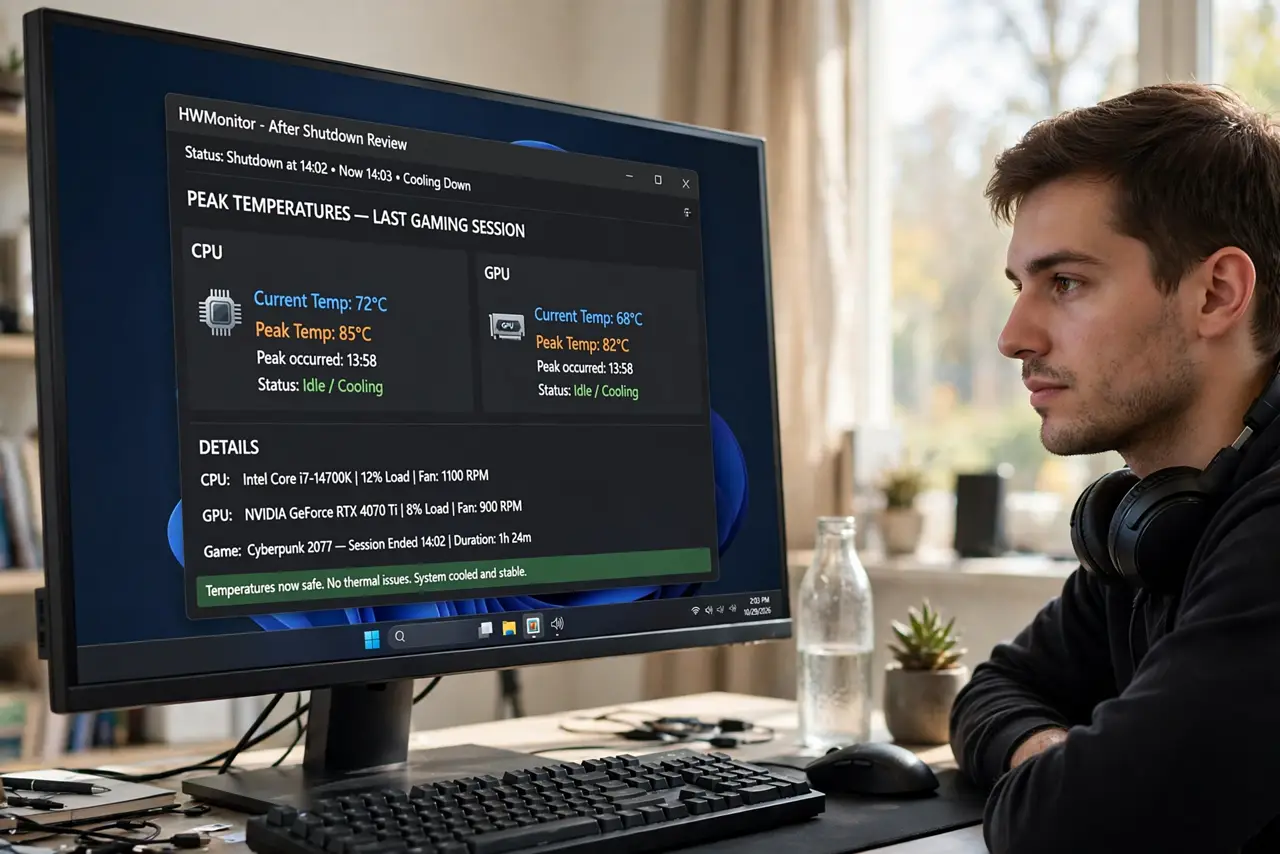
- Watch temperatures during a game. Run a temperature monitor in the background and check the peak after a shutdown. GPUs shutting down past their thermal limit point squarely at cooling, not power.
- Clean dust from fans and heatsinks. Power off, open the case, and clear dust from GPU and CPU fans with compressed air. Dust is the number one reason a PC that used to game fine starts shutting down.
- Check that all fans actually spin. Look inside while the PC runs and confirm every fan spins freely. A seized GPU fan lets temperatures rocket in minutes under gaming load.
- Verify the power supply wattage. Add up your components' draw and compare against the PSU rating with headroom to spare. A PSU running at its absolute limit shuts down on power spikes — games are spike factories.
- Reseat the GPU power cables. Power off, unplug, and firmly reseat the PCIe power cables into the graphics card. A loose power cable drops the GPU under load exactly when games need it most.
- Test with lower settings. Drop the game's graphics settings and see if shutdowns stop. If lower settings stabilize the PC, you have confirmed a heat-or-power ceiling rather than a software bug.
What NOT to do
- Do not keep gaming through shutdowns. Each hard shutdown risks the file system and the components — diagnose first, play after.
- Do not remove the side panel as a permanent fix. It helps airflow short-term but invites dust that makes the problem worse.
- Do not overclock while troubleshooting. Extra speed adds heat and power draw on top of an already failing margin.
- Do not replace the GPU first. Heat and power cause far more gaming shutdowns than a dying graphics card.
Frequently asked questions
Why does my PC only shut down when gaming?
Because games max out the GPU and CPU together, demanding the most heat dissipation and the most power — the two limits a weak cooler or PSU hits first.
Is it the GPU or the power supply?
Check temperatures: high temps mean cooling. Normal temps with shutdowns under load mean the power supply cannot keep up with spikes.
Can dust really shut down a PC?
Absolutely. A dust-choked heatsink can add 20 degrees or more, pushing a gaming load straight past the thermal shutdown point.