Period Apps and Your Data?
Period and fertility apps hold some of the most sensitive data you will ever type into a phone — and some have shared it with advertisers. Choosing carefully and locking down the settings matters more here than in almost any other app category. Here is how.
TL;DR / Quick Fix
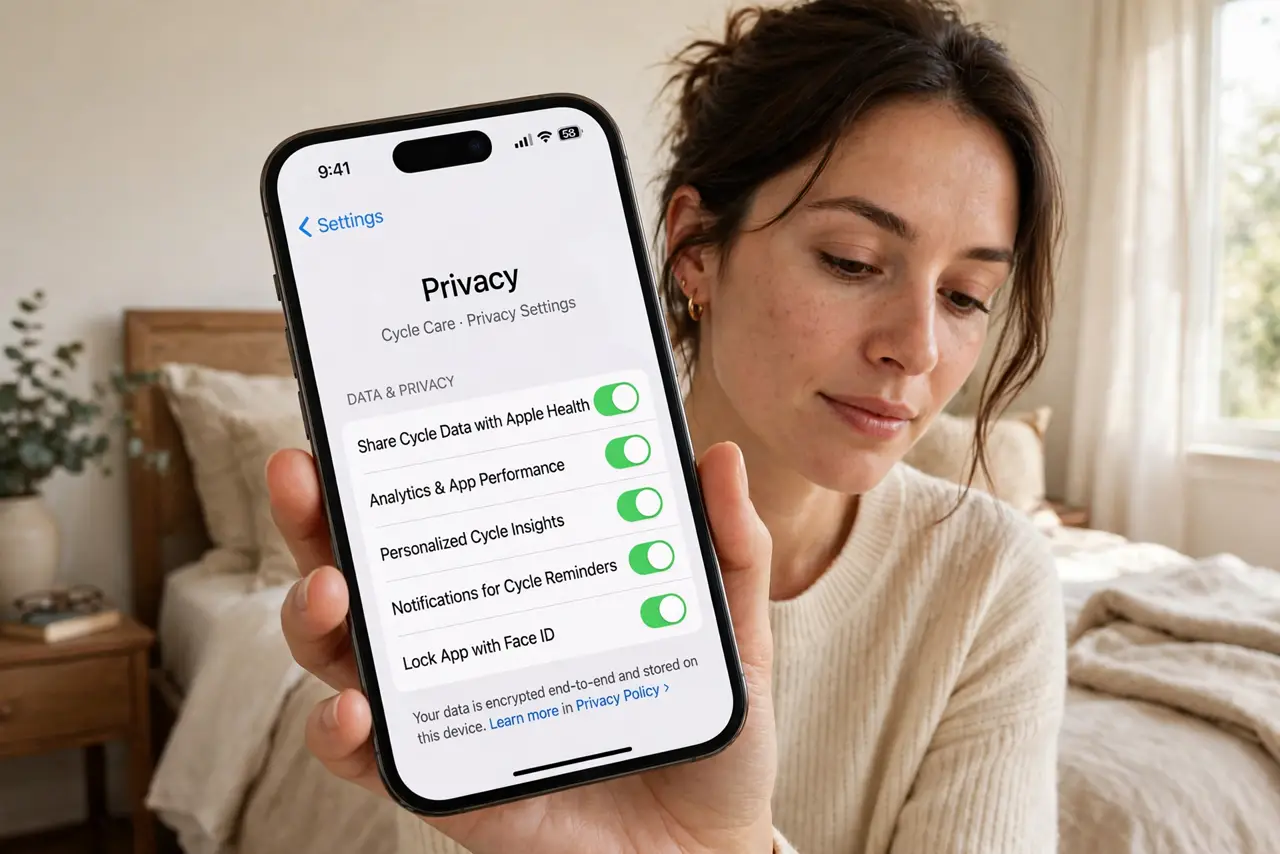
Period apps can hold cycle details, symptoms, and location — data some apps have shared with third parties. Choose an app with on-device storage and a no-sale policy, switch off analytics and ad tracking, and deny location permission. Skip the account when possible, and delete data you no longer need.
Follow these steps
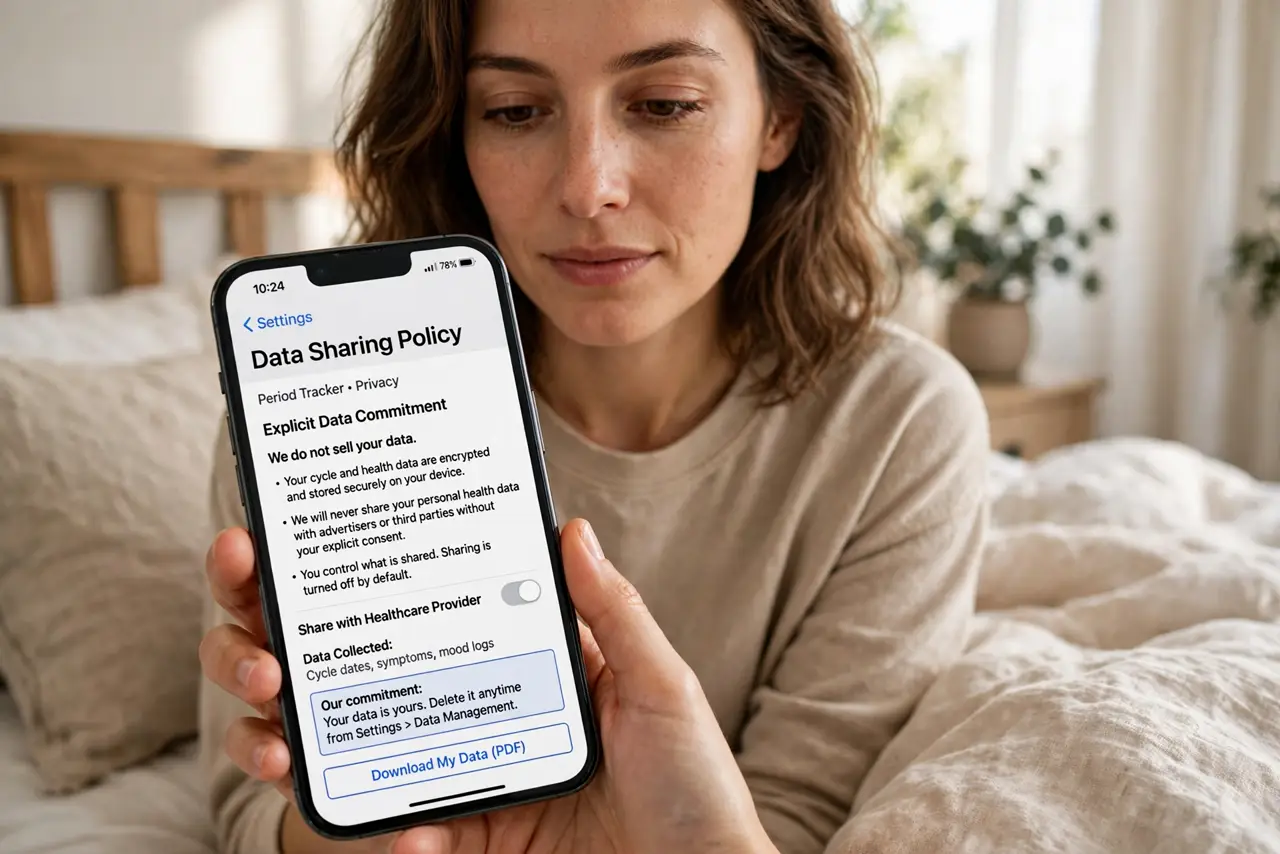
- Check the data-sharing policy before trusting the app. Look for an explicit 'we do not sell your data' commitment. Vague wording is a red flag in this category above all.
- Switch off analytics and ad identifiers. In the app's settings, disable analytics, crash reporting extras, and anything feeding ad personalization.
- Deny location permission. Cycle tracking never needs your GPS. Deny it outright — see the general permissions guide if the app nags.
- Use the app without an account if allowed. No account means less data tied to your identity. Local-only mode is the gold standard here.
- Delete old data you no longer need. Years of history are a liability, not an asset. Prune regularly.
- Have an exit plan. Know how to export your data, delete the account, and confirm deletion before you ever need to.
What NOT to do
- Do not grant location to a period app. It adds risk with zero benefit to the tracking itself.
- Do not assume an 'anonymous mode' is truly anonymous. Read what it actually withholds — marketing IDs often survive.
- Do not sync to a cloud account you do not need. Local storage plus your own backup is quieter.
- Do not ignore permission prompts after updates. Toggles can return — the post-update check applies here too.
Frequently asked questions
Can period data be used against me?
Legal protections vary widely by place. Minimizing what is collected and stored is the safest stance regardless.
Are paid apps more private?
Often, since you are the customer rather than the product — but verify the policy anyway, because exceptions exist.
What should I do with an old app I stopped using?
Export anything you want, delete the account, confirm deletion, then uninstall.