Report a Spam Text? How To
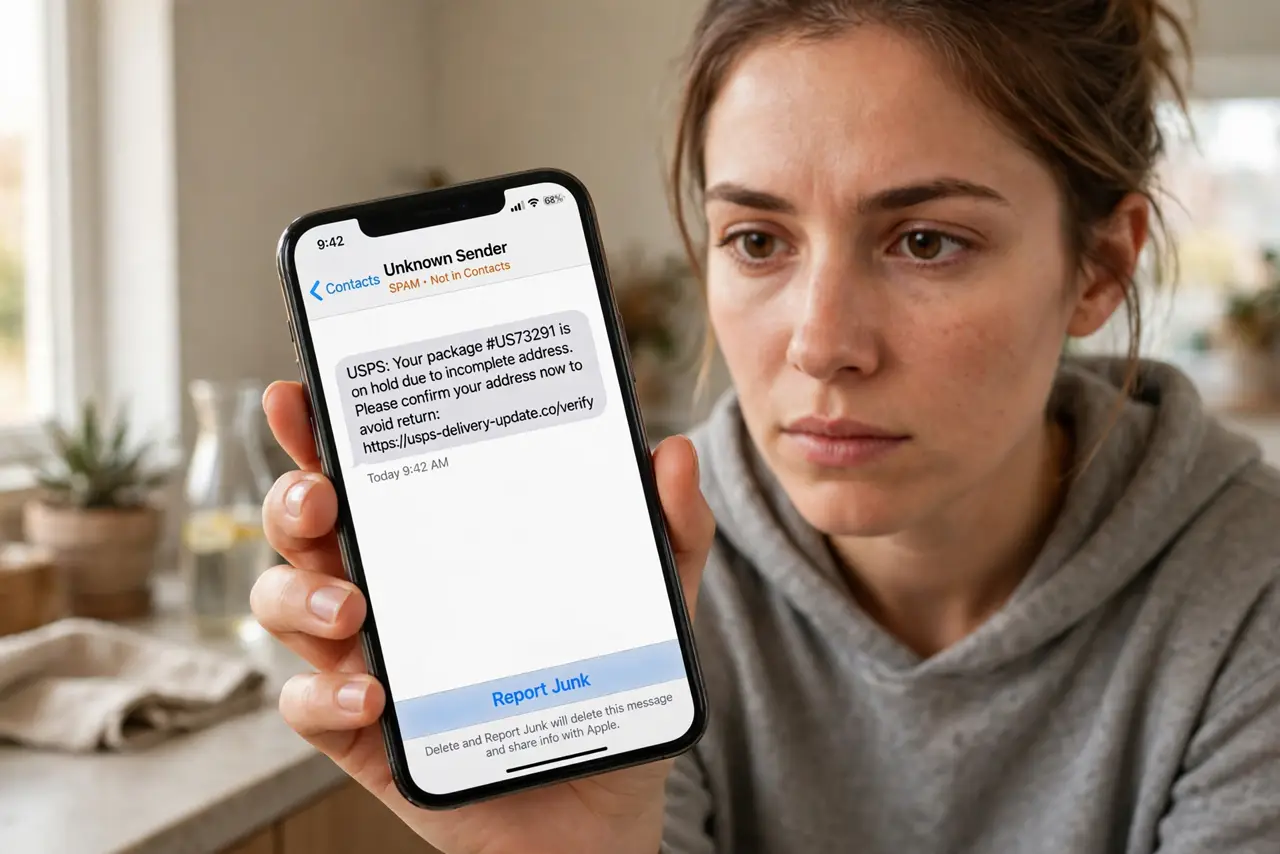
That text about a package you never ordered, or the 'bank alert' with a shady link — deleting it helps you, but reporting it helps everyone. Reporting forwards the spam to your carrier and the messaging service so their filters learn. It takes five seconds and genuinely reduces spam over time. Here is how on iPhone and Android.
TL;DR / Quick Fix
Quick fix: reporting forwards spam to your carrier and messaging service so filters learn. On iPhone, open the unknown sender's thread, tap Report Junk, then Delete and Report Junk. On Android in Google Messages, long-press the conversation, tap Block, and check Report spam. Never tap links first.
Follow these steps
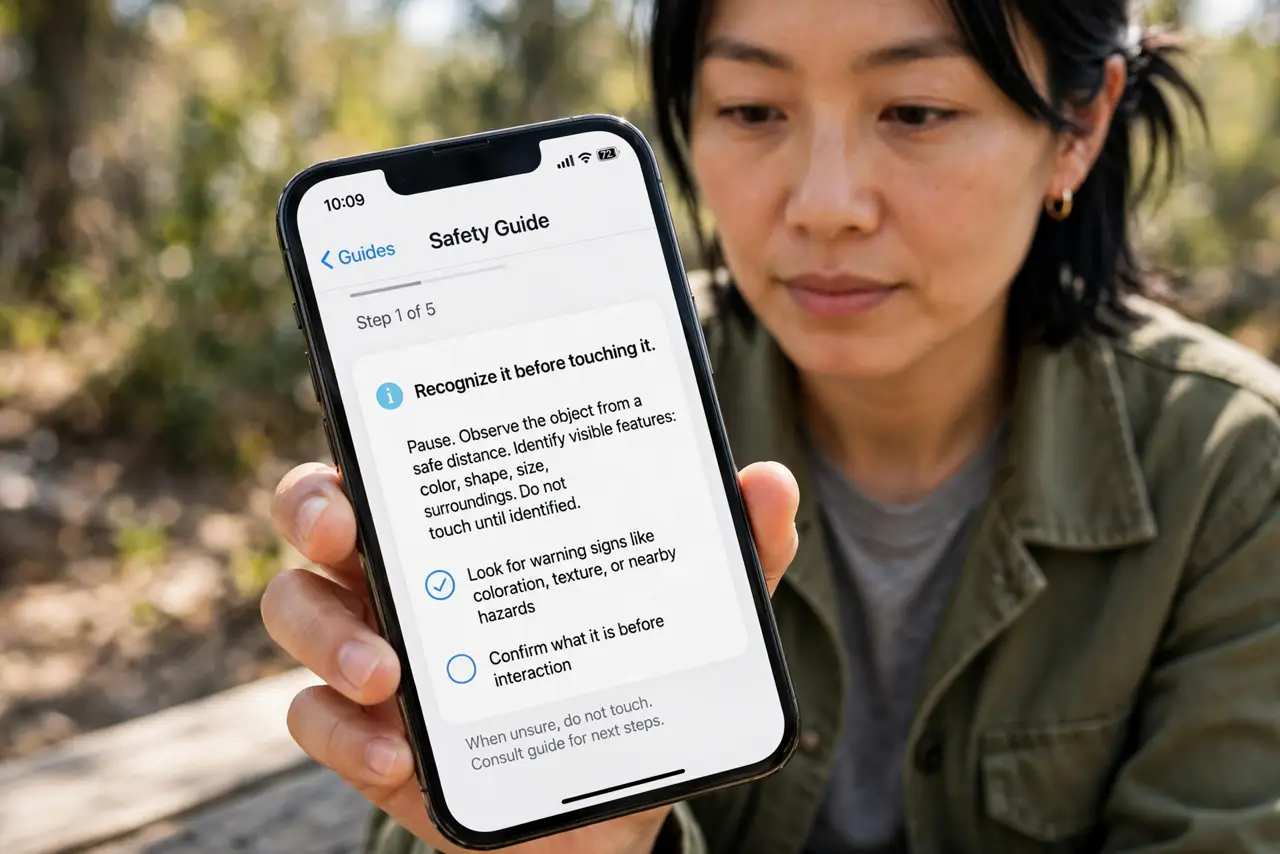
- Recognize it before touching it. Unexpected package alerts, bank warnings, prize wins, and wrong-number openers with links are spam until proven otherwise. Do not tap links or reply — even 'STOP' confirms your number is live to some spammers.
- Report on iPhone. Open the message from the unknown sender. If iMessage offers Report Junk at the bottom, tap it, then Delete and Report Junk. The message goes to Apple and your carrier, and the thread is deleted.
- Report on Android. In Google Messages, long-press the spam conversation, tap Block, and check the Report spam box before confirming. The number is blocked and the spam sample goes to Google and your carrier.
- Report to your carrier directly. Forward the spam text to 7726 (SPAM) — free on most carriers. This is the universal channel carriers actually use to tune their network-level filters.
- Delete after reporting. Once reported, delete the thread. Keeping spam messages around risks an accidental tap later — especially by someone else using your phone.
- Layer your defenses. Reporting is reactive. Proactively, enable spam auto-blocking and filter unknown senders so fewer of these ever reach your inbox.
What NOT to do
- Do not tap the link 'to check.' The link is the payload — phishing pages harvest logins and install malware.
- Do not reply, not even 'STOP.' Some spam operations use any reply to mark your number as active and sell it on.
- Do not call the number back. Premium-rate callbacks and social-engineering traps start exactly this way.
- Do not forward spam to friends as a joke. You become the spammer's distribution network — screenshot and describe it instead.
Frequently asked questions
Does reporting actually do anything?
Yes. Reports feed carrier and platform filters that block campaigns network-wide. One report will not stop spam alone, but millions of them measurably do.
What is 7726?
It spells SPAM on the keypad — the universal short code for forwarding spam texts to your carrier. Free on virtually all carriers.
Should I report or just block?
Do both. Reporting trains the filters; blocking protects you personally. The Android flow does both in one step.