Call Waiting? How It Works
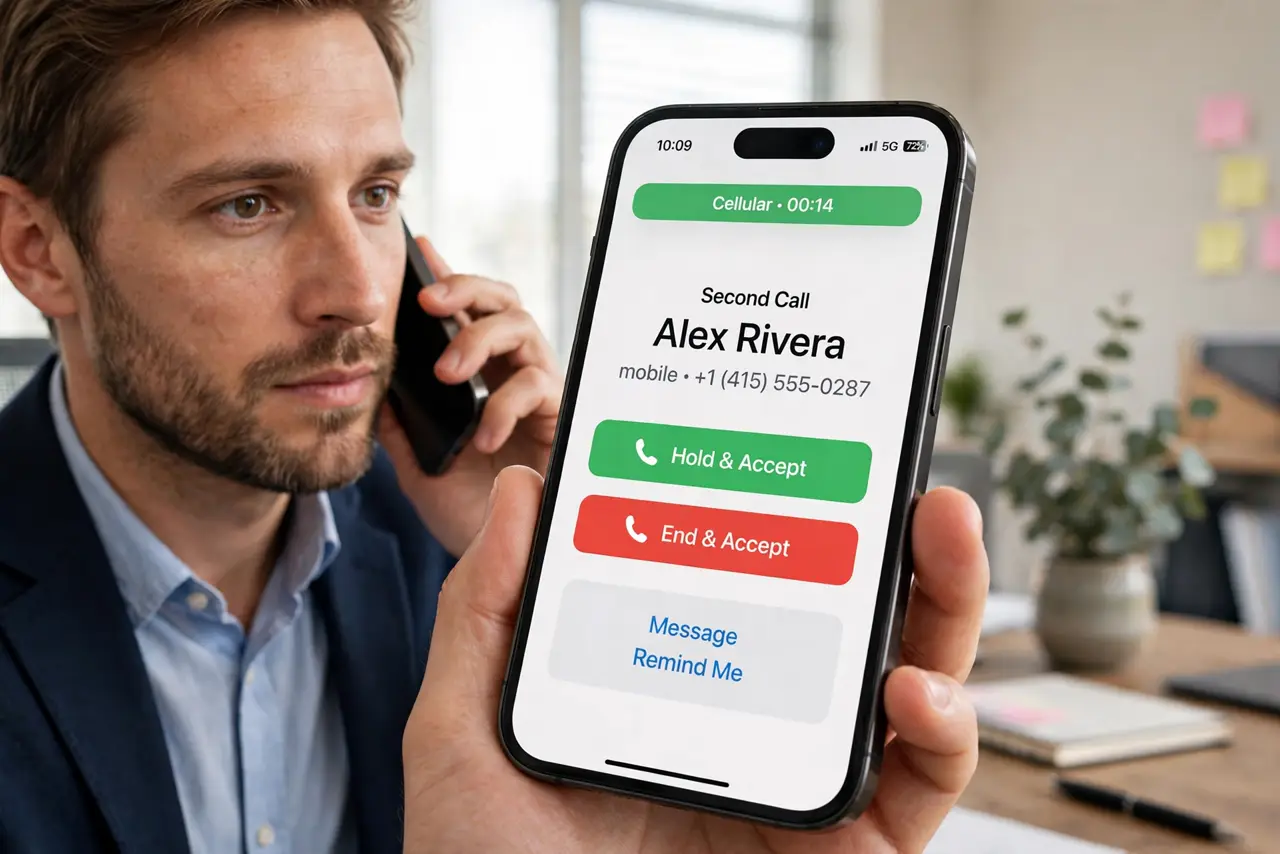
You are on a call and another one comes in — a beep, a flash on screen, and a split-second decision. Call waiting is the feature behind that moment: it holds the first call while you peek at the second. Everyone has it, few have set it up deliberately. Here is how it works and how to control it.
TL;DR / Quick Fix
Quick fix: call waiting beeps when a second call arrives while you're on one, with options to hold, answer, or decline. It's on by default on most carriers. Find it at iPhone Settings > Phone > Call Waiting, or Android Phone > Settings > Calls.
Follow these steps
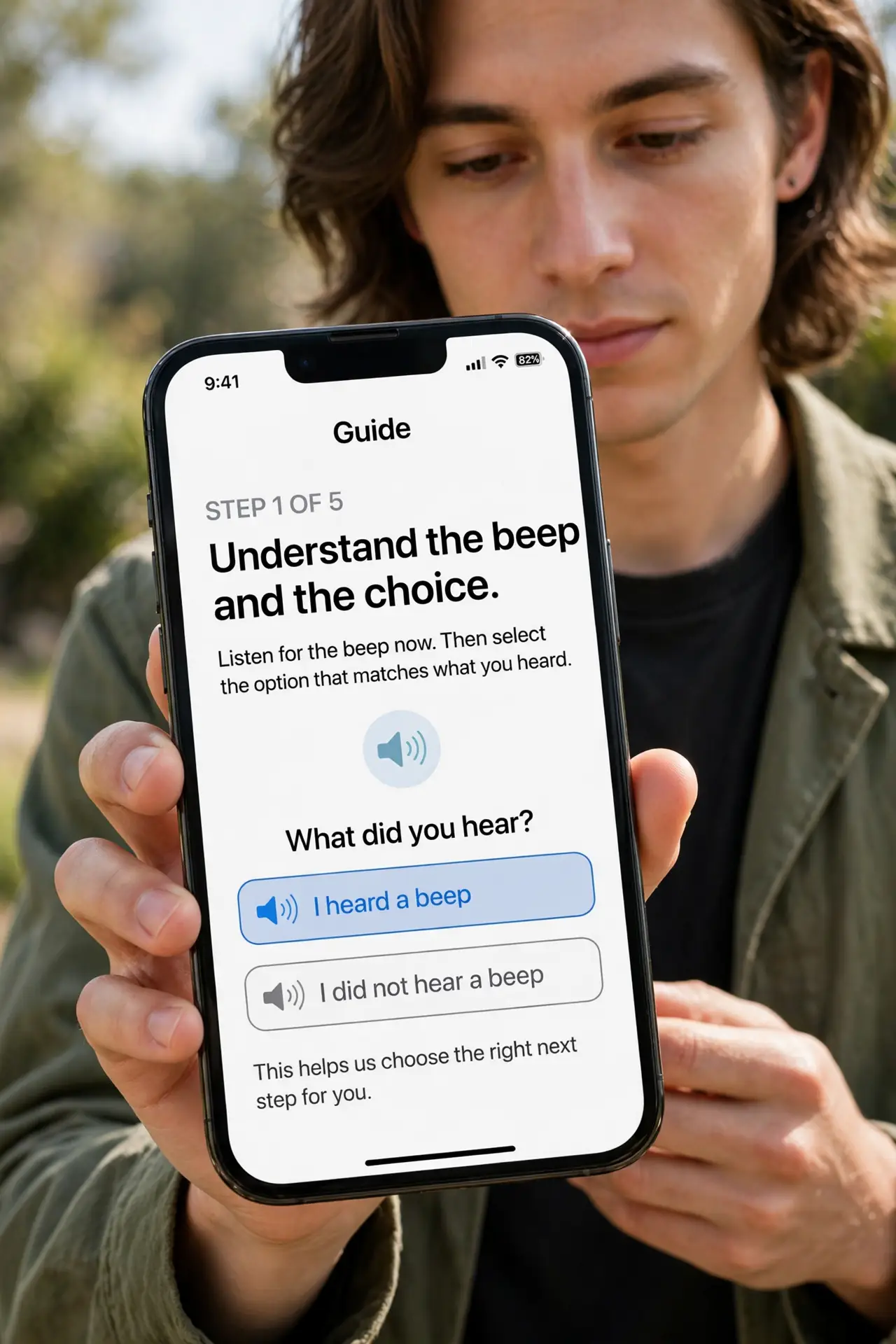
- Understand the beep and the choice. When a second call arrives, you hear a beep and see the caller. You can hold the current call and answer, send the new call to voicemail, or ignore it. The first caller hears hold music or silence — never the beep.
- Find the toggle. On iPhone: Settings > Phone > Call Waiting. On Android: Phone app > Settings > Calls > Additional settings > Call waiting. It is a carrier feature, so the toggle talks to your carrier when flipped.
- Know the default state. Call waiting is enabled by default on nearly all carriers and plans. If you have never touched it, it is on — which is why the beep surprises people.
- Use it deliberately in important calls. Expecting an urgent call during a long one? Keep call waiting on. In a call where interruptions would be rude — an interview, a solemn call — consider declining second calls quickly rather than fumbling.
- Decline cleanly to protect the first call. Tapping decline or 'send to voicemail' on the second call ends only that call. Your current conversation continues untouched — no one gets accidentally merged.
- Pair it with forwarding for full coverage. If you decline the second call, it goes to your voicemail — or to your forwarding number if you have set one. The safety net is already there.
What NOT to do
- Do not merge calls by accident. The merge button sits near the answer button — tapping wrongly starts a conference with both callers.
- Do not put the important call on hold for a spam call. Glance at the caller ID first; spammers love the call-waiting beep.
- Do not assume the first caller cannot tell. Long holds and background clicks are noticeable — keep switches brief.
- Do not disable it and forget. Without call waiting, second callers go straight to voicemail with no alert to you.
Frequently asked questions
Can the first caller hear the second call?
No. They hear hold tone or silence. Only you hear the beep and see the incoming call screen.
Why do I not get call waiting beeps?
The carrier feature may be off — check the toggle. Some carriers also need it provisioned; a quick call to support fixes that.
Does call waiting cost extra?
No. It is a standard included feature on virtually all modern plans.