One Earbud Sounds Quieter Than the Other
One earbud plays noticeably quieter than the other, ruining the stereo balance. Wax, a balance setting, or a half-connected bud is usually behind it — and each has a simple check.
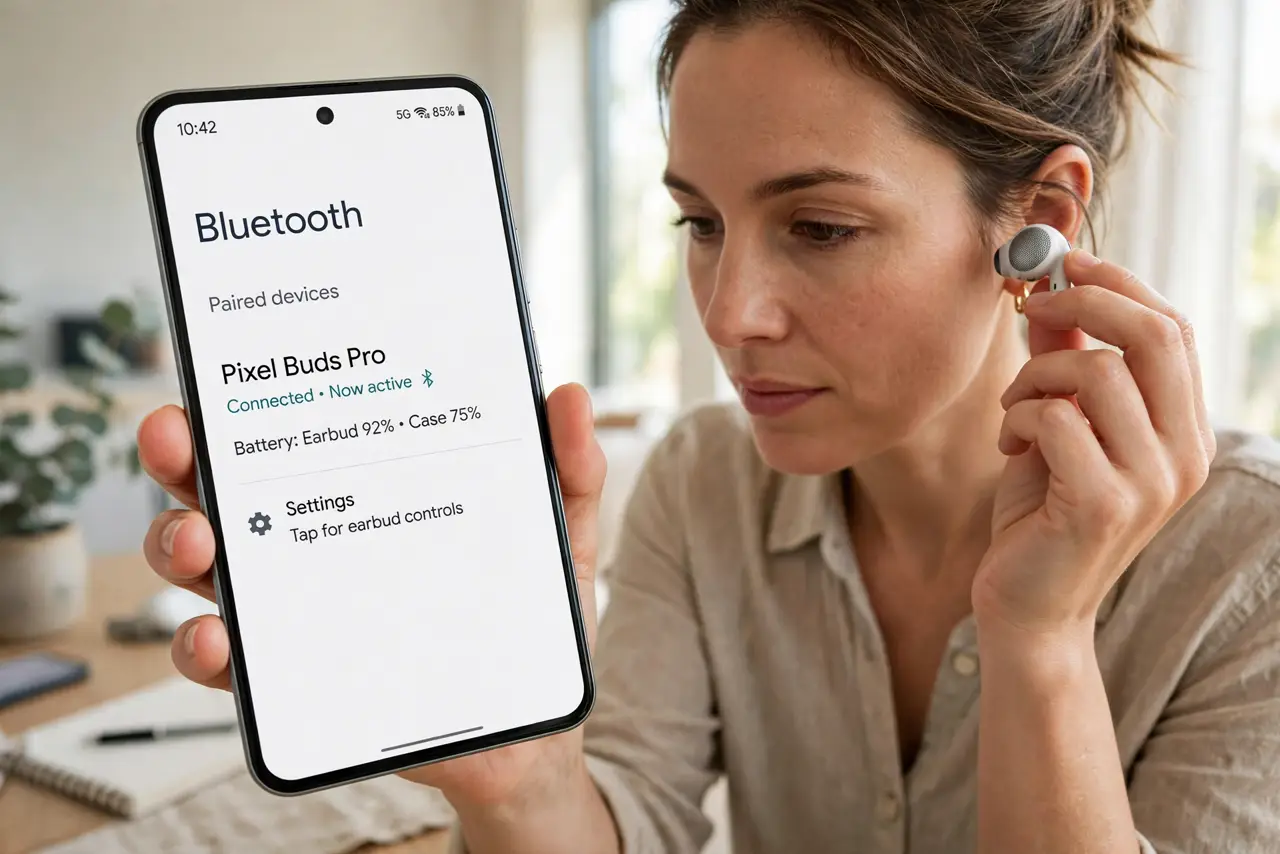
TL;DR / Quick Fix
Quick fix: clean the quiet bud's speaker mesh gently with a dry soft brush — wax is the top cause. Then check your phone's audio balance setting is centered. Re-pair the earbuds, and test with a different song to rule out the recording itself.
Follow these steps
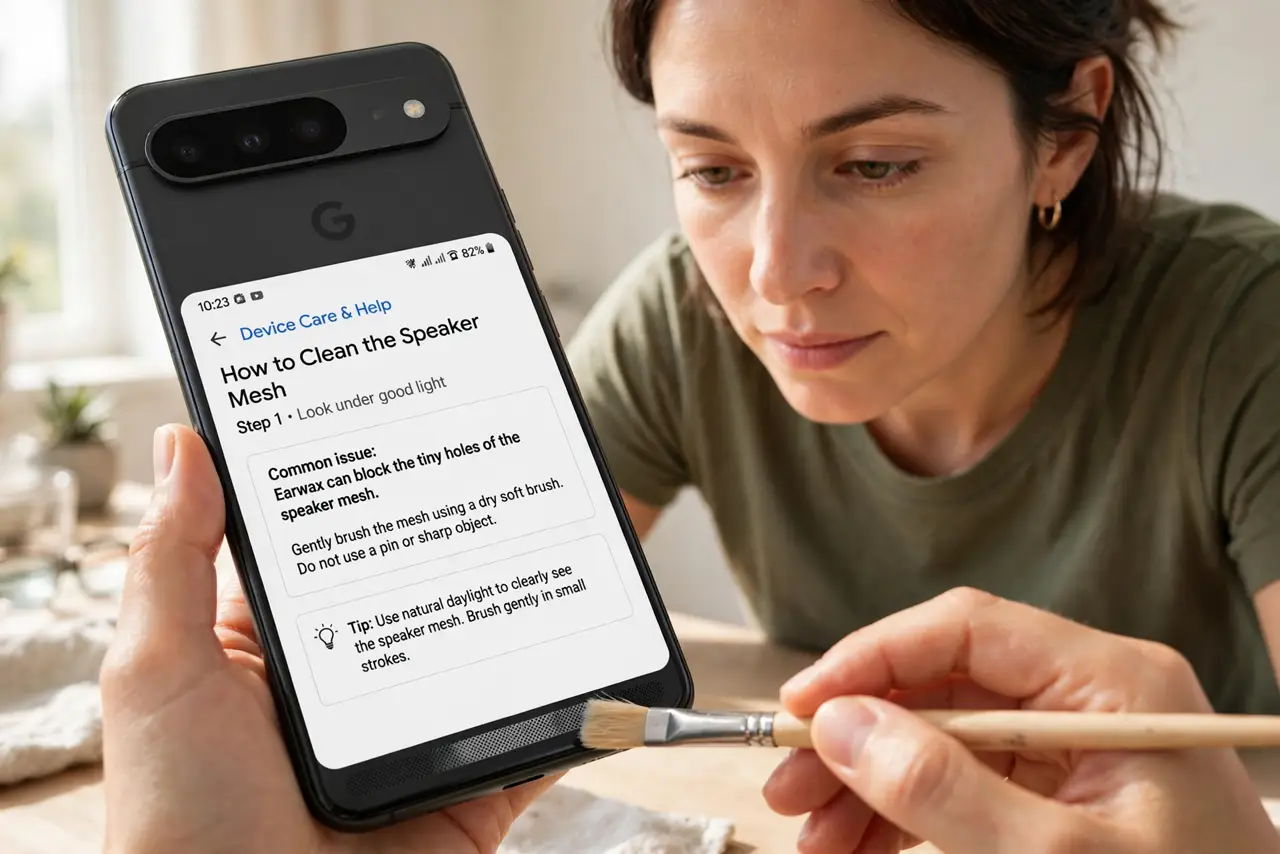
- Clean the speaker mesh. Look at the quiet bud's mesh under good light. Earwax blocking the tiny holes is the most common cause — brush it gently with a dry soft brush, never a pin.
- Center the audio balance. Open your phone's accessibility audio settings and check the left-right balance slider. A bumped slider sends most sound to one side and mimics a broken bud.
- Check the fit of the quiet bud. A loose seal leaks bass and volume. Try a different ear tip size on the quiet side — a proper seal can restore the missing loudness instantly.
- Re-pair the earbuds. Forget the earbuds in Bluetooth settings and pair again. A glitchy connection can throttle one channel, and a fresh pairing resets it.
- Test each bud alone. Listen with only the quiet bud in. If it sounds normal solo, the issue is balance or stereo imaging, not the bud's hardware.
- Test with a different audio source. Play a mono podcast or a different song. Some recordings are mixed with lopsided stereo, and the 'fault' may be in the track, not your ears or buds.
What NOT to do
- Do not poke the mesh with a pin or needle. The speaker membrane sits right behind it, and one poke turns a wax problem into a dead bud.
- Do not soak the buds in water to clean them. Moisture past the mesh damages drivers; a dry brush is the safe tool.
- Do not crank the volume to compensate. Blasting the good ear to match a clogged one risks your hearing — fix the blockage instead.
- Do not buy a replacement pair before cleaning. Wax-related quietness looks exactly like hardware failure until the mesh is clear.
Frequently asked questions
Why is it always one side?
Wax buildup and fit differ per ear. The quiet side is usually the one with more wax or a looser seal.
Can an update cause this?
Rarely, but a botched firmware update can unbalance channels. Re-pairing after the update usually restores balance.
What if cleaning does not help?
Check the balance slider and try the bud solo. If it is still quiet everywhere, the driver may be failing and warranty is the next step.