Notification Channels? Manage Them
One app, ten kinds of notifications — and the only control seems to be all or nothing. Do you really want to silence your bank's fraud alerts just to stop its marketing pings? Notification channels split an app's notifications by type, so you mute the promos and keep the alerts. Android invented them; here is how to wield them.
TL;DR / Quick Fix
Quick fix: notification channels let you silence one kind of notification while keeping others. On Android, go to Settings > Apps > [app] > Notifications to see its channels — toggle each type individually, or long-press any notification to jump to its channel. Keep alerts on; mute promos.
Follow these steps
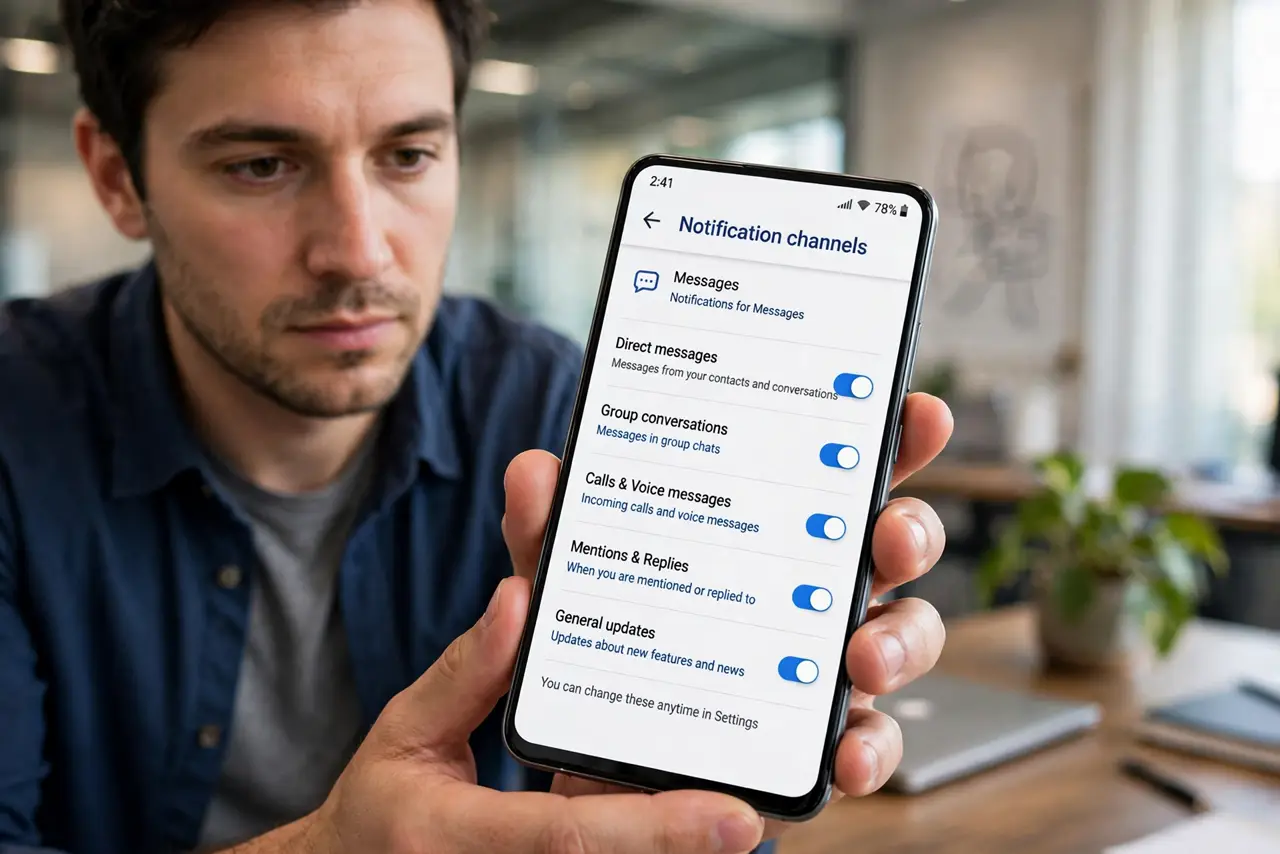
- Open an app's channel list. Go to Settings > Apps, tap the app, then Notifications. You will see categories like Promotions, Messages, Reminders — each with its own toggle. This is the precision tool.
- Use the long-press shortcut. Long-press any notification as it arrives and tap the settings icon — you jump straight to that exact channel. Fastest way to silence the thing buzzing right now.
- Mute promos, keep the important. Marketing, recommendations, social updates: off. Security alerts, transaction confirmations, direct messages: on. The rule is simple — revenue for them vs value for you.
- Tune sound and vibration per channel. Channels control more than on/off: sound, vibration, lock-screen visibility, even notification dots. Make urgent channels loud and visible; make FYI channels silent.
- Know iPhone's simpler world. iPhone does not have channels — notification control is per app, plus scheduled summaries and Focus modes. iPhone users approximate channels with notification grouping and summary schedules.
- Audit quarterly. Apps add new channels with updates — usually promotional. Revisit the worst offenders every few months and re-silence the newcomers.
What NOT to do
- Do not nuke the whole app over one noisy channel. Channels exist precisely so you do not have to choose all-or-nothing.
- Do not silence security and transaction channels. Fraud alerts and login codes are the channels that must stay loud.
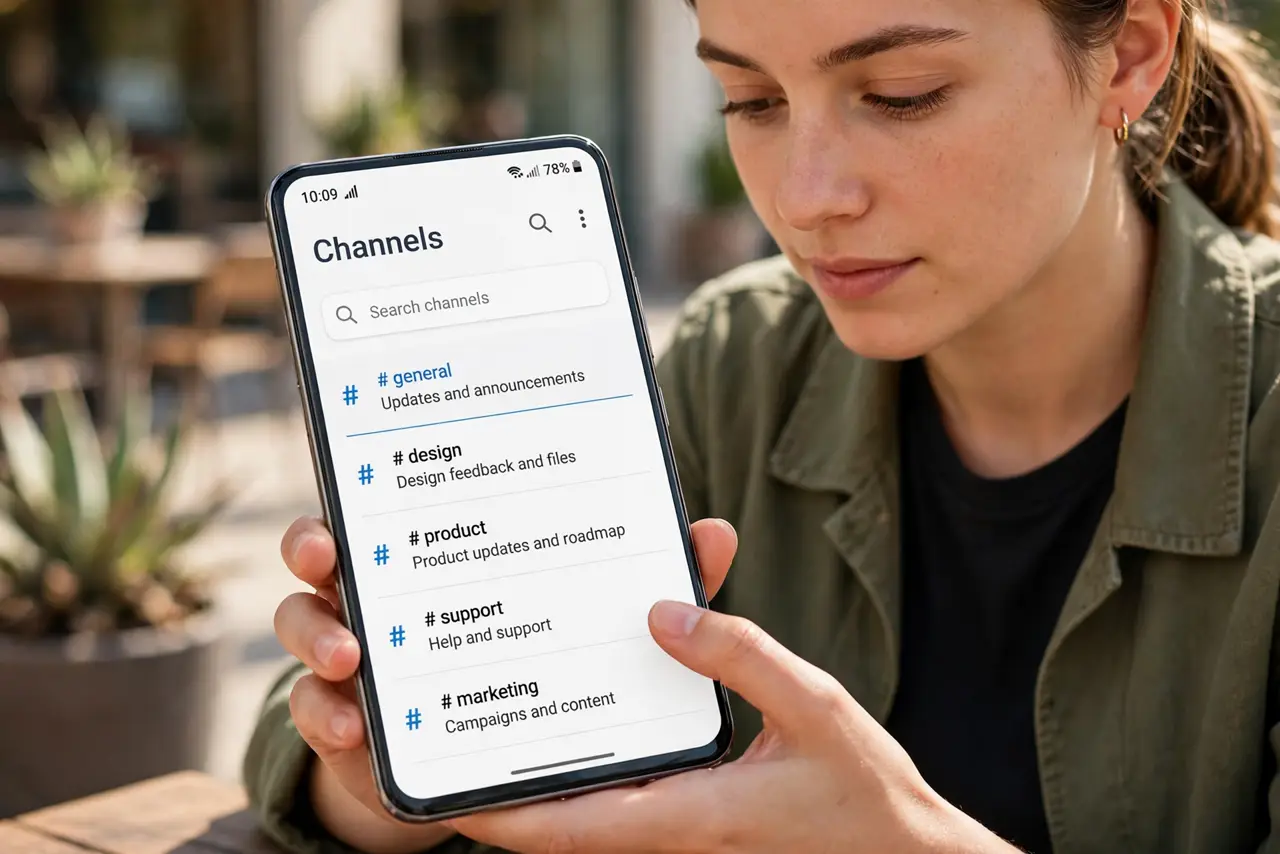
- Do not assume 'General' covers everything. Apps bury new notification types in new channels — check the full list.
- Do not confuse channels with Do Not Disturb. Channels are permanent per-type rules; DND is temporary whole-phone silence.
Frequently asked questions
What is a notification channel?
A category of notifications inside one app — promotions vs messages vs alerts. Android lets you control each category separately instead of the whole app.
Why do I still get promo notifications after muting?
The app added a new channel with an update, or the promo came through a channel you left on. Reopen the channel list and check.
Does iPhone have notification channels?
Not by name. iPhone controls notifications per app, and uses Focus modes and scheduled summaries for finer control.