Phone Shows the Wrong Time After Travel
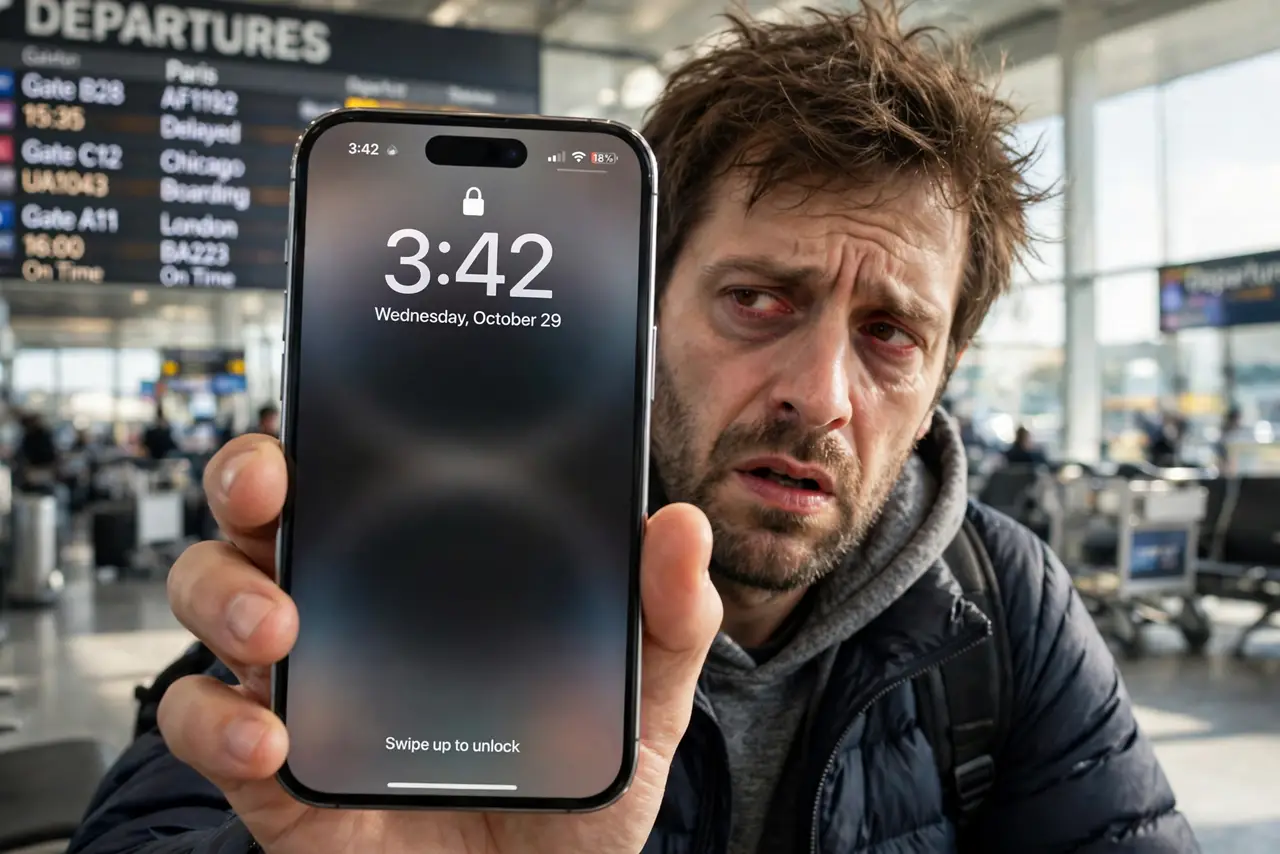
You land in a new time zone and the phone shows the wrong time — or the right time with the wrong alarms. Phones get time from the network, and travel confuses that handoff. This guide fixes the clock and protects your schedule from time-zone mix-ups.
TL;DR / Quick Fix
Quick fix: turn on automatic date and time in settings so the phone follows the network. Toggle airplane mode to force a fresh network handshake. If the time is still wrong, set it manually and double-check your alarms — they may now ring at the old time.
Follow these steps
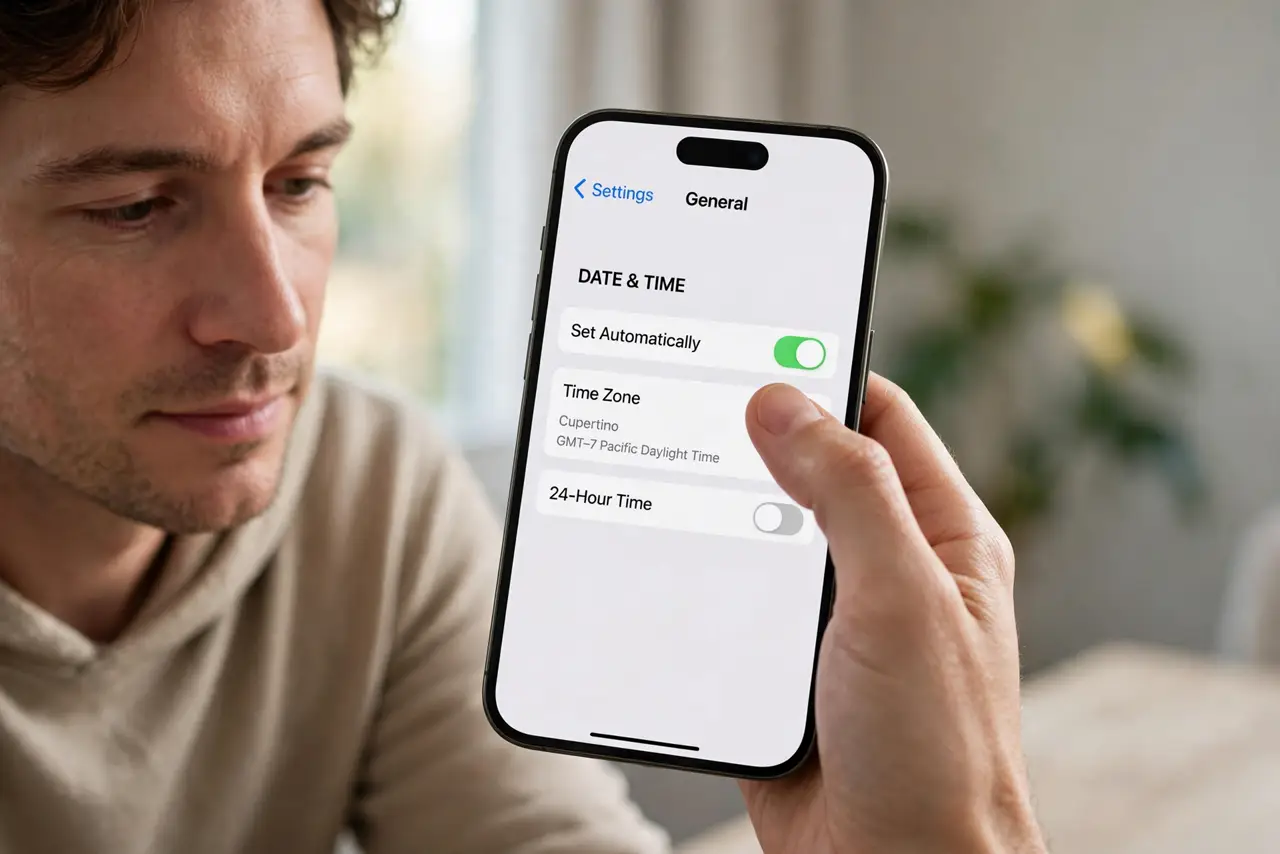
- Enable automatic date and time. In date and time settings, turn on the automatic option. The phone then takes time from the network instead of its own possibly stale clock.
- Toggle airplane mode. Ten seconds on, then off forces the phone to rejoin the local network and pick up the correct time zone.
- Check the time zone setting. Some phones set time automatically but not the zone. Verify the time zone matches where you actually are.
- Set it manually if the network is wrong. On some networks — cruise ships, rural carriers — the network time itself is wrong. Set the time manually and leave automatic off until you are home.
- Recheck alarms and calendar. Alarms set before travel may now ring at the old local time. Review today's alarms and calendar events after any manual change.
- Re-enable automatic when home. Once back, turn automatic time on again. Manual time drifts over weeks, while network time stays exact.
What NOT to do
- Do not trust the network time on ships and planes. Their onboard networks often broadcast the wrong zone.
- Do not forget dual-clock widgets. A widget showing 'home time' next to the wrong local time causes double confusion.
- Do not change the time to silence an alarm issue. Fix the alarm; the clock is probably right.
- Do not leave manual time on forever. It drifts, and expiring certificates and logins depend on accurate time.
Frequently asked questions
Why is my phone showing the wrong time after a flight?
It failed to pick up the new network's time, or the time zone did not update. Automatic time plus an airplane-mode toggle fixes most cases.
Will wrong time affect my alarms?
Yes — alarms follow the phone's clock. After any manual time change, verify today's alarms ring when you expect.
Why does my banking app complain about the time?
Security certificates and login codes need accurate time. If the clock is off by minutes, logins fail — another reason to use automatic time.