Pick a Better Webcam
You look like a blurry ghost on every call while colleagues look crisp — the difference is their ten-year-old laptop webcam versus a real camera. Laptop webcams are tiny sensors in a thin lid; even a modest external webcam is a different league. For the price of two pizzas you can stop being the blurry one.
TL;DR / Quick Fix
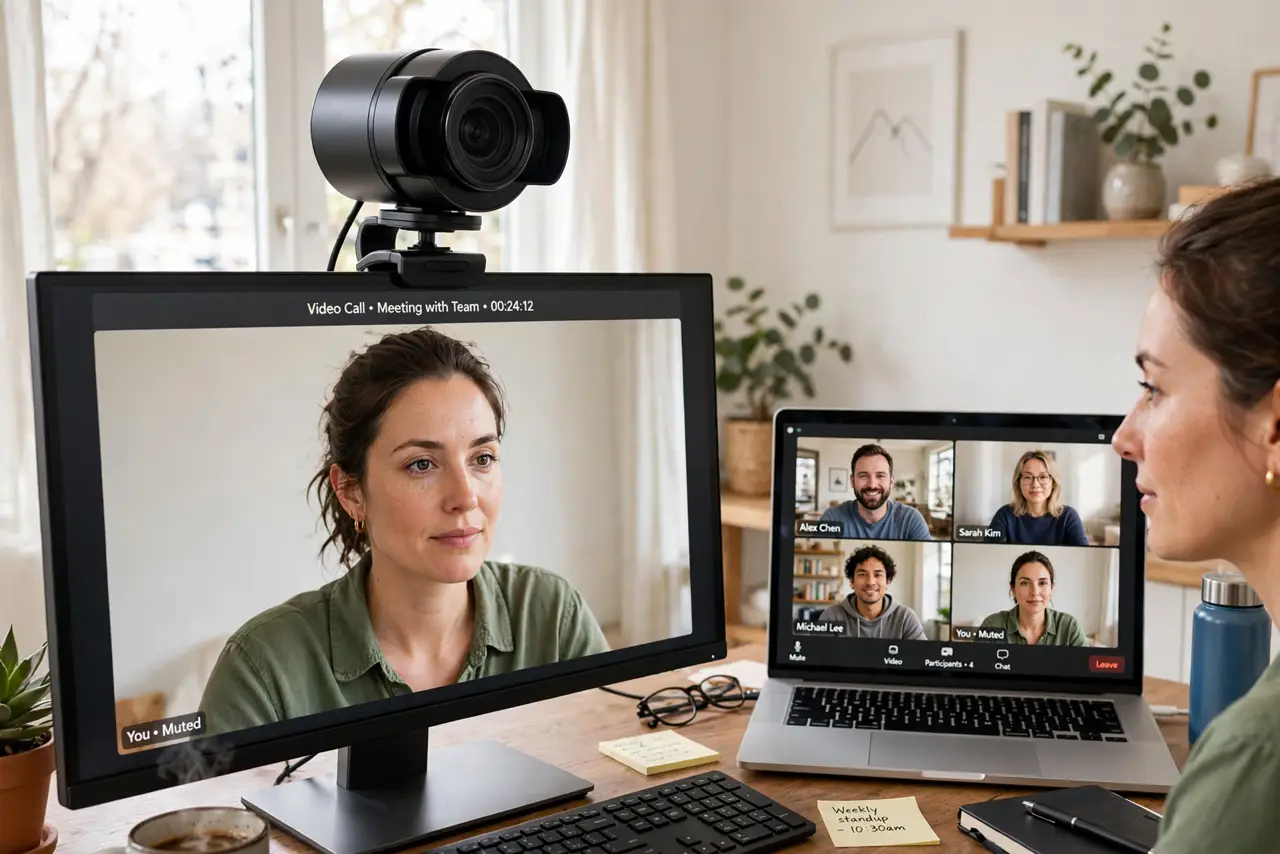
Quick fix: laptop webcams are tiny and terrible — an external 1080p webcam with decent low-light performance transforms how you look on calls. Clip it on the monitor at eye level and add light facing you. Before buying, try better lighting — half of 'bad webcam' is actually bad light.
Follow these steps
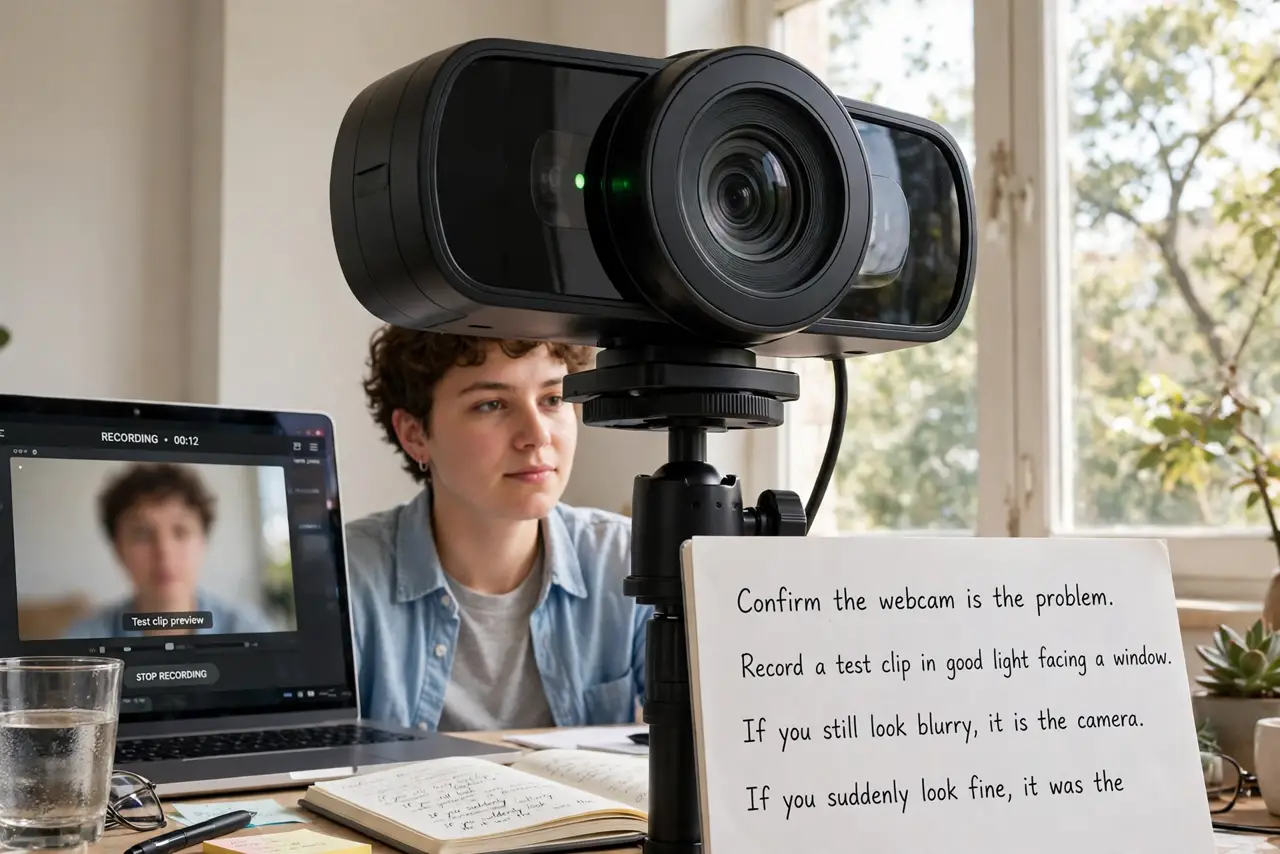
- Confirm the webcam is the problem. Record a test clip in good light facing a window. If you still look blurry, it is the camera. If you suddenly look fine, it was the lighting all along — fix that first, free.
- Pick 1080p with good low light. Resolution matters less than sensor quality — a good 1080p sensor beats a cheap '4K' one. Read reviews for low-light performance; that is where cheap webcams die.
- Mount it at eye level. Clip it to the top of your monitor, centered. Looking slightly up at the camera beats the dreaded up-the-nose laptop angle — the phone-as-webcam trick also nails this if you have the gear.
- Add light facing you. A window or lamp in front of you does more than any camera upgrade. Webcam sensors are tiny and starved for light — feed them and they shine.
- Check the microphone too. Many external webcams include a decent mic — a real upgrade over laptop mics. Test it; one purchase can fix both video and audio.
- Consider the phone you own. Modern phones are excellent webcams via continuity features — often better than a budget external camera, and free. Try that before spending.
What NOT to do
- Do not buy a '4K' webcam on specs alone. Cheap 4K sensors look worse than good 1080p ones — sensor quality beats pixel count.
- Do not mount it below eye level. The upward angle is unflattering on every camera ever made — top of monitor, centered.
- Do not forget the privacy cover. An external camera deserves a shutter or cover — see the cover habit for the why.
- Do not expect miracles in a dark room. No webcam sees well starved of light — the lamp matters more than the lens.
Frequently asked questions
Is an external webcam worth it over my laptop's?
Almost always yes — even budget externals outclass lid cameras. It is the highest visible upgrade per dollar for call-heavy work.
Can I just use my phone instead?
Yes, and it is often the best option — phone cameras dwarf webcam sensors. Continuity and third-party apps make it easy.
Why do I still look bad with a good webcam?
Lighting, nine times out of ten. Face a window or add a lamp before blaming the camera again.