Pick a Strong Master Password
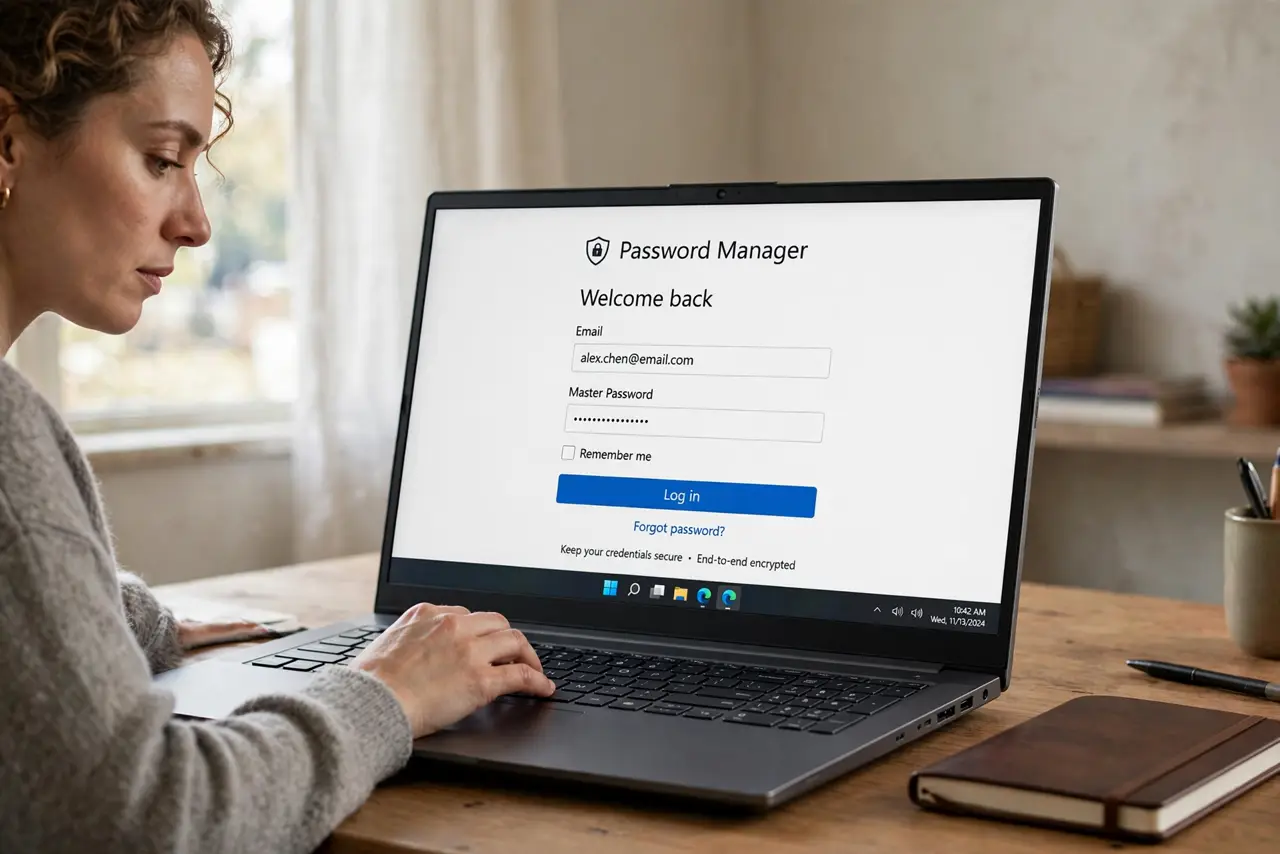
Your password manager holds the keys to your entire digital life — email, banking, everything — and all of it is guarded by one master password. If that password is weak, reused, or guessable, the vault is decoration. If it is strong and unique, the vault is a fortress. This guide shows how to pick a master password you can actually remember and never need to change.
TL;DR / Quick Fix
Quick fix: your master password protects every other password, so make it a long passphrase — four or five random words you can picture. It must be unique and never reused anywhere. Write it on paper and store it somewhere safe as a backup, and never share it with anyone.
Follow these steps
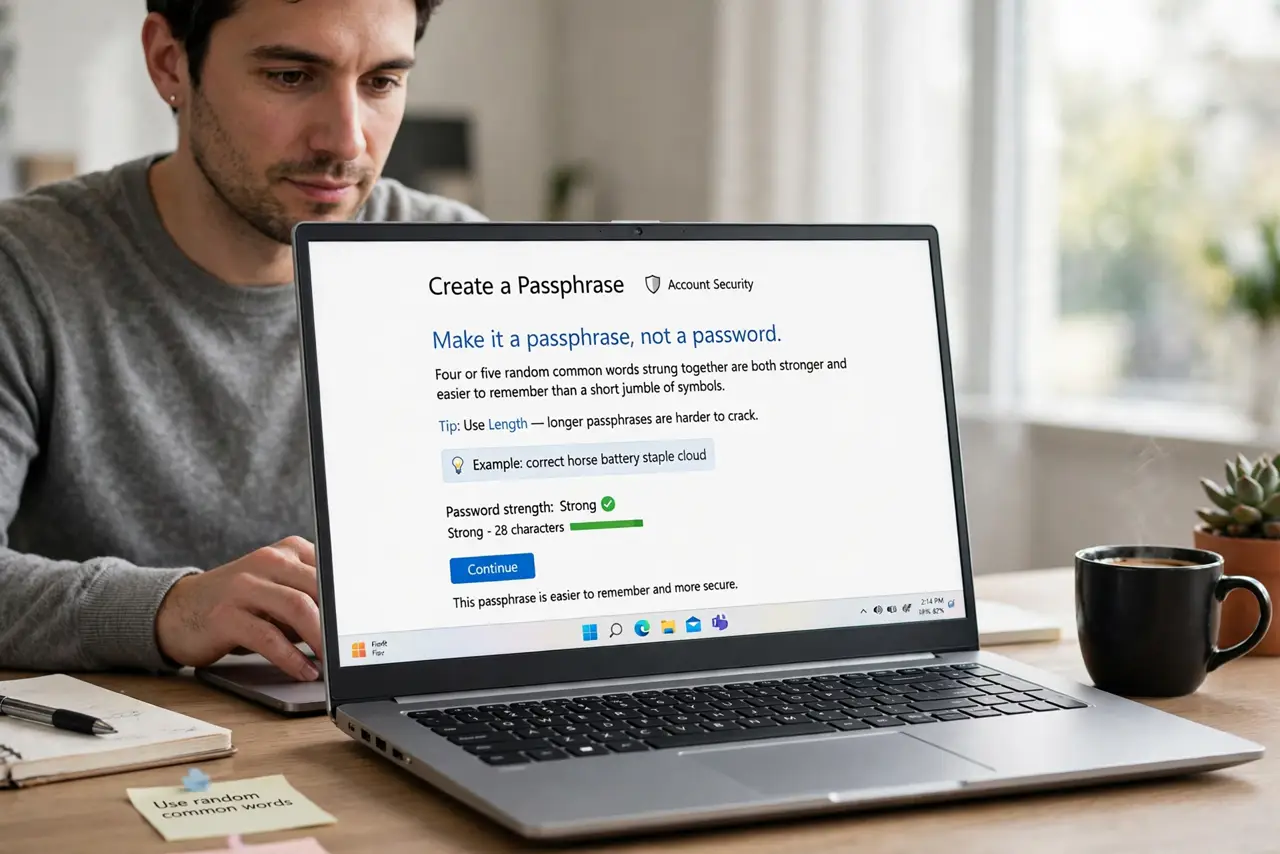
- Make it a passphrase, not a password. Four or five random common words strung together are both stronger and easier to remember than a short jumble of symbols. Length beats complexity: every extra word multiplies the guessing work enormously.
- Generate the words randomly. Do not pick a song lyric or quote — attackers try those first. Use your password manager's generator, or roll dice against a word list. Random is the whole point; clever is the enemy.
- Never reuse it anywhere. The master password exists in exactly one place: your password manager's login. Reusing it on any website means one breach hands over the vault keys — see why saved browser passwords differ from a dedicated manager vault.
- Write it on paper as backup. A master password you forget locks you out of everything — there is usually no reset. Write it on paper, store it somewhere safe like a locked drawer or safe, and never photograph or email it.
- Turn on two-factor for the vault. Most managers support a second factor on top of the master password. Enable it — then even a stolen master password alone is not enough to open the vault.
- Practice it for a week. Type the new passphrase several times a day for the first week. Muscle memory forms fast, and a password you type fluently is one you will not be tempted to weaken.
What NOT to do
- Do not use personal details. Pet names, birthdays, and addresses are the first things anyone guessing — or anyone who knows you — will try.
- Do not store the master password in a note on your phone. A notes app is not a vault; if the phone is compromised, the keys go with it.
- Do not share it, even with family. Most managers have proper emergency-access or sharing features — use those instead of handing over the master key.
- Do not make it short to save typing time. You type it a few times a day at most; the security of everything you own is worth ten extra keystrokes.
Frequently asked questions
How long should a master password be?
Aim for at least 20 characters — four or five random words gets you there comfortably. Longer is always fine; there is no penalty for extra words you can remember.
What if I forget my master password?
Most managers cannot recover it — that is by design, since they cannot see it either. This is why the paper backup and emergency access setup matter more than for any other password.
Should I change it regularly?
No. A strong, unique master password does not expire. Change it only if you suspect it was exposed — rotation schedules are for passwords that get shared around.