Pick Photo Paper
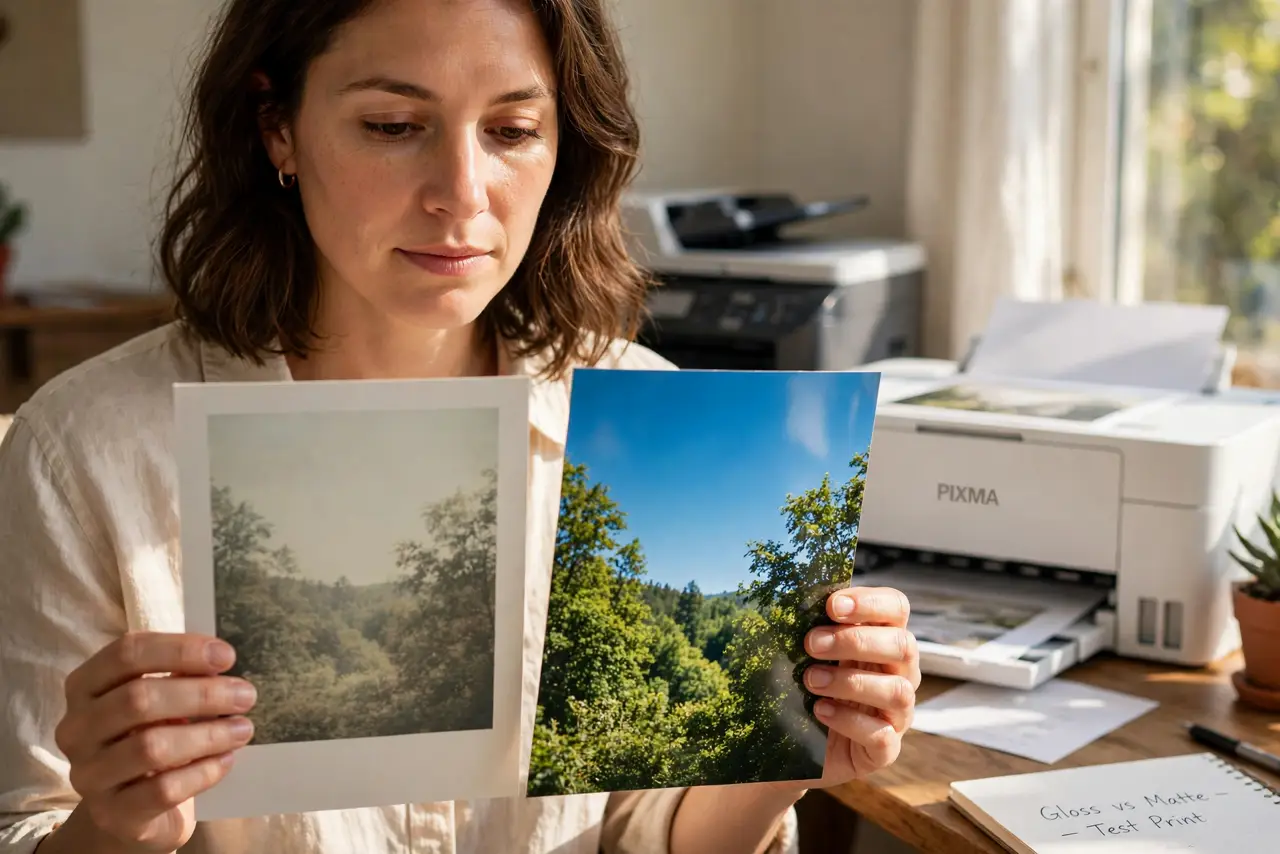
Your prints look dull and washed out, and you blame the printer. Half the time it is the paper — plain copy paper drinks ink and kills color, while real photo paper holds it on the surface where it shines. Matching paper to the print matters more than the printer's price tag.
TL;DR / Quick Fix
Quick fix: use glossy photo paper for vivid prints and matte for a glare-free look. Match the paper setting in the print dialog to the loaded paper — wrong settings cause dull color. Buy paper rated for your printer type. Store paper flat and dry; damp paper jams and spots.
Follow these steps
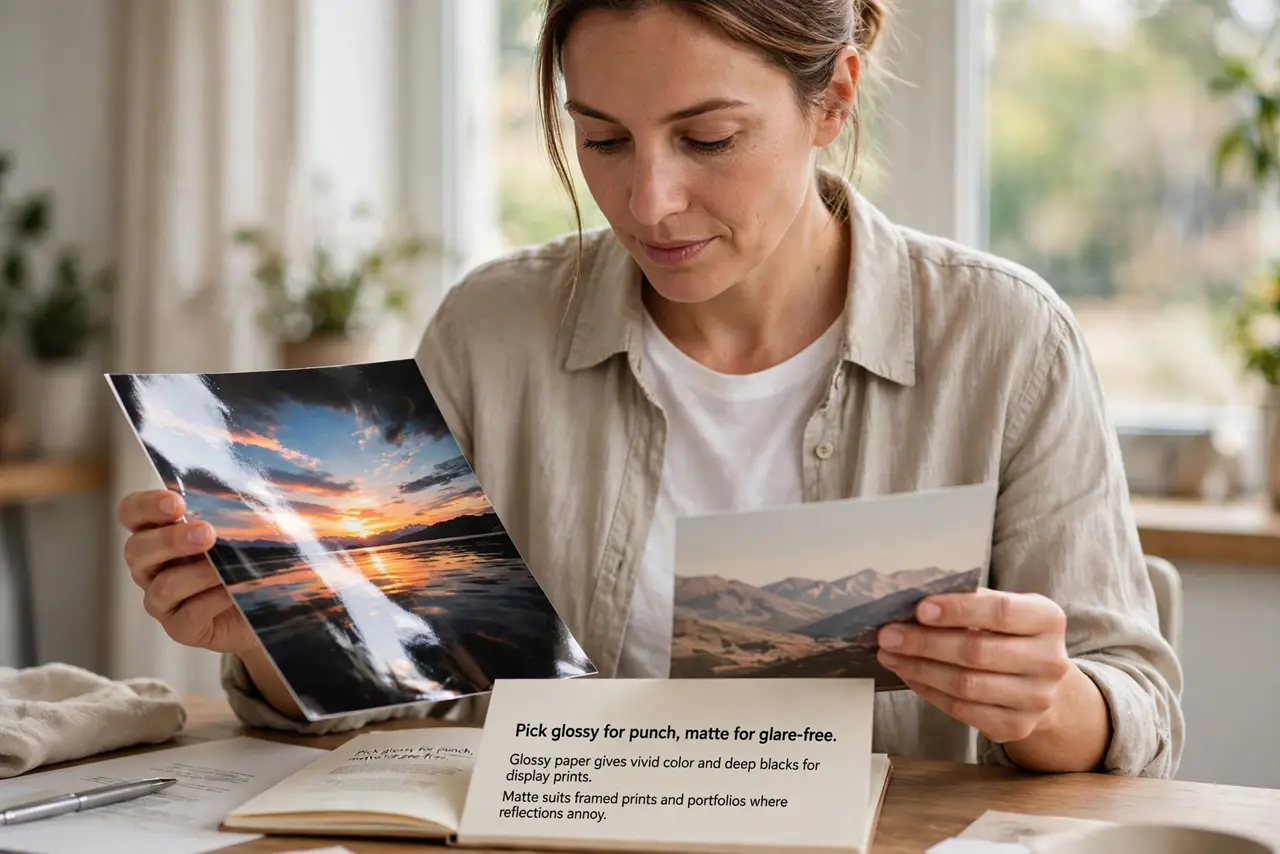
- Pick glossy for punch, matte for glare-free. Glossy paper gives vivid color and deep blacks for display prints. Matte suits framed prints and portfolios where reflections annoy.
- Match paper to your printer type. Inkjet paper for inkjets, laser paper for lasers — the coatings differ. Wrong-type paper smears, jams, or refuses to dry.
- Set the paper type in the dialog. In the print settings, select the actual loaded paper: Glossy Photo, Matte, and so on. The printer adjusts ink for the choice — a mismatch means dull prints.
- Choose the right weight. Heavier paper (measured in gsm) feels premium and resists curling. For borderless photos, use the weight the printer's borderless mode supports.
- Store paper properly. Keep it flat, dry, and in the wrapper until use. Humidity curls sheets and causes jams; sunlight yellows the coating.
- Test with a small pack first. Paper brands render color differently. Buy a small pack, print your favorite photo, and commit to the winner.
What NOT to do
- Do not print photos on plain copy paper and judge the printer. The paper is the bottleneck, not the hardware.
- Do not mix paper types in one tray. The printer applies one setting to the whole tray — mixed loads print half wrong.
- Do not touch the printable surface. Finger oils repel ink and show up as pale spots on the final print.
- Do not store paper in the garage. Damp, hot storage ruins the coating before you print a single page.
Frequently asked questions
Is expensive photo paper worth it?
Up to a point. Mid-range name-brand paper beats bargain paper visibly; ultra-premium only matters for gallery work.
Can I use inkjet paper in a laser printer?
No — the coating can melt in the fuser and damage the printer. Always match paper to printer type.
Why do my prints look different from the screen?
Screens glow; paper reflects. Calibrate expectations with a test print, not with screen brightness.