Pick the Right PSU Wattage
Building a PC and staring at power supplies from 450W to 1200W, with no idea what your build actually needs. Too small and the PC crashes under load; too big and you overpaid for capacity you will never use. The right size is simple math plus one buffer — here is the whole calculation.
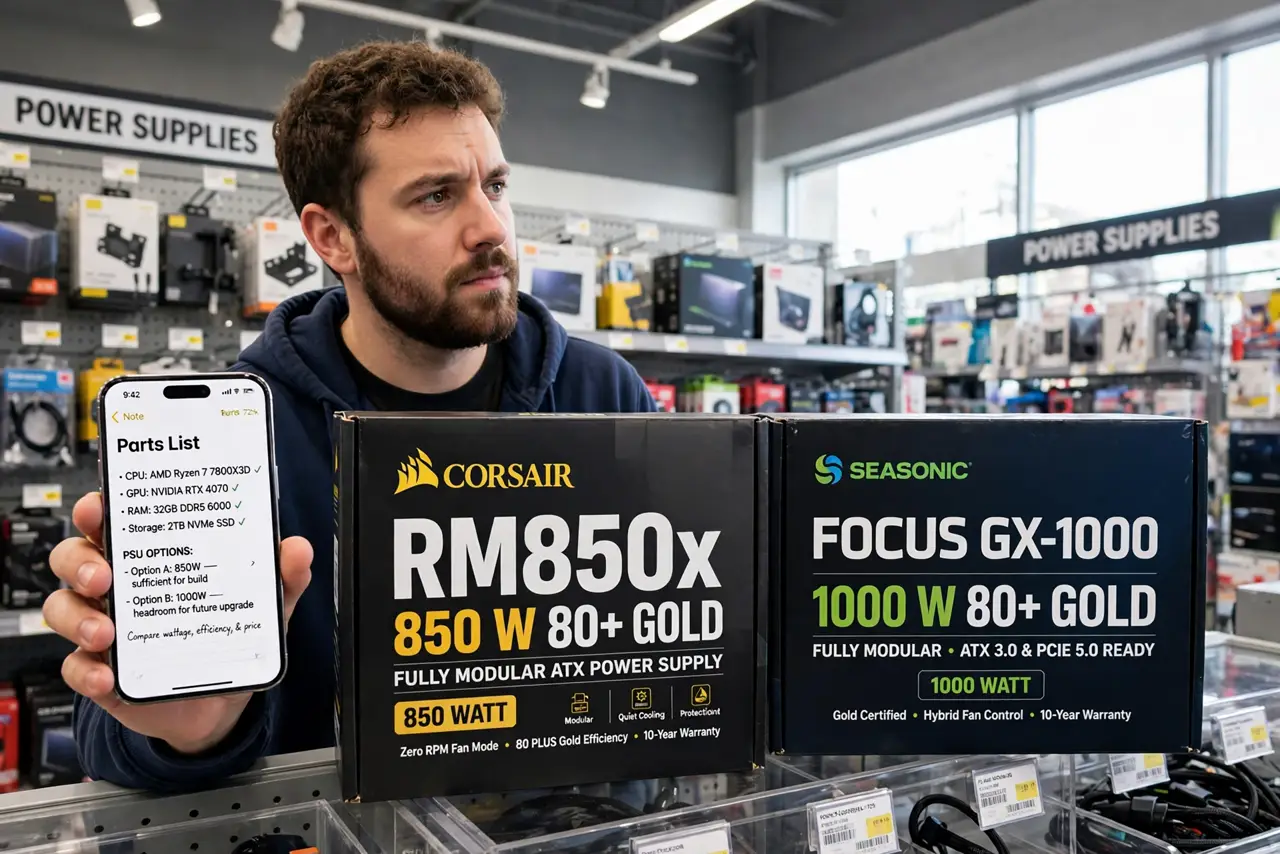
TL;DR / Quick Fix
Quick fix: add up your parts' power draw — the graphics card and CPU dominate — then multiply by 1.5 for comfortable headroom. A mid-range gaming PC lands around 550-650W; a flagship GPU build wants 850W or more. Never cheap out on the PSU; it powers everything.
Follow these steps
- Find your two big numbers. Look up your graphics card's and CPU's power draw (TDP) — these two are the vast majority of the total. A flagship GPU can draw 300W+ alone; the CPU typically 65-150W.
- Add everything else. Motherboard, drives, fans, and RAM add roughly 50-100W combined. Precision here does not matter — the headroom step below absorbs the estimate.
- Multiply by 1.5. Take the total and multiply by about 1.5. This headroom covers power spikes, keeps the PSU in its efficient range, and leaves room for a future GPU upgrade without replacing the PSU.
- Round up to a standard size. PSUs come in standard steps — 550, 650, 750, 850W. Round your calculated number up to the next step. Landing between sizes means going up, never down.
- Prioritize quality over watts. A quality 650W beats a cheap 850W every time. Check professional reviews for the specific model — the PSU is the one part where brand reputation genuinely matters for safety.
- Check the efficiency rating. An 80 Plus Bronze rating or better signals a baseline of honest engineering. See what the 80 Plus ratings actually certify before paying extra for Gold or Platinum.

What NOT to do
- Do not buy the cheapest PSU that fits the wattage. A bad PSU can take the whole build with it when it fails — this is the wrong place to save.
- Do not size exactly to your parts' draw. Zero headroom means power spikes cause crashes and the PSU runs hot and loud.
- Do not massively oversize either. A 1200W PSU for a 300W build wastes money and runs inefficiently at tiny loads.
- Do not reuse an ancient PSU blindly. Capacitors age; a decade-old unit belongs in recycling, not in a new build.
Frequently asked questions
How many watts does a typical gaming PC need?
Mid-range builds with one GPU: 550-650W. High-end with a flagship GPU: 750-850W. Most people overestimate — the 1.5x math keeps it honest.
Is a bigger PSU more expensive to run?
No — the PC draws what it needs; the PSU's rating is capacity, not consumption. Oversizing wastes purchase money, not electricity.
What connectors do I need?
Modern GPUs may need new 12VHPWR connectors — check your graphics card's power plugs and confirm the PSU includes them natively.