Stay Safe on Public PCs
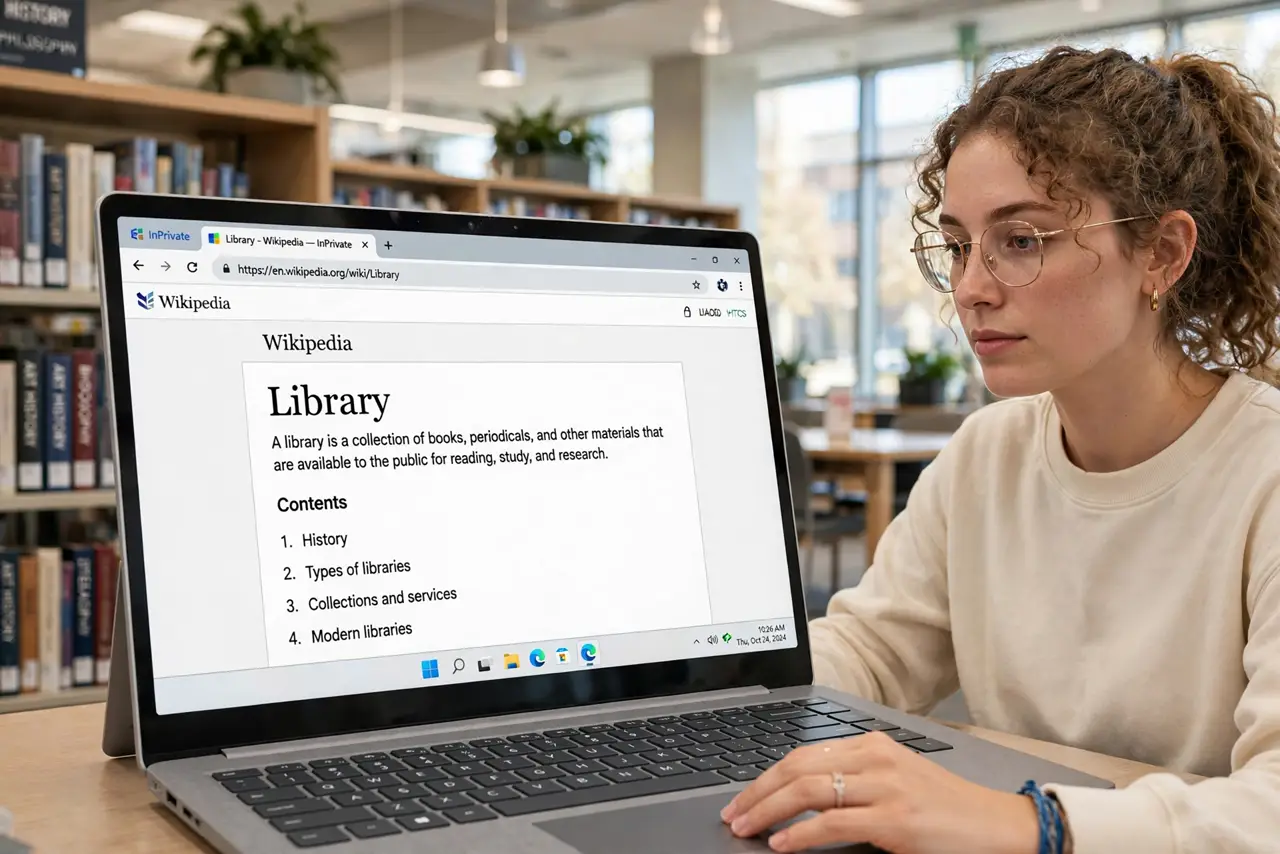
Library and hotel computers are convenient — and shared with hundreds of strangers, some running keyloggers. Treat every public PC as compromised: fine for browsing and printing, dangerous for banking and email. A few habits — private windows, no saved passwords, full sign-out — keep the convenience without the risk.
TL;DR / Quick Fix
Quick fix: on a public PC use a private browsing window, never save passwords or stay signed in, and sign out of everything when done — then clear the browser data. Avoid banking and sensitive accounts entirely. Assume anything you type could be logged; act accordingly.
Follow these steps
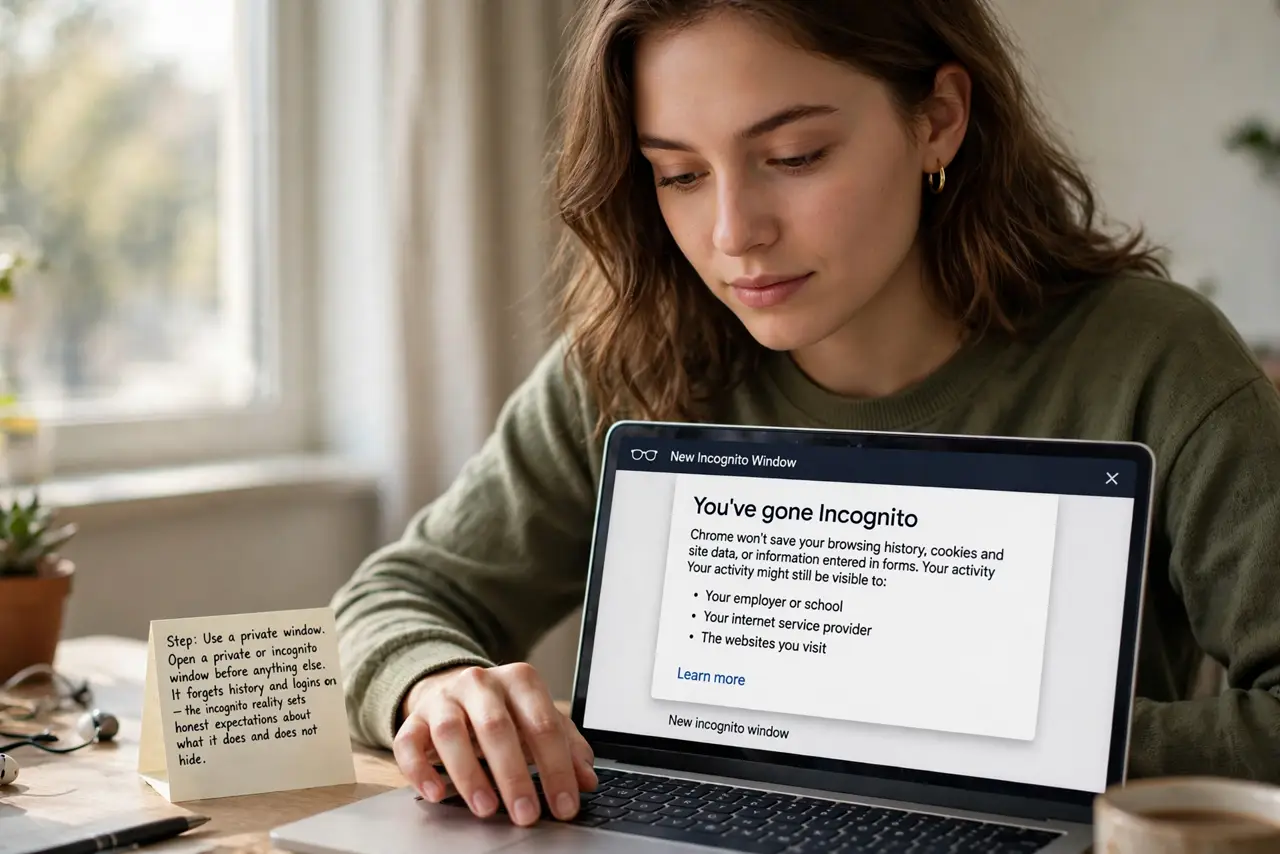
- Use a private window. Open a private or incognito window before anything else. It forgets history and logins on close — the incognito reality sets honest expectations about what it does and does not hide.
- Never save passwords. The browser will offer — always decline. Saved passwords on a public PC are gifts to the next user.
- Avoid sensitive accounts. No banking, no primary email, no password resets. Browse, print, look things up — the public computer basics draw the same line: convenience yes, credentials no.
- Sign out of everything. Every account, every time — then close the browser. The full sign-out checklist covers the stragglers like chat widgets and remembered sessions.
- Clear browser data after. History, cookies, downloads — clear it all before you leave. Private windows handle most of it; the manual clear catches the rest.
- Watch your surroundings. Shoulder surfers are the lowest-tech threat. Angle the screen away, shield the keyboard when typing passwords — physical awareness is free.
What NOT to do
- Do not log into banking on a public PC. Ever. The keylogger risk is real and the payoff for criminals is direct.
- Do not stay signed into anything when you leave. Next user, full access — sign out is non-negotiable.
- Do not plug in unknown USB drives. Public PCs plus mystery USB sticks is how malware spreads — just do not.
- Do not assume the antivirus protects you. It protects the PC; your typed passwords are yours to protect.
Frequently asked questions
Is hotel Wi-Fi plus public PC doubly risky?
Yes — treat both as hostile. Browse and print; save the sensitive stuff for your own devices.
Can I use my own laptop instead?
Always preferable — your device, your controls. The public PC is the fallback, not the plan.
What about printing personal documents?
Print, take the pages, and clear the print queue. Documents left in the output tray are the classic leak.