Public Wi-Fi Safety: The Plain Basics
Public Wi-Fi at cafes, airports, and hotels is convenient and also the easiest place to get snooped on. You do not need to be a hacker to stay safe — a few habits cover nearly all the real-world risk. Think of it as locking your car in a busy parking lot.
TL;DR / Quick Fix
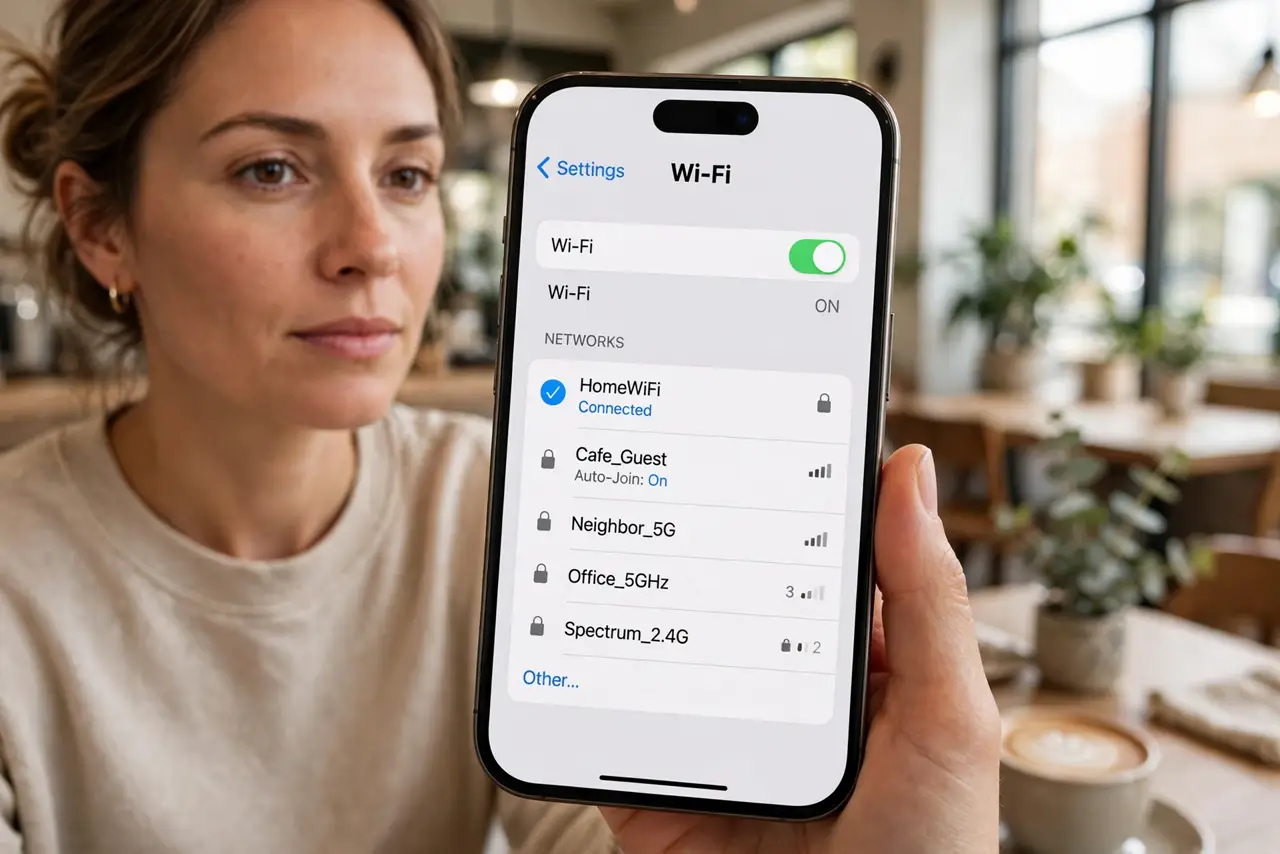
Quick fix: join only the network name the staff confirms, forget it when you leave, and use a VPN before logging into anything sensitive. Run through a [[safe public Wi-Fi checklist|safe-public-wifi-checklist]] once, then bank and email only over HTTPS or the VPN.
Follow these steps
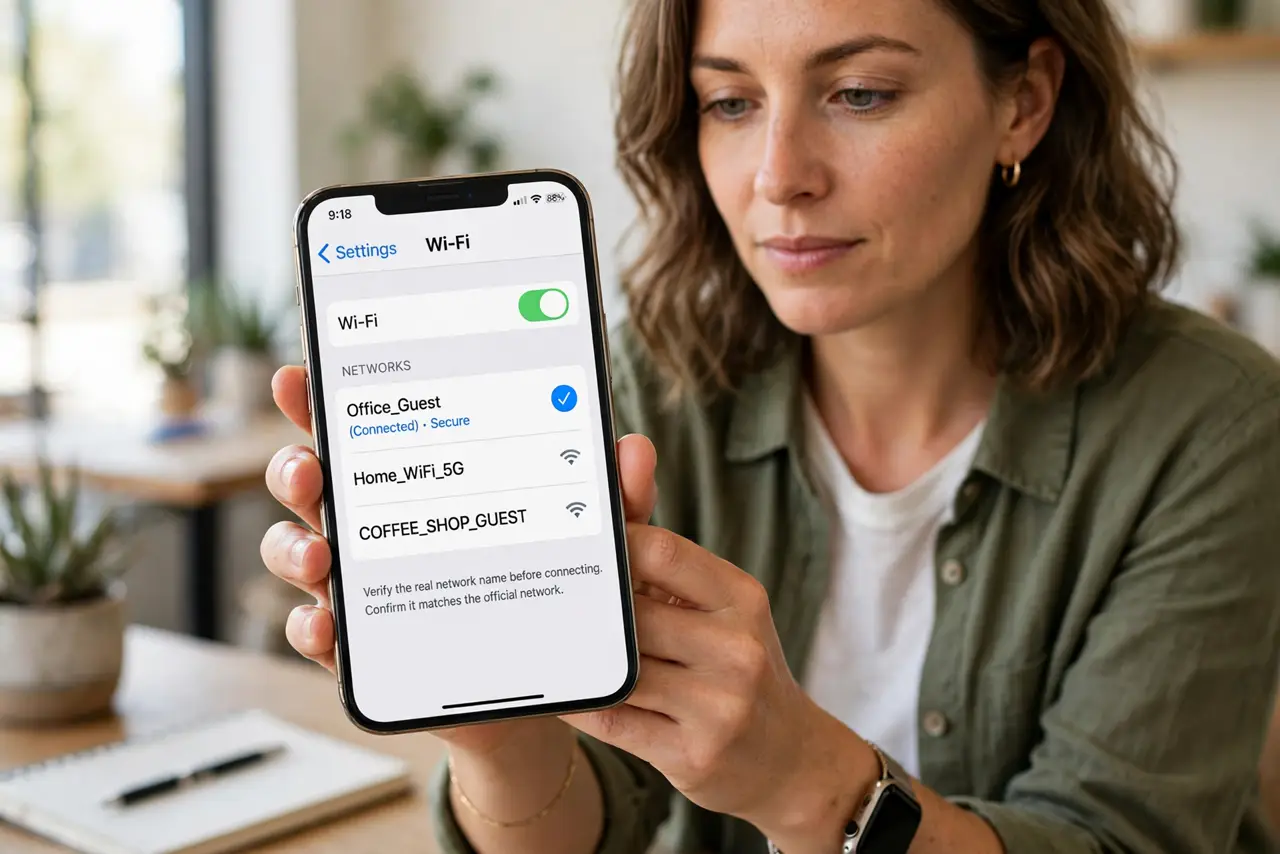
- Verify the real network name. Ask the staff which network is theirs. Attackers set up lookalike names, and guessing wrong puts you on their hotspot — so never trust the strongest 'Free WiFi' blindly.
- Turn on a VPN before logging in. Connect the VPN before opening email or banking. If you need the login page first, follow the VPN-before-login order: portal, then VPN, then everything else.
- Forget the network when you leave. Saved networks make your phone auto-join lookalikes later. Delete cafe and hotel networks from your saved list after the trip.
- Stick to HTTPS and real apps. Check for the lock icon in the browser and use the bank's official app instead of a browser tab. If a site warns about its certificate, close it immediately.
- Keep file sharing and AirDrop off. Disable public file sharing on laptops and set AirDrop to contacts-only or off. An open share on public Wi-Fi is an invitation.
- Update devices before you travel. Install OS and app updates on home Wi-Fi. Public networks are a bad place to discover you are running a year-old browser with known holes.
What NOT to do
- Do not do banking on a network you cannot verify. One wrong hotspot choice is all it takes for credentials to be harvested.
- Do not let your phone auto-join open networks. That setting connects you to any familiar-sounding name, including traps.
- Do not install 'required' profiles or certificates from a Wi-Fi login page. A profile-install warning is a red flag — real portals rarely need that.
- Do not reuse passwords you typed on public Wi-Fi. If you must log in somewhere, change that password later from a trusted network.
Frequently asked questions
Is hotel Wi-Fi safe with a VPN?
Much safer. The VPN encrypts your traffic so the hotel network and anyone on it cannot read it.
Can someone see my screen on public Wi-Fi?
Not your screen, but without a VPN and HTTPS they can see which sites you visit and sometimes the data itself.
Should I use my phone hotspot instead?
If you have data to spare, yes — your own hotspot beats any public network you cannot verify.