RAID Is Not a Backup? Explained
Two drives mirroring each other feels like the ultimate safety net — if one dies, the other has everything. That is true, and it is also dangerously incomplete. RAID protects against exactly one thing: a dead drive. It does nothing about the dozen other ways data disappears. Here is the honest boundary.
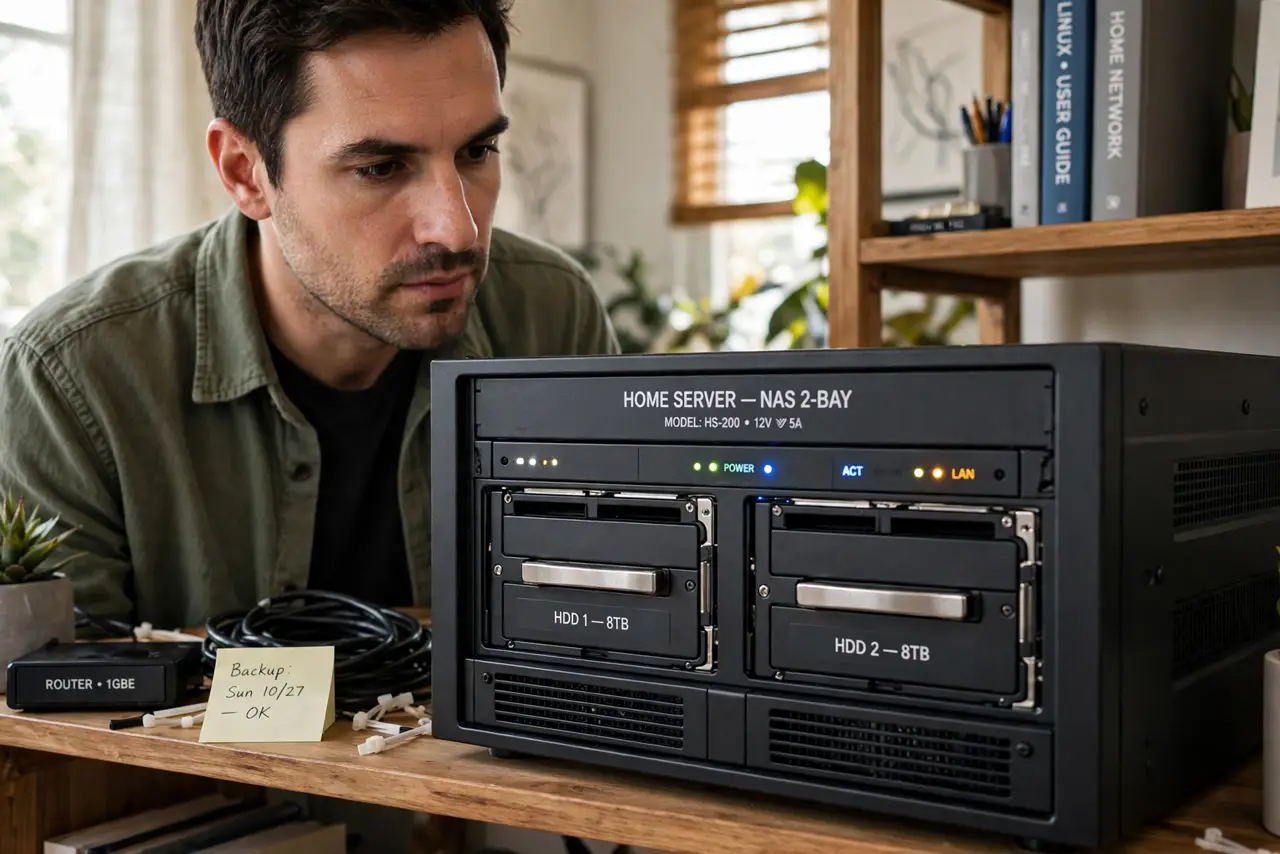
TL;DR / Quick Fix
Quick fix: RAID keeps you running when one drive dies — that is uptime, not backup. Deletions, ransomware, theft, and fire take both mirrored drives at once. Keep RAID if you like, but pair it with a real backup: a separate copy, ideally offsite or disconnected.
Follow these steps
- Learn what RAID actually guarantees. Mirroring (RAID 1) survives one dead drive without downtime. That is the whole guarantee — the array stays up while you replace the disk.
- List what RAID cannot survive. Accidental deletion, ransomware encryption, a power surge frying both drives, theft, flood, fire. Every one of these kills the mirror and the 'backup' together.
- Understand the rebuild danger window. While a big array rebuilds onto a replacement drive, the surviving drive works at full strain for hours. A second failure here loses everything — backups are what cover this window.
- Keep RAID for uptime, add backup for safety. RAID means no reinstalling after a drive dies. A backup means no crying after ransomware. They solve different problems — run both.
- Follow the separate-copy rule. A real backup lives on separate media, ideally disconnected or offsite when not copying. A mirror inside the same box is not separate.
- Test restores, not just backups. A backup you have never restored from is a hope, not a plan. Restore one file quarterly to prove the chain works.
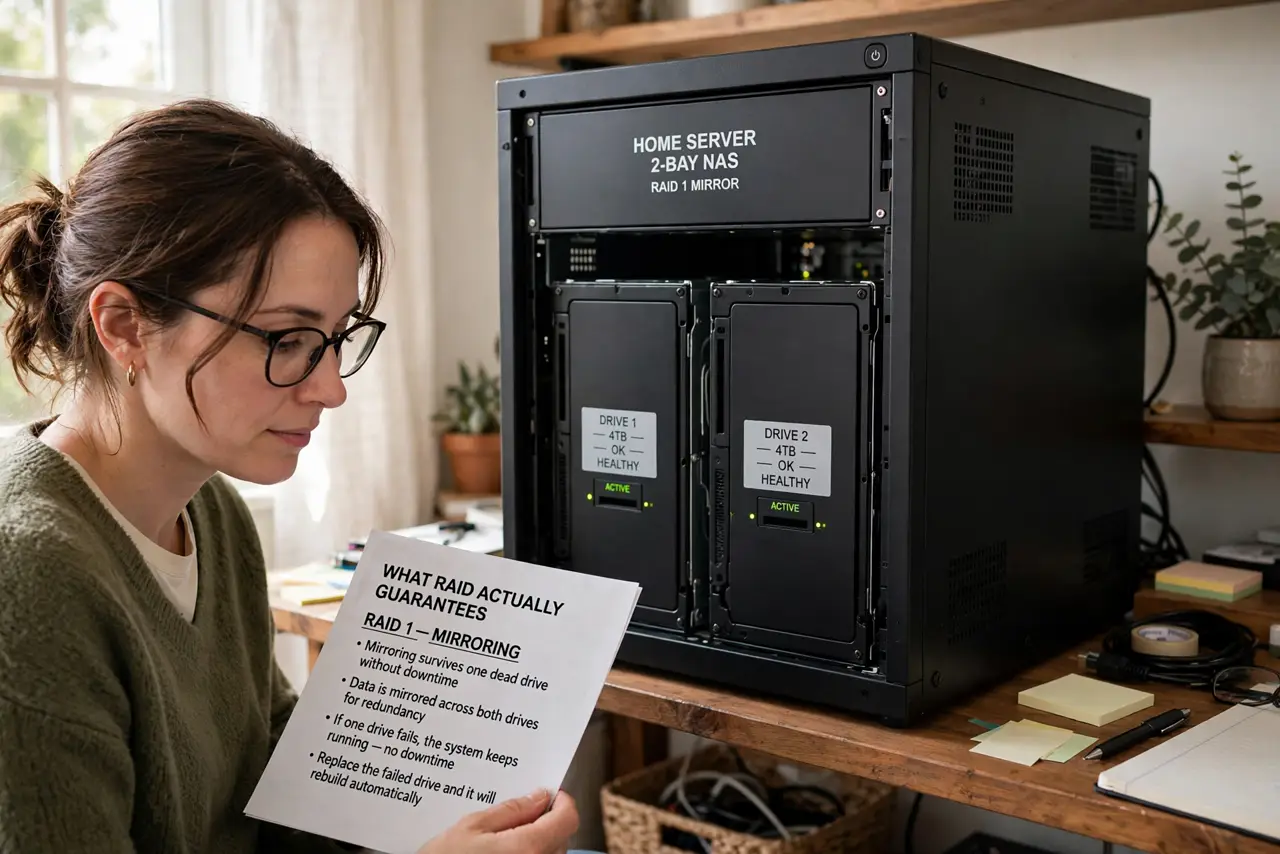
What NOT to do
- Do not call a mirrored pair 'backed up.' Words matter — the false confidence stops people from making real backups.
- Do not rely on RAID during a rebuild without a backup. That window is when arrays are most vulnerable.
- Do not use RAID 0 for anything you care about. Striping is faster and doubles your failure surface — it is anti-backup.
- Do not skip offsite copies because RAID feels safe. Fire and theft do not respect drive redundancy.
Frequently asked questions
If one drive mirrors the other, isn't that a copy?
It is a copy, but not a backup: it is live, instant, and in the same box. Backups must survive the events mirrors don't — deletion, malware, disaster.
Do I even need RAID at home?
Most home users don't. One drive plus a solid external backup beats a mirror with no backup for both safety and cost.
What is the simplest real backup?
An external drive with scheduled copies, unplugged between runs, plus cloud copies of what you cannot lose. Simple beats clever here.