Dual Channel RAM? Explained
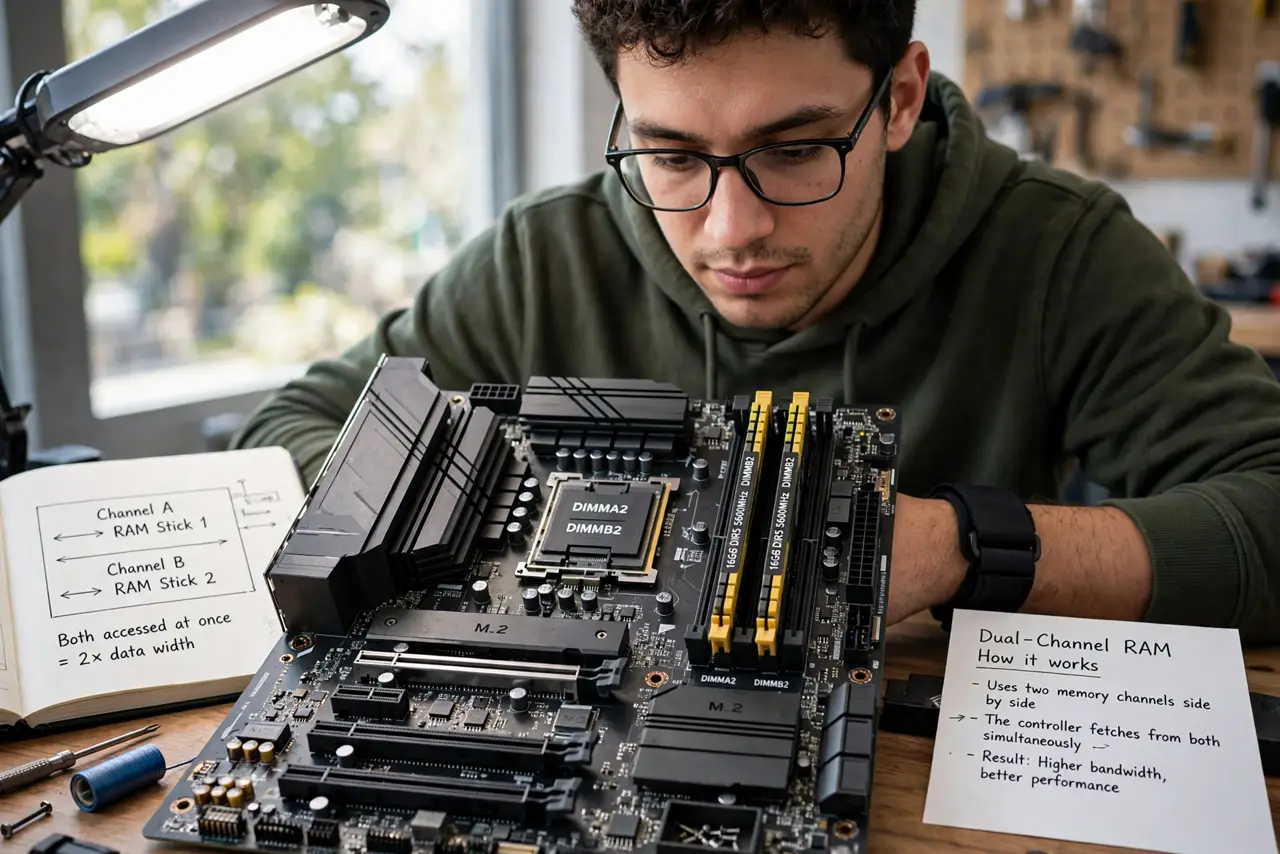
Two RAM sticks are barely more expensive than one — and can be dramatically faster. Dual channel lets the memory controller talk to two sticks at once, roughly doubling bandwidth. But it only works with the sticks in the right slots. Here is the two-minute check that unlocks free speed.
TL;DR / Quick Fix
Quick fix: install RAM in matched pairs in the correct slots — usually the second and fourth from the CPU, per your motherboard manual. The system then runs dual channel automatically. One stick, or sticks in wrong slots, halves your memory bandwidth silently.
Follow these steps
- Learn what dual channel does. Two matched sticks let the controller fetch from both simultaneously — up to double the memory bandwidth versus one stick. Free performance from placement alone.
- Use matched sticks. Same size, speed, and ideally the same kit. Mismatched sticks may drop to single channel or the slower stick's speed.
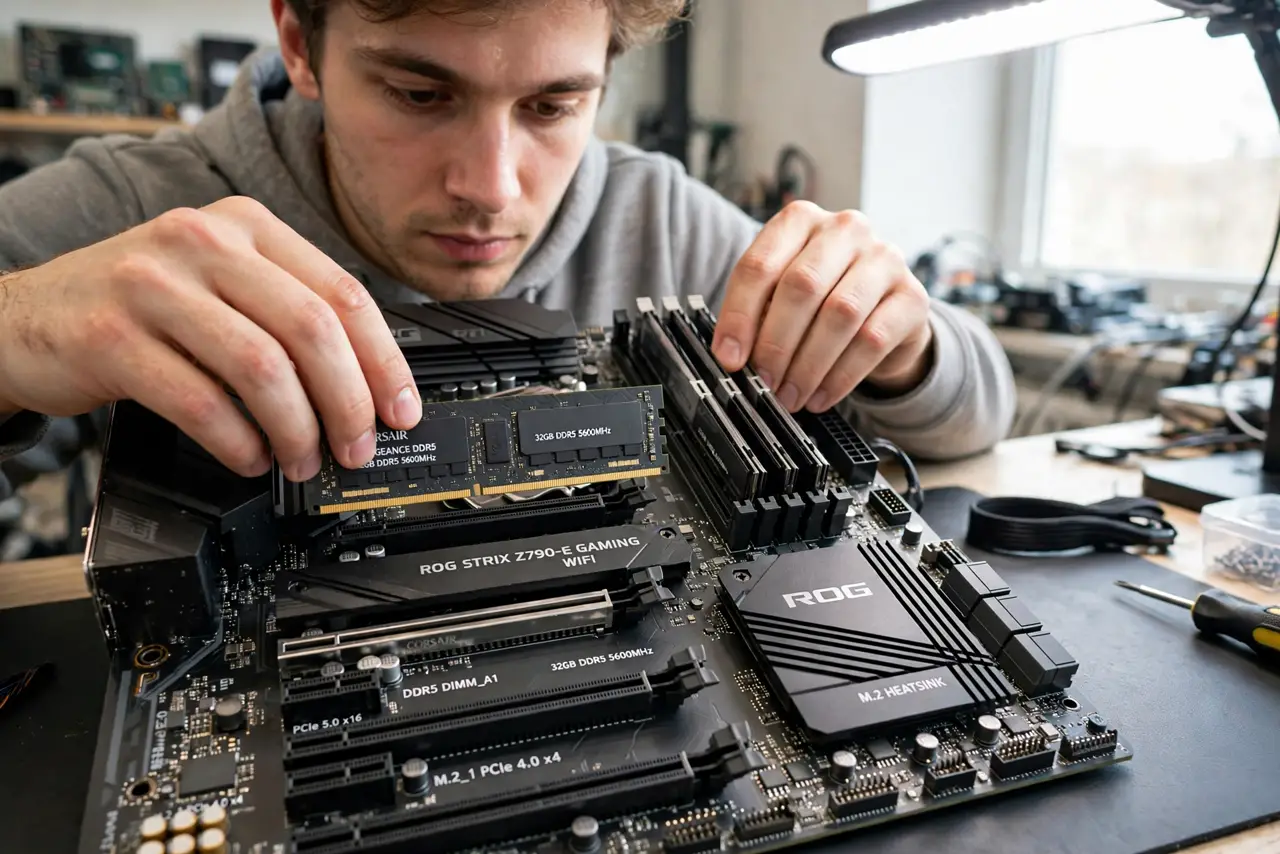
- Find the right slots. Motherboards color-code or label them — commonly slots 2 and 4 from the CPU for two sticks. The manual's diagram is definitive.
- Seat them fully. Push until both latches click. A half-seated stick causes the not-detected problem, not slow speeds.
- Verify it is active. Task Manager or the BIOS memory info shows single vs dual channel. Check after installing — wrong slots are a silent penalty.
- Know when it matters most. Integrated graphics and Ryzen CPUs gain the most from dual channel. Discrete-GPU gaming gains less, but it is still free.
What NOT to do
- Do not put two sticks in adjacent slots by default. Slots 1+2 are usually single channel — the manual's pairing is what counts.
- Do not mix a new stick with an old one and assume dual channel. It sometimes works, often does not — matched kits are the rule.
- Do not buy one big stick 'to upgrade later.' Two smaller sticks now beat one big stick's bandwidth every time.
- Do not confuse dual channel with double the RAM. It doubles bandwidth, not capacity — 2x8GB is still 16GB.
Frequently asked questions
Is dual channel really faster?
For memory bandwidth, yes — roughly double. Real-world gains vary: big for integrated graphics, modest for discrete-GPU gaming, always free.
Can I add a third stick?
You can, but the odd stick usually breaks dual channel symmetry. Either run two or four matched sticks.
Does dual channel matter with 32GB+?
Capacity and channels are independent — 2x16GB in dual channel beats 1x32GB single channel at the same total size.