Backups Beat Ransomware
Every ransomware story ends the same way for victims without backups: pay criminals and hope, or lose everything. Victims with good backups shrug and restore. Backups are not just good hygiene — they are the single defense that makes ransomware irrelevant. Here is how to build backup habits that actually survive an attack.
TL;DR / Quick Fix
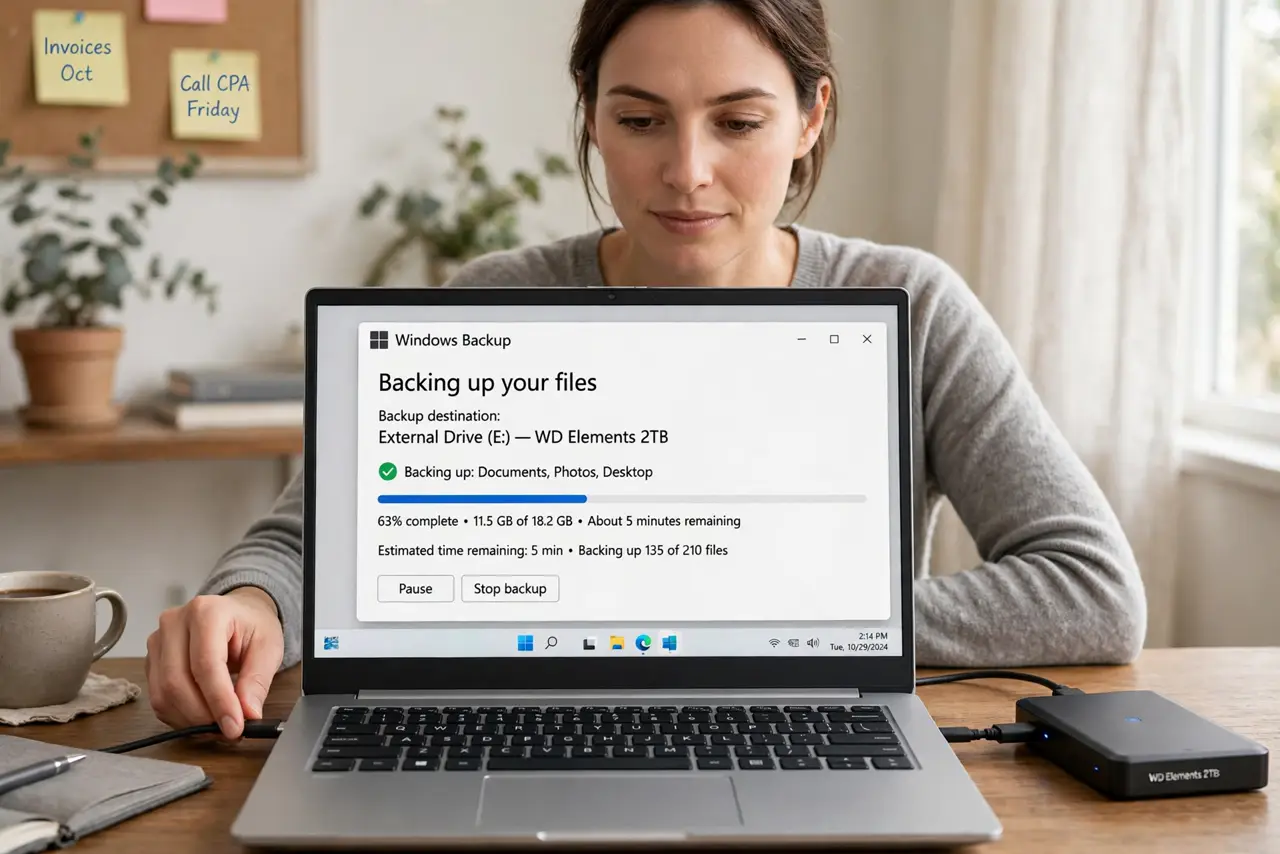
Quick fix: keep three copies of important files — the original, an external drive backup, and a cloud backup — and keep the external drive unplugged when not backing up. Test restoring one file monthly. With that in place, ransomware becomes an inconvenience you wipe away, not a catastrophe.
Follow these steps
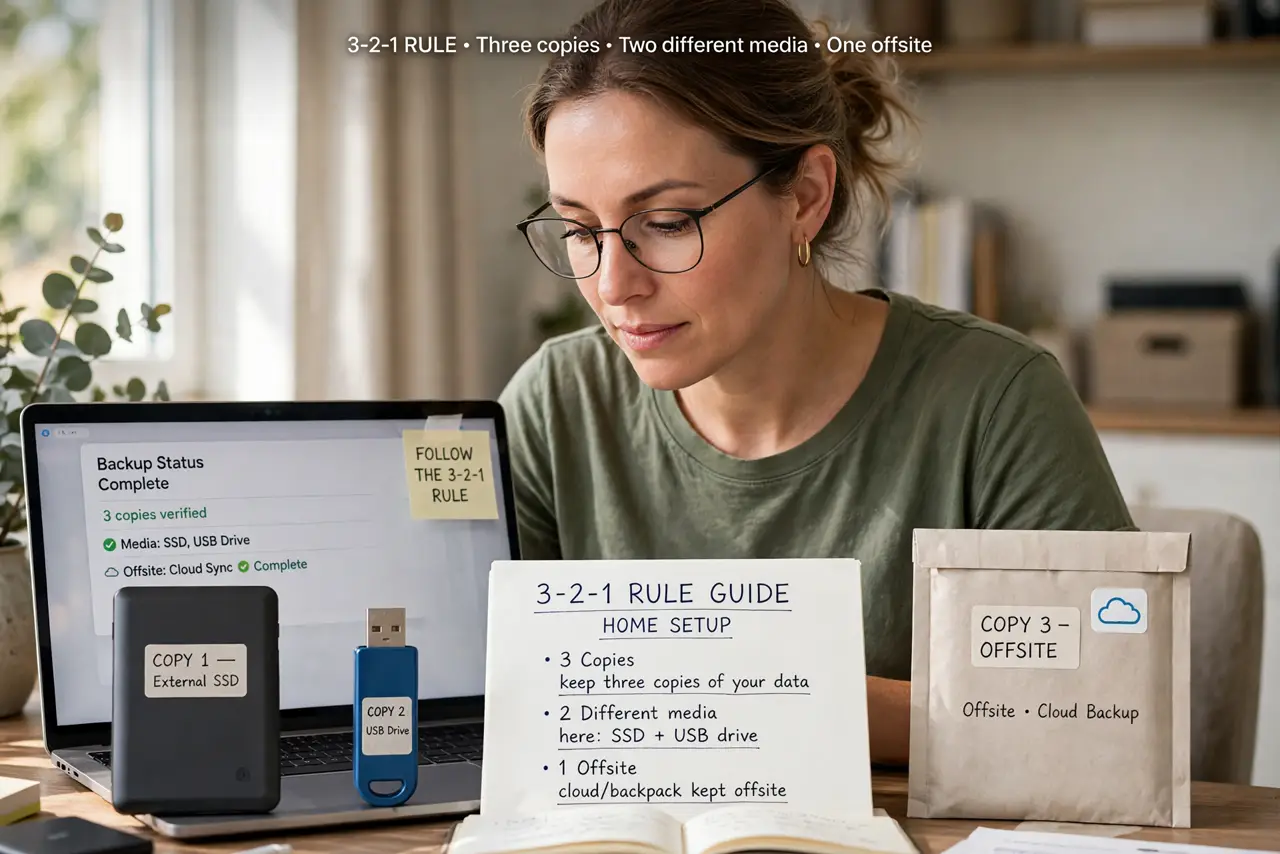
- Follow the 3-2-1 rule. Three copies, two different media types, one offsite. It sounds like overkill until the day it saves you — the full 3-2-1 rule guide walks through a simple home setup.
- Automate so you cannot forget. Manual backups fail because humans forget. Turn on automatic backups — see how to automate your backups on any system — so protection happens without willpower.
- Disconnect the backup drive. Ransomware encrypts every connected drive, including your backup. Unplug external drives after backing up, or use cloud storage with version history that malware cannot easily reach.
- Keep versions, not just copies. A backup that overwrites itself daily can back up encrypted files over good ones. Versioned backups let you roll back to before the attack — check that your tool keeps history.
- Test a restore regularly. A backup you have never restored is a hope, not a plan. Once a month, restore one file and open it. Five minutes, total confidence.
- Protect the cloud backup too. Use strong passwords and two-factor authentication on cloud storage. Attackers who get your cloud login can delete those backups as well.
What NOT to do
- Do not keep your only backup plugged in. Connected backups are the first thing ransomware encrypts — unplugged or versioned cloud is the rule.
- Do not assume syncing equals backup. A sync service mirrors encrypted files to the cloud instantly; you need version history or a separate backup.
- Do not skip the restore test. Corrupt, incomplete, or misconfigured backups are discovered at the worst moment — test before you need it.
- Do not back up the malware too. After an attack, restore files but reinstall the system clean — restoring a full system image can restore the infection.
Frequently asked questions
How often should I back up?
Daily for active work files — automated. Weekly full-system images are plenty for most homes.
Is a cloud backup enough alone?
It is good, but pair it with a local copy. If ransomware hits while you are offline or the account is compromised, the local copy saves you.
What about NAS backups?
A network drive works if it keeps versioned snapshots — see the NAS vs external drive comparison for home setups.