Fun Raspberry Pi Projects
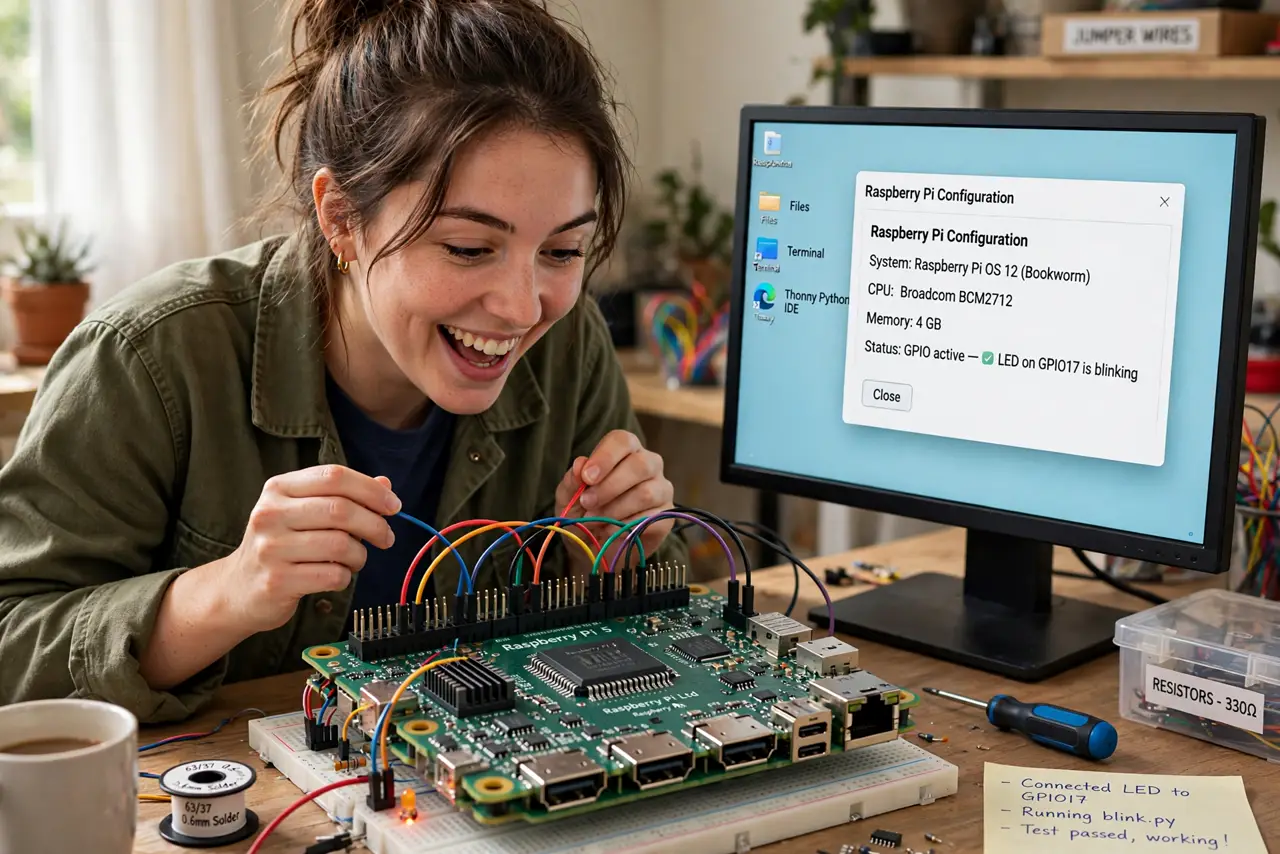
The Raspberry Pi is a computer the size of a credit card that costs less than a dinner out — and it has launched a million weekend projects, from retro game consoles to home ad-blockers. But the paradox of choice is real: most Pis end up in a drawer because nobody picked a project first. This guide lists the genuinely fun and useful builds, what each one needs, and the honest effort involved. If you want bigger always-on jobs, see what to do with a full home server.
TL;DR / Quick Fix
Quick fix: the best first Raspberry Pi projects are a network ad-blocker, a retro game console, and a media center — each takes an afternoon with just the Pi, a power supply, and a memory card. Pick one project first, or the drawer of forgotten gadgets gains another member.
Follow these steps
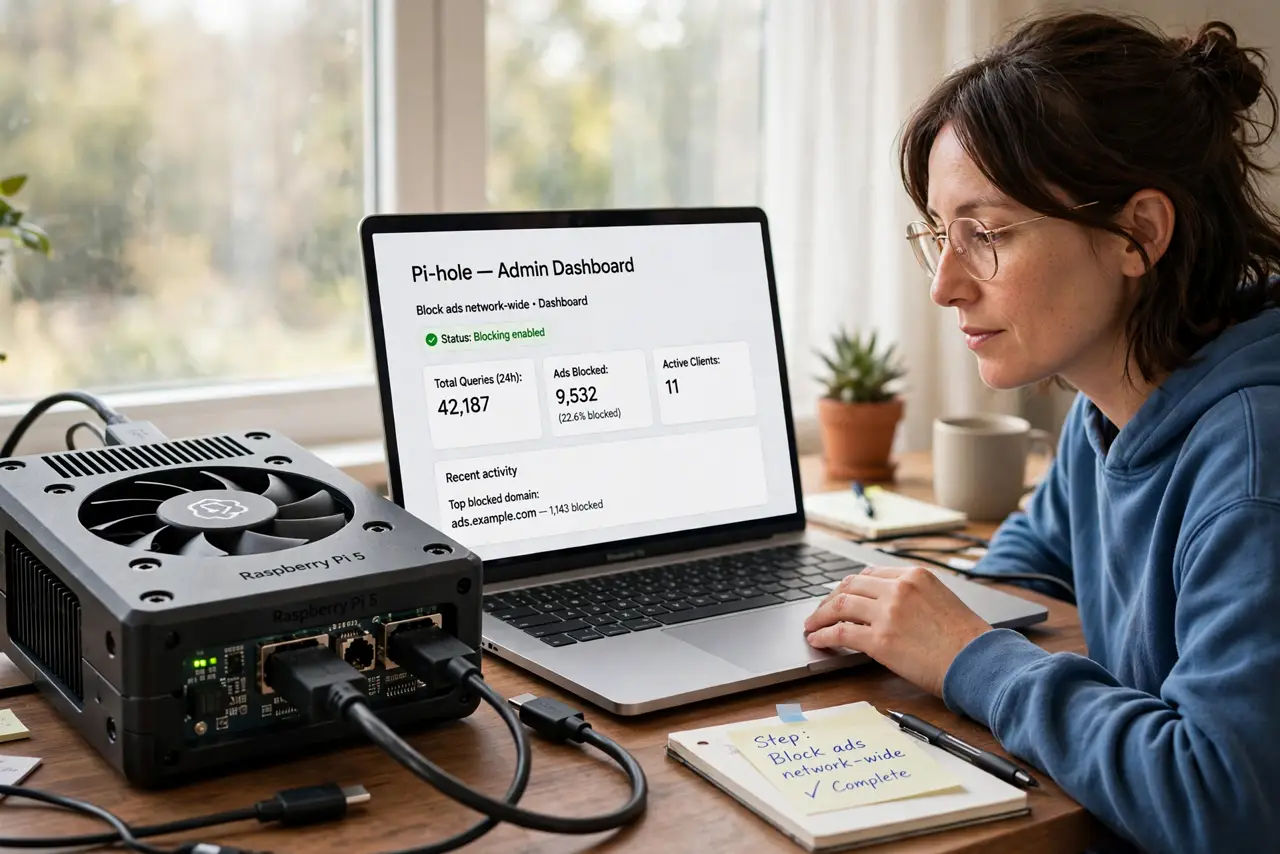
- Block ads network-wide. Install Pi-hole to filter ads and trackers for every device on your home network. It is the highest value-per-hour Pi project: one afternoon of setup, cleaner browsing forever.
- Build a retro game console. RetroPie turns a Pi into a console for classic games, with controller support and a TV-friendly interface. A case and a USB gamepad complete the build.
- Make a media center. Kodi on a Pi plays your local movie and music library on any TV with HDMI. It is the budget answer to a streaming box for content you already own.
- Run a personal web dashboard. A Pi can host a homepage with calendars, to-do lists, and smart-home controls, reachable from any device at home. Great second project once the basics click.
- Try home automation. Home Assistant on a Pi unifies smart gadgets from different brands under one local control panel — no cloud accounts required for the basics.
- Know the limits. A Pi is brilliant at light always-on tasks and hopeless at heavy ones: no 4K transcoding farms, no big file servers. Match the project to the hardware and you will love it.
What NOT to do
- Do not buy every accessory before choosing a project. The Pi, a power supply, and a memory card start 90 percent of builds — the rest can wait.
- Do not use a phone charger as the power supply. Underpowered Pis crash mysteriously; the official supply is cheap insurance.
- Do not skip the cooling on a Pi 4 or 5. Sustained work without at least a heatsink throttles performance and shortens life.
- Do not expose Pi services to the internet casually. A dashboard open to the world gets probed within hours — keep it local or use a VPN.
Frequently asked questions
Which Raspberry Pi should I buy?
The latest standard model suits most projects. Only the smallest Zero-class boards are for tiny embedded builds — start with the full-size one.
Do I need to know Linux?
A little helps, but most popular projects are now one-image installs with web interfaces. You will pick up the basics as you go.
Can a Pi replace my desktop?
For browsing and documents, surprisingly yes for light use. For real work, no — it is a project board, not a workstation.