Record Free TV
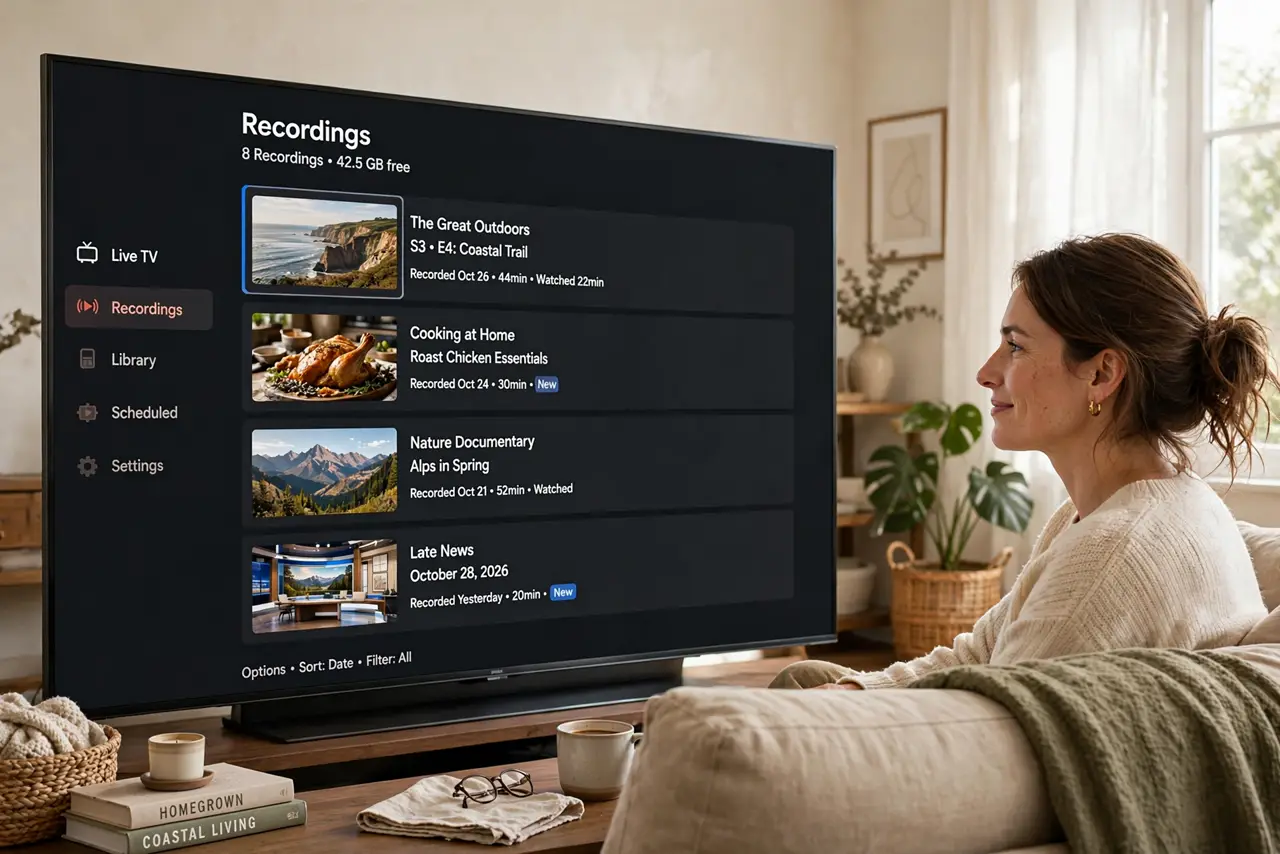
You cut the cord with an antenna and now you miss shows because they air while you are out — the one thing cable DVRs did well. Free TV can be recorded too: a digital tuner with recording turns your antenna into a DVR with no monthly fee. The setup is a small box and a USB drive, and then live TV finally works around your schedule. Start with the antenna basics if you have not yet.
TL;DR / Quick Fix
Quick fix: add a digital OTA tuner box with recording to your antenna setup, plug in a USB drive for storage, and schedule recordings from the on-screen guide. No monthly fee — the guide data is free. Record series, not just episodes, so you never think about it again.
Follow these steps
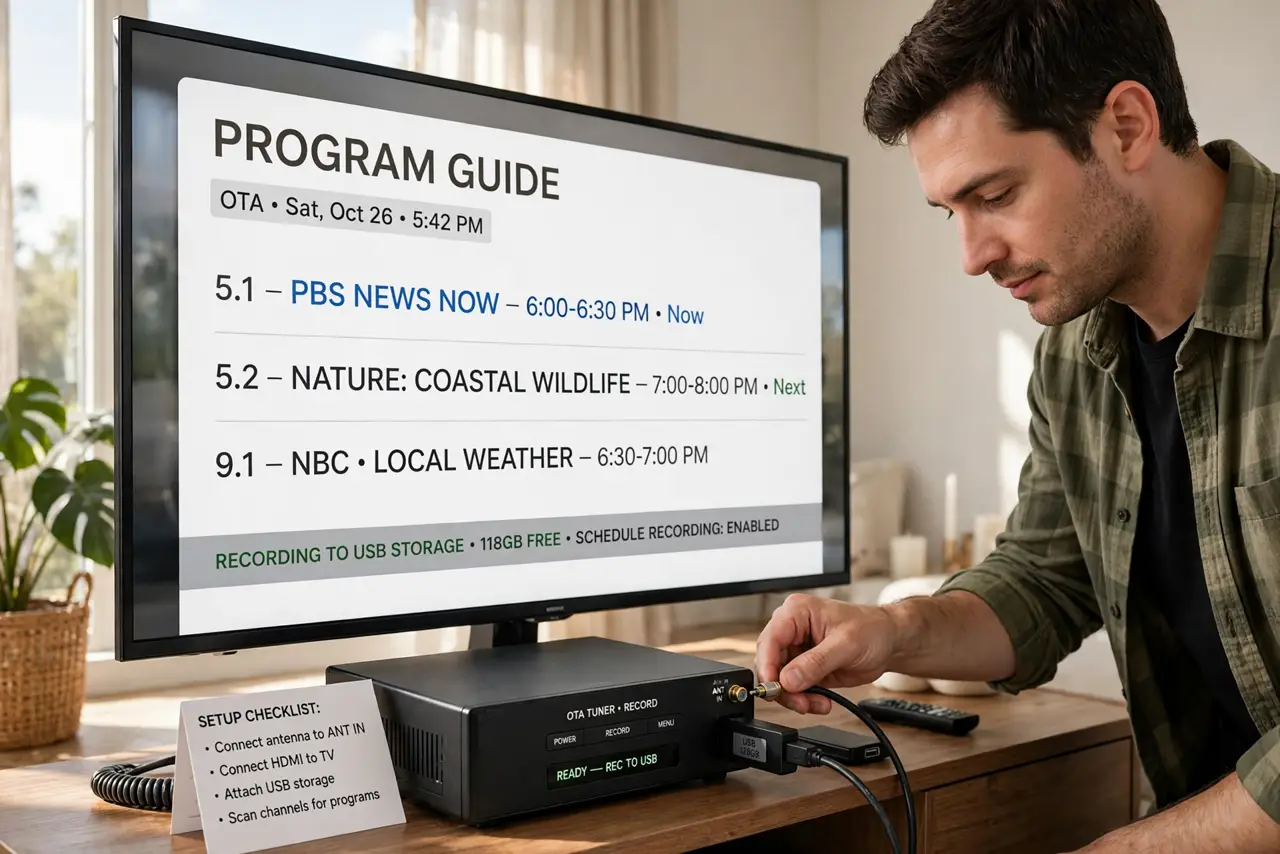
- Get an OTA tuner with recording. A digital tuner box connects to your antenna and TV, tunes the broadcasts, and records to attached storage. Look for one with a program guide and series recording — those two features define the experience.
- Connect antenna, box, and TV. Antenna goes into the tuner box, the box connects to the TV over HDMI. The box becomes your new TV input for live and recorded broadcast TV.
- Add storage. Plug a USB hard drive or large flash drive into the box for recordings. An hour of HD takes several gigabytes, so bigger is better — a modest external drive holds weeks of shows.
- Set up the free guide. The box downloads program guide data over the air or internet at no charge. Give it a day to populate fully, then browse and schedule like a cable DVR.
- Record series, not episodes. Set series recording for the shows you follow. One setup, every episode captured — this is what makes it feel like the DVR you left behind.
- Watch your storage. Recordings pile up fast. Delete watched episodes weekly or enable auto-delete of watched shows so the drive never fills mid-season-finale.
What NOT to do
- Do not buy a tuner without a program guide. Recording blind by time slot is the 1990s; the guide is what makes it usable.
- Do not use a tiny flash drive and wonder why it fills up. Video is big — size the storage for weeks, not hours.
- Do not expect streaming-app features. OTA recording covers broadcast channels beautifully and nothing else — it complements streaming, not replaces it.
- Do not forget the antenna still matters. A tuner cannot record a signal the antenna cannot receive — fix reception first.
Frequently asked questions
Is recording free TV legal?
Yes — recording broadcasts for personal viewing is established fair use in most places. You are time-shifting, not redistributing.
Can I skip commercials?
Most OTA DVRs let you fast-forward through ads. Some even auto-skip; either way, recorded TV beats live TV for ad control.
Do I need internet for it?
For recording itself, no. Some boxes fetch richer guide data online, but the core record-and-playback works offline.