Location Reminders Never Fire? Fix It
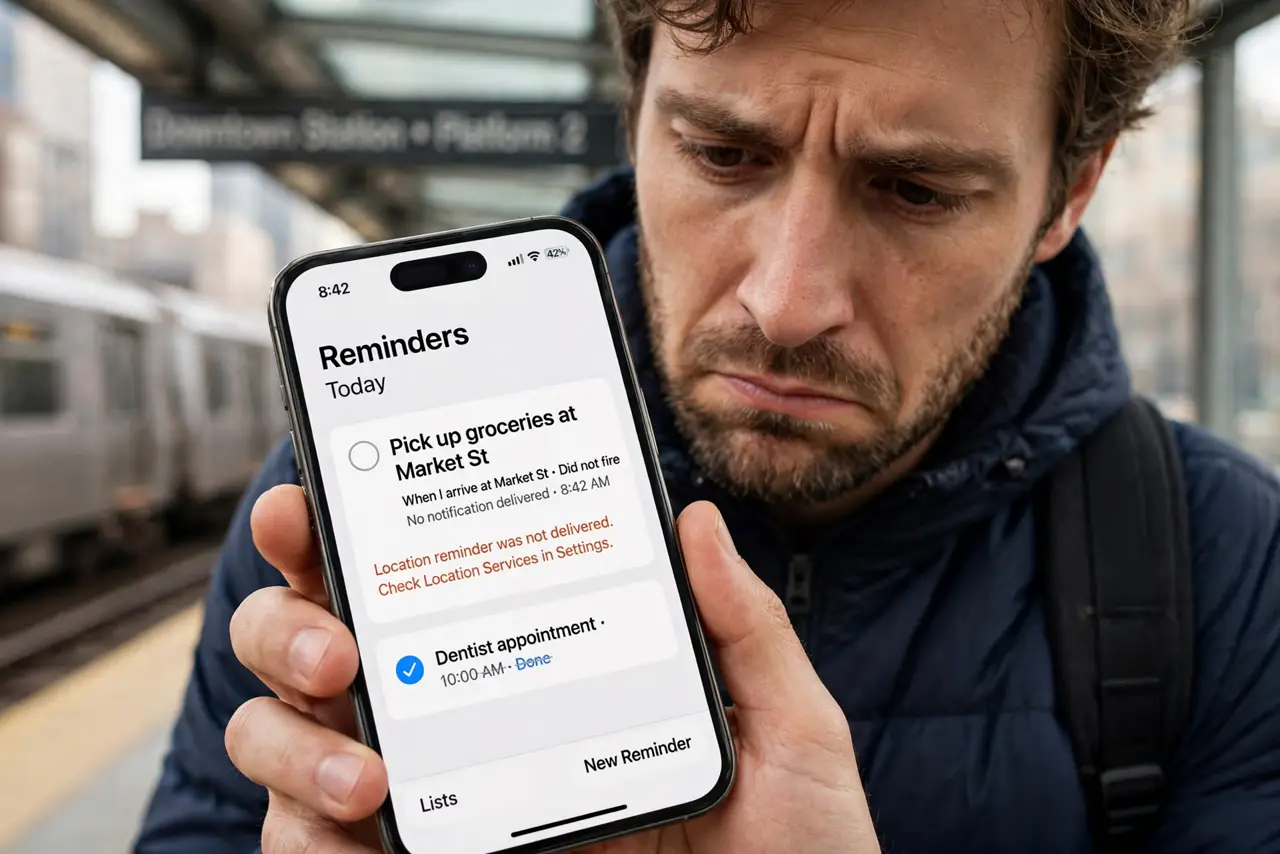
You set a reminder for when I arrive at the store and it never fires — or fires an hour late. Location reminders depend on GPS, permissions, and battery settings all lining up. This guide shows how to make them reliable.
TL;DR / Quick Fix
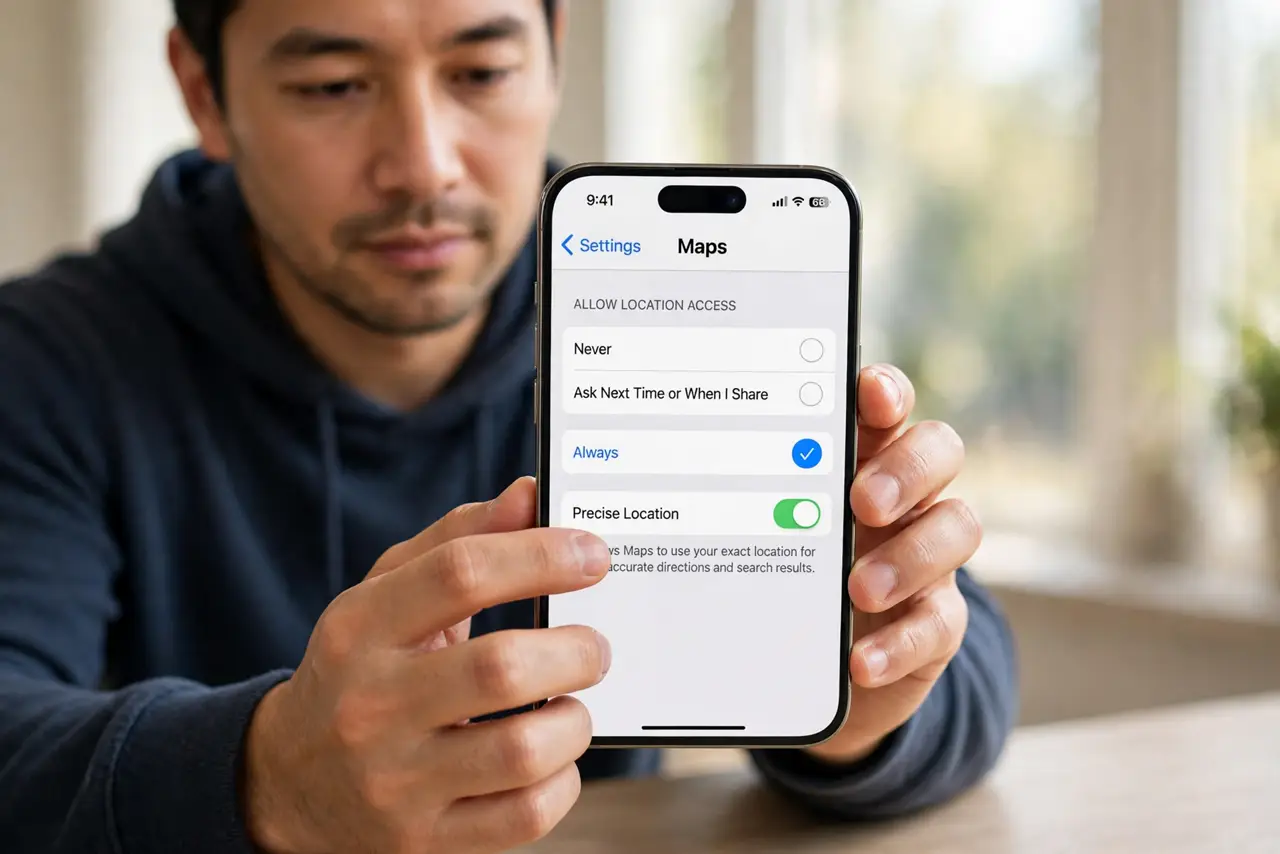
Grant the reminders app precise location permission set to Always, and turn off battery optimization for it. Set a generous geofence radius so the trigger zone is forgiving. Test with a location you visit daily before trusting an important reminder.
Follow these steps
- Grant precise location, set to Always. Open the app permissions and set location to Precise and Always. Approximate location or While-using-the-app starves geofences — and if reminders vanish entirely, check whether they are not syncing at all.
- Disable battery optimization for the app. Exclude the reminders app from battery saving. Aggressive battery modes kill the background location checks that fire geofences.
- Set a generous radius. Make the trigger zone at least a few hundred meters wide. Tight zones miss when GPS drifts, which it always does indoors.
- Use arrive and leave correctly. Choose Arrive for things to do at the place, and Leave for things to do after. A backwards trigger fires at exactly the wrong moment.
- Keep location services on. Leave the phone's location services enabled. A geofence cannot fire on a phone that does not know where it is.
- Test on a daily location. Set a test reminder for home or work and watch it fire for a few days. Trust the feature only after it proves itself.
What NOT to do
- Do not set a 20-meter geofence indoors. GPS drift alone will defeat it.
- Do not rely on a location reminder for anything critical until tested. Time-based backup reminders are cheap insurance.
- Do not ignore the battery optimization setting. It is the silent killer of most geofence failures.
- Do not set the reminder on the wrong location pin. Verify the pin sits on the actual building, not the street nearby.
Frequently asked questions
Why didn't my location reminder go off?
Usually location permission is not set to Always, or battery optimization killed the app's background checks.
Do location reminders drain the battery?
Slightly, since they use geofencing. Granting proper permissions actually reduces drain versus the system retrying with poor signals.
Can I set a location reminder for someone else's phone?
No. Location reminders only work on the device where they are created, with that device's permissions.