Replace a Laptop CMOS Battery Safely
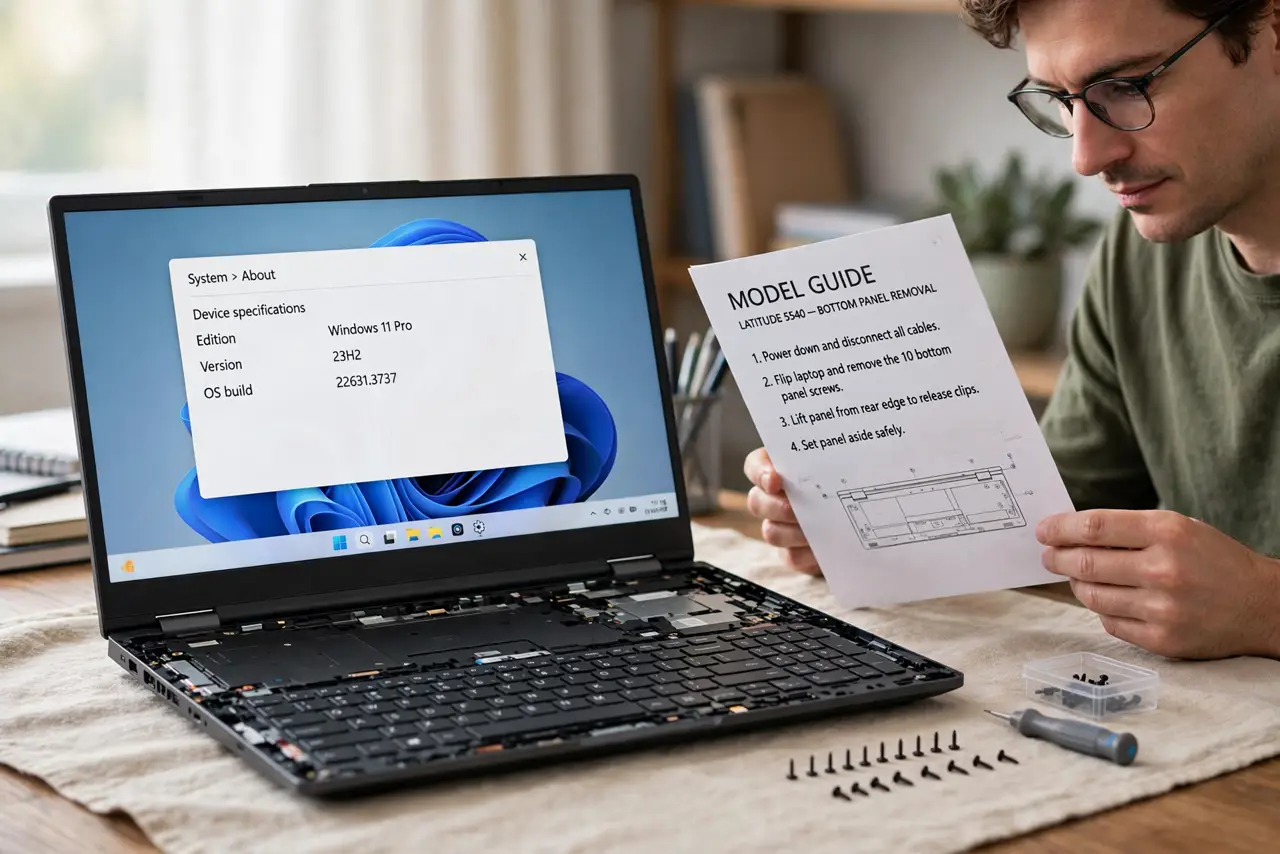
On a laptop, the same small coin battery keeps the clock running, but reaching it can mean removing the whole bottom panel and sometimes the main battery. That is why this guide starts with the model guide and stops at the safe point. Check the CMOS battery symptoms first, and if the job needs a full dismantle, let a technician do it.
TL;DR / Quick Fix
Quick fix: Confirm the symptoms and find your exact model. Read the model guide before you open anything. Then work through the remaining steps in order, checking one change at a time, and stop for a technician if you see damage, swelling, or a burning smell.
Follow these steps
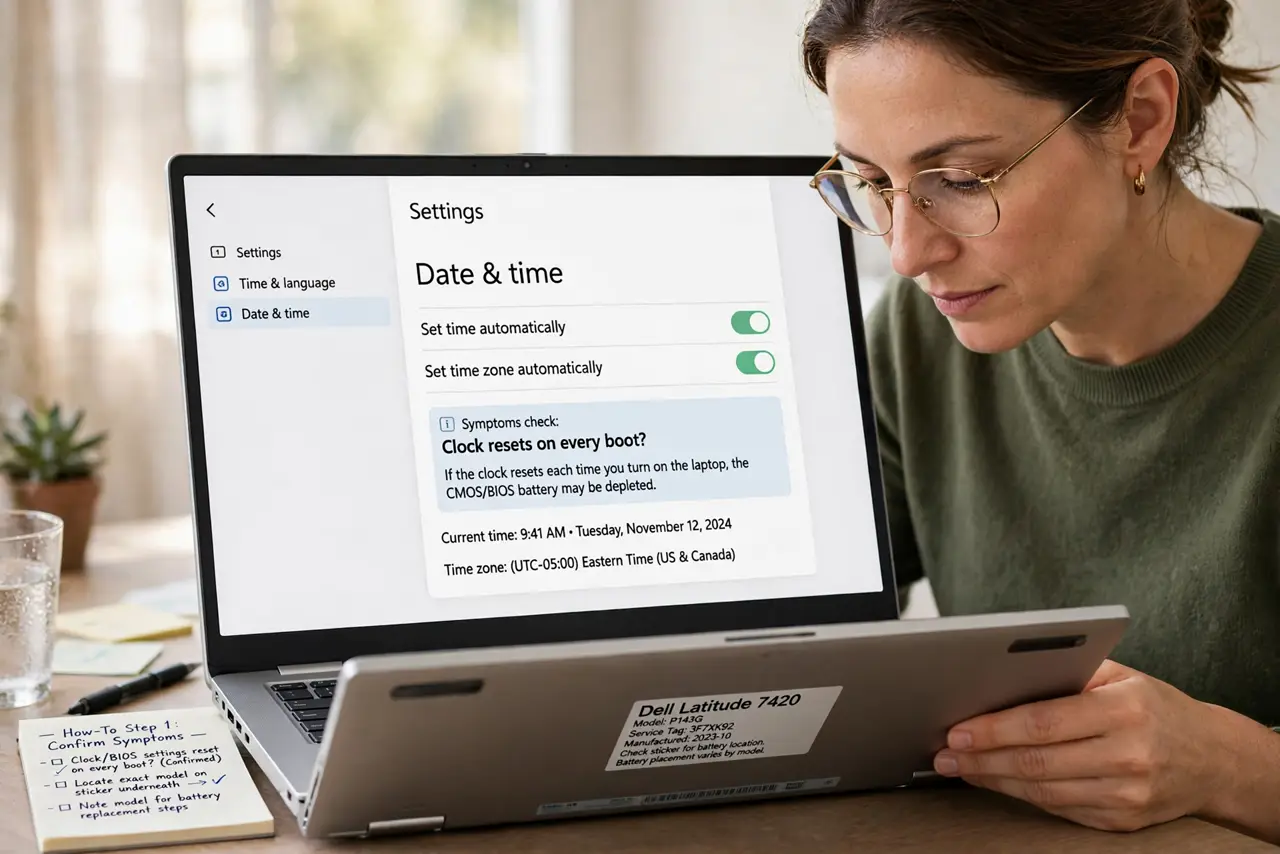
- Confirm the symptoms and find your exact model. Check that the clock and BIOS settings reset on every boot. Then find the exact laptop model on the sticker underneath, because battery location and steps differ by model, not just by brand.
- Read the model guide before you open anything. Search for the official service guide for your exact model and read the battery section fully. If the guide says the main battery or motherboard must come out, stop and book a technician instead.
- Shut down, unplug, and remove the main battery if it is removable. Shut the laptop down, unplug the charger, and remove the main battery if your model allows it without tools. If the main battery is sealed inside, do not pry it out.
- Open only the panel the guide shows. Remove only the screws the guide names, keep them in order, and lift the panel gently. If a panel resists, check for a hidden screw rather than forcing it, because forced panels break.
- Swap the coin battery like for like. Note the printed number on the old coin battery, fit the same number with the same side up, and press it in gently. Do not bend the holder, and do not touch the board more than you must.
- Reassemble, boot, and test the clock. Refit the panel and screws, plug in, and boot. Set the time and any BIOS settings, shut down fully, wait a minute, and boot again to confirm the clock now holds.
What NOT to do
- Do not pry open a sealed laptop with force. Sealed models hide screws and clips, and a broken case or torn cable costs far more than a battery swap.
- Do not puncture, bend, or heat any laptop battery. A damaged main battery can swell or catch fire, so stop at once if it looks swollen or smells odd.
- Do not guess the coin battery number. A wrong size can fail or damage the holder, so match the number printed on the old battery exactly.
- Do not work on a laptop that is still plugged in or running. Unplug it and shut it down fully before any panel comes off.
Frequently asked questions
Is a laptop CMOS battery the same as the main battery?
No. The coin battery only keeps the clock and BIOS settings. The main battery powers the whole laptop, and it is a separate, larger part.
Why does the guide say to stop at a full dismantle?
Some laptops bury the coin battery under the motherboard. Removing the board risks torn cables and broken connectors, so that job belongs to a technician.
How long should a new coin battery last?
Usually several years. If the clock resets again within weeks, the holder or board may be at fault, not the battery.