Robot Vacuum Avoids Dark Carpet? Fix It
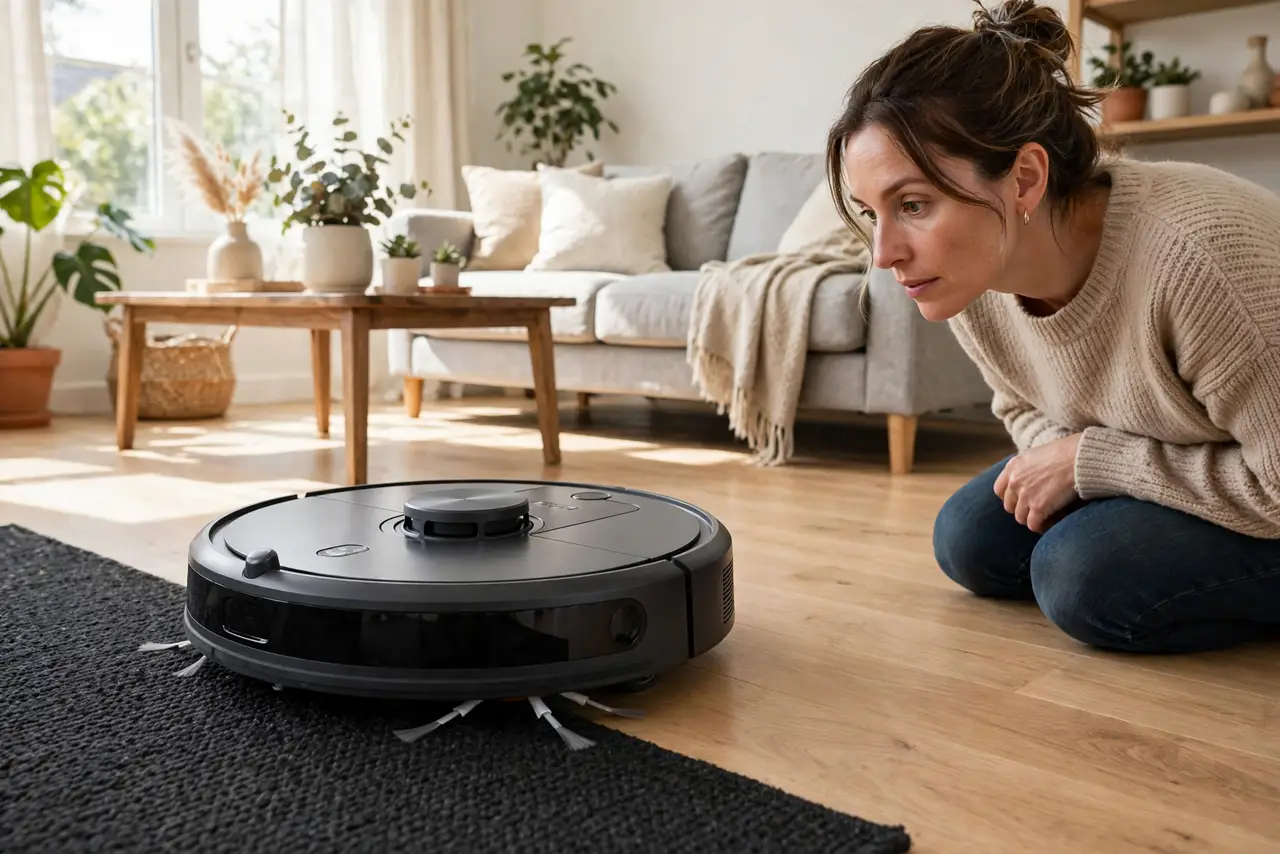
Your robot vacuum cleans everywhere except the dark rug — it treats it like a cliff and backs away. Its cliff sensors see dark surfaces as drop-offs, because dark colors absorb the infrared they rely on. This guide gets the vacuum onto the rug without disabling safety features.
TL;DR / Quick Fix
Quick fix: clean the cliff sensors on the vacuum's underside — dust makes the false reading worse. If it still avoids the rug, check the app for a cliff-sensor sensitivity setting. As a last resort, place a light-colored runner over the darkest section rather than taping over sensors.
Follow these steps
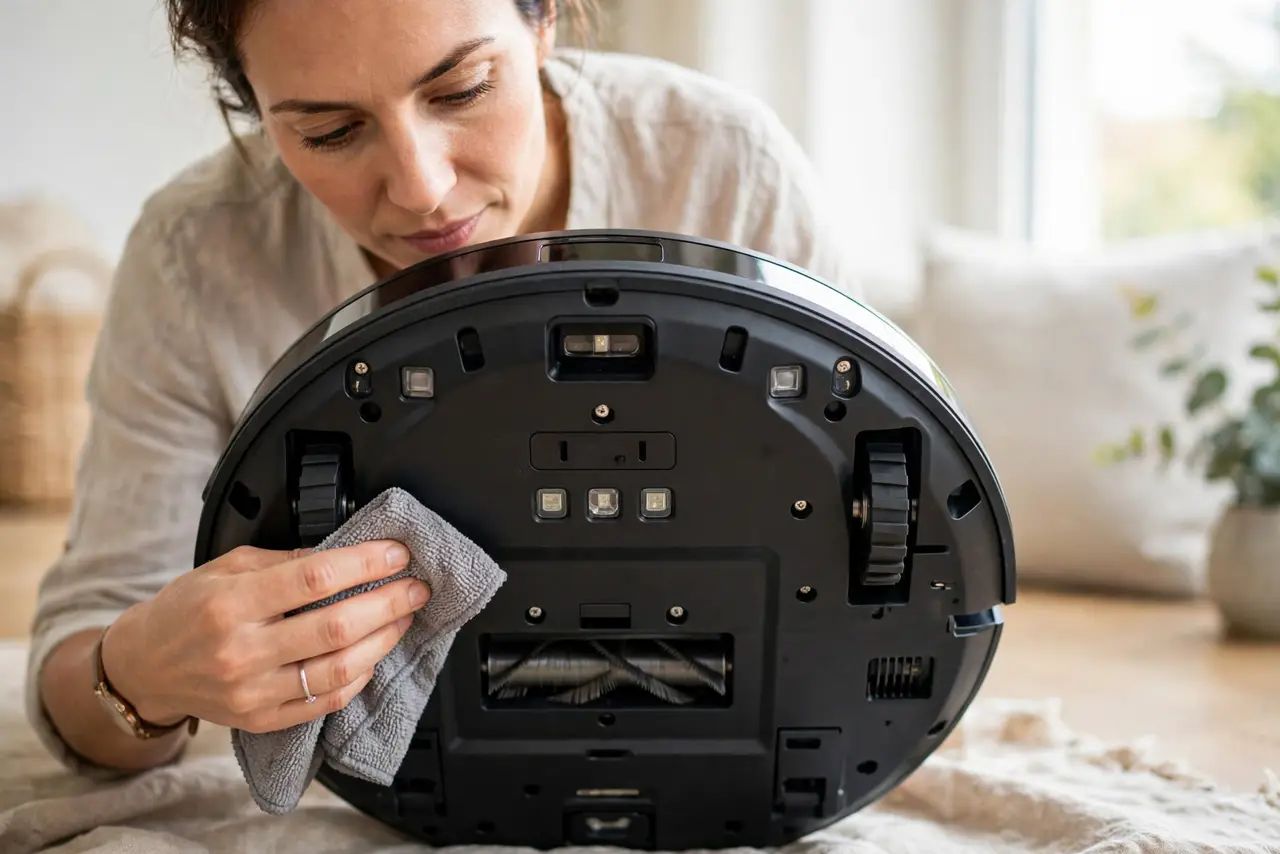
- Clean the cliff sensors. Flip the vacuum and wipe the small sensor windows on its underside with a dry cloth. Dust on the sensors weakens the already-weak reflection from dark carpet.
- Understand the false cliff. Cliff sensors shine infrared down and expect a bounce — the same infrared a doorbell camera uses at night. Dark carpet absorbs the light like an actual drop would, so the vacuum 'sees' a cliff that is not there.
- Check for a sensitivity setting. Some models let you adjust cliff-sensor sensitivity in the app. Lowering it slightly can let the vacuum cross dark rugs while still catching real stairs.
- Map the rug as a zone. If the app supports zoned cleaning, draw the rug as its own zone and send the vacuum there directly. A commanded zone sometimes overrides the hesitation.
- Add a light runner strip. Lay a light-colored runner or tape strip across the darkest border the vacuum must cross. The lighter surface gives the sensors the reflection they need.
- Never tape over the sensors. Covering cliff sensors blinds the vacuum to real stairs. It is the one 'fix' that trades a cleaning annoyance for a dangerous fall.
What NOT to do
- Do not tape over the cliff sensors. It stops the false readings — and the true ones, sending the vacuum down real stairs.
- Do not assume the vacuum is broken. Avoiding dark carpet is a known sensor limitation, not a defect in your unit.
- Do not use the vacuum on a dark rug at a stair edge. If the rug sits near real stairs, supervise until you trust the setup.
- Do not ignore firmware updates. Manufacturers occasionally improve dark-surface handling in software.
Frequently asked questions
Why does my robot vacuum avoid black carpet?
Its cliff sensors use infrared light, and dark surfaces absorb it like a drop-off would. The vacuum thinks the rug is a cliff.
Can I turn off cliff sensors?
Most models do not allow it, for safety. Use sensitivity settings or a light runner instead of disabling protection.
Will it ever clean my dark rug?
Usually yes, after cleaning the sensors and adjusting sensitivity — or by sending it to the rug as a mapped zone.