Router DNS Hijacked? The Symptoms
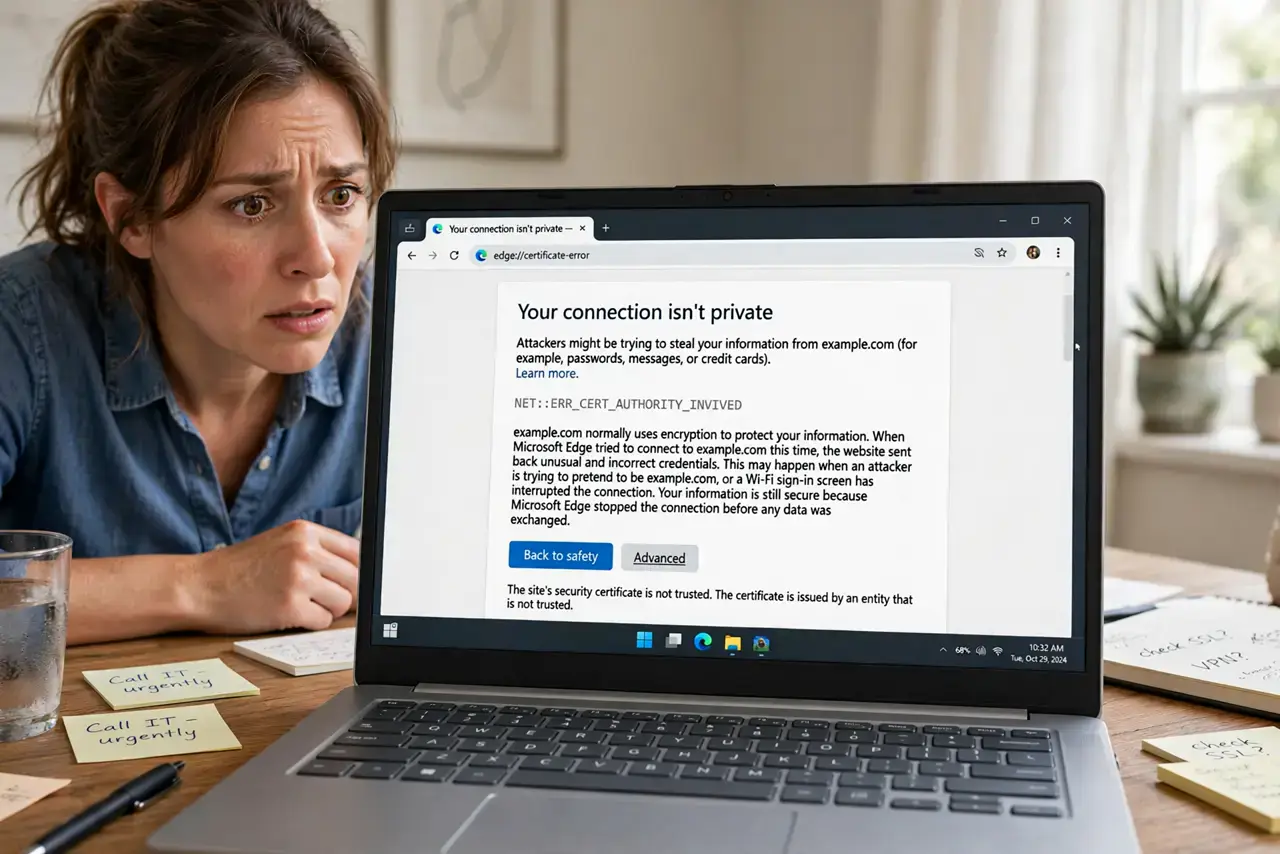
If your router's DNS settings get hijacked, attackers silently redirect your browsing — your bank's website could be their fake copy and you would never know. The symptoms are subtle: odd redirects, certificate warnings, and ads on sites that never had them. This guide shows how to spot it and fix it.
TL;DR / Quick Fix
Quick fix: log into your router and check its DNS settings — if they point to unknown addresses, reset the router to factory defaults and change the admin password. Then set DNS to a reputable provider manually. Fix the router before logging into banking sites.
Follow these steps
- Learn the warning signs. Unexpected redirects, HTTPS certificate warnings on big sites, new toolbars or ads on clean pages, and antivirus alerts about DNS changes all point to a hijacked router.
- Log into your router. Type your router's address (often 192.168.1.1) into a browser and sign in. Check the DNS or internet settings page for addresses you did not enter.
- Compare against known-good DNS. Reputable DNS addresses are published by their providers. If your router points somewhere unfamiliar, assume compromise — or set faster, safer DNS yourself.
- Factory-reset the router. Hold the reset button for 10+ seconds to wipe any malicious configuration. This is the only way to be sure the hijack is gone.
- Change the admin password immediately. After the reset, change the router's admin password from the default to something strong. Default passwords are how most hijacks happen.
- Update the firmware. Install the latest firmware from the manufacturer's site. Old firmware has known holes that attackers scan for automatically.
What NOT to do
- Do not log into your bank while symptoms persist. A hijacked router can serve you a perfect fake of your bank's site and harvest your credentials.
- Do not just reboot the router. A reboot keeps the malicious settings; only a factory reset clears a DNS hijack.
- Do not leave the default admin password in place. 'admin/admin' is the first thing every router attack tries.
- Do not ignore certificate warnings. A certificate error on a major site during a suspected hijack is your browser screaming that something is wrong.
Frequently asked questions
What is DNS hijacking?
It is changing your router's DNS settings so your requests for real websites get answered with attacker-controlled addresses — sending you to fake copies.
How do routers get hijacked?
Usually through default admin passwords, unpatched firmware, or malicious ads that exploit the router's web interface from your browser.
Will my antivirus catch this?
Not reliably — the attack lives in the router, not on your computer. Some security suites do flag DNS changes, which is one of the symptoms above.