What Is RSSI?
Your Wi-Fi analyzer shows '-67 dBm' and you have no idea whether to celebrate or move the router. That number is RSSI — Received Signal Strength Indicator — the honest measurement hiding behind your phone's vague bars. It looks intimidating because it is negative and logarithmic, but you only need four bands memorized to read any room like a pro. Learn it once, then use it to read signal numbers and map dead zones with confidence.
TL;DR / Quick Fix
Quick fix: RSSI is your Wi-Fi signal strength in dBm — negative, closer to zero is better. Remember four bands: -50 excellent, -65 usable, -75 weak, worse is dead. Measure with an analyzer app where you sit. RSSI turns 'bad Wi-Fi' into a number you can fix.
Follow these steps
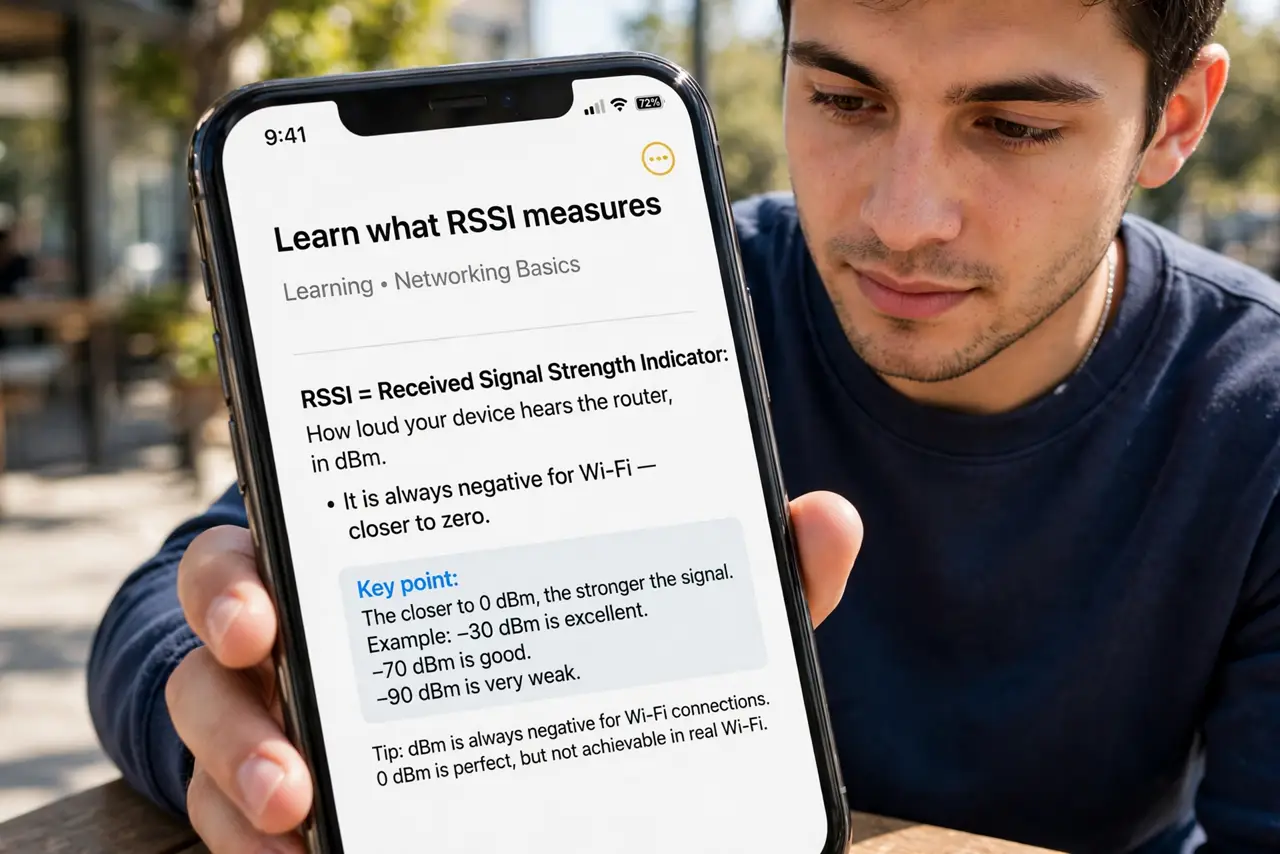
- Learn what RSSI measures. RSSI = Received Signal Strength Indicator: how loud your device hears the router, in dBm. It is always negative for Wi-Fi — closer to zero means stronger. -40 is great; -80 is barely hanging on.
- Memorize the four bands. -30 to -50: excellent, everything flies. -50 to -65: good, the practical target. -65 to -75: weak, expect buffering. Worse than -75: effectively dead. Four bands, whole skill.
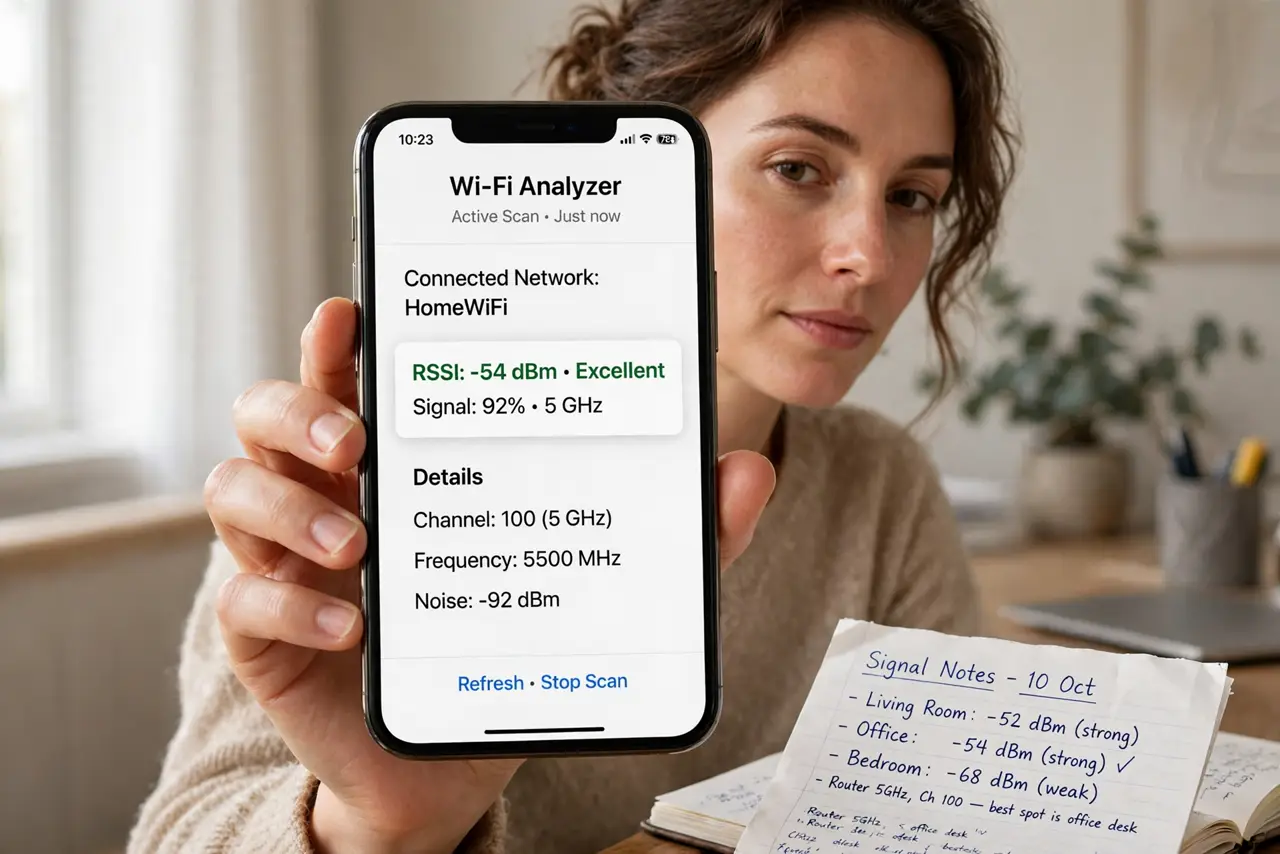
- Measure with an analyzer app. Phone bars are uncalibrated guesses; analyzer apps show the real dBm number live. Free apps are accurate enough for home use — you do not need professional gear.
- Measure where you actually sit. Stand at the couch, the desk, the bed — where devices live — and let the number settle for 20 seconds. The reading at the router is trivia; the reading at your chair is the truth.
- Compare bands separately. Check 2.4 GHz and 5 GHz independently. A room at -80 on 5 GHz but -60 on 2.4 is not dead — it is a band-selection problem with a free fix.
- Use RSSI to judge every change. Moved the router? New access point? Re-measure the same spots. A 10 dB improvement is a real win; feelings about 'seems faster' are not evidence.
What NOT to do
- Do not compare RSSI across different phones directly. Antennas differ — use one device as your consistent measuring stick.
- Do not chase -30 everywhere. Anything better than -65 does the job — perfectionism here buys nothing but anxiety.
- Do not confuse RSSI with speed. RSSI is signal loudness; speed also needs a clean channel — see Wi-Fi noise for the other half.
- Do not measure once, mid-microwave. Signal fluctuates with activity and interference — sample patiently, not hastily.
Frequently asked questions
Why is RSSI negative?
dBm compares against one milliwatt, and Wi-Fi arrives far weaker than that — hence the minus sign. Think of it as 'how many dB below one milliwatt,' where less-below is better.
What is a good RSSI for video calls?
-65 dBm or better keeps calls smooth. At -70 and worse, expect frozen faces — move closer or switch bands.
Does RSSI change with direction?
Yes — your body, furniture, and even how you hold the phone affect the reading. Measure in your real using posture, not an idealized one.