Using One Password for Email and Bank
One password for both email and banking feels efficient — until one site leaks it. Then the attacker owns your inbox, and your inbox resets your bank. That chain is exactly what password reuse enables.
TL;DR / Quick Fix
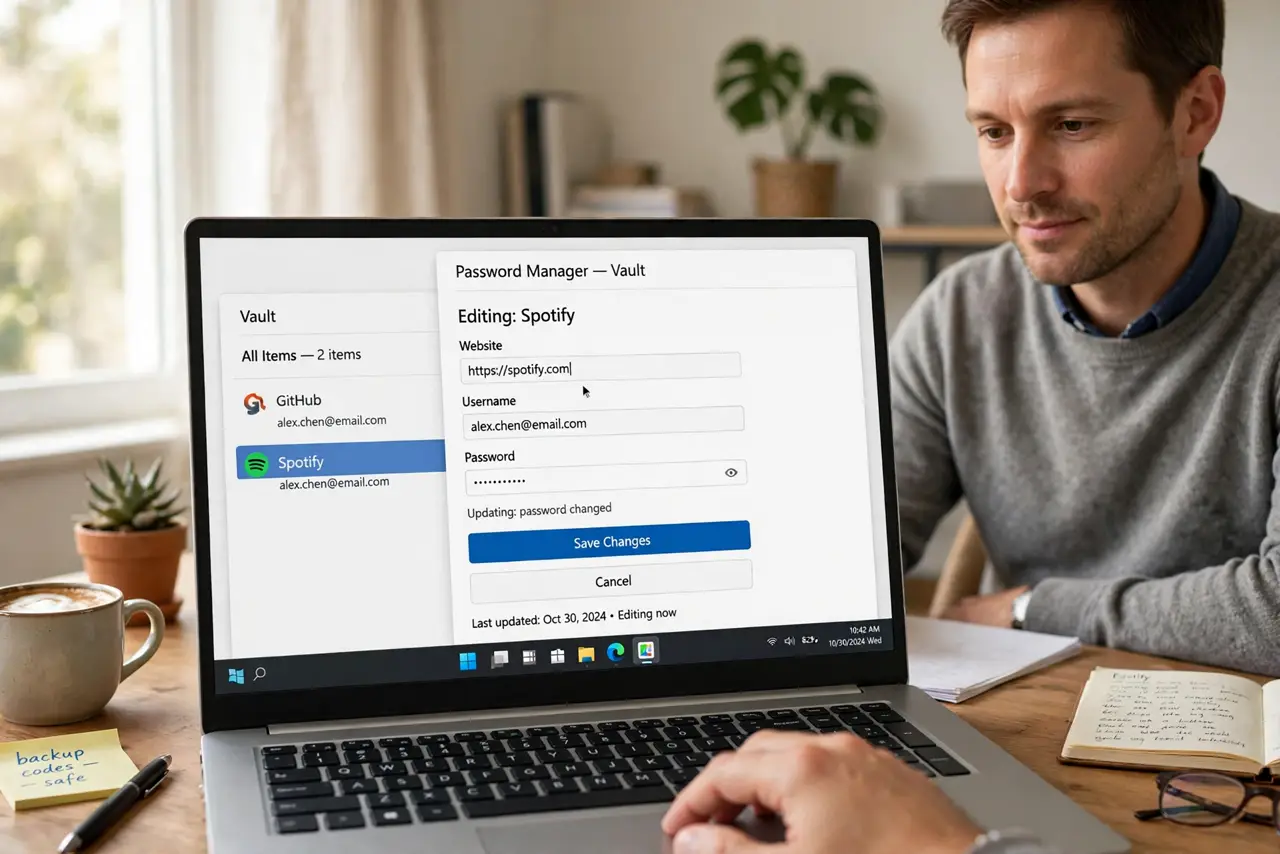
Quick fix: change your email and bank passwords today so each is unique, store both in a password manager, and turn on two-factor for each. Then work through your other reused passwords one account at a time until none repeat.
Follow these steps
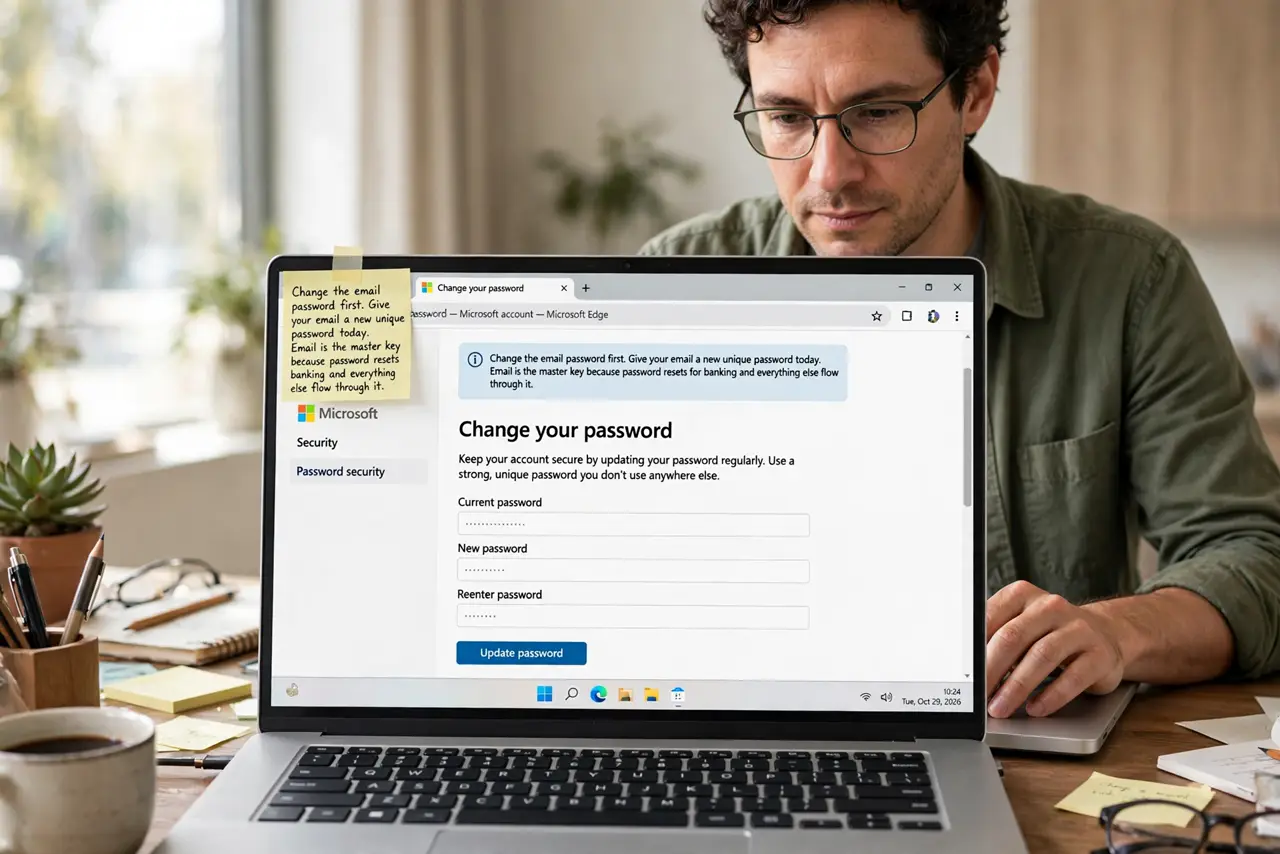
- Change the email password first. Give your email a new unique password today. Email is the master key because password resets for banking and everything else flow through it.
- Change the bank password next. Give banking its own new unique password, different from the email one. The pair must never match again, since one leak must never open both.
- Store both in a password manager. Save the new passwords in a manager instead of your memory. Memory is what pushed you to reuse one password, and the manager removes that pressure.
- Turn on two-factor for both. Enable two-factor on email and banking. Even a perfect unique password benefits from a second factor, and these two accounts deserve it most.
- Hunt down other reused passwords. List accounts with reused passwords and change them one by one, starting with money and shopping. Each unique password shrinks the blast radius of the next breach.
- Check both for past breaches. Look up whether your email appeared in known breaches. A past leak means the old shared password may already be in attacker hands, which makes today's change urgent.
What NOT to do
- Do not keep the shared password on just one of the two. Changing only the bank password leaves the email one still guarding both doors via resets.
- Do not pick two similar passwords. BankPassword1 and EmailPassword1 fall together, so make them genuinely different.
- Do not write the new passwords on paper near the computer. The manager holds them; paper under the keyboard is a different kind of reuse risk.
- Do not skip two-factor because the passwords are now unique. Unique passwords stop reuse attacks, but phishing still works, and two-factor blunts that too.
Frequently asked questions
Why is sharing one password so risky?
Because one leak exposes both accounts, and email access lets an attacker reset the bank password too, completing the chain.
Is a password manager safe for banking?
Yes. It encrypts your logins and generates unique ones, which is far safer than reusing a memorable password.
What if I already reused it for years?
Change the important ones today in priority order, then keep going until no password repeats anywhere.