Second Monitor Text Size Mismatched? Fix It
Text looks crisp on one monitor and giant or tiny on the other — windows jump sizes when dragged between screens. Two monitors with different pixel densities confuse the system's scaling. This guide evens them out so both screens feel like one workspace.
TL;DR / Quick Fix
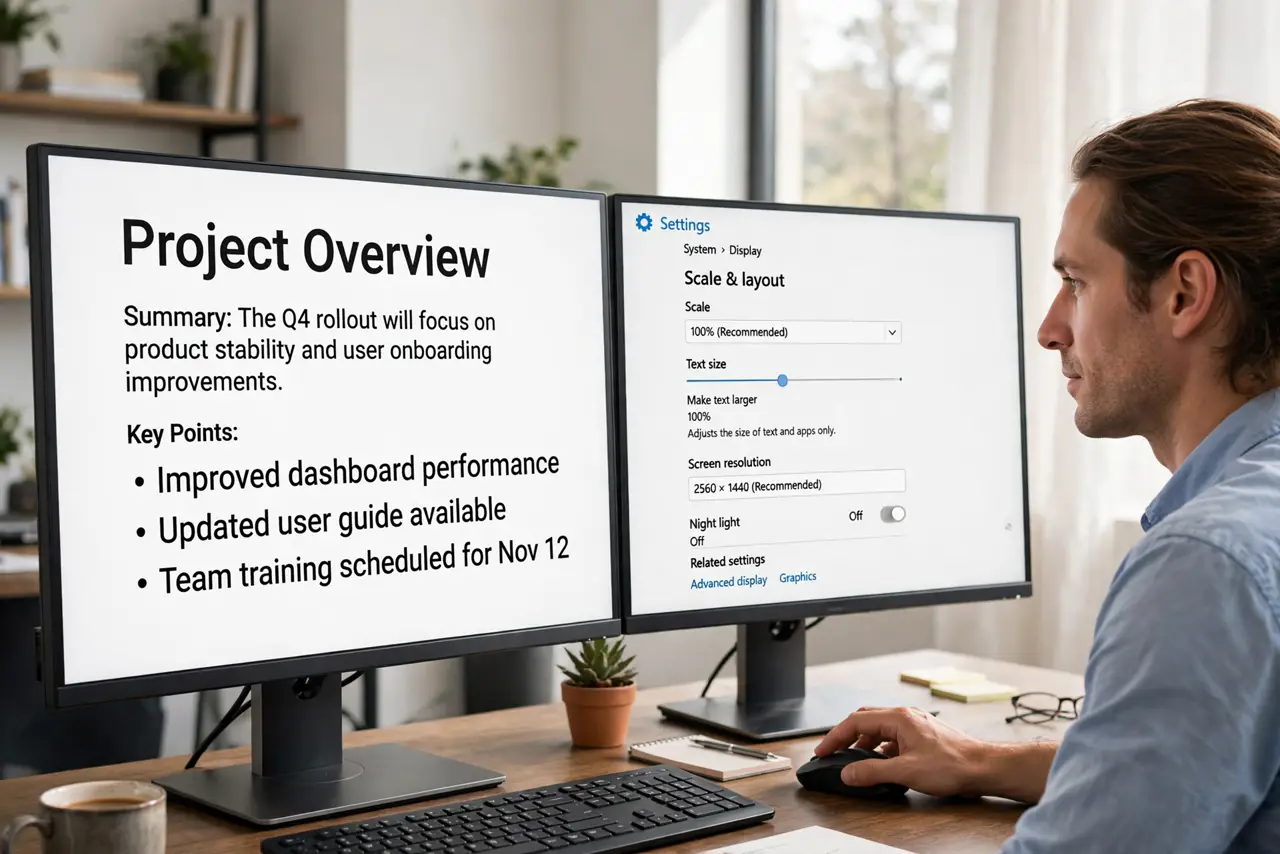
Quick fix: open display settings and set each monitor's scale individually — for example 100 percent on one and 125 or 150 percent on the other. Match them visually, not numerically: drag a window between screens and adjust until text looks the same size on both.
Follow these steps
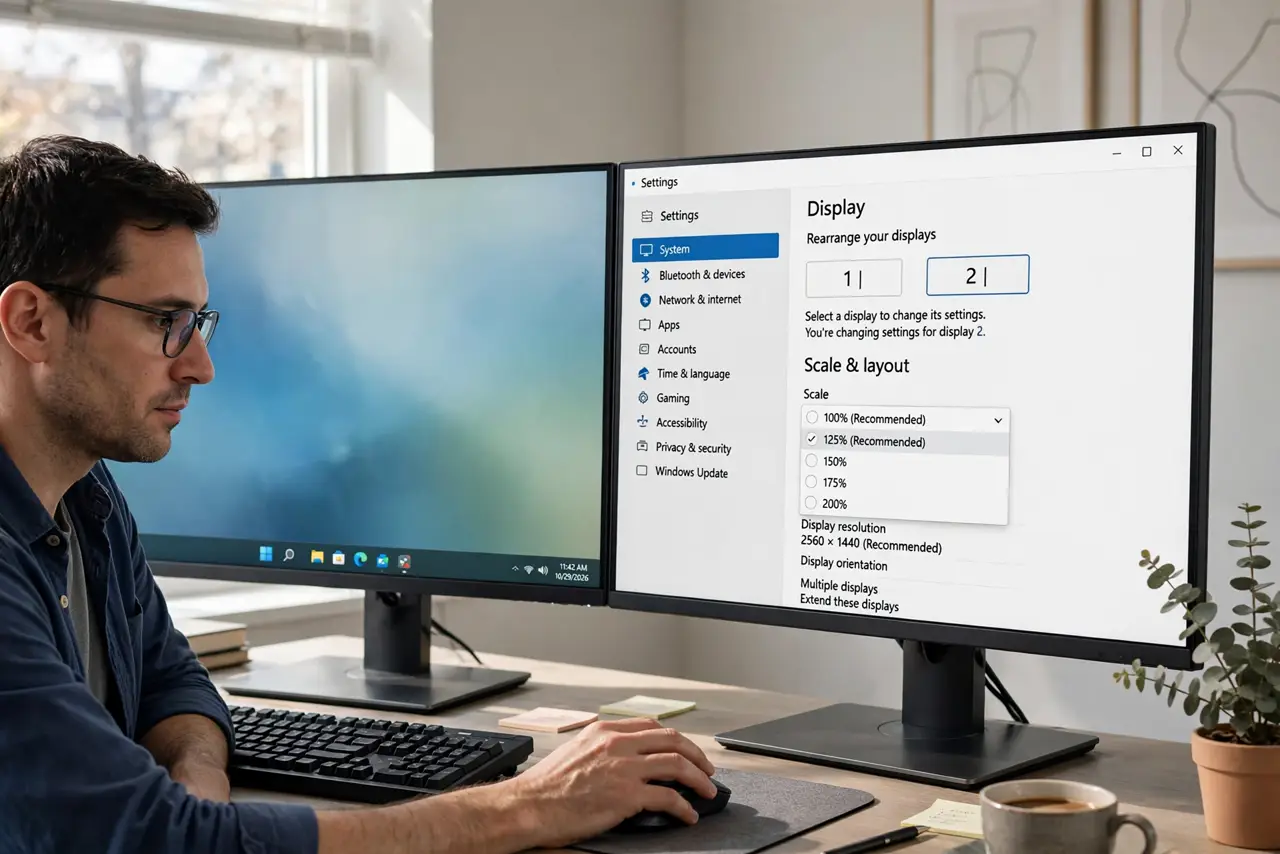
- Open display settings for each screen. Select each monitor in the display settings and set its scale independently. One global scale cannot serve two different pixel densities.
- Match visually, not by the numbers. Drag a text window across the boundary and adjust the second monitor's scale until the text looks the same size. The right numbers are whatever looks right.
- Check each monitor's native resolution. Run both monitors at their native resolutions first. A non-native resolution plus scaling compounds the mismatch — the resolution cap guide covers the other half of this.
- Align the monitors in the layout. Drag the monitor rectangles in the layout view so their edges line up. Misaligned layouts make the mouse jump vertically between screens.
- Log out after big changes. Some systems apply per-monitor scaling fully only after sign-out. If text still looks wrong, sign out and back in before judging.
- Consider matching monitors long-term. If the mismatch constantly annoys you, a second monitor with similar pixel density to the first is the permanent fix — mixed-DPI setups always need compromise.
What NOT to do
- Do not set both monitors to the same scale blindly. Identical numbers on different pixel densities produce the mismatch you are trying to fix.
- Do not run a monitor below native resolution to 'match' sizes. Blurry text everywhere is worse than a scaling adjustment.
- Do not ignore the layout alignment. Even perfect scaling feels broken when the mouse teleports between misaligned screens.
- Do not buy a random second monitor for text work. Check pixel density before buying — close densities scale together gracefully.
Frequently asked questions
Why is text huge on my second monitor?
Different pixel densities: the same scale percentage renders physically larger on a lower-density screen. Set per-monitor scaling.
What scaling should I use for dual monitors?
Whatever looks equal when you drag a window across. Common pairs are 100 with 125, or 100 with 150 — trust your eyes.
Do I need two identical monitors?
No, but similar pixel density makes life much easier. Mixed densities work with per-monitor scaling and a little patience.