Secure Wi-Fi Cameras
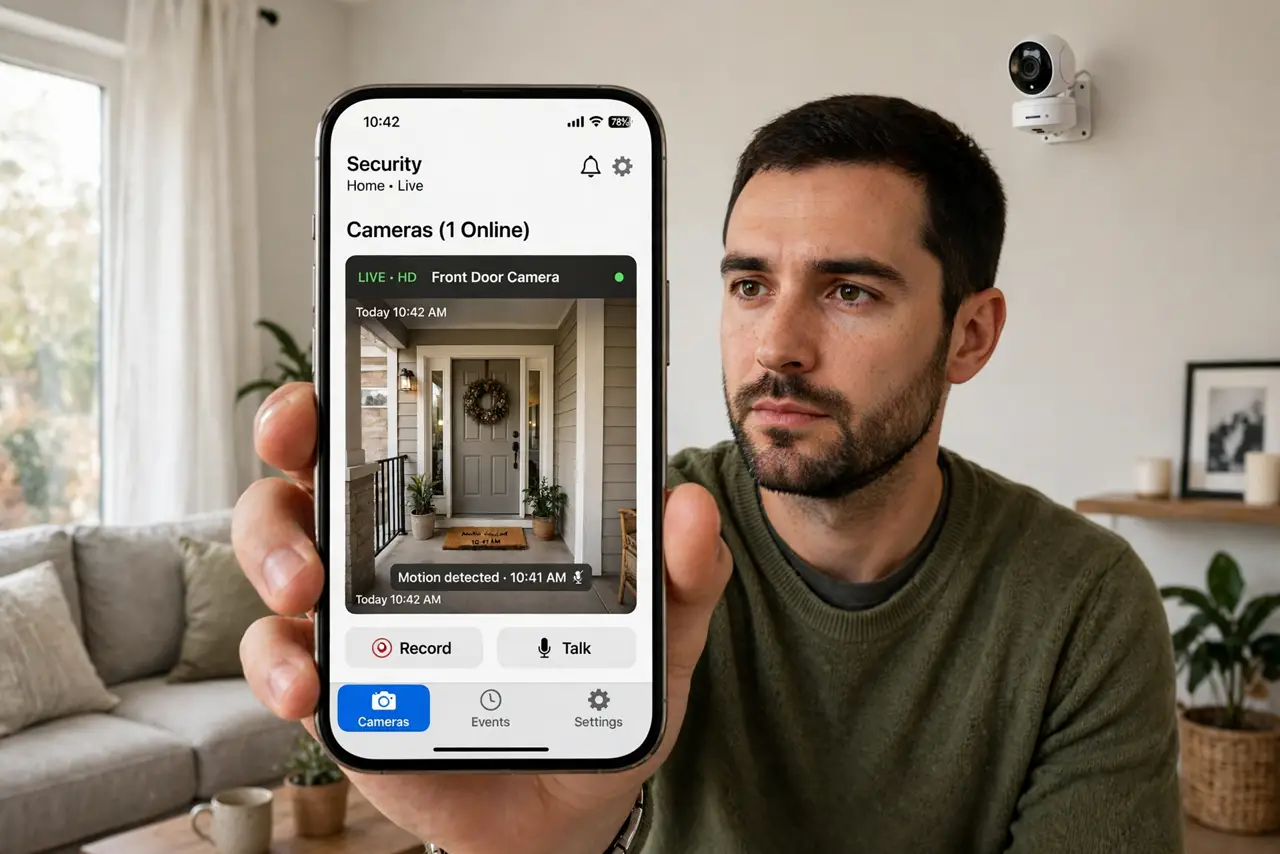
Stories of strangers watching through hacked home cameras are real — and the cameras are rarely 'hacked' in the movie sense. Most are simply found: still using the factory admin password, running years-old firmware, or streaming to the open internet with no password at all. Search engines for exposed devices exist, and bots scan for them constantly. The fix is four boring chores, and this guide walks through each. Start with changing every default password — it is the single biggest win.
TL;DR / Quick Fix
Quick fix: make Wi-Fi cameras private by changing the default admin password, updating firmware, and moving them to a separate guest or IoT network. Disable internet remote viewing if you do not need it. These four moves close the most common ways strangers find camera streams.
Follow these steps
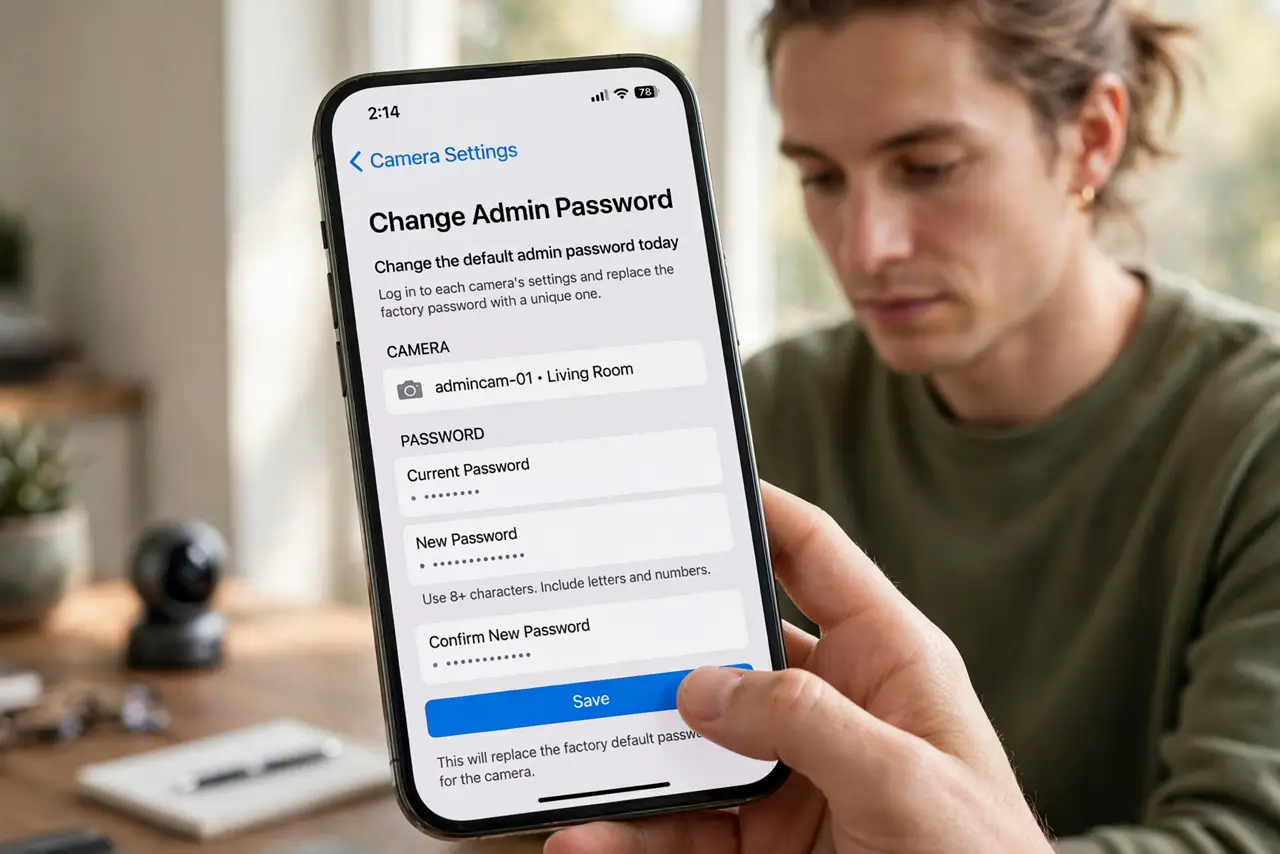
- Change the default admin password today. Log in to each camera's settings (usually via its app or a web page) and replace the factory password with a unique one. Default logins are public knowledge — they are the first thing automated scanners try.
- Update the camera firmware. Old firmware has known holes that scanners exploit automatically. Check the camera's app or the maker's support page for updates, and turn on automatic updates if offered.
- Move cameras to a separate network. Put cameras on your router's guest network or a dedicated smart-home network, away from your computers and phones. If a camera is compromised, the attacker stays in the gadget lane, not on your laptop.
- Turn off open-internet remote viewing. Many cameras offer direct remote access over the open internet — convenient, and exactly how strangers find them. If you do not truly need it, disable it and view footage only on your home network or through the maker's secured app.
- Review who has shared access. Family sharing is handy until an old phone still has access. Audit the shared-user list in the camera app and remove anyone who no longer needs it.
- Check the stream is actually private. After the changes, verify: the camera requires a login you set, remote access is off or secured, and firmware is current. Ten minutes of checking beats discovering exposure from someone else.
What NOT to do
- Do not keep the factory admin password on any camera. It is printed in manuals and indexed online — it protects nothing.
- Do not expose the camera's web page directly to the internet. Port-forwarding a camera is an engraved invitation to scanners.
- Do not ignore firmware updates for years. Unpatched cameras are the ones that end up in 'hacked camera' compilations.
- Do not point cameras at truly private spaces on Wi-Fi. Bedrooms and bathrooms deserve no camera at all — no setting fixes a bad placement.
Frequently asked questions
Can someone really find my camera online?
Yes — automated scanners constantly probe the internet for cameras with default passwords or known flaws. A secured, updated camera is invisible to them; an exposed one is found in minutes.
Is the maker's cloud app safe?
Safer than open-internet access, since it adds the maker's login layer. Use a strong unique password and two-factor authentication on that account too.
Should I just unplug cameras I rarely check?
If you never watch the feed, yes — an offline camera cannot be viewed. Reconnect only when you actually need it.