Account Recovery Options?
If you ever lose your password — or someone steals it — recovery options are the difference between getting your account back in minutes and losing it forever. These are the backup email, phone number, and codes you set up before anything goes wrong. This guide shows what to add, where, and why waiting until you are locked out is too late.
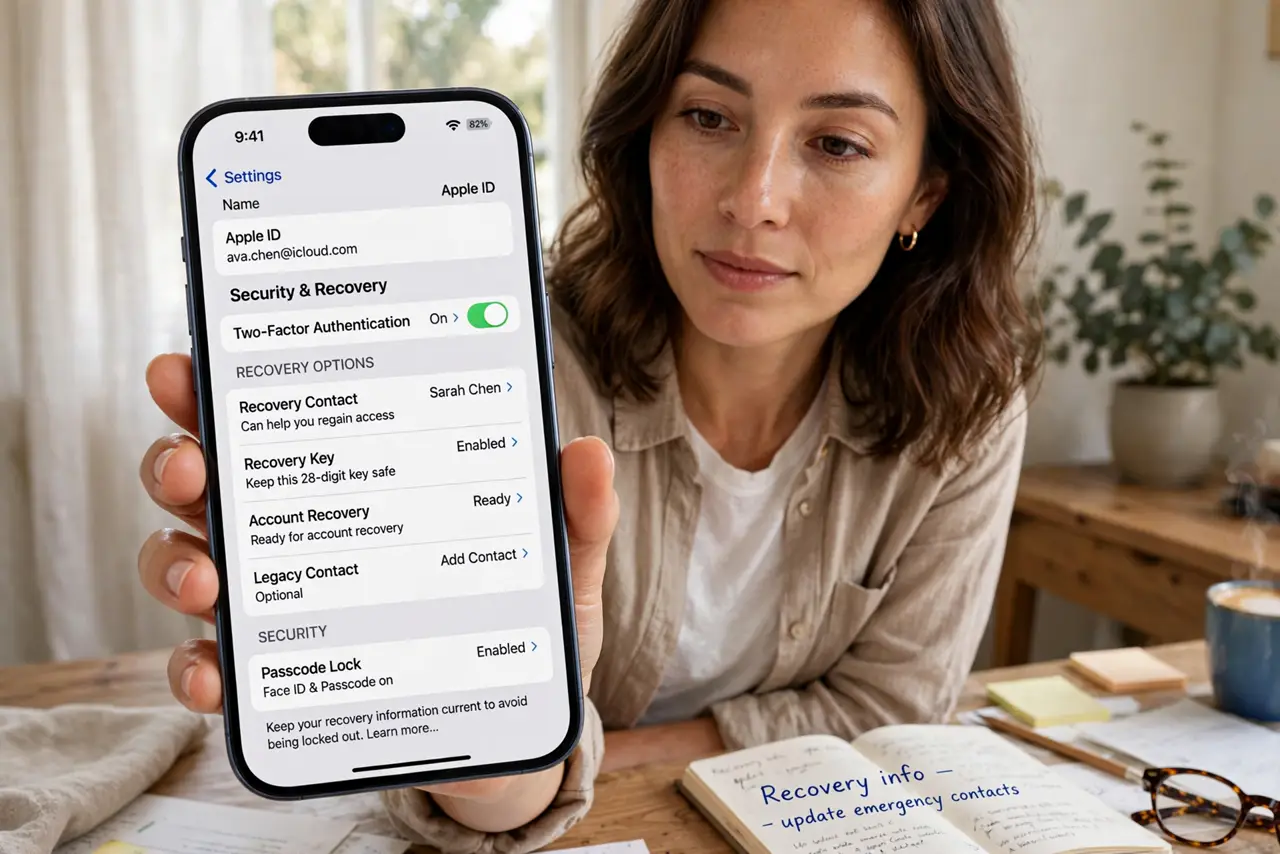
TL;DR / Quick Fix
Quick fix: add a recovery email and phone number to your important accounts today — they live in security settings. Save backup codes somewhere safe, like a password manager. These options are your lifeline if you forget a password or get hacked. Set them up before you need them.
Follow these steps
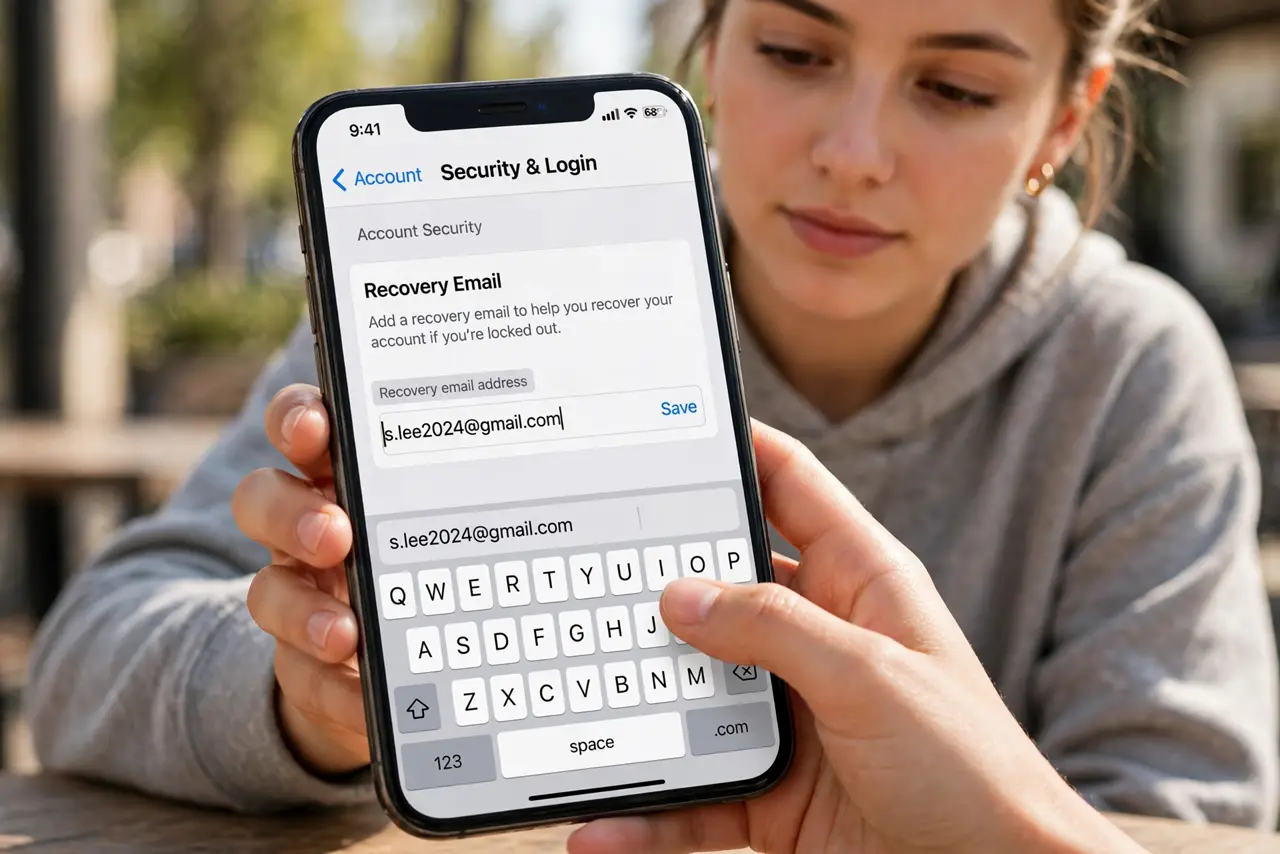
- Add a recovery email. Every major account lets you list a second email for password resets. Use an address you actually check — one you can still open if your main account is locked. Keep it current when you change providers.
- Add a recovery phone number. A phone number gets you a verification code by text or call during a lockout. Use a number you will keep long-term; a number you are about to abandon helps no one.
- Save backup codes offline. Many services hand you one-time backup codes when you turn on two-factor authentication. Print them or store them in a password manager — they work when your phone is lost or stolen.
- Turn on two-factor authentication. Recovery options prove you are you; two-factor stops strangers from getting in at all. Enable it on email first — your email is the recovery path for almost everything else.
- Review options once a year. Old phone numbers and dead email addresses quietly rot in your settings. A yearly check — birthdays work as a reminder — keeps your recovery path real.
- Beware fake recovery emails. Scammers send 'suspicious sign-in' emails to steal passwords. Never reset through a link in an unexpected email; go to the site directly and use its own recovery flow.
What NOT to do
- Do not use the same email as its own recovery. If the recovery address lives inside the account you are locked out of, it is useless — use a genuinely separate address.
- Do not store backup codes only on the device they protect. A code saved in the notes app of a lost phone is gone with the phone — keep a copy elsewhere.
- Do not ignore 'unusual sign-in' alerts. Check whether it was really you, and run the recovery flow immediately if it was not — speed matters in a takeover.
- Do not share verification codes with anyone. No real support agent will ever ask for them — anyone who does is running a scam.
Frequently asked questions
What if I lost access to my recovery email too?
You will face the account provider's identity verification, which can take days and sometimes fails. This is exactly why keeping two independent recovery options matters — redundancy is the whole strategy.
Are backup codes really necessary?
Yes, if you use two-factor authentication. Lose your phone without backup codes and you can be locked out of your own accounts for weeks. Print them or store them in a password manager today.
Can a hacker change my recovery options?
Only if they are already inside your account — which is why strong passwords plus two-factor come first. Check your recovery settings whenever you get a security alert you did not trigger.