Airport Wi-Fi? Basics
You are stuck at the gate for two hours and the airport's free Wi-Fi is calling your name. Public Wi-Fi is convenient and mostly fine for casual browsing — but it is a shared network where snoops and fake hotspots are real risks. A few simple habits make it safe enough for everything short of high-stakes banking. Here is the playbook.
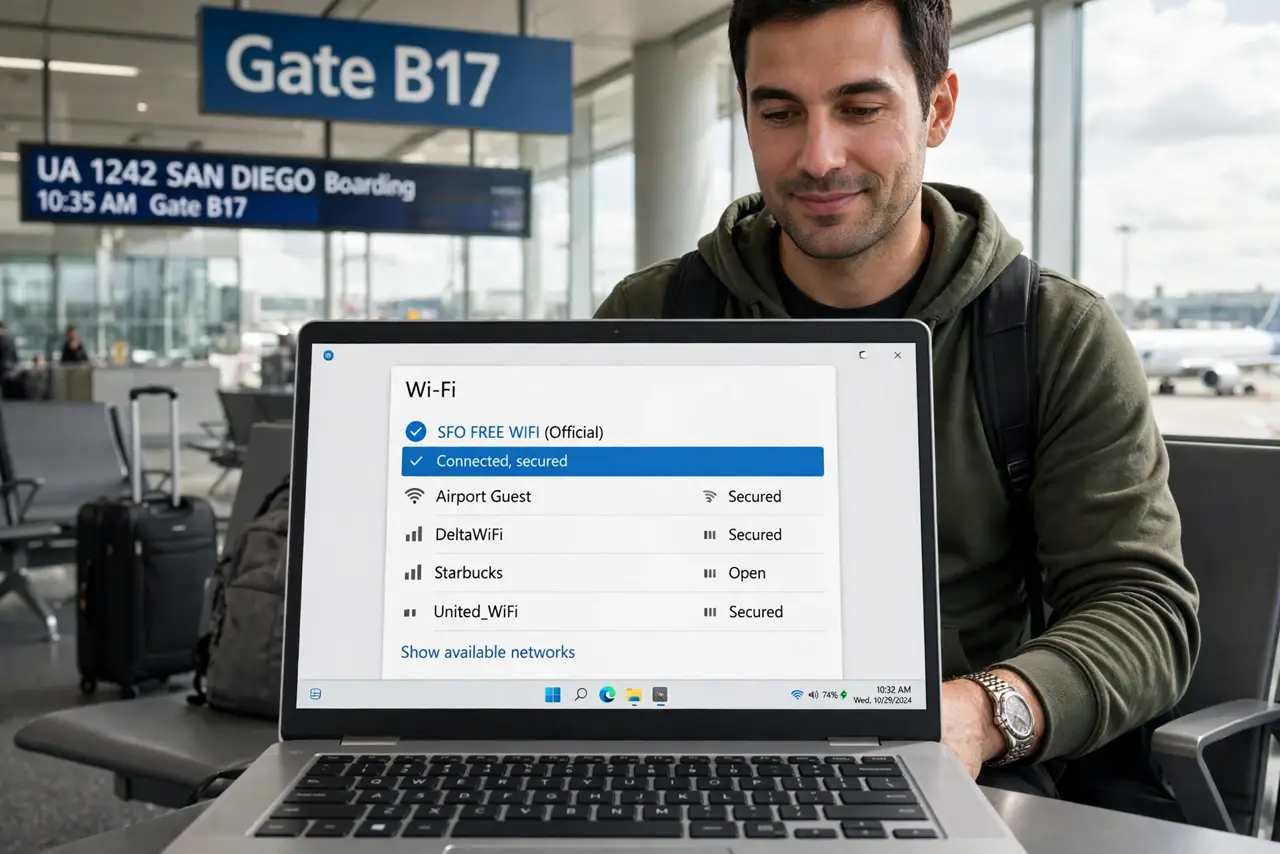
TL;DR / Quick Fix
Quick fix: join only the airport's official network (confirm the exact name on signage — not 'Free Airport WiFi' lookalikes), and use a VPN for anything sensitive. Stick to HTTPS sites, avoid banking on public Wi-Fi if you can, and forget the network when you leave.
Follow these steps
- Join the real network, not the evil twin. Attackers set up hotspots named almost like the official one ('Airport_WiFi_Free'). Check the exact network name on airport signage or ask staff — one letter's difference is the whole attack.
- Use a VPN for sensitive tasks. A VPN encrypts everything between you and the internet, neutralizing local snoopers. If you travel often, a reputable VPN is the single best airport-Wi-Fi investment.
- Prefer HTTPS everywhere. Modern sites use HTTPS (the padlock), which encrypts your traffic even on hostile Wi-Fi. If a site loads over plain HTTP at an airport, do not enter anything sensitive there.
- Avoid banking and big purchases. Your bank's app is encrypted and low-risk, but if you can wait for your hotel or mobile data, do. The less sensitive traffic on public Wi-Fi, the smaller your exposure.
- Turn off auto-join for public networks. Your phone's habit of auto-joining known networks can connect you to an attacker's copycat. Disable auto-join for public networks in Wi-Fi settings after each trip.
- Forget the network when you leave. In Wi-Fi settings, choose Forget for the airport network. Otherwise your phone will cheerfully reconnect to any evil twin with the same name on your next trip — and pair this habit with safe public charging habits while you wait.
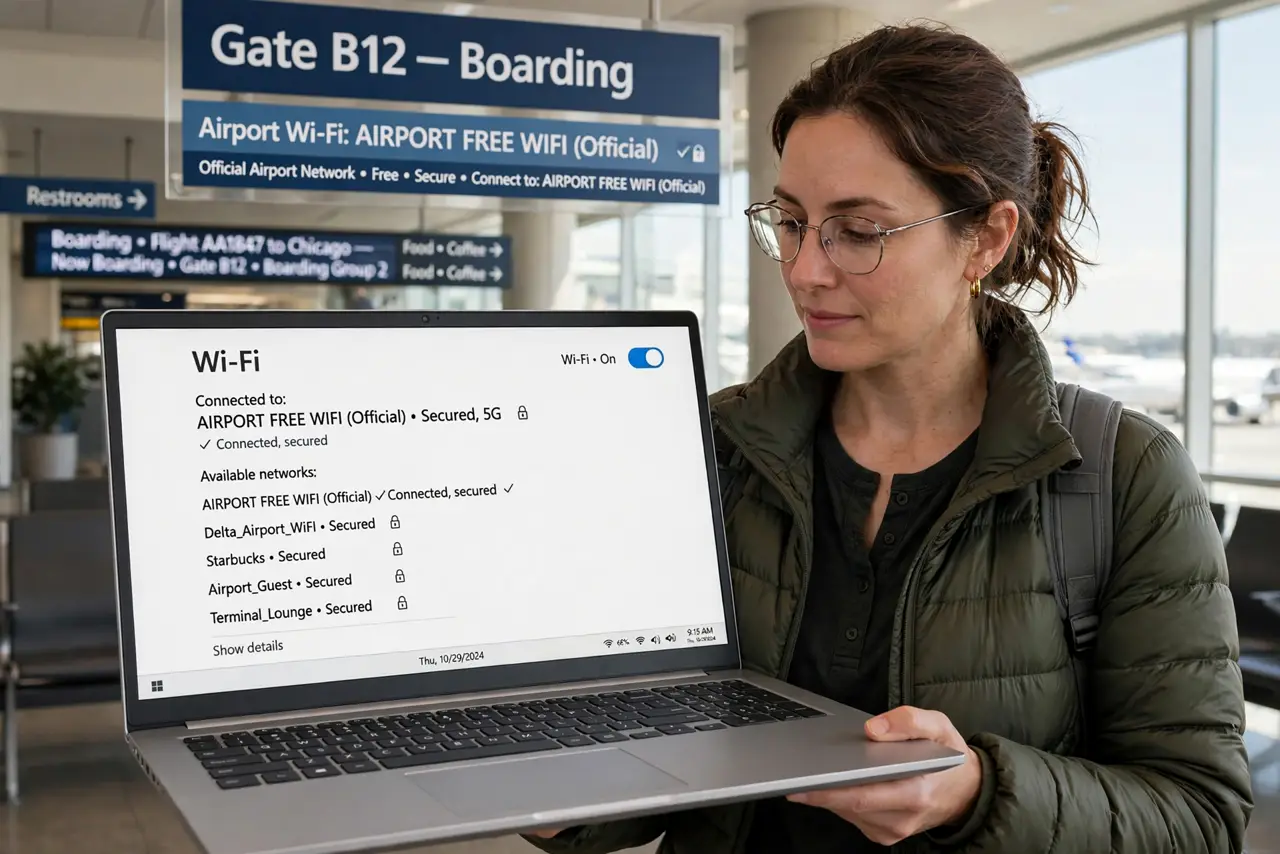
What NOT to do
- Do not join a hotspot just because the name looks right. 'Free Airport WiFi' with no password in a major airport is a red flag — verify the official name.
- Do not do taxes or wire transfers on airport Wi-Fi. Some tasks deserve your mobile data or waiting — know which ones.
- Do not leave file sharing or AirDrop on 'Everyone.' On a shared network, open sharing is an invitation — set AirDrop to Contacts Only and disable public folder sharing.
- Do not ignore the captive portal's fine print. The login page sometimes opts you into marketing or data sharing — skim before tapping Accept.
Frequently asked questions
Is airport Wi-Fi encrypted?
Usually not — most airport networks are open, meaning local traffic is visible to anyone listening. HTTPS and a VPN are what actually protect you.
Is my phone's hotspot safer?
Yes — your cellular connection is encrypted and private to you. For sensitive work at the airport, tethering beats public Wi-Fi every time.
Can the airport see what I browse?
The network operator can see which sites you visit (not HTTPS content). A VPN hides even that from them.