Bank Text: Real or Fake? Check
'Suspicious activity on your account. Verify now.' Your heart jumps — and that jump is the product being sold. Banks do send real alerts, but scammers send far more fake ones, and the two look alike by design. Here is a calm, two-minute verification routine that settles it every time.
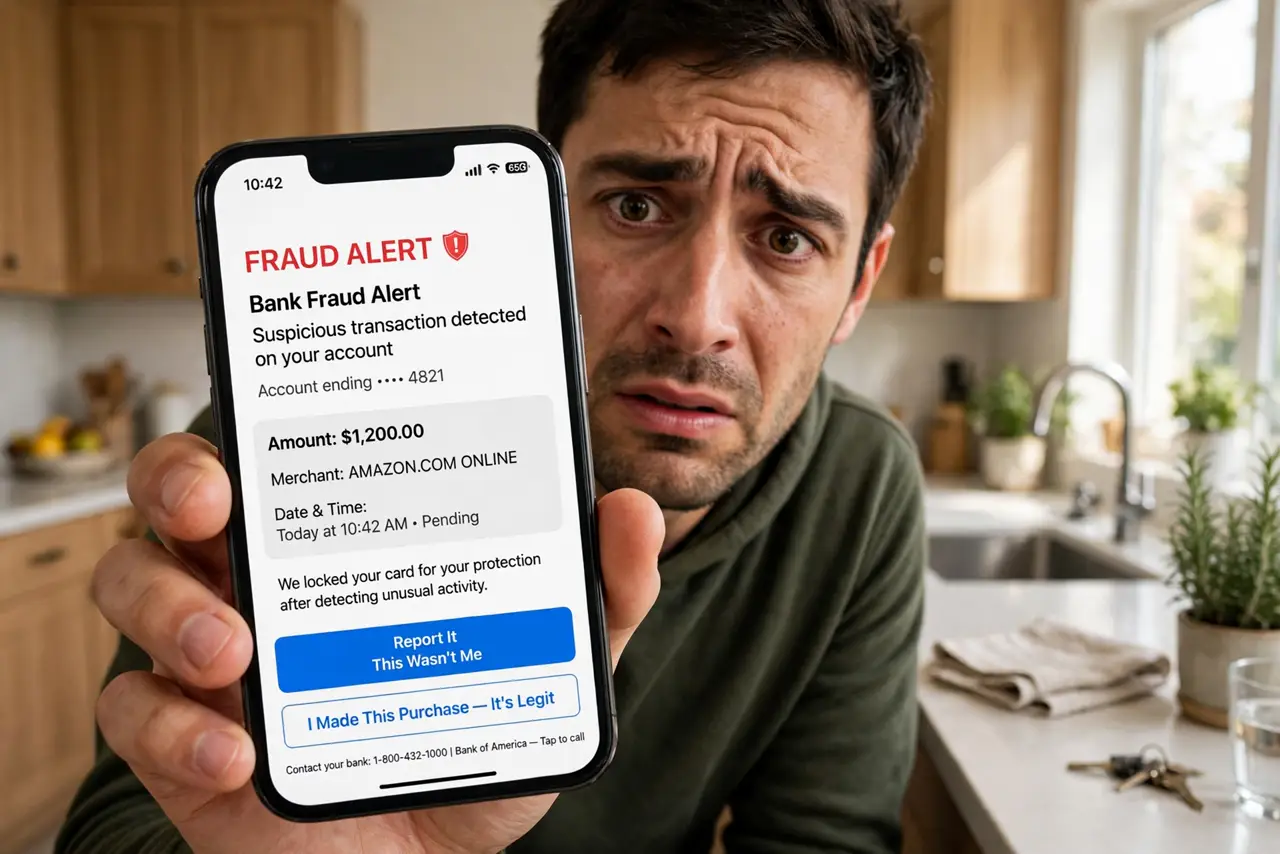
TL;DR / Quick Fix
Quick fix: do not tap links or call numbers in bank texts. Check your bank's own app or call the number on your card. Real banks never ask for passwords, codes, or card numbers by text. Treat any urgent message as fake until your own app confirms it.
Follow these steps
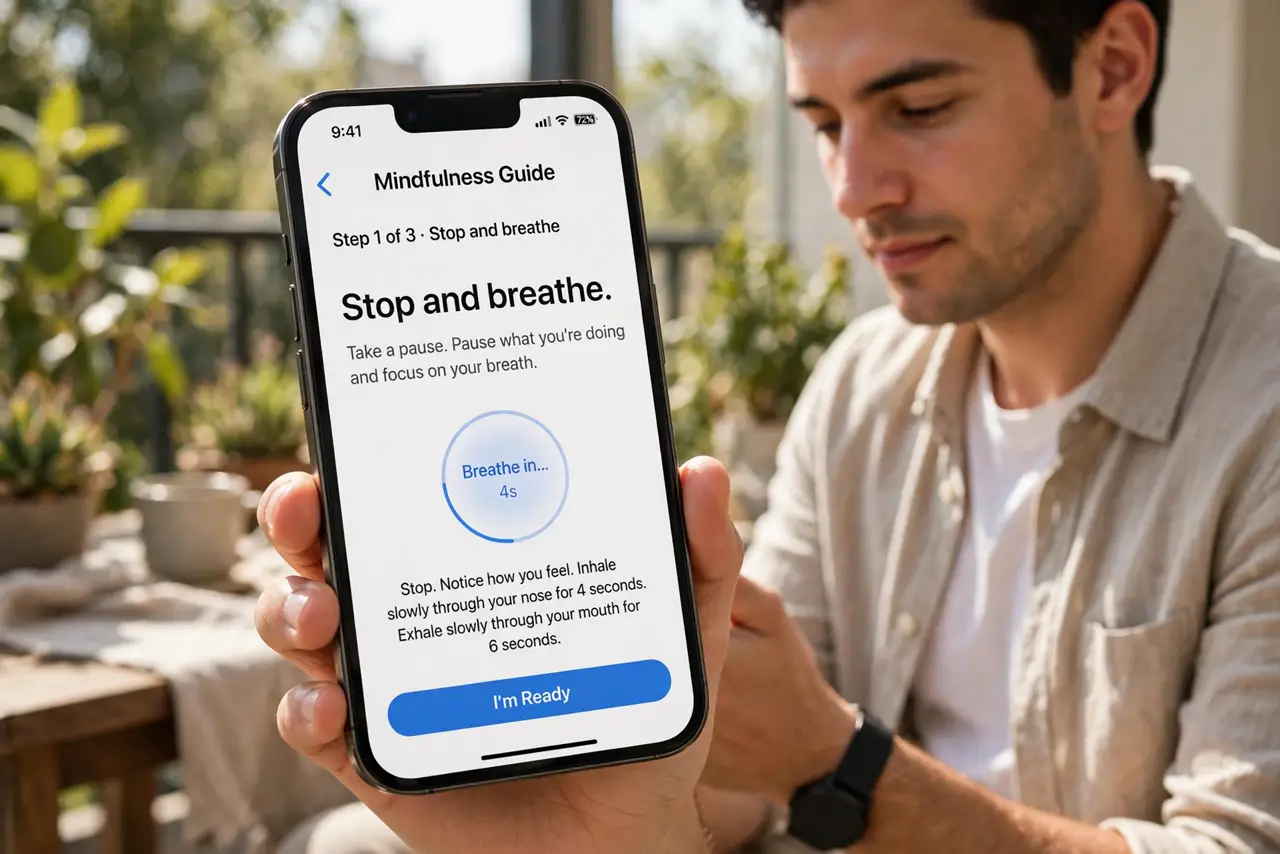
- Stop and breathe. Urgency is the weapon. A real fraud alert waits the two minutes verification takes; a scam cannot survive them.
- Do not use the text's link or number. Both lead to the scammers. This is the entire defense in one rule — see bank call spoofing for the voice version.
- Open your bank's app yourself. Your real alerts, balances, and messages live there. If the text were real, the app would show it — check before doing anything else.
- Call the number on your card. Not the text's number — the one printed on your physical card or the bank's official site. Ask them directly about the alert.
- Know what banks never ask. Passwords, full card numbers, PINs, and verification codes — banks never request these by text or call. Any ask is instant proof of fraud.
- Report the fake. Forward it to 7726 (SPAM) and to your bank's fraud address. Banks track these campaigns and warn other customers faster with your report.
What NOT to do
- Do not 'verify' by replying with personal details. Real banks do not run security checks over text replies.
- Do not trust caller ID showing your bank's name. Numbers are spoofed routinely — see spoofed caller ID.
- Do not act on the text while panicking. Call a family member first if the message shook you — calm beats fast here.
- Do not delete it before reporting. Forward to 7726 first, then delete — the report is the useful part.
Frequently asked questions
Do banks really send fraud texts?
Yes — but theirs direct you to the app or to call the number on your card, and they never include password or code requests. When in doubt, ignore the text and check the app.
The text knew my name — is it real?
Not necessarily. Names leak in breaches constantly; personalization is cheap. Verification through your own app is the only test that counts.
What if I already clicked the link?
Close it, do not enter anything, and check your accounts via the real app. If you entered credentials, change them now and call the bank — see after clicking.