Breach Notice? What To Do
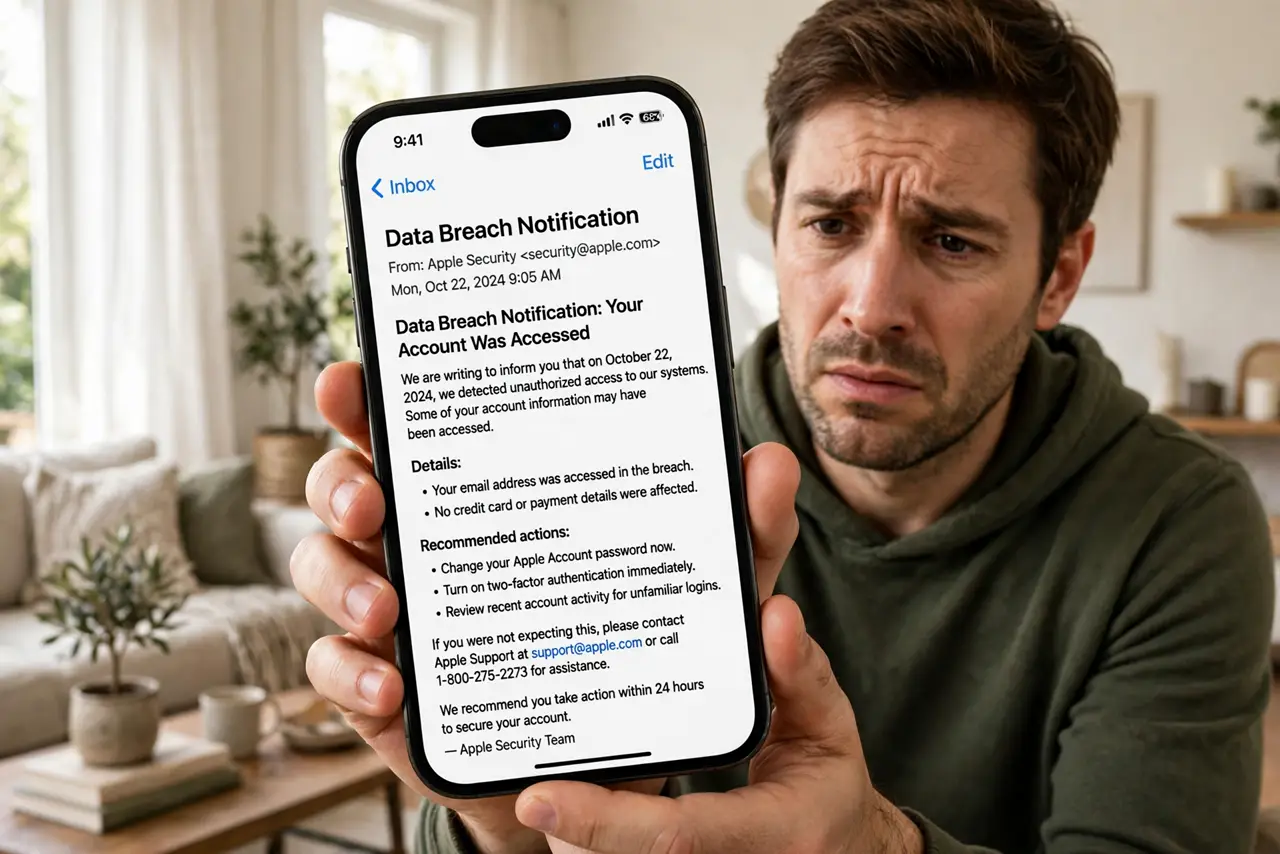
'We are writing to inform you of an incident involving your personal information.' Breach notices are scary, vague, and easy to mistake for phishing. Before you click anything in one, here is how to verify it is real and what the notice is actually telling you to do.
TL;DR / Quick Fix
Quick fix: never click links in a breach email — confirm it on the company's own website first. Note exactly which data was exposed; passwords demand faster action than names alone. Change affected passwords, enable two-factor, and watch for phishing that exploits the breach. Save the notice for your records.
Follow these steps
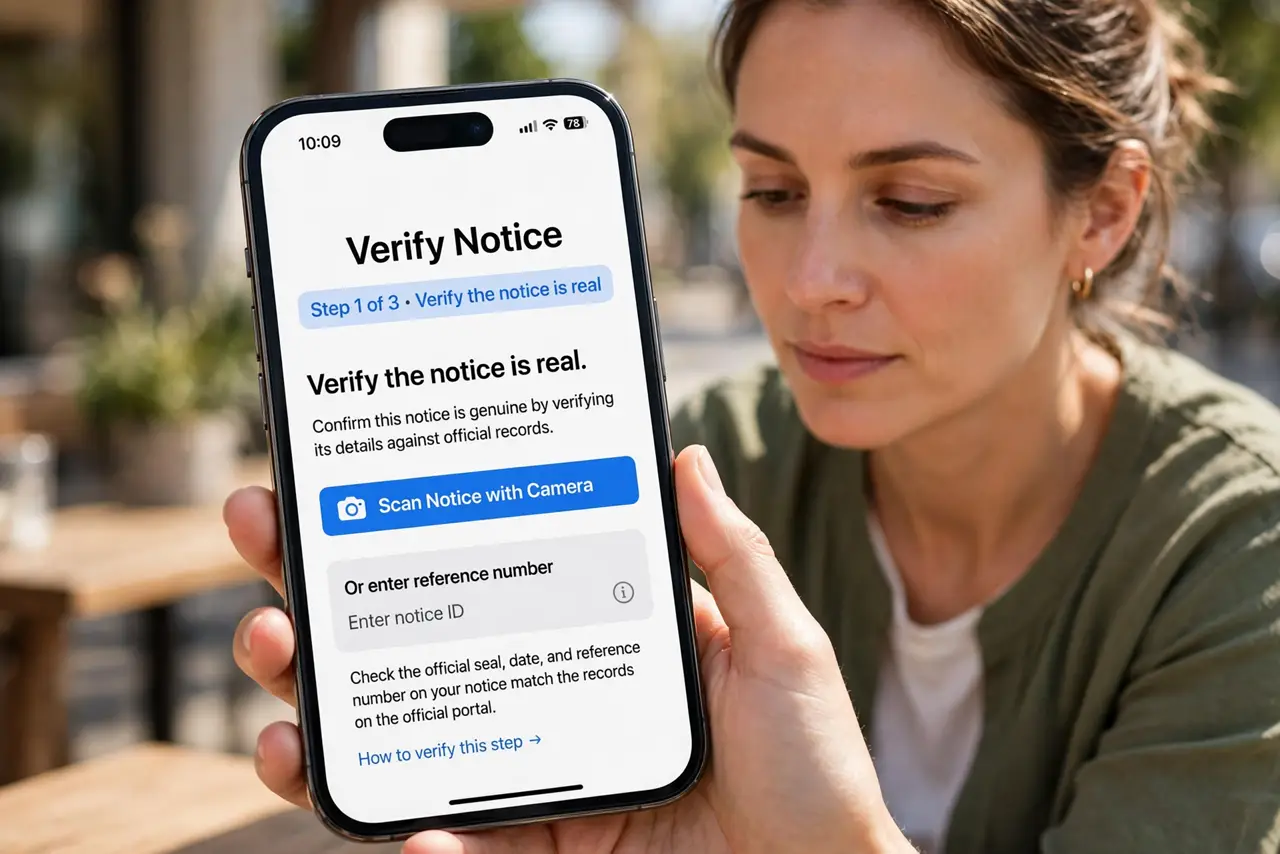
- Verify the notice is real. Phishers send fake breach emails. Go to the company's website or app directly — never click the email's links — and look for the announcement there.
- Read what was actually exposed. Notices list data types: emails, passwords, addresses, ID numbers. 'Email addresses' and 'encrypted passwords plus ID numbers' are very different emergencies.
- Act on the data type. Passwords exposed? Change them now, everywhere reused. ID numbers exposed? Consider a credit freeze and watch your statements.
- Use any free protection offered. Notices often include free credit monitoring. Enroll — it is genuinely useful — but do not treat it as a substitute for changing passwords.
- Expect targeted phishing. Attackers buy breach data and craft convincing follow-ups. Treat every 'about the breach' message with suspicion for months — see after clicking a phish.
- Save the notice. Keep the email or letter. You may need dates and reference numbers for disputes, freezes, or identity-theft reports later.
What NOT to do
- Do not click 'secure your account' links in the notice email. Type the company's address yourself — fake notices are a classic phish.
- Do not assume 'encrypted passwords' means safe. Weak encryption cracks fast; change the password anyway.
- Do not ignore notices for old accounts. Forgotten accounts with reused passwords are attackers' favorite finds — see deleting old accounts.
- Do not pay for protection in a panic. Use the free monitoring offered, then decide calmly whether you need more.
Frequently asked questions
How do I tell a real breach notice from phishing?
Real ones never demand immediate clicks. Verify on the company's own site or app, check the sender address carefully, and beware urgency language.
The notice says passwords were 'hashed.' Am I safe?
Safer, not safe. Strong hashing resists cracking, but change the password anyway — you do not know which algorithm they used.
What if I never got a notice but suspect a breach?
Check your email on a breach-lookup service and watch for the signs: unexpected reset emails, logins you do not recognize, contacts getting spam 'from' you.