Change Passwords After a Breach
You got the email: a service you use was breached, and your data may be exposed. Panic-changing every password you own wastes an evening; changing nothing risks everything. There is a priority order — here is exactly what to do in the first hour.
TL;DR / Quick Fix
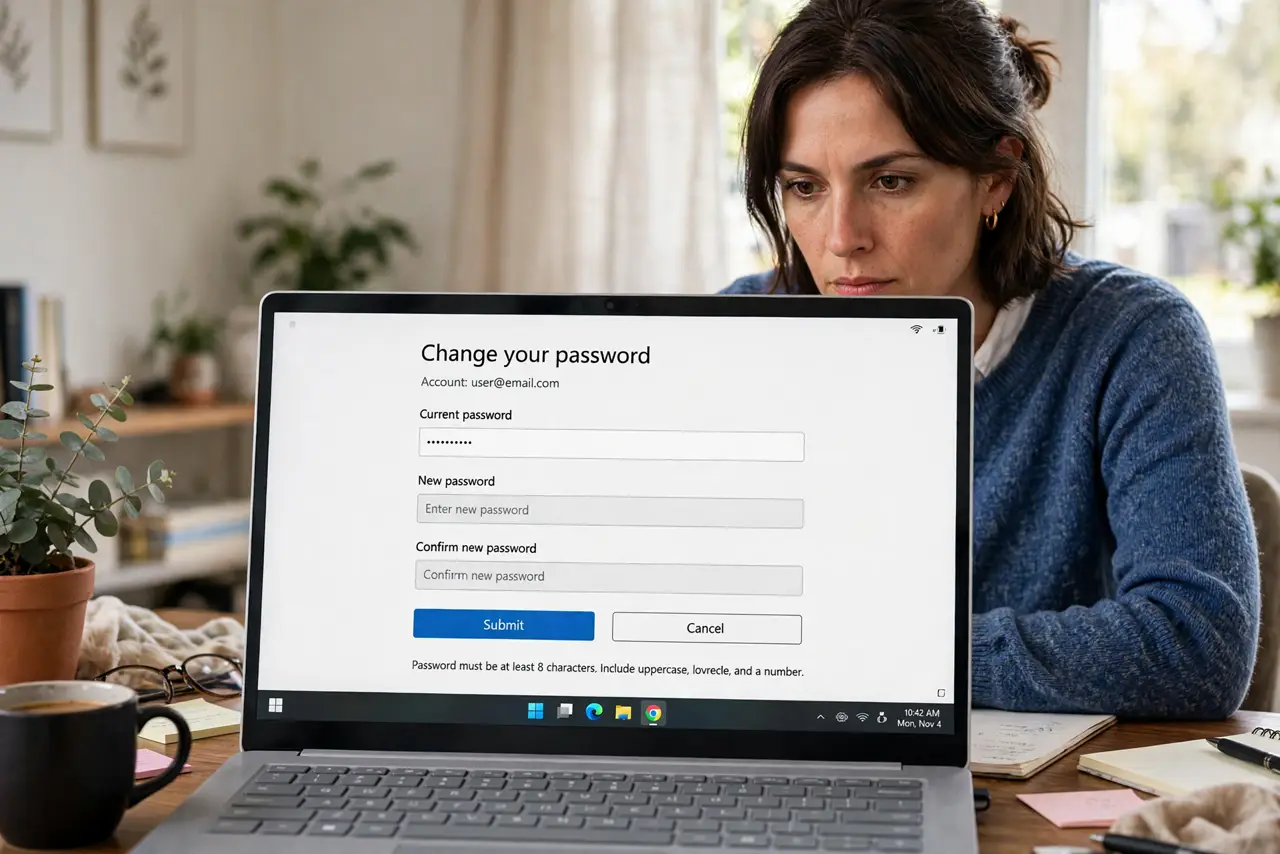
Quick fix: change the breached site's password first, then every other site where you reused it, then your email password if it matches. Enable two-factor on the breached account. Check whether your email was exposed to gauge the scope. Act fast — stolen credentials get tried within hours.
Follow these steps
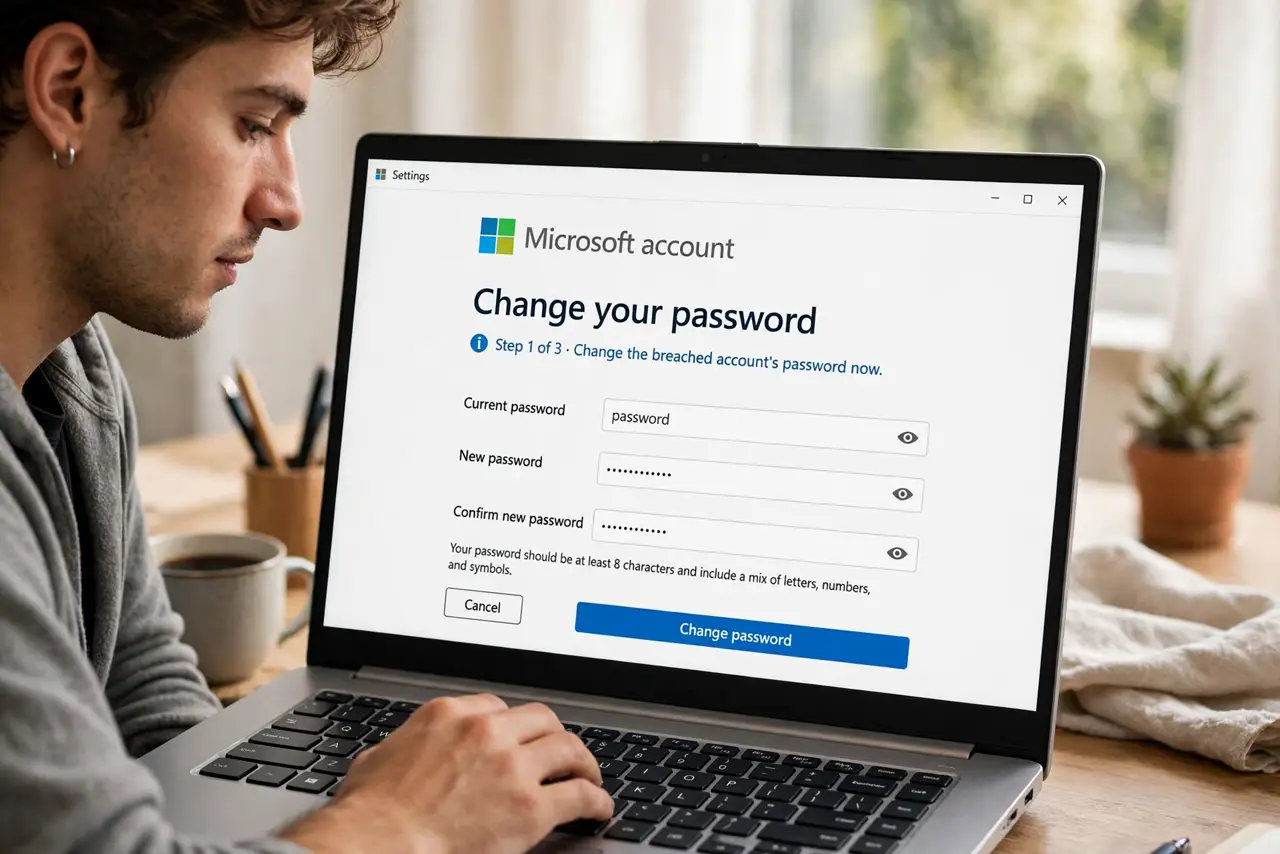
- Change the breached account's password now. Do this first, before reading the breach email twice. Use a fresh, unique password — your manager can generate one.
- Change every account that shared the password. This is where reuse turns one breach into five. Work the list today, not 'soon.'
- Secure your email account. If the breached password matched your email, change that immediately — email access resets everything else. Then review your recovery settings.
- Turn on two-factor on the breached account. Even if attackers grabbed the old password, a second factor blocks them. Prefer an authenticator app over SMS — see app vs SMS.
- Check what else was exposed. Breach notices list the data types — passwords, addresses, security answers. If security answers leaked, treat them as compromised everywhere: see why they are weak.
- Watch for follow-up phishing. Breaches trigger phishing waves using your real data. Expect 'urgent' emails about the breach — verify through the company's site, never the email's link. See what to do after clicking.
What NOT to do
- Do not change passwords on a public or shared computer. Use your own device — a compromised machine captures the new password too.
- Do not reuse the 'new' password anywhere. A fresh password shared across sites repeats the original mistake.
- Do not ignore the breach because 'I have nothing to hide.' Attackers want the email-password pair, not your secrets.
- Do not trust breach-notification emails blindly. Phishers mimic them — go to the company's site directly to confirm.
Frequently asked questions
How do I know if my data was in a breach?
Check your email on a breach-lookup service (see checking for breaches) and read the company's official notice — not forwarded emails.
Should I change all my passwords after one breach?
Change the breached one, every account sharing its password, and your email if it matches. A full sweep is ideal, but the priority list covers the real risk.
The breach was months ago — is it too late?
No. Change the passwords now. Attackers work through stolen lists for years; closing the door late still beats leaving it open.