Laptop in a Café? Basics
Working from a café means your laptop, your data, and sometimes your bag sit in a public space with strangers — and the risks are both digital (open Wi-Fi) and physical (theft, shoulder surfing). A few habits make café work as safe as the office: lock the screen, guard the network, and never leave the machine. This guide covers both halves.
TL;DR / Quick Fix
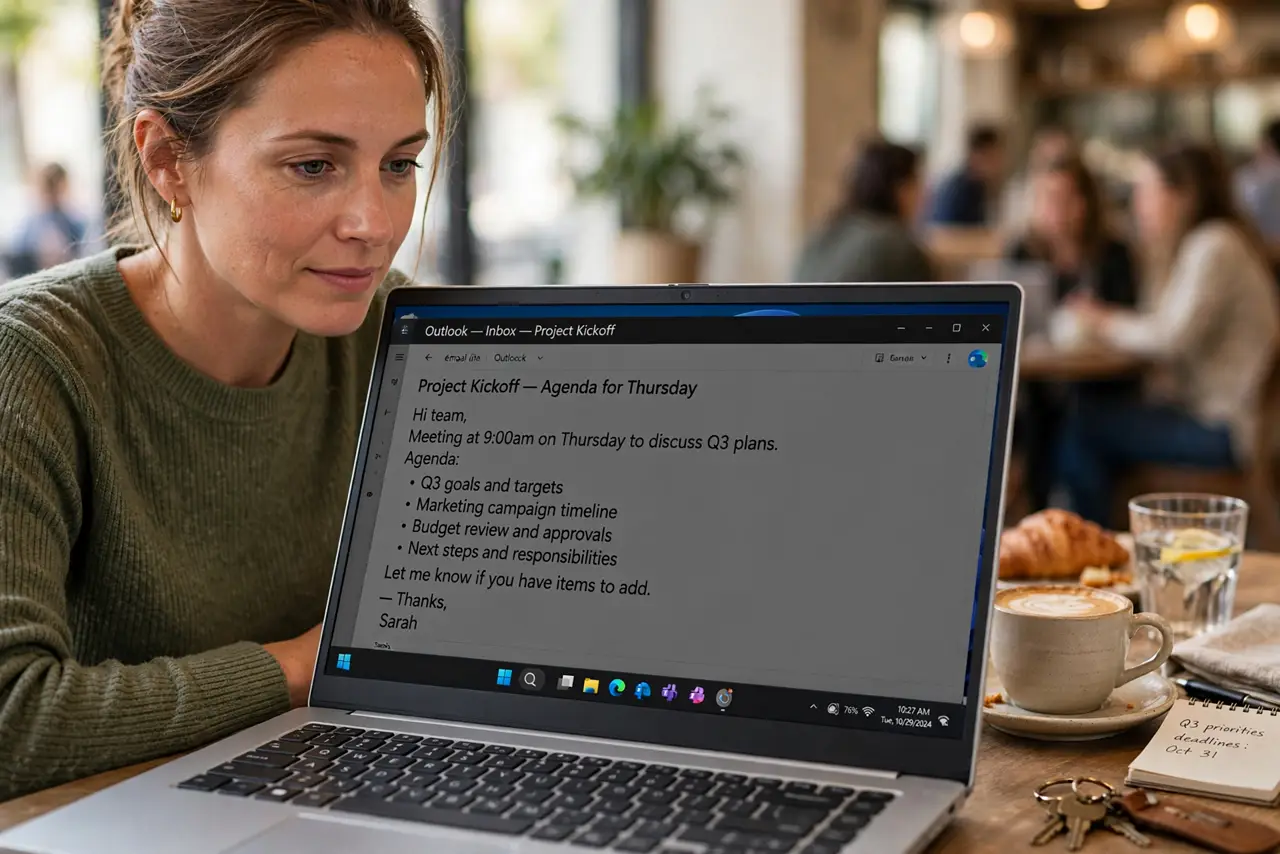
Quick fix: use a VPN on café Wi-Fi and verify the network name with staff. Lock the screen every time you stand up — even for thirty seconds. Sit with your back to a wall to defeat shoulder surfers. Never leave the laptop unattended, not even to grab a refill.
Follow these steps
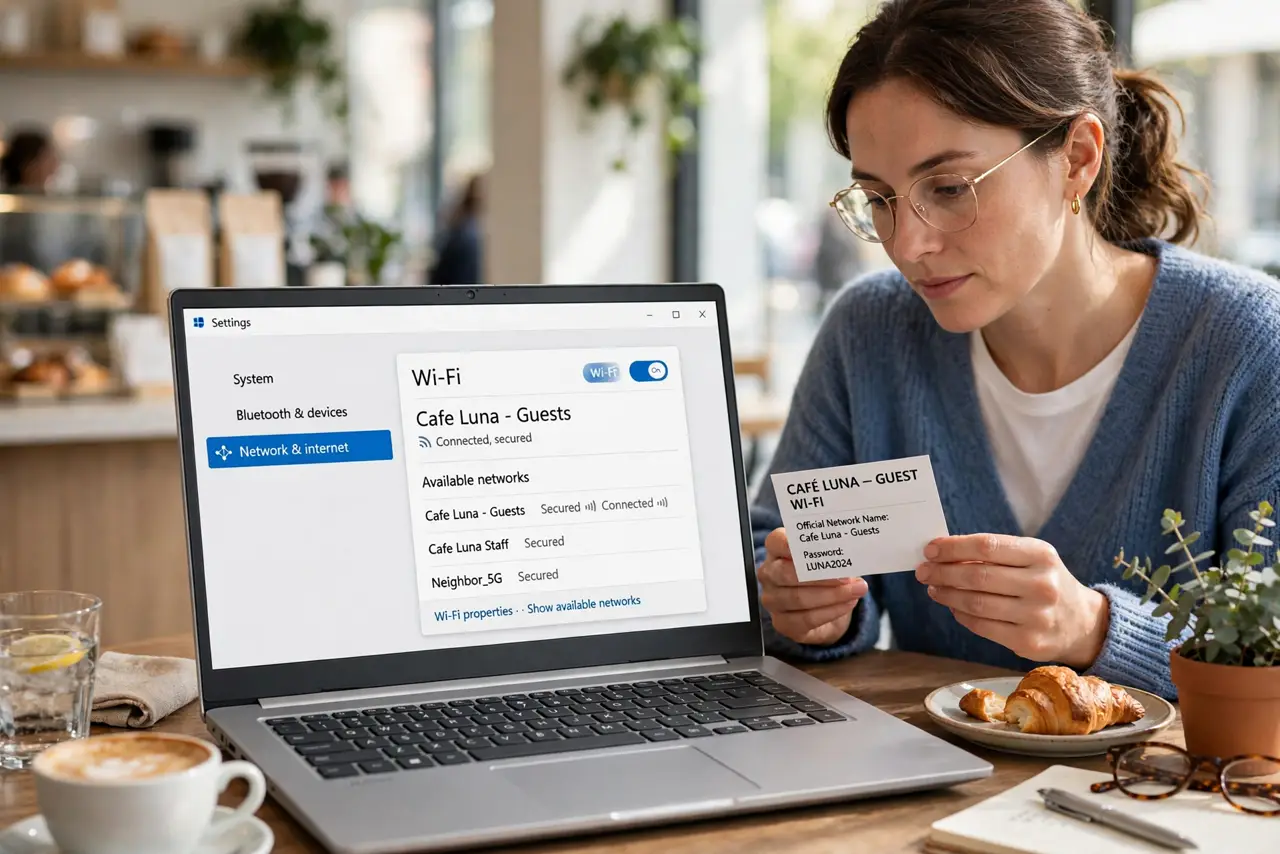
- Verify the Wi-Fi name. Ask staff for the exact network name before joining. A fake hotspot with a similar name is the classic café attack — the library Wi-Fi rules apply here too.
- Run a VPN. Café Wi-Fi is open by design, which means anyone can watch unencrypted traffic. A VPN encrypts yours end to end — turn it on before opening email or work tools.
- Lock the screen religiously. Windows key plus L, or Ctrl+Cmd+Q on Mac, every single time you stand. Set the screen to lock after one minute idle as backup — the bathroom trip is when laptops walk away.
- Defeat shoulder surfing. Sit with your back to a wall and consider a privacy screen filter. Passwords and client data visible to the next table are a leak you chose.
- Watch for QR phishing. Table-tent QR codes for 'free Wi-Fi' or menus are phishing favorites. Type the café's real URL yourself instead of scanning blindly.
- Keep the laptop with you. Never leave it at the table — not for a refill, not for a call. Pack it into your bag for bathroom trips; theft takes seconds.
What NOT to do
- Do not leave the laptop unattended. 'Just for a second' is all a thief needs — take it with you, every time.
- Do not do sensitive work without a VPN. Open café Wi-Fi plus banking is asking for interception.
- Do not join the lookalike network. Verify the exact name — attackers count on you not checking.
- Do not disable your firewall for 'faster' Wi-Fi. The firewall is doing quiet work; leave it on.
Frequently asked questions
Is café Wi-Fi safe with a VPN?
Yes, for practical purposes — the VPN encrypts your traffic past every local snooper. It is the single biggest safety upgrade.
Should I worry about shoulder surfing?
In busy cafés, yes. A privacy screen is cheap and a wall-facing seat is free — use both.
What if I must leave my laptop briefly?
Do not. Pack it up and take it. No meeting or refill is worth the risk — theft is the top café laptop threat.