Café Wi-Fi? Basics
Free Wi-Fi at the café is convenient — and it is also the riskiest network you will join all week. On an open network, your traffic can be observed or redirected by someone else in the room. The good news is that staying safe takes about two minutes of setup and a few habits. This guide covers the basics that actually matter.
TL;DR / Quick Fix
Quick fix: café Wi-Fi is risky because open networks let others observe your traffic. Use a VPN, stick to sites with the padlock icon, never enter banking details on open Wi-Fi, and forget the network when you leave. Two minutes of caution beats a stolen login.
Follow these steps
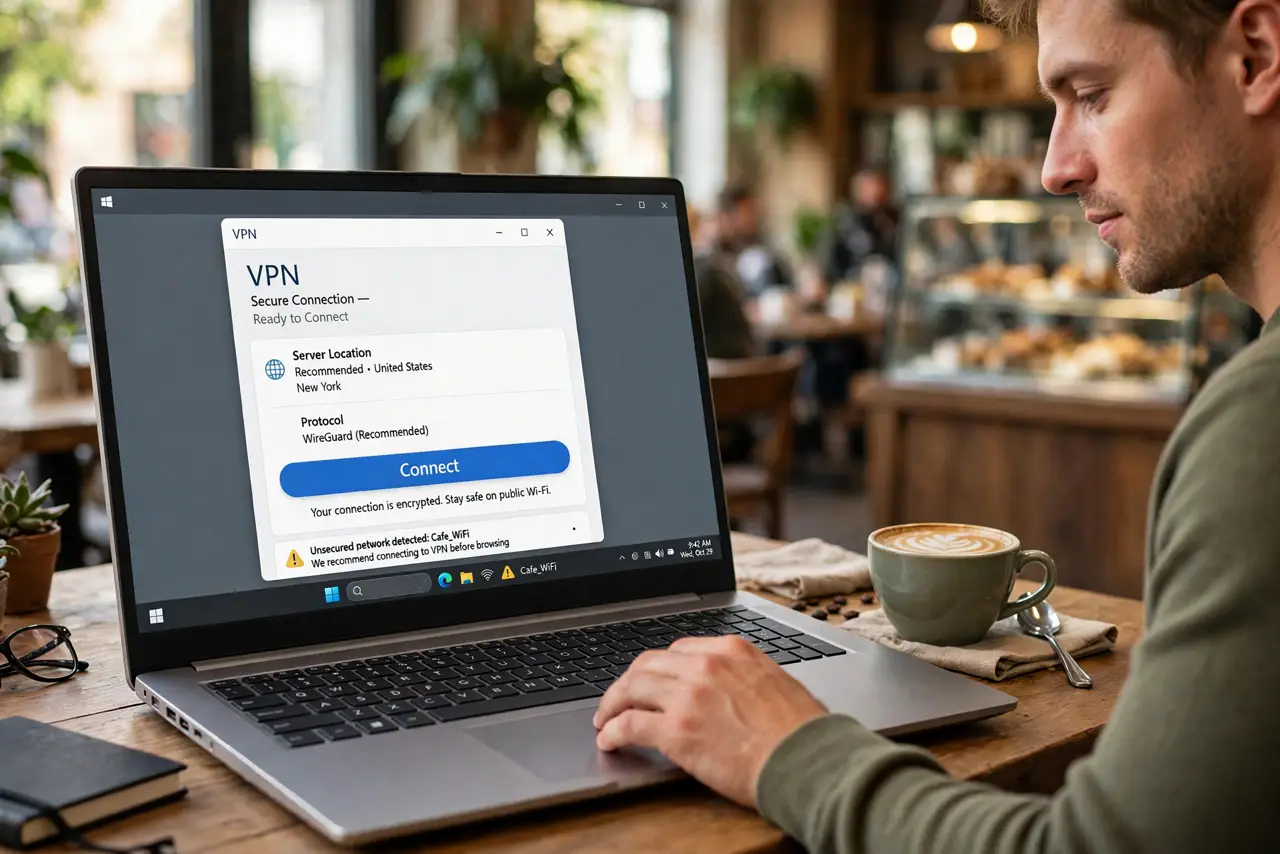
- Use a VPN on public Wi-Fi. A virtual private network encrypts your traffic so others on the same café network cannot read it. Turn it on before joining the Wi-Fi, not after. See the VPN basics guide for how this works.
- Stick to HTTPS sites. Look for the padlock in the address bar — it means the connection to that site is encrypted. On open Wi-Fi, treat any site without a padlock as completely public. Most major sites use HTTPS by default now.
- Forget the network when you leave. Your phone will happily auto-rejoin 'Cafe_Guest' every time you walk past — including a fake copycat network set up by someone else. Forget open networks after each visit so your device does not reconnect on its own.
- Avoid banking and sensitive logins. Email and browsing are one thing; bank transfers on café Wi-Fi are another. If you must access something sensitive, your phone's mobile data is far safer than the café network.
- Turn off auto-connect and sharing. Disable 'connect to open networks automatically' on your phone and laptop. Also turn off file sharing and AirDrop visibility while on public Wi-Fi — you do not want strangers seeing your device.
- Watch for the evil-twin trick. Attackers create a fake network with the café's name to intercept traffic. Ask staff for the exact network name, and be suspicious if two identical networks appear. See the evil-twin hotspot guide for the details.
What NOT to do
- Do not enter banking or payment details on open café Wi-Fi. Mobile data or a VPN is the minimum for money matters.
- Do not auto-join open networks. Your device connecting silently to a lookalike network is how interception starts.
- Do not trust a padlock on a login portal page alone. Captive portals can show padlocks while the network itself stays open.
- Do not leave Bluetooth and sharing on while you sip. Discoverable devices on public networks invite unwanted connections.
Frequently asked questions
Is HTTPS enough without a VPN?
Mostly, for web browsing — HTTPS encrypts your traffic to each site. But a VPN also hides which sites you visit from the network operator, and it protects non-browser apps. Belt and suspenders beats one layer.
Can the café owner see what I do?
On open Wi-Fi without a VPN, yes — at least which sites you visit. With a VPN on, they see only encrypted traffic. That is the single strongest argument for using one.
Should I use my phone's hotspot instead?
Usually yes — cellular data is harder to intercept than open Wi-Fi. Just watch your hotspot data caps so you do not burn through your plan.