Review Connected Apps? Do It Now
'Sign in with Google' was convenient — and now dozens of apps you barely remember hold access to your email, calendar, or contacts. Each connection is a door into your account that survives password changes. A ten-minute review closes the ones you no longer need.
TL;DR / Quick Fix
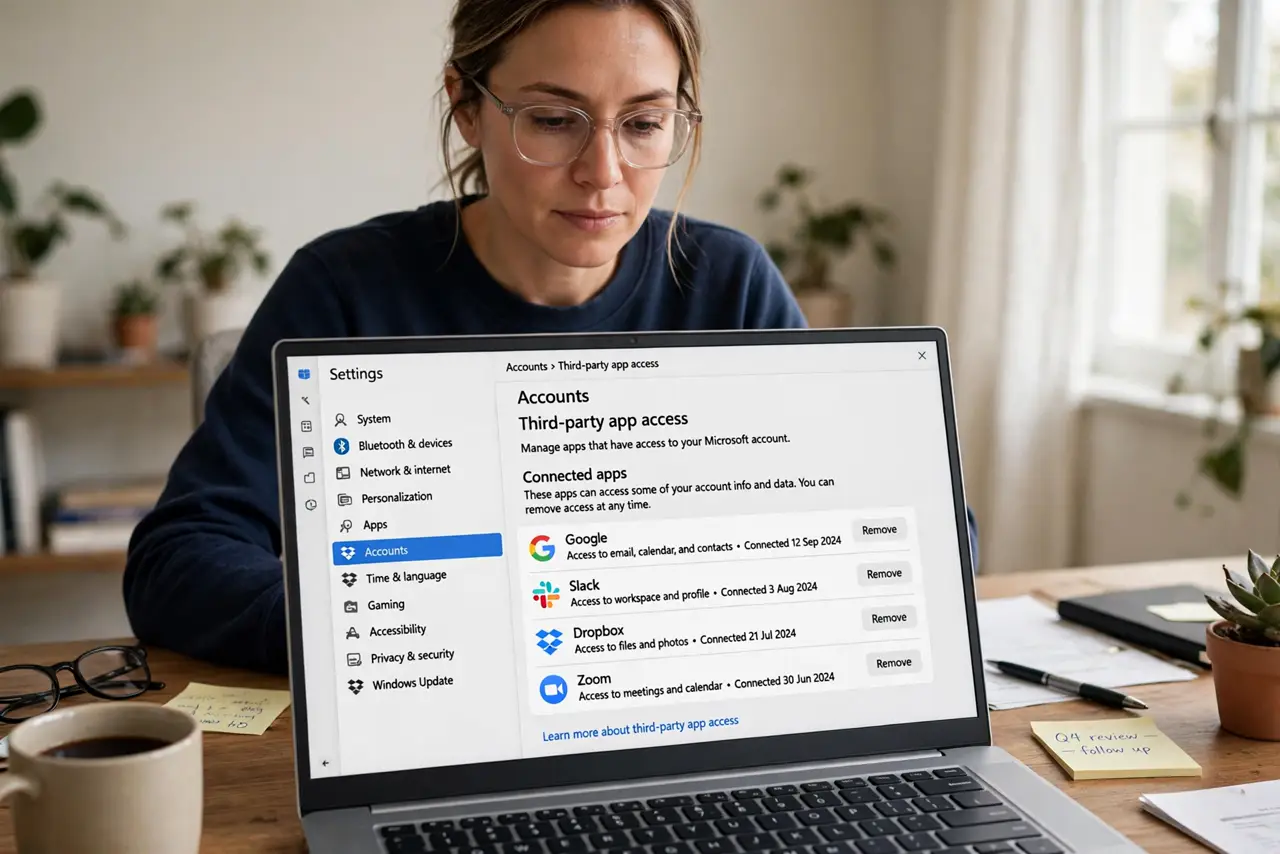
Quick fix: open your Google, Apple, and Microsoft account security pages and review third-party access — revoke anything you do not recognize or no longer use. Changing your password does not revoke these tokens, so the review is the only fix. Repeat it every few months; connections accumulate silently.
Follow these steps
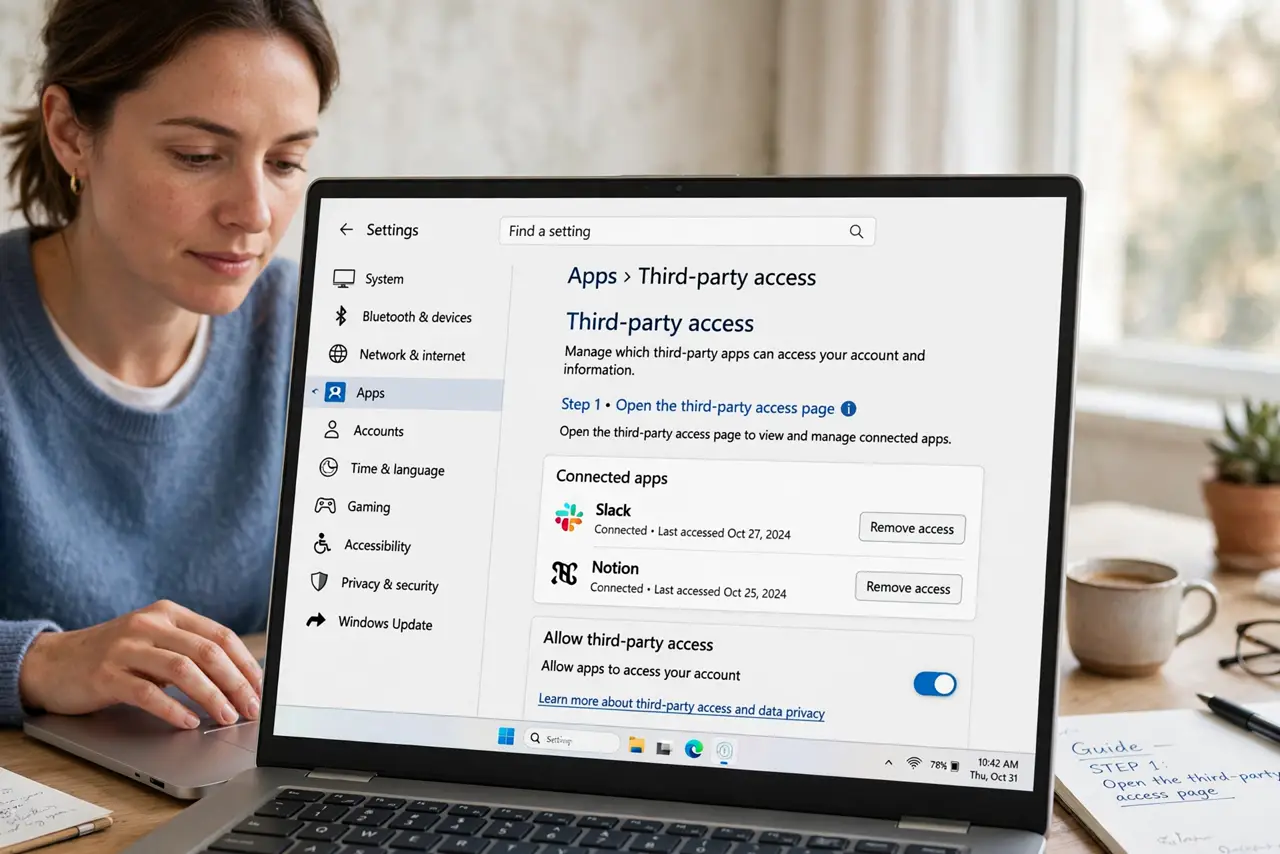
- Open the third-party access page. Google: Account > Security > Third-party access. Apple: Apple Account > Sign-in with Apple. Microsoft: Account > Privacy > Apps and services. Bookmark all three.
- Revoke what you do not recognize. If you cannot name what an app does or when you granted it, revoke it. Legitimate apps can be re-authorized in seconds when you actually need them.
- Revoke what you no longer use. That quiz app from 2019 still reads your contacts. If you have not opened it in months, its access should not outlive your interest.
- Check the permission levels. 'See your email address' is minor; 'read, compose, and delete your email' is not. Revoke anything with broad permissions you did not knowingly grant — and reconsider the 'sign in with' tradeoffs next time.
- Remember: password changes do not revoke these. OAuth tokens survive password resets by design. Only revoking the grant kills the access — which is why this review matters after any breach.
- Schedule the next review. Set a calendar reminder every three to six months. Ten minutes, a few revokes, done — like changing smoke-detector batteries for your accounts.
What NOT to do
- Do not grant 'sign in with' access casually. Each grant is a standing permission — convenience now, review burden later.
- Do not assume revoking breaks the app's core function. Most apps work fine with reduced scopes; re-grant only what they actually need.
- Do not ignore apps with scary permissions. 'Full mailbox access' for a coupon app is never justified — revoke first, ask questions later.
- Do not confuse this with device sign-out. Revoking app access and signing out old devices are two different doors — close both.
Frequently asked questions
What are connected third-party apps?
Apps and sites you authorized via 'Sign in with Google/Apple' or similar. They hold tokens letting them access parts of your account — email, calendar, contacts — until you revoke them.
Will revoking access delete my data in the app?
Usually not — it just stops future access. The app keeps whatever it already collected, which is why prompt revocation matters.
How often should I review them?
Every three to six months, plus right after any security scare. Grants accumulate silently; the review is quick once it is a habit.