Fake Antivirus Pop-Ups? Spot Them
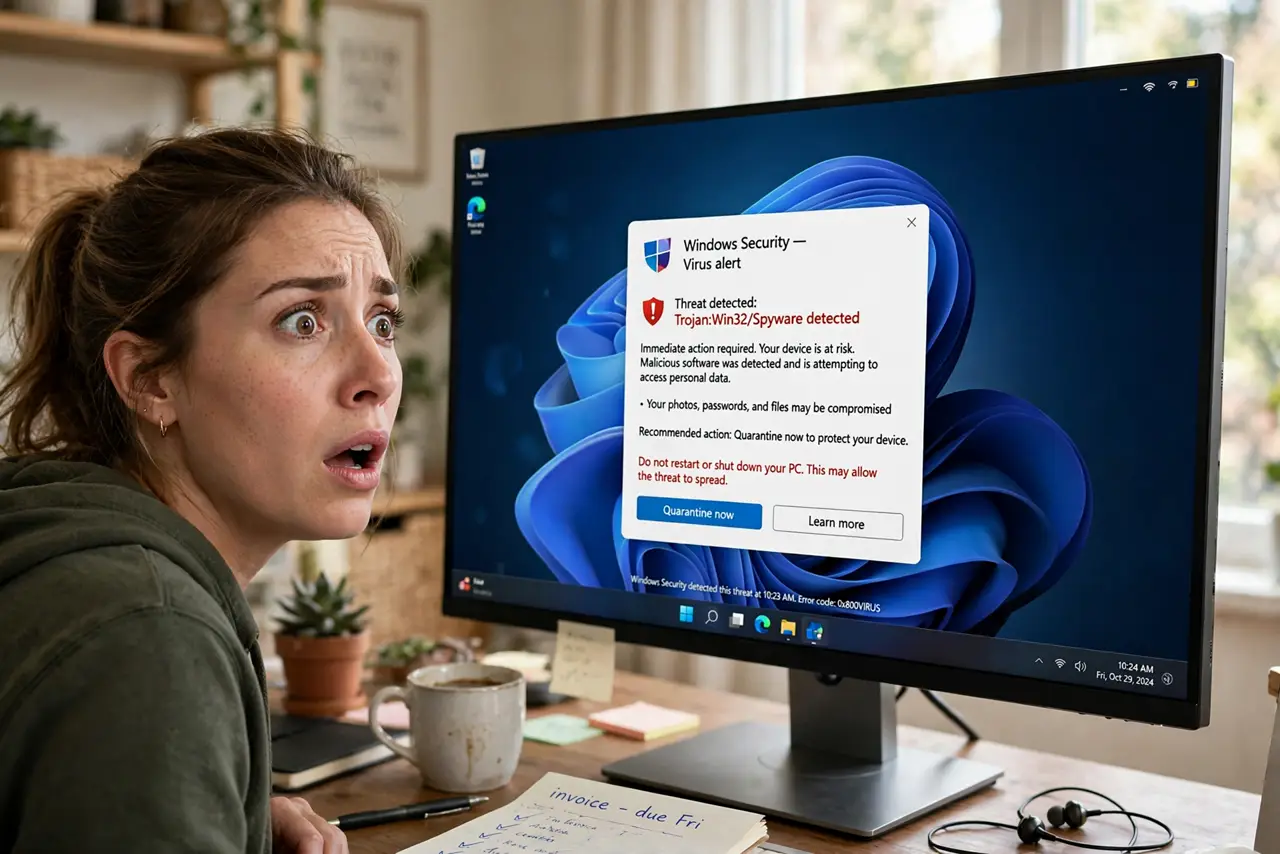
A browser pop-up screams that your computer is infected — with a countdown, a scary logo, and a button to 'clean now.' It is not your antivirus; it is an ad designed to panic you into calling a scammer or installing real malware. Real antivirus software never warns you through browser pop-ups.
TL;DR / Quick Fix
Quick fix: do not click anything in the pop-up — not even the X. Close the browser tab or window entirely, then run a scan with your real, installed antivirus to reassure yourself. Never call the number shown. These pop-ups are ads, not diagnoses; your computer is almost certainly fine.
Follow these steps
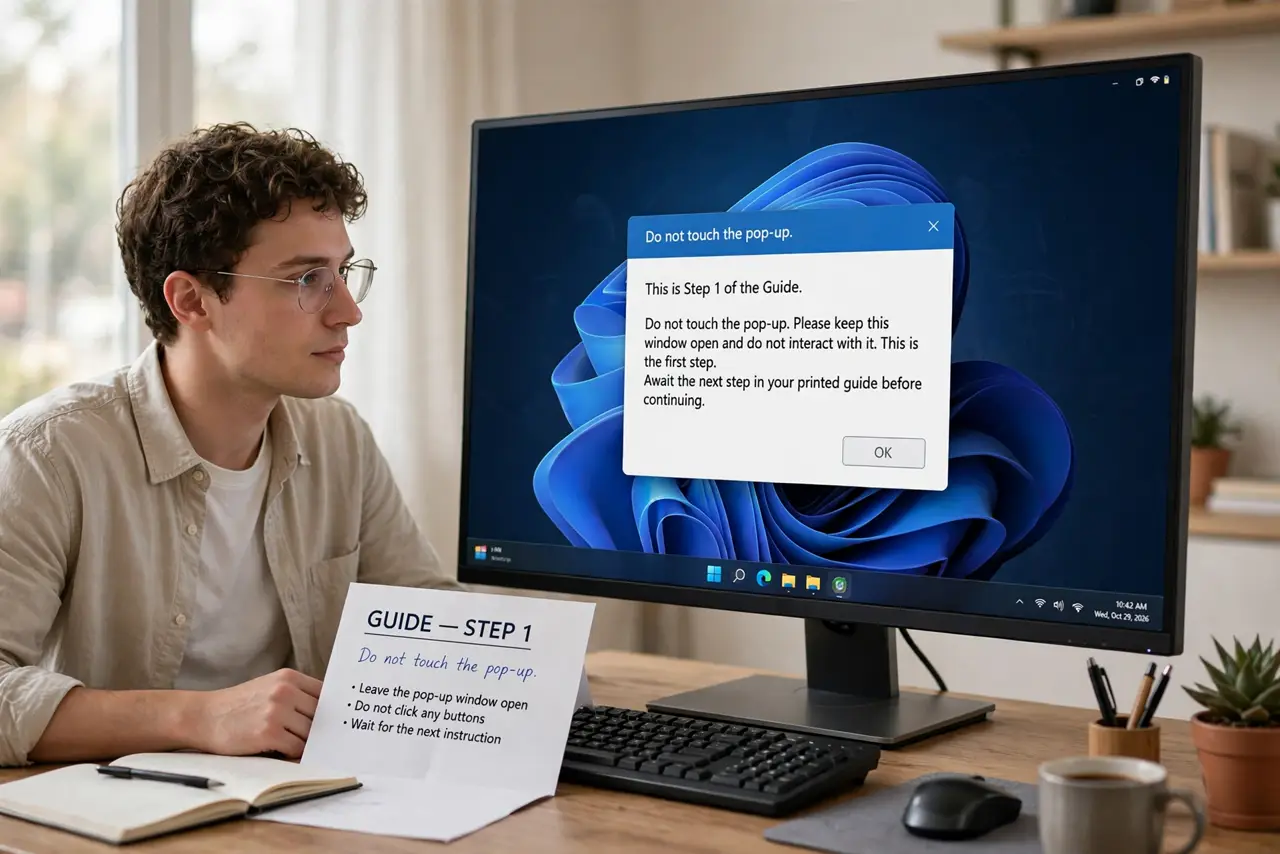
- Do not touch the pop-up. Not the X, not 'Cancel,' not 'No thanks' — every button can be a trap. The only safe click is outside the pop-up: the browser tab or window controls.
- Close the tab or browser. Close the tab showing the pop-up; if it resists, close the whole browser or use Task Manager / Force Quit. The pop-up dies with the page.
- Do not call the number. The 'support' number reaches the scammers, who will sell you fake cleanups or install real malware. Real antivirus companies do not advertise support via scare pop-ups.
- Run your real antivirus scan. Open your installed antivirus — Windows Security, or whatever you use — and run a scan. Expect a clean result: the pop-up was theater, not detection.
- Clear the browser notification permission. If pop-ups keep returning, a shady site likely got notification permission. Revoke it in browser settings under notifications.
- Warn whoever else uses the computer. Kids and older relatives are the prime targets. Show them one example and the rule: real warnings never come from web pages.
What NOT to do
- Do not click 'X' or 'Close' inside the pop-up. Fake close buttons are the oldest trick — they trigger the download.
- Do not install the 'cleaner' it offers. The offered software is the malware — the pop-up was just the delivery van.
- Do not call the support number. You will reach a boiler room, not a help desk.
- Do not assume your real antivirus is broken because a pop-up appeared. Browser ads are not your antivirus failing — they are just ads.
Frequently asked questions
How can I tell a fake antivirus warning from a real one?
Real warnings come from your installed antivirus app — its name, its window, in your system tray. Browser pop-ups with countdowns and phone numbers are always fake.
I clicked the pop-up — am I infected?
Probably not from the click alone, but run a full scan with your real antivirus now, and do not install anything it offered.
Why do these keep appearing?
A site you visited got permission to send notifications, or you are browsing ad-heavy corners of the web. Revoke notification permissions and the flood stops.