Change Default Gadget Passwords?
Smart cameras, plugs, bulbs, and baby monitors ship with default passwords — often 'admin/admin' — identical across thousands of units. Attackers scan the internet for exactly these. Changing each gadget's default password is unglamorous, takes minutes per device, and closes one of the most exploited holes in home security.
TL;DR / Quick Fix
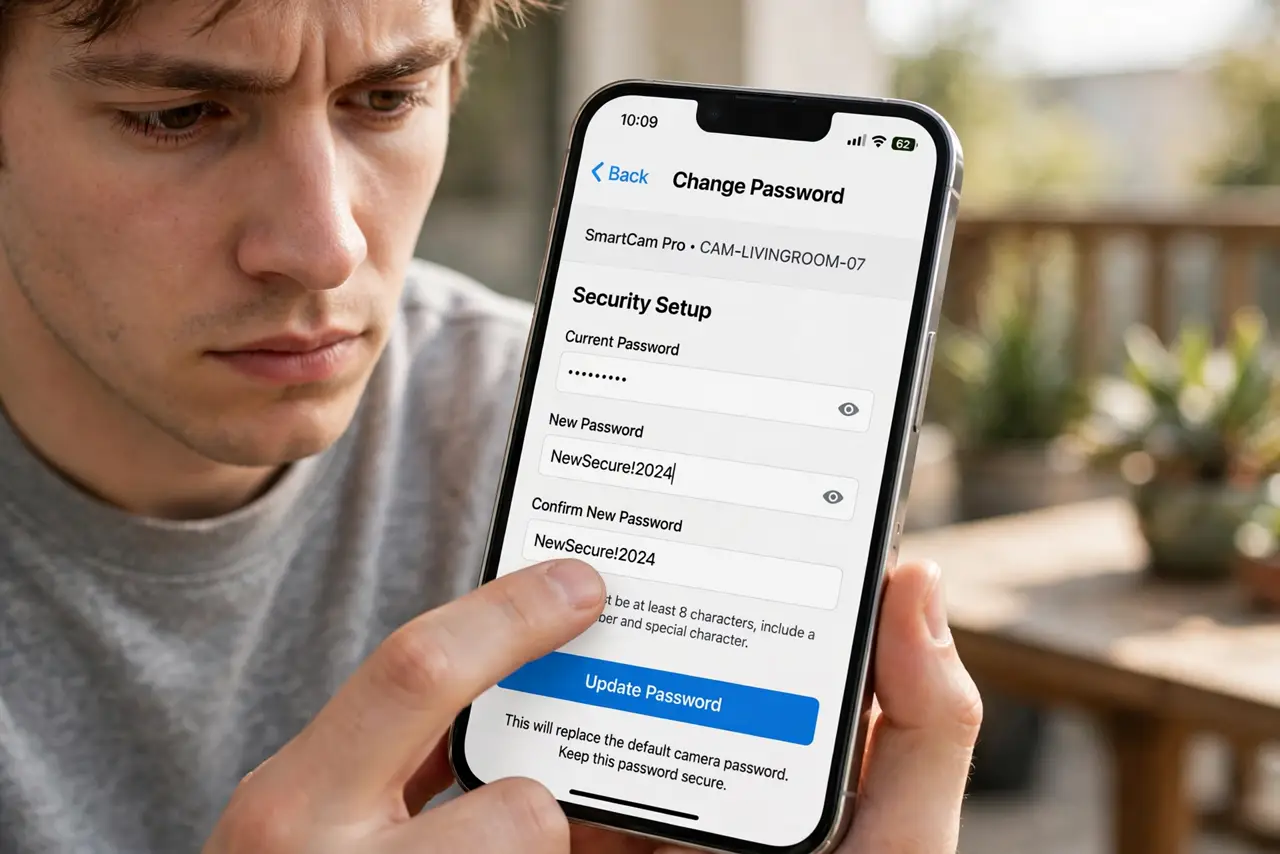
Quick fix: every smart gadget with a login needs its default password changed — cameras, plugs, routers, and hubs included. Log into each device's app or web page, set a unique strong password, and store it in a password manager. Start with cameras, since those are the most abused.
Follow these steps
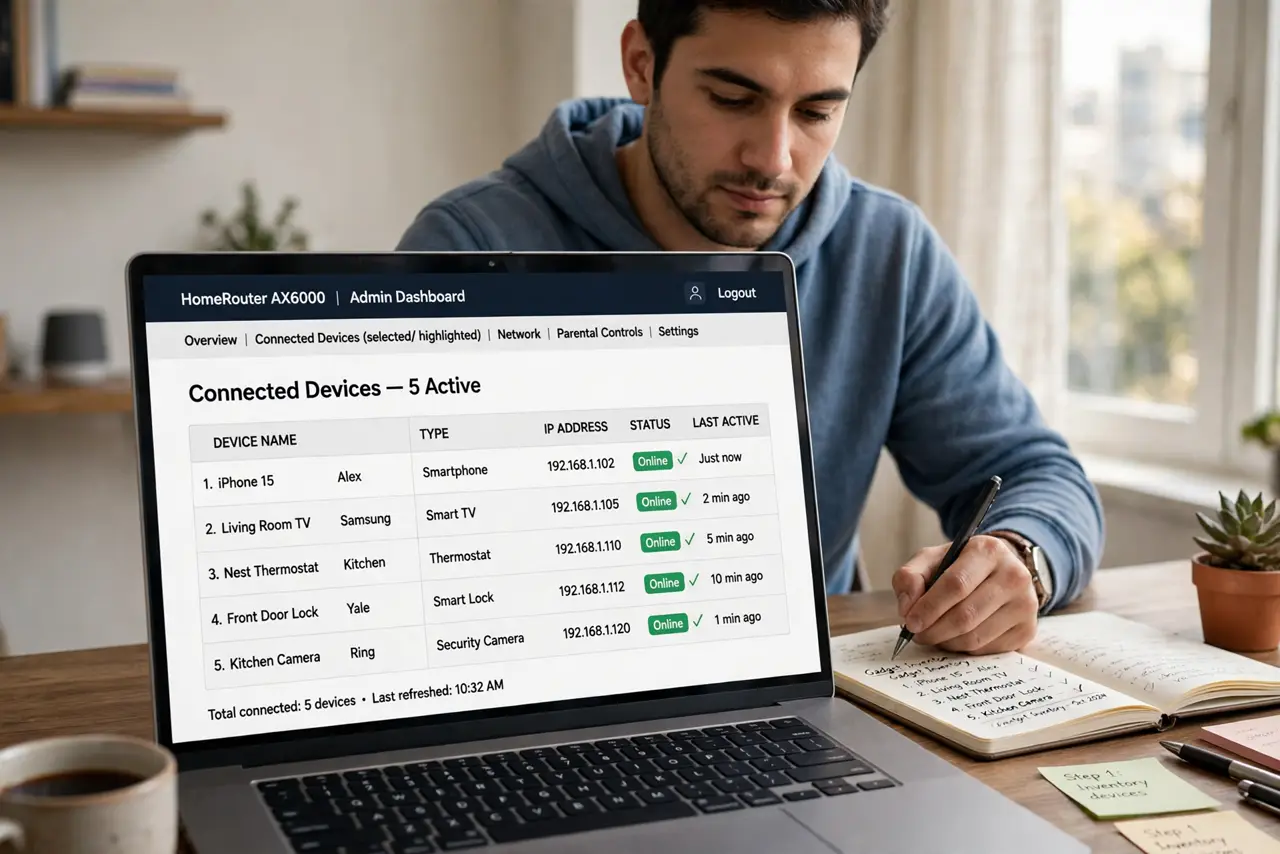
- Inventory your connected gadgets. Walk the house mentally: cameras, smart plugs, bulbs with hubs, thermostats, doorbells. Anything with an app and a login counts — most people find more than they expected.
- Change cameras first. Internet-exposed cameras with default passwords are the most abused gadgets in existence — searchable by strangers. Secure every camera before anything else.
- Use the gadget's app or web page. Open the device's app > settings, or browse to its IP address, and find the account or password section. The process mirrors the router login change — same principle, smaller screen.
- Give each gadget a unique password. One password across all gadgets means one leak compromises everything. A password manager generating unique ones per device is the sane approach.
- Update the gadget firmware too. While you are in the settings, check for firmware updates — default passwords plus unpatched software is the full disaster combo.
- Revoke access after a breach. If any account tied to your gadgets is compromised, change gadget passwords as part of the post-breach routine — attackers pivot from one device to the next.
What NOT to do
- Do not leave any camera on its default password. Searchable, watchable by strangers — this is the nightmare scenario.
- Do not reuse one password across all gadgets. Unique per device, stored in a manager — no exceptions.
- Do not skip the obscure gadgets. The forgotten smart plug from 2019 is exactly what attackers find.
- Do not assume 'it needs my Wi-Fi anyway'. Many gadgets phone home to clouds — the password protects the cloud account too.
Frequently asked questions
How do I find a gadget's IP address?
Check your router's connected-devices list, or the gadget's app usually shows network info. The manual lists the default address too.
What if the gadget has no password option?
Some cheap gadgets truly have none — isolate them on a guest network and consider replacing them with brands that take security seriously.
Should I change passwords regularly?
Once to something unique and strong is the big win. Rotate only after a breach or when giving away the device.