Juice Jacking? Public USB Risks
Juice jacking is the scary name for a simple idea: a public USB charging port — at an airport, hotel, or mall — that does more than charge, quietly copying data or installing malware while your phone drinks power. Real-world cases are rare, but the attack is real and the defense is trivial. Here is what is true, what is hype, and the two-dollar fix.
TL;DR / Quick Fix
Quick fix: juice jacking means a compromised public USB port stealing data while charging. The risk is real but rare. Use your own charger plugged into a power outlet, or carry a USB data blocker that passes power but not data. Never tap 'Trust' on a public port's prompt.
Follow these steps
- Understand the actual mechanism. USB carries both power and data on the same cable. A tampered public port can exploit the data channel while you charge — that is the whole attack. A plain wall outlet has no data channel, so it cannot juice-jack you.
- Prefer wall outlets with your own charger. Your own charger plus a wall socket is the gold standard — see the public USB safety rundown for the full reasoning. No shared port, no shared cable, no risk.
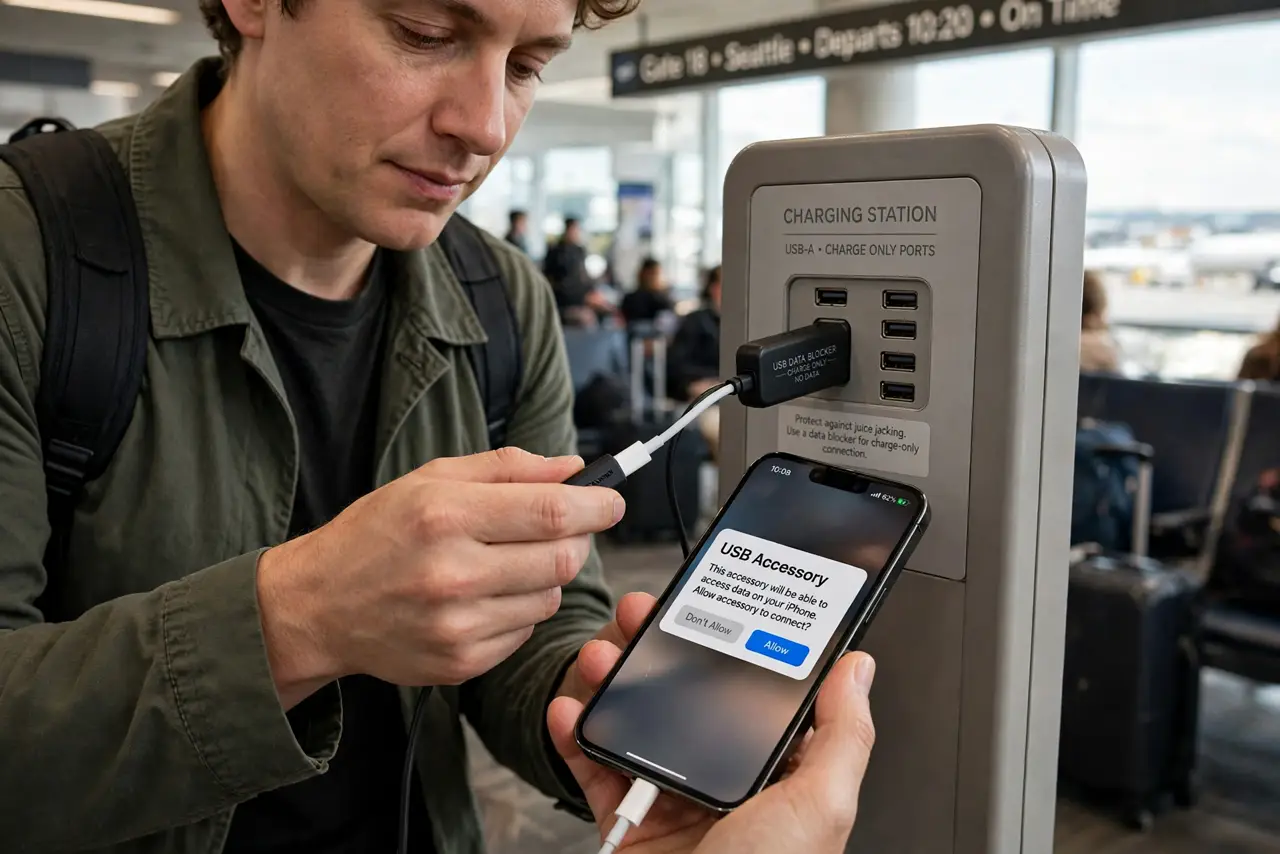
- Carry a USB data blocker. A data blocker (a few dollars) sits between the cable and the port and physically severs the data wires, passing only power. It makes any USB port as safe as a wall outlet.
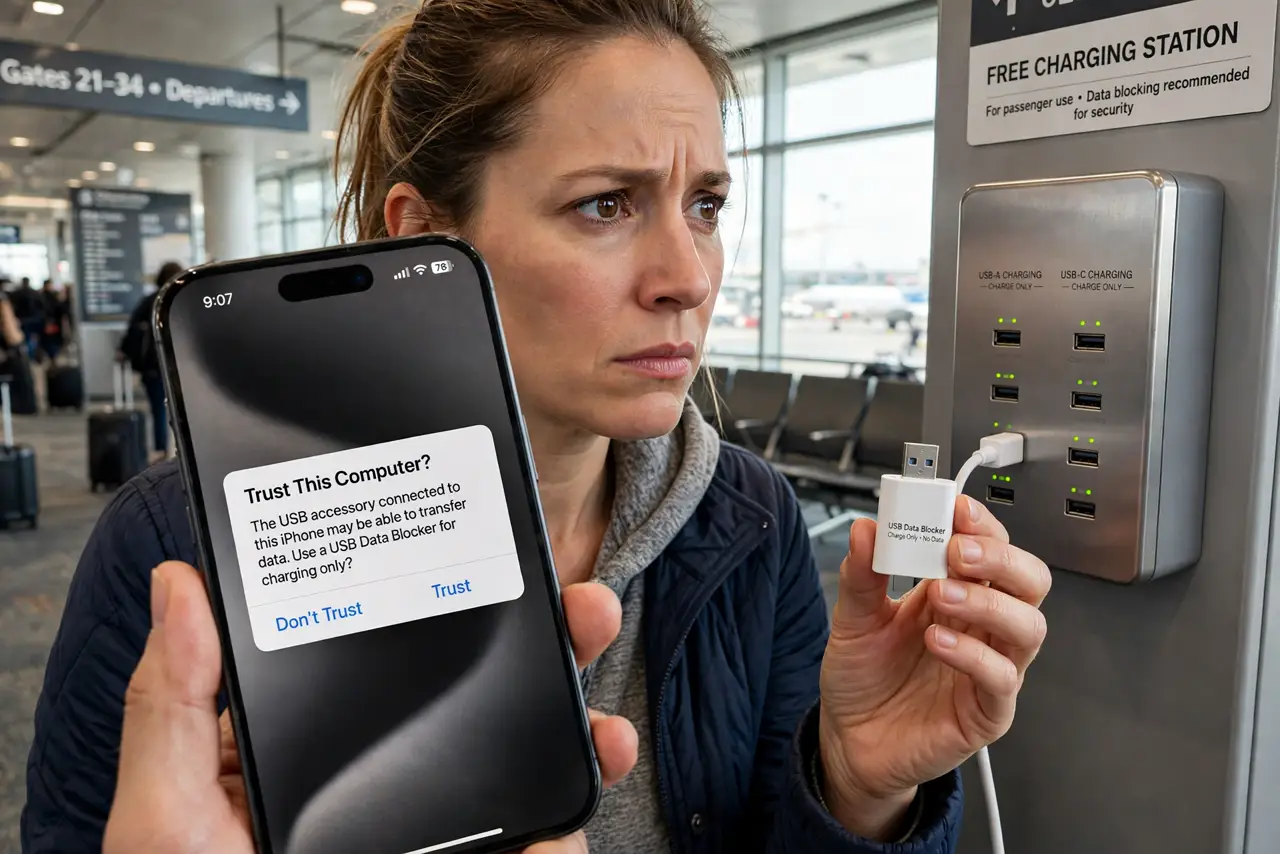
- Never tap Trust on an unknown prompt. If a public port triggers a 'Trust this computer?' prompt, that is the attack announcing itself — tap Don't Trust and unplug. A pure charger never asks for trust.
- Use a power bank as a middleman. Charge your power bank from the public port, then charge your phone from the bank. Even a compromised port only ever talks to the bank, never to your phone.
- Keep the hype in perspective. Documented juice-jacking cases in the wild are extremely rare — warnings outnumber incidents by orders of magnitude. Take the cheap precautions, then stop worrying.
What NOT to do
- Do not plug into a public USB port with your regular cable and tap Trust. That combination is the entire attack — the blocker or your own charger removes it.
- Do not assume a 'charging only' labeled port is safe. Labels are stickers; anyone can print one. Treat every public port as untrusted.
- Do not buy a no-name data blocker without checking reviews. A fake blocker that still passes data is worse than none, because it adds false confidence.
- Do not let the fear stop you from charging. The precautions are cheap and simple — the goal is safe charging, not battery anxiety.
Frequently asked questions
Has juice jacking actually happened to real people?
Security researchers have demonstrated it reliably, and agencies have issued warnings. Confirmed real-world victim cases are scarce — it is a real attack with rare deployment.
Is wireless public charging safe?
Yes — wireless charging has no data channel at all. A public Qi pad cannot juice-jack you, which makes it the laziest safe option.
Does airplane mode protect me?
No. Airplane mode does not disable the USB data channel — the phone still negotiates with whatever it is plugged into. Use a blocker or your own charger.