Laptop in a Hotel? Basics
Hotel Wi-Fi, hotel safes, housekeeping with a master key — traveling with a laptop means trusting strangers more than at home. The threats are mundane, not cinematic: snooping on open Wi-Fi, a laptop walking away from the room, a 'free' USB charger with ambitions. A short checklist before the trip covers nearly all of it.
TL;DR / Quick Fix
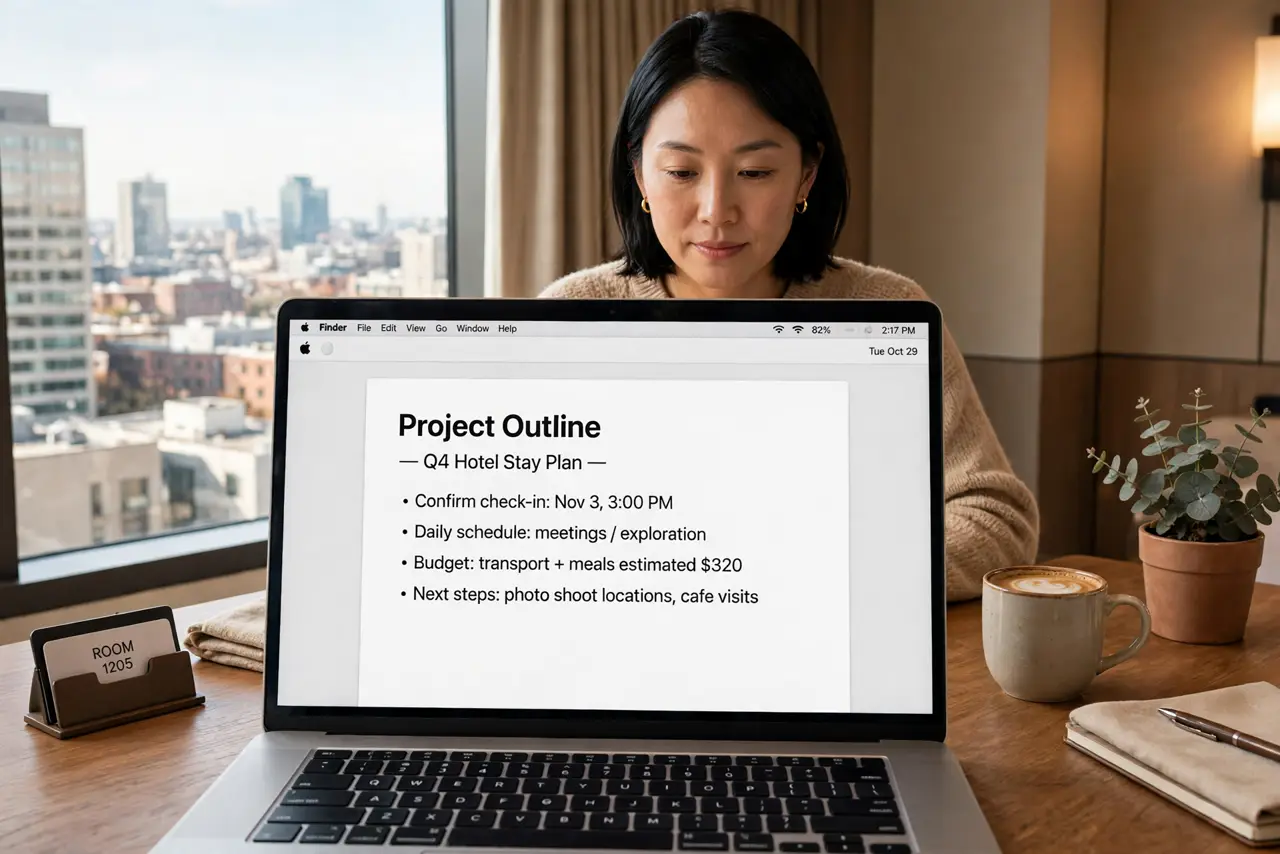
Quick fix: before the trip, update everything, enable full-disk encryption and a strong login password, and turn on Find My Device. On hotel Wi-Fi use a VPN and never do banking on the captive portal page. Lock the laptop away when you leave. Bring your own charger.
Follow these steps
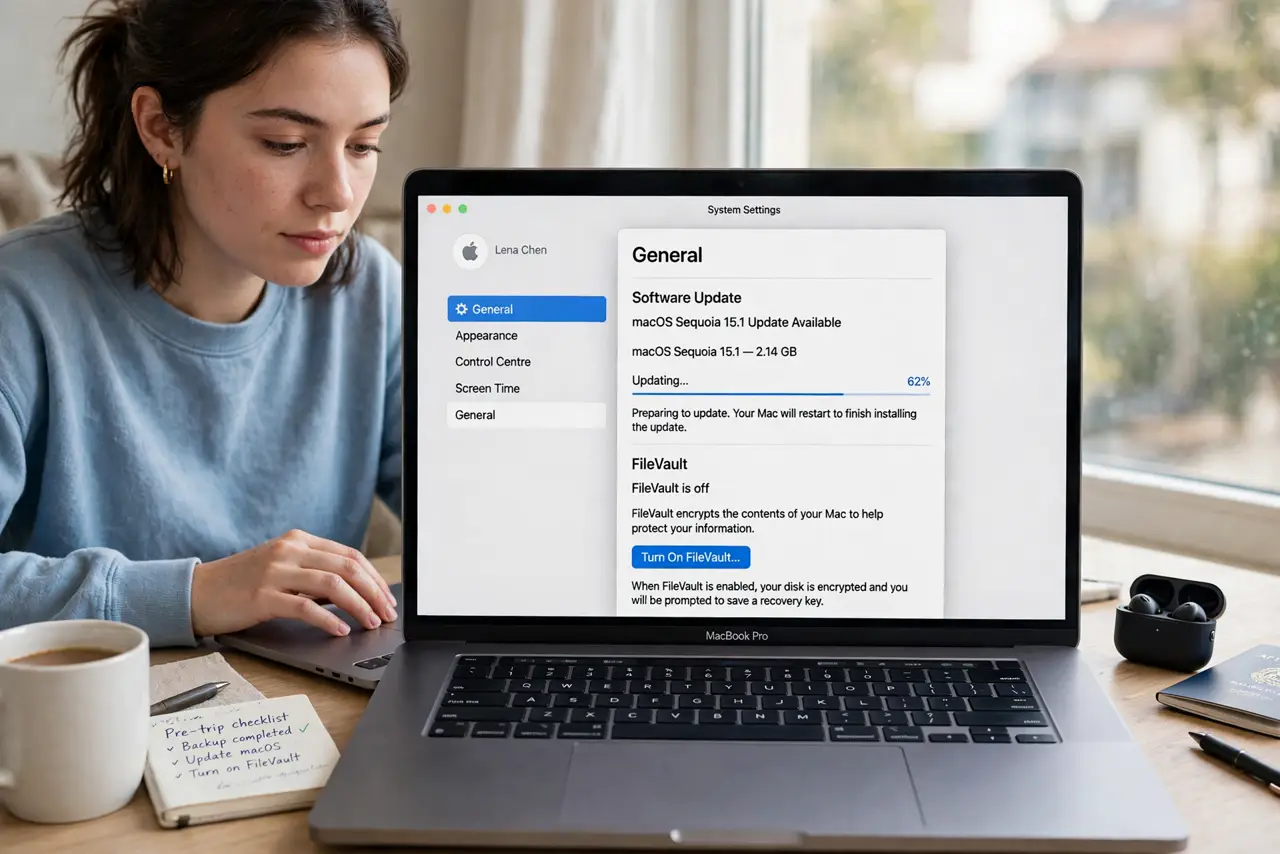
- Update and encrypt before you go. Install all OS and app updates the night before — hotel Wi-Fi is no place for a 3 GB update either. Confirm full-disk encryption is on (FileVault on Mac, BitLocker on Windows) so a stolen laptop is a brick, not a data breach.
- Lock it down physically. Use a strong login password, not just a PIN. When leaving the room, the laptop goes in your locked bag or the room safe — housekeeping master keys open doors, not safes. Never leave it visible in a rental car.
- Treat hotel Wi-Fi as hostile. Use a VPN for everything on hotel networks, and beware the captive portal asking you to install profiles — a profile warning deserves real attention. Never do banking before the VPN connects.
- Beware hotel USB and 'free' tech. Do not charge from the nightstand USB port — bring your own wall charger, per the public charging rules. Do not plug in found drives or use the lobby PC for anything sensitive.
- Enable Find My Device. Turn on Find My (Mac/iPhone) or Find My Device (Windows) before the trip and test it. A lost laptop with tracking is recoverable; without it, it is gone.
- Separate work and personal. Travel with minimal sensitive data: move what you do not need to the cloud and off the disk. Fewer files on the laptop means less exposure if the worst happens.
What NOT to do
- Do not do banking on hotel Wi-Fi without a VPN. Open hotel networks are trivially snooped — the VPN is non-negotiable.
- Do not install profiles from a captive portal blindly. A hotel login page asking for a configuration profile is a red flag — verify with the front desk.
- Do not leave the laptop in plain sight. Cars and hotel rooms get targeted opportunistically — out of sight, locked up.
- Do not use lobby computers for sensitive accounts. Keyloggers love shared PCs — treat them as compromised by default.
Frequently asked questions
Is hotel Wi-Fi safe with a VPN?
Yes, for practical purposes — the VPN encrypts everything past the hotel network. Connect the VPN before opening anything sensitive.
Should I use the hotel safe for my laptop?
It beats leaving it on the desk. A locked bag inside the room is a decent alternative if the safe is too small.
Can housekeeping access my files?
Only if the laptop is unlocked or unencrypted. A strong password plus full-disk encryption keeps your data safe even with physical access.