Library Wi-Fi? Basics
Free library Wi-Fi is a lifeline for students and remote workers — and a shared network where strangers sit packets away from your traffic. The risks are manageable with a few habits: encrypted sites, a VPN for sensitive work, and never trusting the network name blindly. This guide keeps your library sessions safe without paranoia.
TL;DR / Quick Fix
Quick fix: connect only to the library's official network name — ask staff if unsure. Do all sensitive work over HTTPS sites or a VPN. Turn off auto-join for public networks and disable file sharing while connected. Never enter banking credentials without a VPN on an open network.
Follow these steps
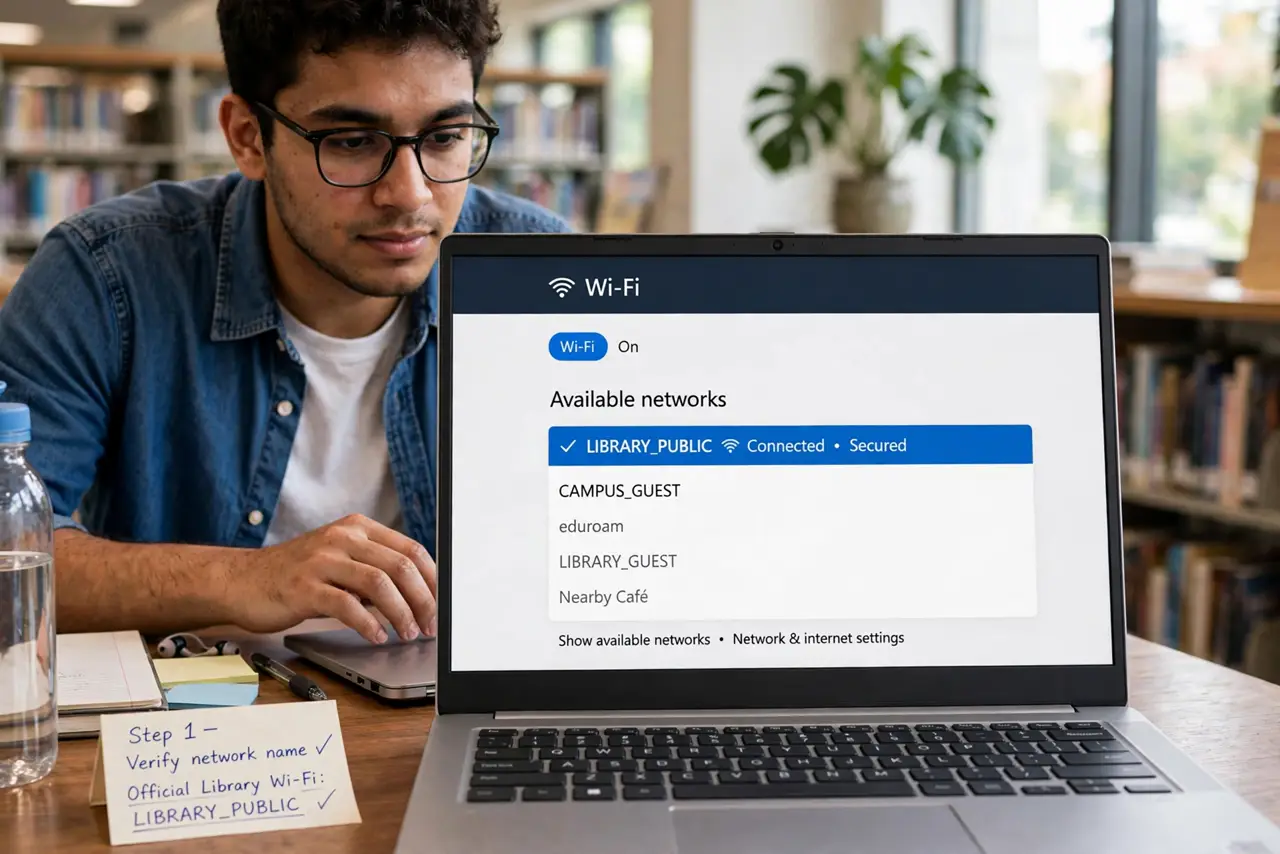
- Verify the network name. Ask staff for the exact official Wi-Fi name. Attackers set up evil twins with similar names — 'Library_Free' versus 'Library Free WiFi' — and victims join the wrong one. When in doubt, ask.
- Use HTTPS everywhere. Modern browsers warn on non-HTTPS sites — heed the warning. Encrypted sites protect your login even on a hostile network; unencrypted ones expose it.
- Run a VPN for sensitive work. A VPN encrypts everything between you and the internet, neutralizing local snoopers. Banking, email, and work logins on public Wi-Fi deserve the VPN on.
- Turn off sharing and auto-join. Disable file sharing, AirDrop reception, and printer sharing while on public networks. Turn off auto-join so your device does not hop onto random open networks later.
- Watch for phishing around free Wi-Fi. Captive portals and 'free Wi-Fi' QR codes are phishing favorites. Never enter credentials into a portal page that looks off — verify with staff.
- Forget the network after. When you leave, remove the network from your saved list. A saved open network auto-connects next time you pass by — including to an attacker's copy.
What NOT to do
- Do not do banking on open Wi-Fi without a VPN. It is the single riskiest ordinary act on a public network.
- Do not join a similarly-named network. One character of difference can mean an attacker's hotspot — verify the exact name.
- Do not leave file sharing on. Open shares on public Wi-Fi invite both snooping and malware drops.
- Do not ignore browser security warnings. A certificate warning on public Wi-Fi is exactly the attack the warning exists for — stop.
Frequently asked questions
Is library Wi-Fi safe?
Reasonably, with habits: verified network name, HTTPS, VPN for sensitive stuff, sharing off. The network itself is rarely the attack — impostor networks are.
Do I need a VPN just to browse?
For casual browsing on HTTPS sites, no. For logins, banking, or work, yes — cheap insurance.
What is an evil twin network?
A fake hotspot impersonating the real one to intercept traffic. Verifying the exact name with staff defeats it.