'Sign In With Google'? The Tradeoff
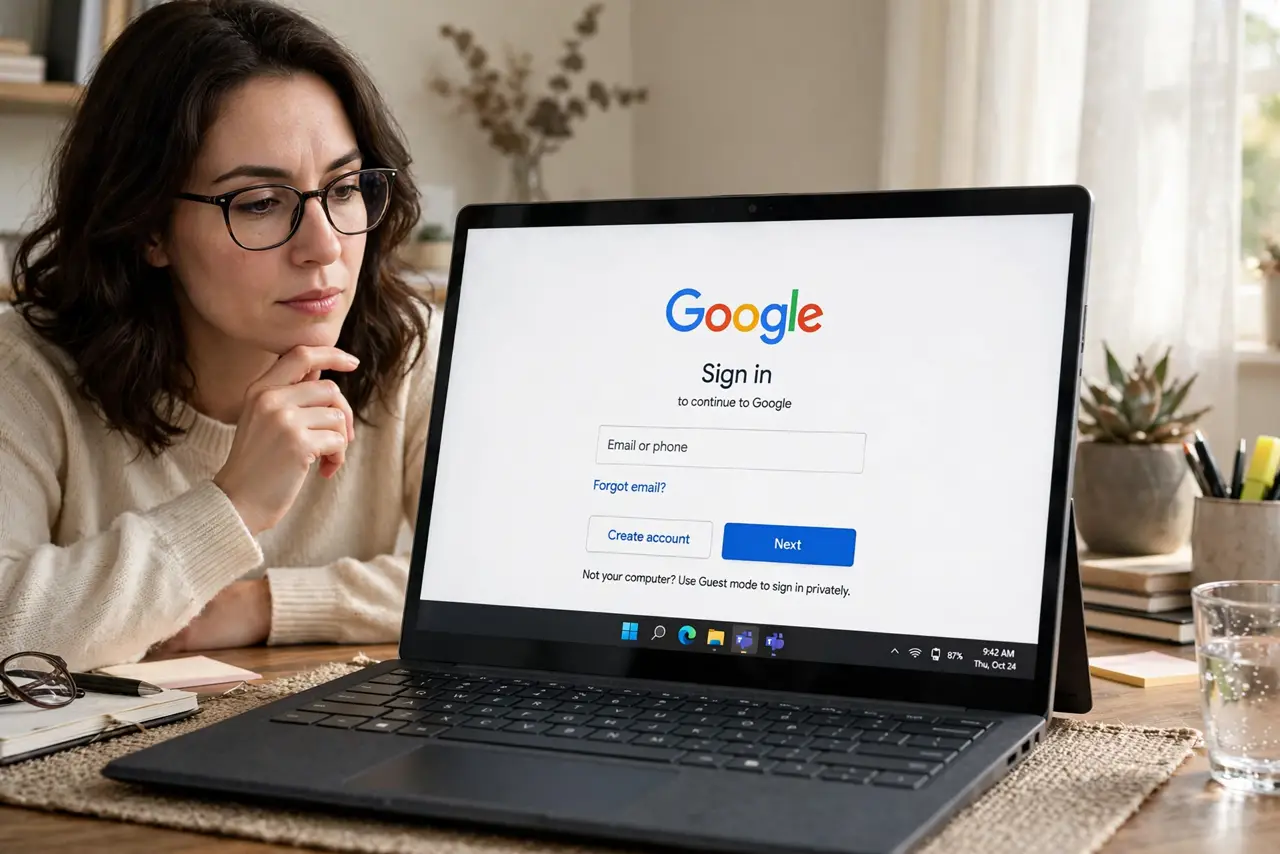
One click, no new password — 'Sign in with Google' (or Apple, or Facebook) is everywhere. It is genuinely safer than a weak reused password, but it concentrates risk: whoever owns that one account owns every login behind it. Here is the honest tradeoff and how to use it wisely.
TL;DR / Quick Fix
Quick fix: keep using 'sign in with' for low-stakes sites, but protect the master account fiercely — unique password, authenticator two-factor, locked-down recovery email. Review granted apps regularly and revoke strays. For banking and primary email, prefer a dedicated login so one breach cannot cascade.
Follow these steps
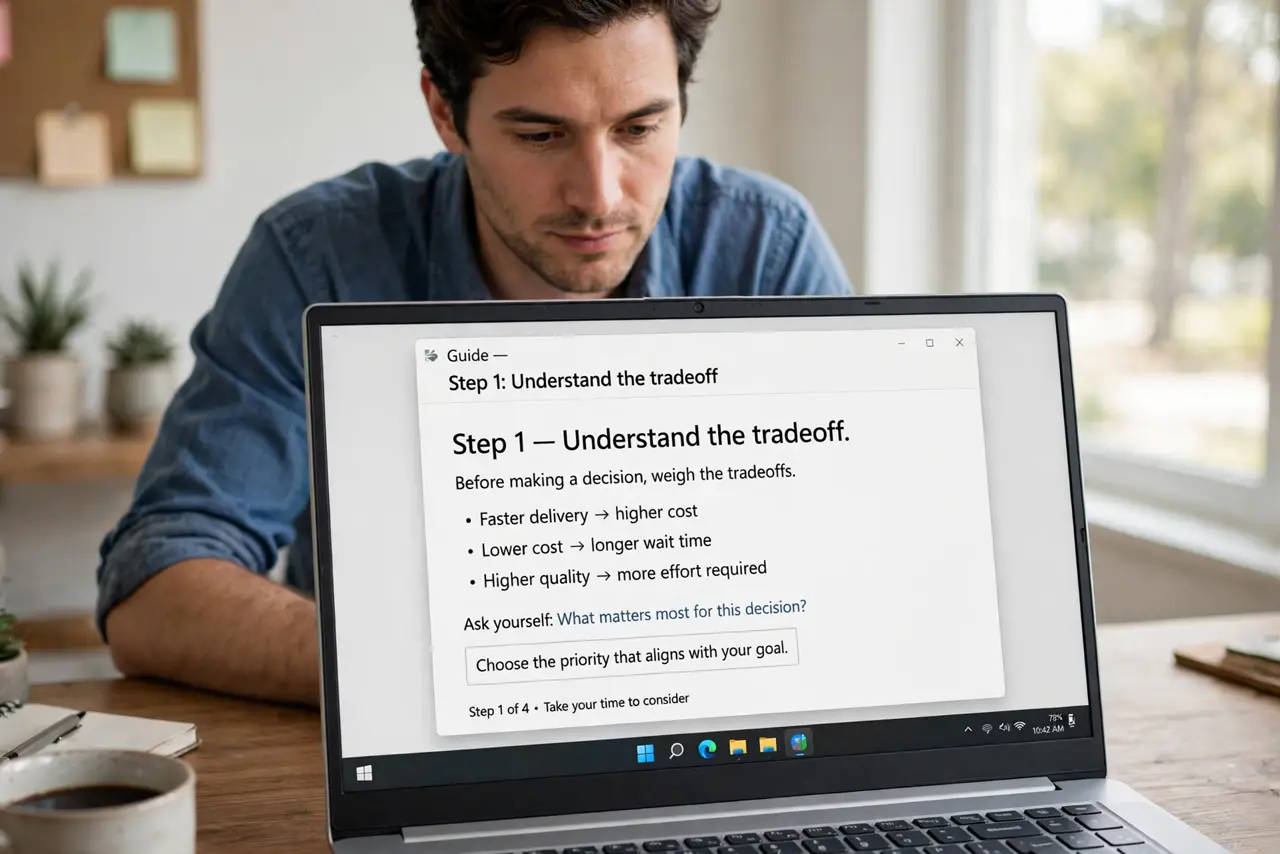
- Understand the tradeoff. Pro: no new password to reuse or leak; the provider's security team guards the login. Con: one compromised master account unlocks everything behind it. Both are true at once.
- Harden the master account first. The whole scheme stands on one account's security: unique password, app-based two-factor, secured recovery email. Do this before adding more logins behind it.
- Use it for low-stakes sites. Forums, newsletters, shopping — perfect candidates. Fewer passwords, less reuse, and the site never sees a password at all.
- Prefer dedicated logins for the crown jewels. Banking, primary email, password manager: give these their own credentials. If the master account ever falls, the critical accounts stand apart.
- Review the grants regularly. Every 'sign in with' leaves a token behind. Audit them on a schedule — see reviewing connected apps — and revoke what you no longer use.
- Have a backup access plan. If you lose the master account, you lose every login behind it. Keep backup codes and an alternate recovery path before you need them.
What NOT to do
- Do not put every account behind one login. Concentration is the risk — spread the critical ones out.
- Do not use 'sign in with' on a shared or public computer. One click signs you into everything — see public-computer safety.
- Do not assume the provider notifies you of every grant. Check the access list yourself; silent grants are common.
- Do not forget what is behind the master account. List them somewhere safe — recovery is miserable when you cannot remember which logins depended on it.
Frequently asked questions
Is 'Sign in with Google' safe?
Safer than a weak reused password, riskier than a unique password plus two-factor per site. The honest answer: it is good if the master account is locked down hard.
What happens if my Google account is hacked?
Every 'sign in with Google' login is exposed too — which is why the master account gets the strongest protection and the critical accounts stay separate.
Should I use it for my bank?
Prefer a dedicated bank login. Banks deserve isolation from any single point of failure, even a well-protected one.