Port-Out Fraud? Protect Your Number
You switch carriers and your number moves with you — that is porting, and it is legitimate. Port-out fraud is the same process hijacked: a criminal ports your number to a carrier they control, usually as part of a SIM-swap-style attack. The defense is a lock your carrier already offers. Here is how to turn it on.
TL;DR / Quick Fix
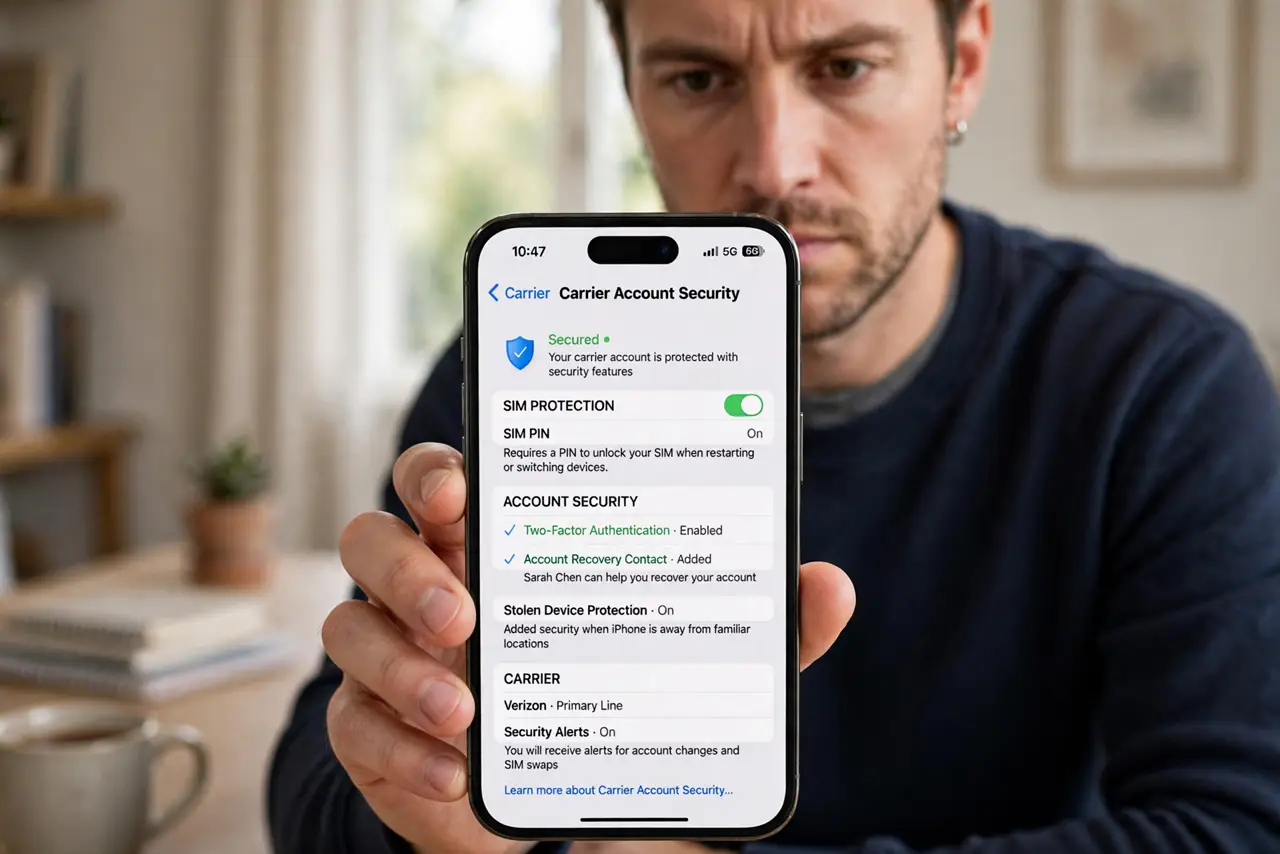
Quick fix: ask your carrier for a number-transfer PIN or port-out lock — most offer it free, and it blocks unauthorized ports. Keep your carrier account PIN set and unique. If a port you did not request starts, your carrier can cancel it within a short window, so call immediately.
Follow these steps
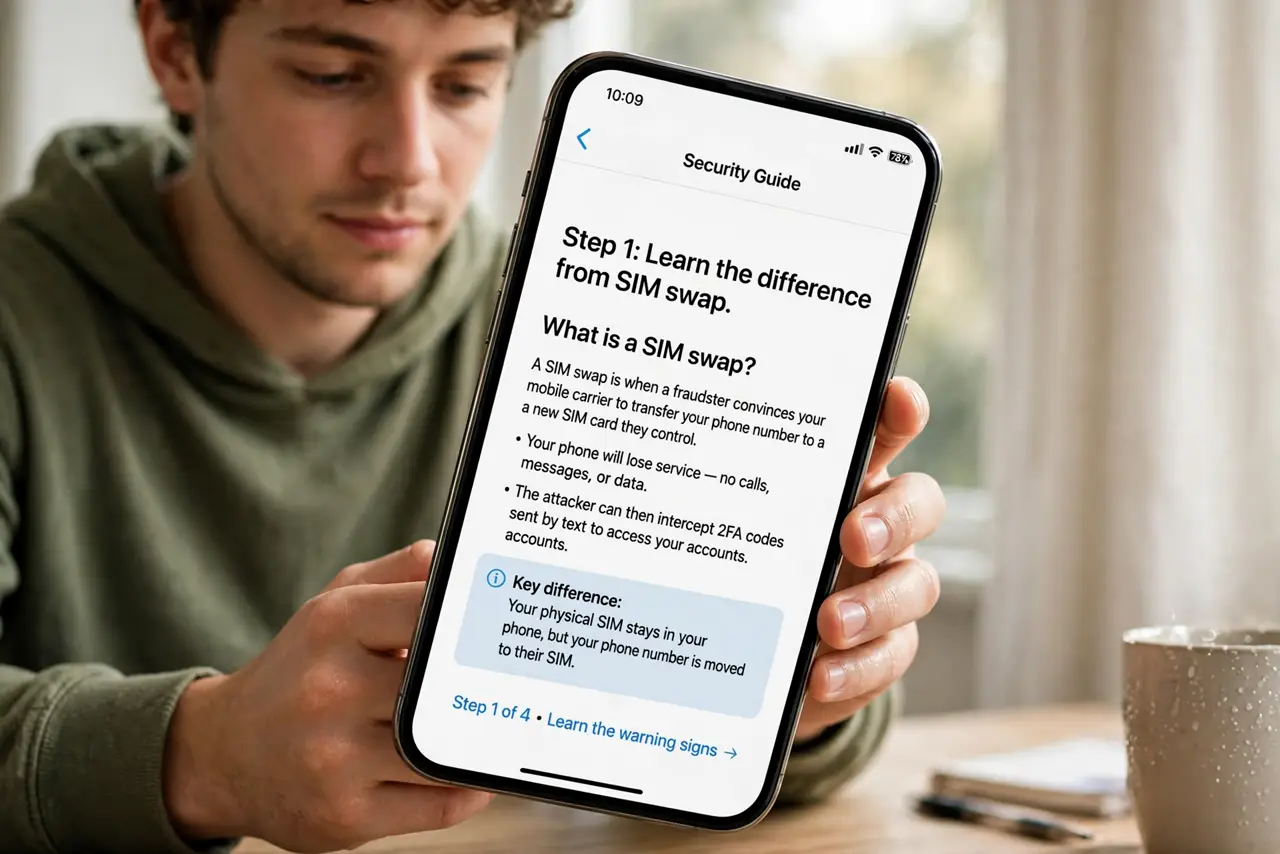
- Learn the difference from SIM swap. SIM swap moves your number between SIMs on the same carrier; port-out moves it to a different carrier. Both hand your number — and your SMS codes — to an attacker. See how SIM swaps work.
- Request a transfer PIN or port-out lock. Call your carrier or check its app: most now offer a number-transfer PIN, a port-out block, or both. Enable every lock available — see carrier PIN setup.
- Keep your carrier account secured. Use a unique PIN on the carrier account itself, not your birthday. Attackers who log into your carrier account can approve their own port.
- Watch for porting notifications. Carriers typically text or email before a port completes. Treat any such message you did not trigger as an emergency — call the carrier at once.
- Move critical accounts off SMS. Banking and email on authenticator apps stay safe even if a port succeeds. SMS codes are the prize — remove the prize. See app vs SMS.
- Act fast if it happens. A fraudulent port in progress can sometimes be cancelled within hours. Call your carrier's fraud line immediately, then secure email and banking.
What NOT to do
- Do not leave porting unlocked 'for convenience.' Legitimate ports take one extra step with the lock on; fraud takes the number with it off.
- Do not use the same PIN for your carrier account and your transfer lock. One guessed PIN should not open both doors.
- Do not ignore a 'your number is being transferred' text. That message is the alarm — treat it like one.
- Do not assume a new carrier's default settings protect you. Locks are opt-in almost everywhere; you must enable them.
Frequently asked questions
What is port-out fraud?
A criminal transfers your phone number to a carrier account they control, intercepting your calls and texts — usually to defeat SMS-based verification.
Is port-out fraud the same as SIM swapping?
Related but different. SIM swapping keeps your carrier and changes the SIM; port-out changes the carrier entirely. Both steal your number's incoming texts.
Will a port-out lock block my own carrier switch?
Only until you approve it. When you legitimately switch, you generate the transfer PIN yourself — the lock stops everyone except you.