Set a Carrier PIN? Do It Now
Your carrier will happily discuss your account with anyone who sounds like you — unless you set a PIN that stops them. A carrier PIN (sometimes called a security passcode) is required before reps make changes like SIM swaps or ports. It takes five minutes to set and blocks the most common phone-number attacks.
TL;DR / Quick Fix
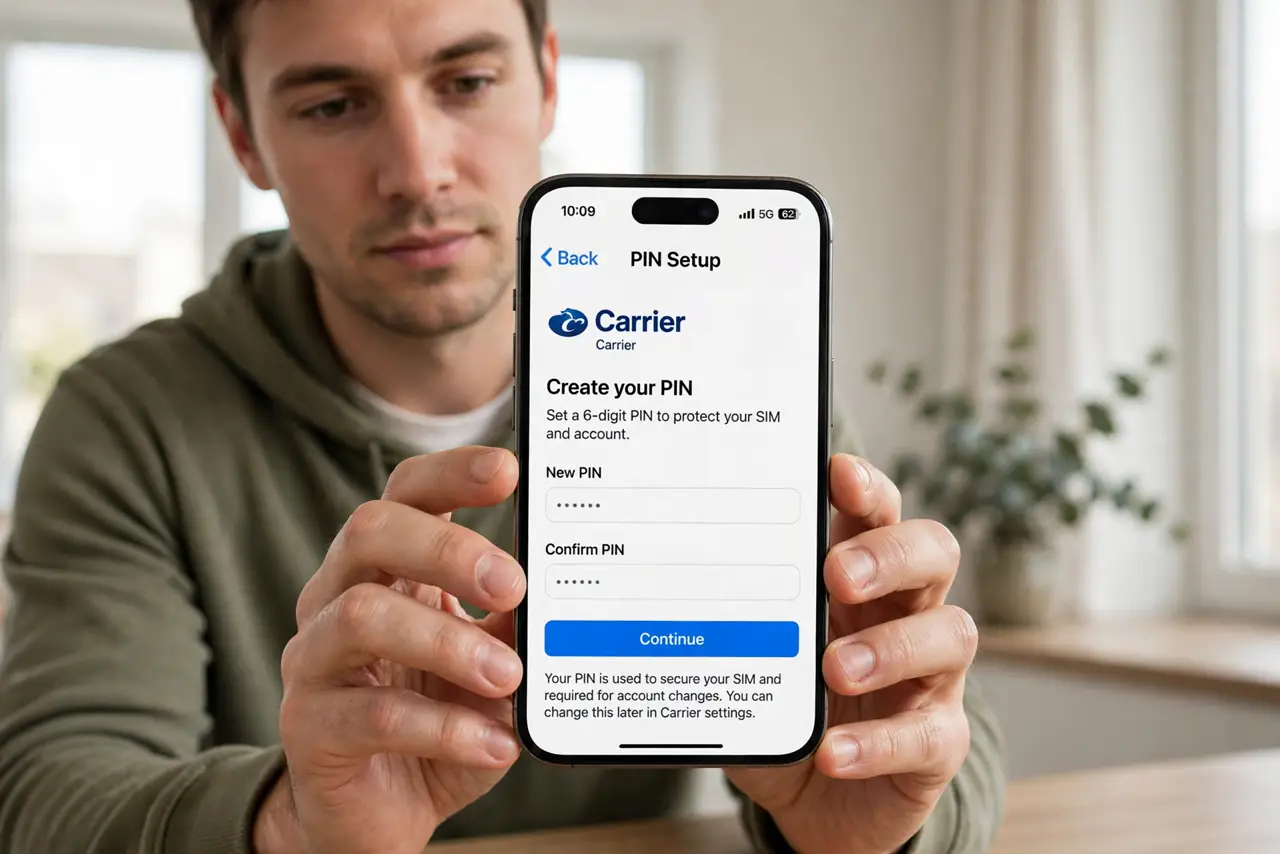
Quick fix: log into your carrier account or call support and set an account PIN or passcode — not your birthday, not 1234. Ask them to require it for SIM changes and number transfers. Write it in your password manager. This one setting blocks most SIM-swap and port-out attempts cold.
Follow these steps
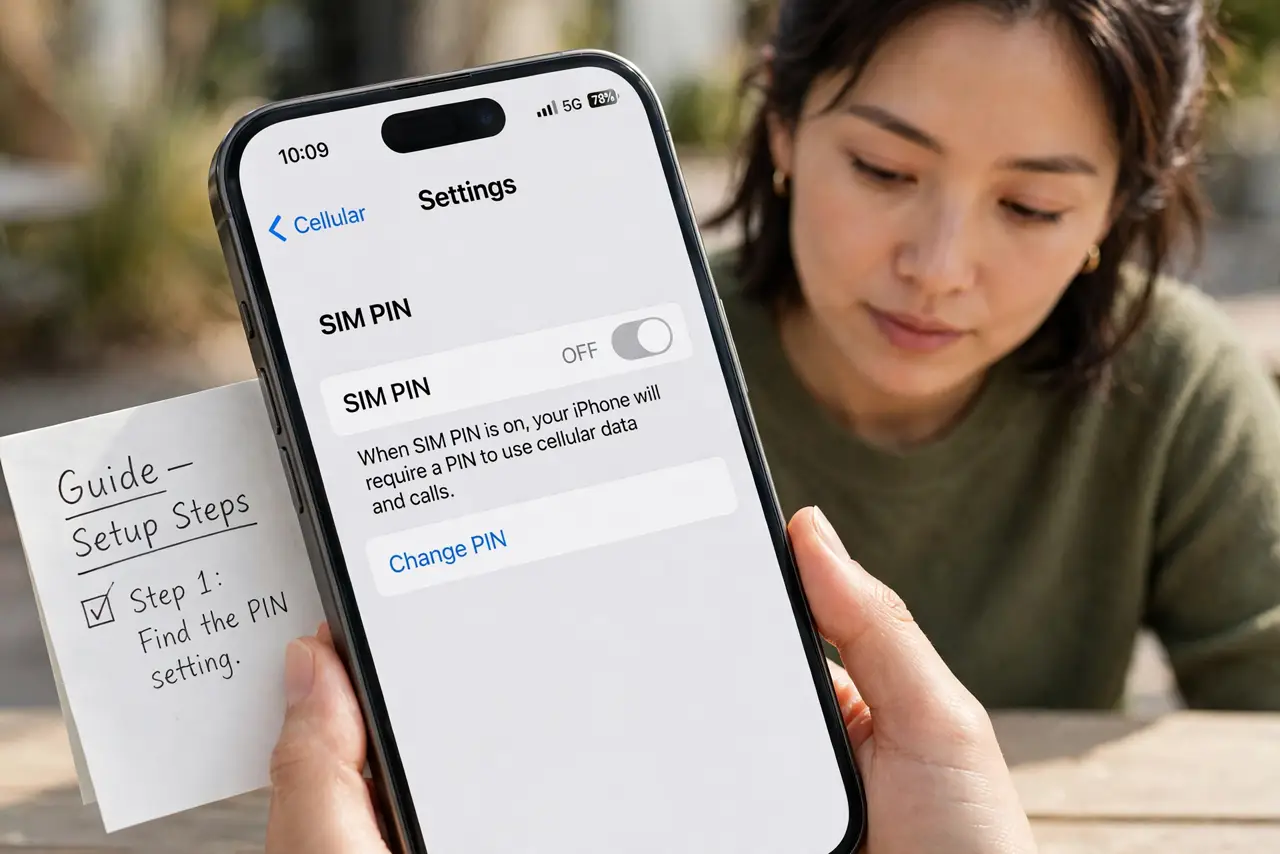
- Find the PIN setting. Log into your carrier's website or app and look under security, account, or profile settings — or just call support and ask for an account PIN.
- Choose a PIN you do not use elsewhere. Not your birthday, address, or the same PIN as your phone lock. Random digits stored in your password manager are ideal.
- Confirm it gates the dangerous changes. Ask explicitly: does this PIN get required for SIM swaps and number ports? Some carriers have separate toggles — enable them all. See SIM swap attacks and port-out fraud.
- Add it for every line on the account. Family plans need the PIN on each line — an unprotected line is the attacker's way in.
- Store it where you will find it. Put it in your password manager under the carrier's name. A PIN you forget under pressure might as well not exist.
- Test it once. Call support about something trivial and see if they ask for the PIN. If they sail past it, the setting is not actually enforced — escalate.
What NOT to do
- Do not pick an obvious PIN. Birthdays and repeating digits are the first guesses — and carrier reps see them constantly.
- Do not assume setting it online is enough. Verify with a test call that reps actually demand it.
- Do not share the PIN with 'carrier support' who calls you. Real reps never ask for it on inbound calls — that is a spoofed caller trick.
- Do not skip the extra locks. The PIN plus a port-out lock is the full setup — one without the other leaves a gap.
Frequently asked questions
What is a carrier PIN?
A passcode on your mobile account that support reps must collect before making changes — SIM swaps, ports, plan changes. It stops impersonators cold.
Is it different from my phone's lock-screen PIN?
Yes, completely. The phone PIN unlocks the device; the carrier PIN protects the account with your mobile company.
I forgot my carrier PIN — now what?
Call support and verify your identity another way (ID, account details). They will reset it — then store the new one in your password manager.