SIM Swap Attacks? How They Work
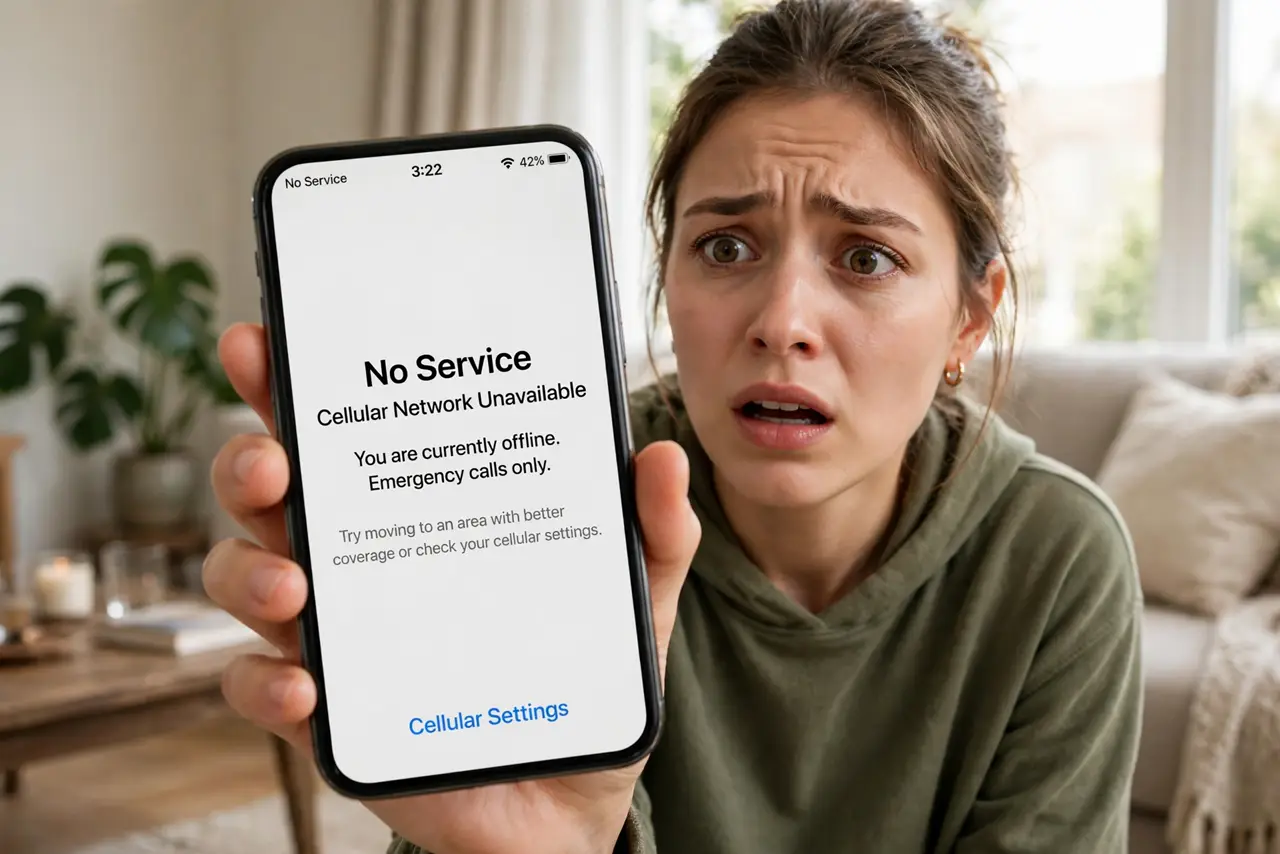
Your phone suddenly shows 'No Service' — and within the hour, your bank password is reset by someone else. In a SIM swap, an attacker convinces your carrier to move your number to their SIM card. Every texted verification code then goes to them, not you. Here is how the attack works and how to harden your number.
TL;DR / Quick Fix
Quick fix: call your carrier and set a port-out PIN plus a SIM-swap lock so your number cannot move without it. Switch important accounts from SMS codes to an authenticator app, which a swapped SIM cannot intercept. If your phone suddenly loses service, contact your carrier and bank immediately.
Follow these steps
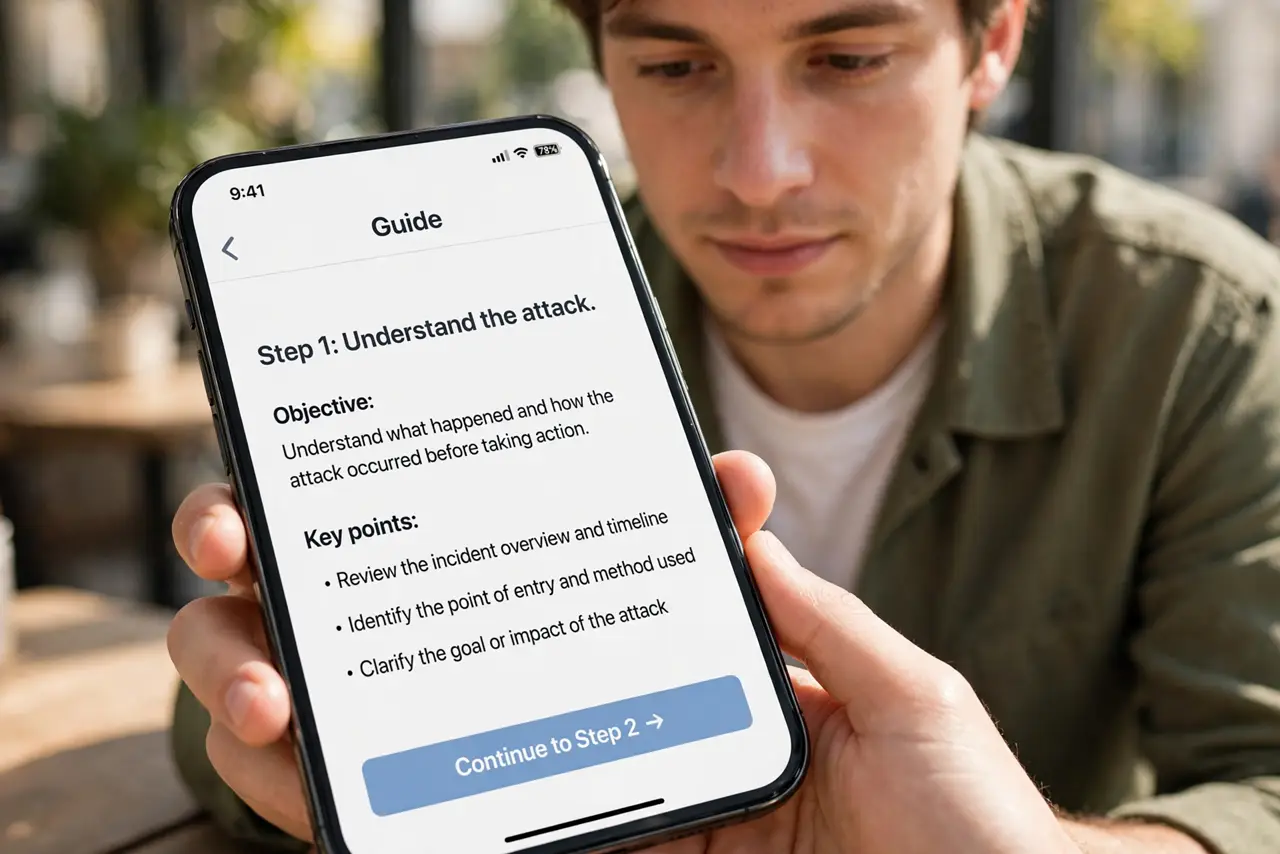
- Understand the attack. The attacker gathers your personal details, calls your carrier pretending to be you, and asks to move your number to a new SIM. Carriers have been tricked with surprisingly little verification.
- Set a carrier PIN now. Call your carrier and add a PIN or passcode required for any account change — see setting a carrier PIN. This is the single most effective defense.
- Add a port-out lock. Ask for a number-transfer lock as well: it blocks moving your number to another carrier without extra verification. See port-out fraud protection.
- Move off SMS two-factor. Switch email, banking, and money accounts to an authenticator app. A swapped SIM intercepts SMS codes — it cannot touch app codes. Compare app vs SMS.
- Limit the personal data floating around. Attackers build their carrier story from your birthday, address, and account details — often from social media and old breaches. Share less, and see deleting old accounts to shrink your footprint.
- Know the warning sign. Phone drops to 'No Service' unexpectedly? Call your carrier immediately from another phone — and then your bank. Speed matters: attackers move fast once the SIM is theirs.
What NOT to do
- Do not rely on SMS codes for banking or email. They are exactly what a SIM swap is designed to steal.
- Do not post your phone number, carrier, or plan details publicly. Attackers use them to sound legitimate to carrier reps.
- Do not assume a carrier PIN you never set exists. Default protections are weak — you must add the PIN yourself.
- Do not wait to act on sudden signal loss. Every minute of delay is time the attacker spends resetting your accounts.
Frequently asked questions
What is a SIM swap attack?
An attacker tricks your mobile carrier into transferring your phone number to a SIM card they control, intercepting your calls and SMS verification codes.
How do I know if I am being SIM-swapped?
The classic sign: your phone suddenly loses service for no reason. Unexpected password-reset texts you did not request are another red flag.
Does a carrier PIN really stop it?
It is the strongest practical defense. With a PIN required for account changes, the attacker's impersonation call fails — which is why carriers offer it.