QR Code on a Parking Meter? Check
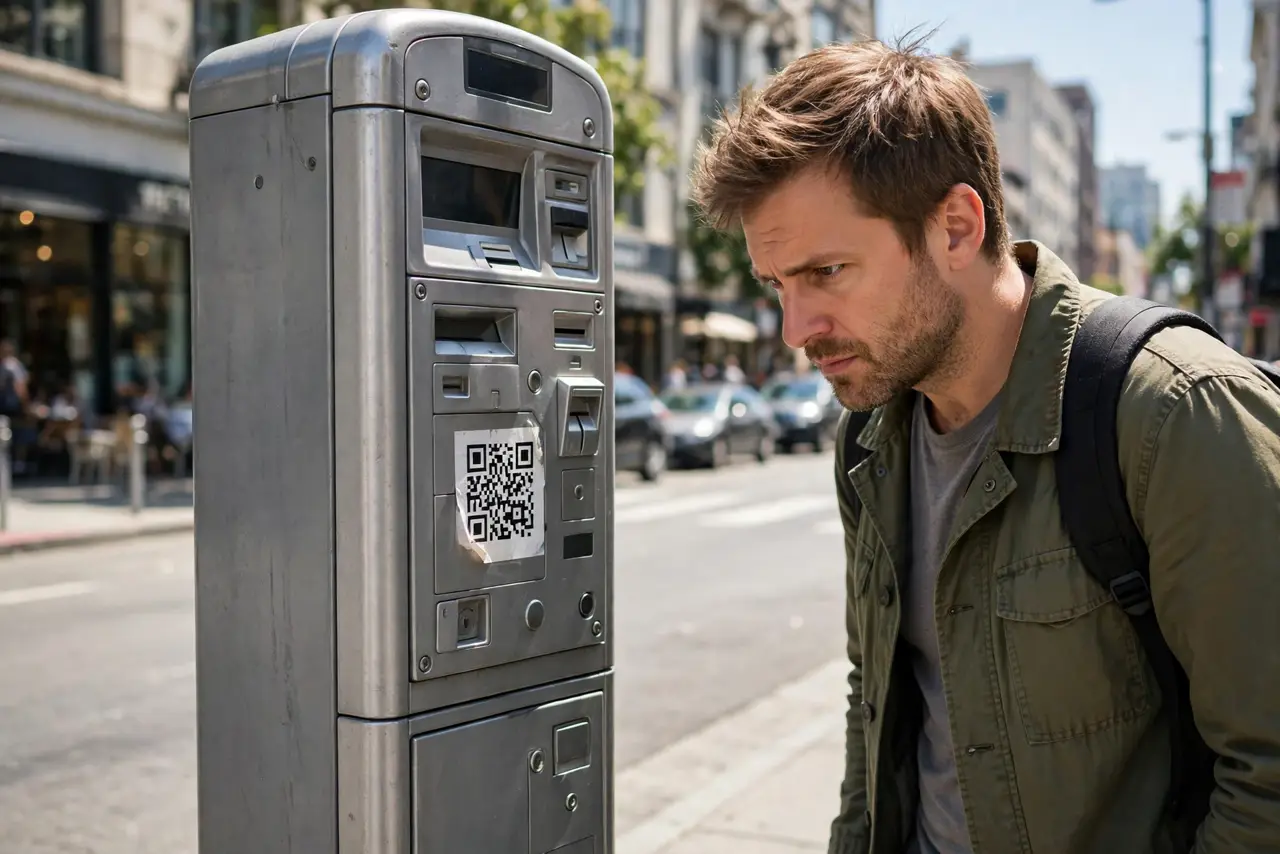
You scan the QR code on the parking meter to pay — and your money goes to a scammer. Criminals stick their own QR codes over the real ones on meters and pay stations, redirecting payments (and card details) to themselves. The meter looks normal; the sticker is the whole crime.
TL;DR / Quick Fix
Quick fix: before scanning a meter's QR code, check for a sticker over the original — peel at an edge; fakes lift off. Better yet, pay through the city's official parking app. If you already paid a fake code, call your bank and dispute the charge.
Follow these steps
- Inspect the code before scanning. Look for a sticker layered over the meter's printed code — edges, bubbles, mismatched printing. A real code is printed on the meter; a fake is stuck on top. See sticker-over-real-code.
- Peel-test a suspicious edge. If a corner lifts, it is a sticker — stop. Genuine meter codes do not peel. This five-second test defeats the whole scam.
- Prefer the official app. Download the city's parking app from your app store (not via any QR code) and pay there. No scanning, no sticker risk.
- Check the URL after scanning. If you do scan, the payment page's address must match the city's official domain. A lookalike domain means stop — see QR phishing.
- If you paid the fake, act fast. Call your bank to dispute the charge and watch the card for further misuse. The scammers got your payment details, not just the parking fee.
- Report the sticker. Tell the city or parking operator — and see the parking-meter sticker scam pattern. One report gets the sticker removed before the next driver pays it.
What NOT to do
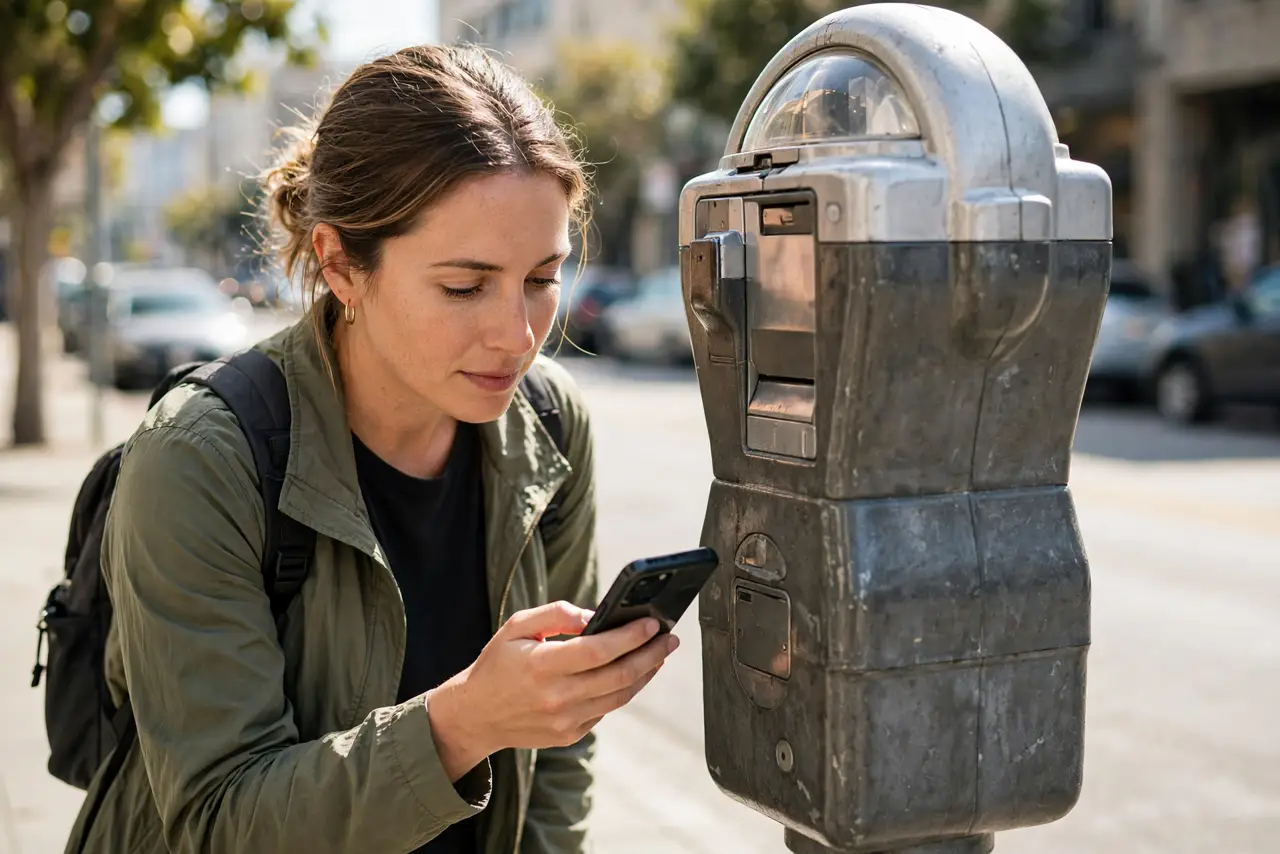
- Do not scan first and inspect later. The scan is the moment of compromise — inspection comes first.
- Do not enter card details on a page reached by meter QR. Use the official app instead; QR-to-payment is the scammer's favorite path.
- Do not assume a professional-looking sticker is official. Scammers print well — the peel test does not lie.
- Do not ignore a wrong-looking payment page. If the branding is slightly off or the URL is strange, close it — see QR codes leading to logins.
Frequently asked questions
How common is the parking meter QR scam?
Common enough that multiple cities have issued warnings. It is cheap to run — a printer and stickers — which is why it keeps spreading.
What if the QR code is printed directly on the meter?
Printed-on codes are far safer, but still verify the payment URL matches the official domain. Stickers are the threat; printing is not.
I paid and got a ticket anyway — what now?
Dispute the card charge with your bank, keep the ticket, and contest it with the city showing the fraudulent payment. Report the sticker so others are spared.