Fake QR Codes? The Scam
The QR code on the parking meter, the restaurant table, or the package notice looks official — but anyone with a printer can stick a fake code over a real one. Scanning it can open a phishing site, trigger a payment to a scammer, or download malware. QR codes are unreadable by humans, which is exactly why scammers love them. Here is how to scan safely.
TL;DR / Quick Fix
Quick fix: fake QR codes pasted over real ones lead to phishing sites or payment scams. Preview the URL first — phones show the link before opening it. If the address looks odd or demands login or payment, stop and type the official site yourself. When in doubt, don't scan.
Follow these steps
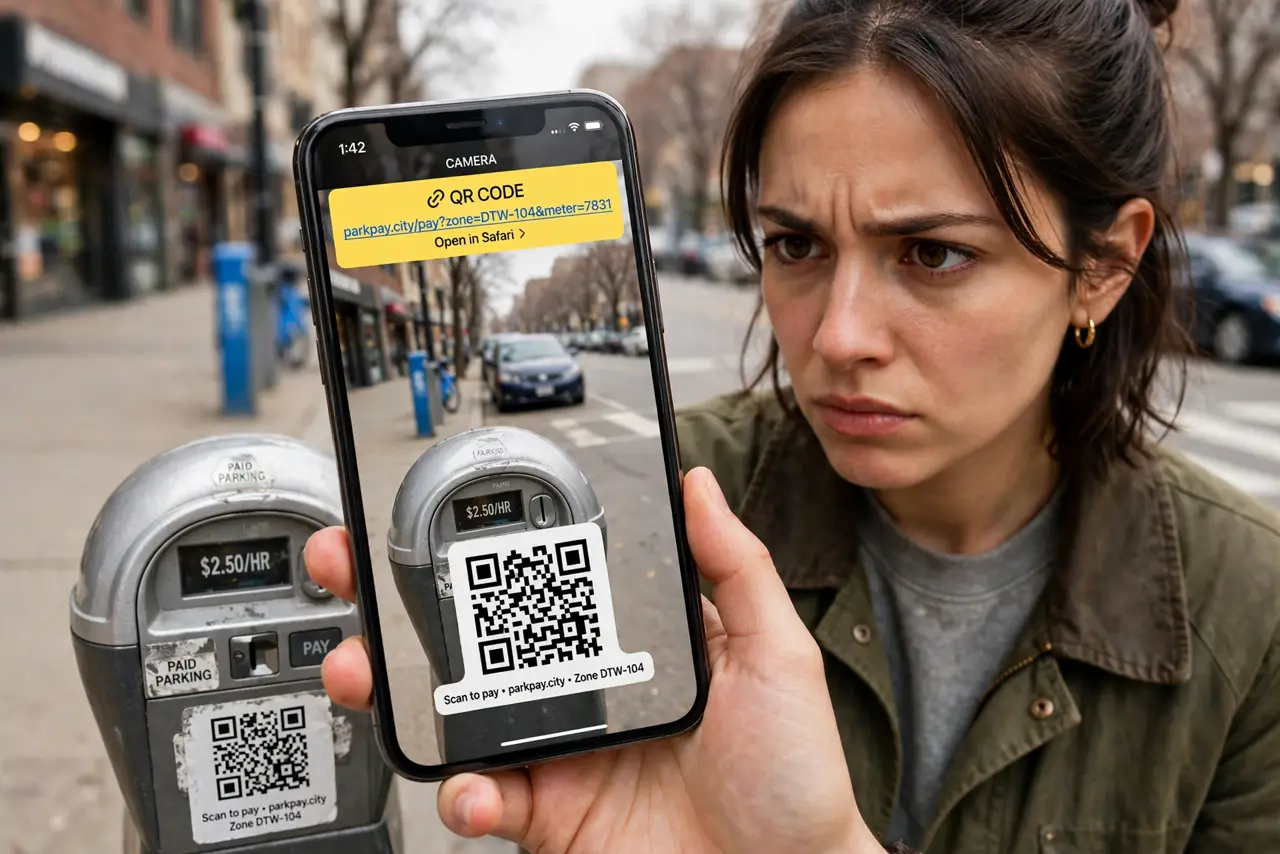
- Know where the fakes appear. Parking meters, restaurant tables, package delivery notices, and crypto ATMs — anywhere a code sits in public, a sticker can cover it. The parking meter scam is the textbook case. Treat any public QR code as untrusted until verified.
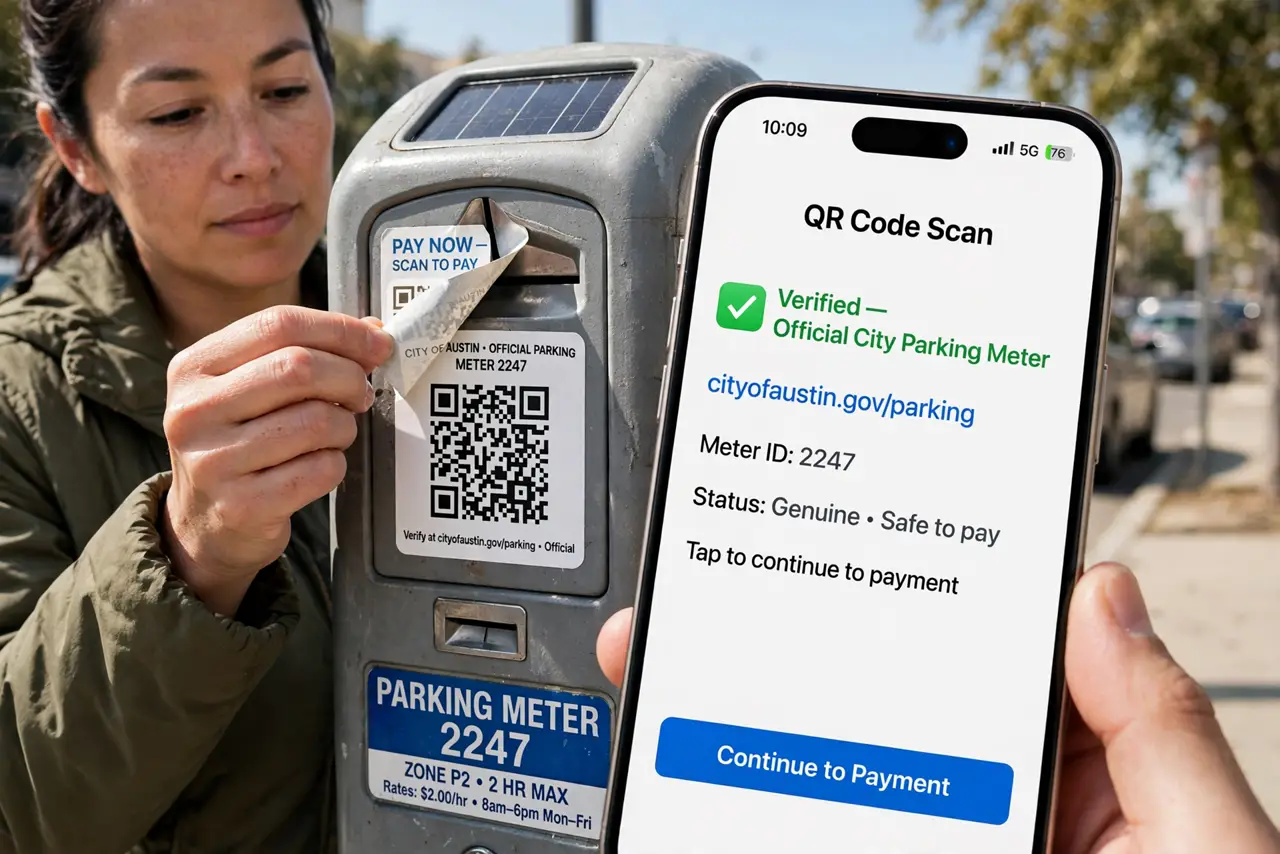
- Check for tampering first. Look for stickers layered over the original code, mismatched branding, or a code that looks added after the fact. A sticker over the real code often has slightly different print quality or edges you can feel. If it looks off, don't scan.
- Preview the URL before opening. Both iPhone and Android cameras show the destination link before opening it — read it. A parking payment that resolves to a random domain is the giveaway. This preview is your only chance to inspect an otherwise unreadable code.
- Never enter credentials from a QR scan. A QR code that lands on a login page is the reddest of flags — see QR-to-login scams. Legitimate QR flows rarely demand a full login out of nowhere. Navigate to the service yourself instead.
- Verify payments independently. If a QR code asks for money — parking, a bill, a 'fee' — confirm the payee through the official app or website. Scammers' codes route payments to their own accounts. Five seconds of verification beats losing the payment.
- Use your camera, not a random scanner app. Built-in camera QR scanning shows the safe URL preview. Many third-party scanner apps are ad-ridden or sketchy themselves — and some have been caught redirecting scans. The native camera is the trustworthy tool.
What NOT to do
- Do not scan a QR code that arrived unexpectedly by mail or text. Unsolicited codes are the delivery mechanism for phishing — same rule as unsolicited links.
- Do not approve a payment without verifying the recipient. QR payments are instant and irreversible — the scam counts on your haste.
- Do not assume a code is safe because it's printed nicely. Scammers print beautifully; print quality proves nothing.
- Do not scan QR codes on crypto ATMs or investment flyers promising returns. Those pair QR convenience with advance-fee fraud.
Frequently asked questions
Can a QR code give my phone a virus?
Scanning alone rarely infects — the danger is where it sends you: phishing pages and malicious downloads. Preview the URL and don't download files from a scanned link you didn't expect.
My QR code won't scan — is it fake?
Not necessarily — damage, glare, and tiny print all break scanning. See QR scan troubleshooting before assuming malice.
Are restaurant menu QR codes safe?
Usually — but check for sticker overlays and preview the URL. A menu link should lead somewhere sensible, not a login page or app download.
What to read next
- QR Code Phishing?
- Phishing Red Flags? Know Them