Tap to Pay Safer? Why
Tapping your card or phone feels almost too easy to be safe — but it is actually the safest way to pay in person. Every tap generates a one-time code instead of transmitting your real card number, so skimmers, shimmers, and snooping cashiers get nothing reusable. The convenience is real; the security upgrade is the actual story.
TL;DR / Quick Fix
Quick fix: tap-to-pay is safer than swiping because each tap sends a one-time code, not your real card number — stolen tap data cannot be reused. Use your phone's wallet or a contactless card wherever the terminal shows the tap symbol. It also defeats pump and ATM skimmers completely.
Follow these steps
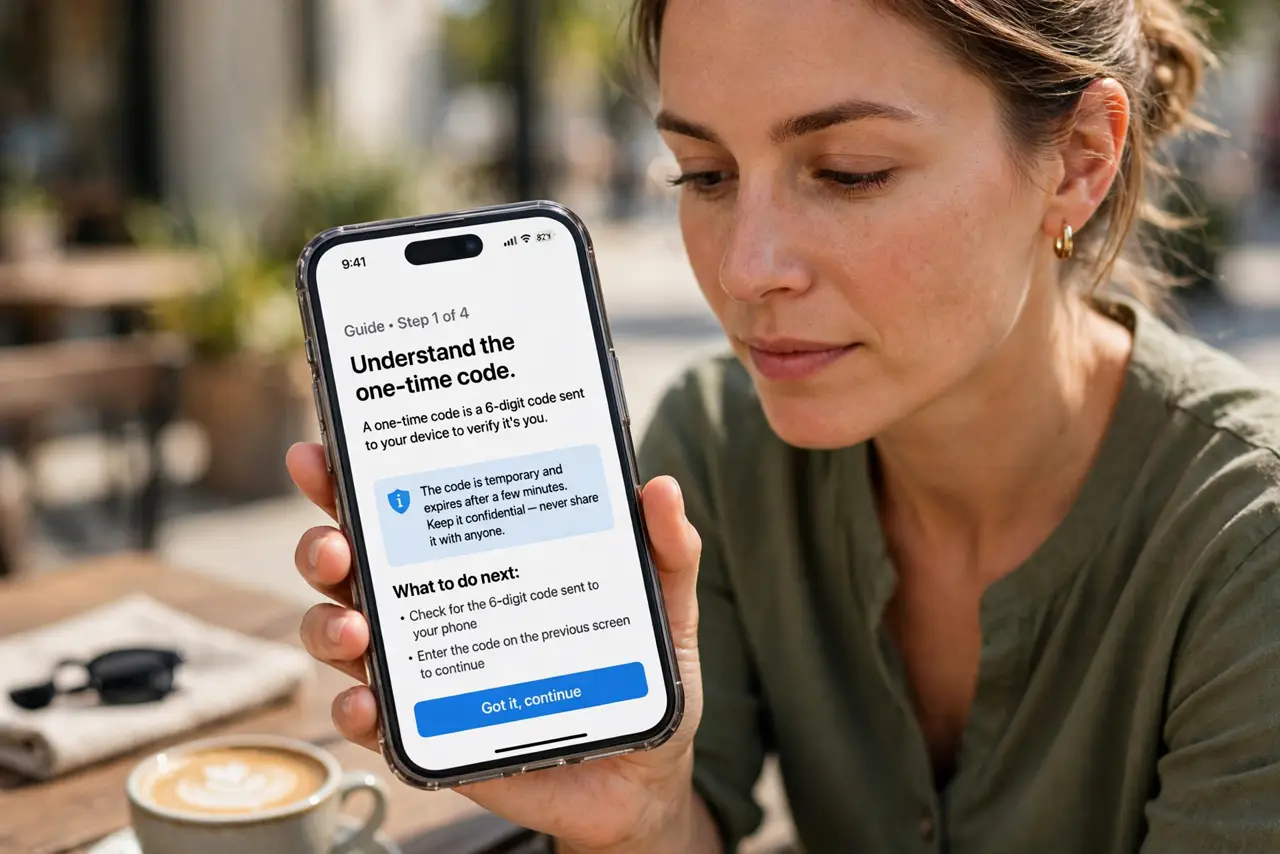
- Understand the one-time code. Each tap transmits a unique cryptogram, not your card number. Even if criminals intercept it, the code is worthless for any other purchase — unlike a swiped stripe, which replays perfectly.
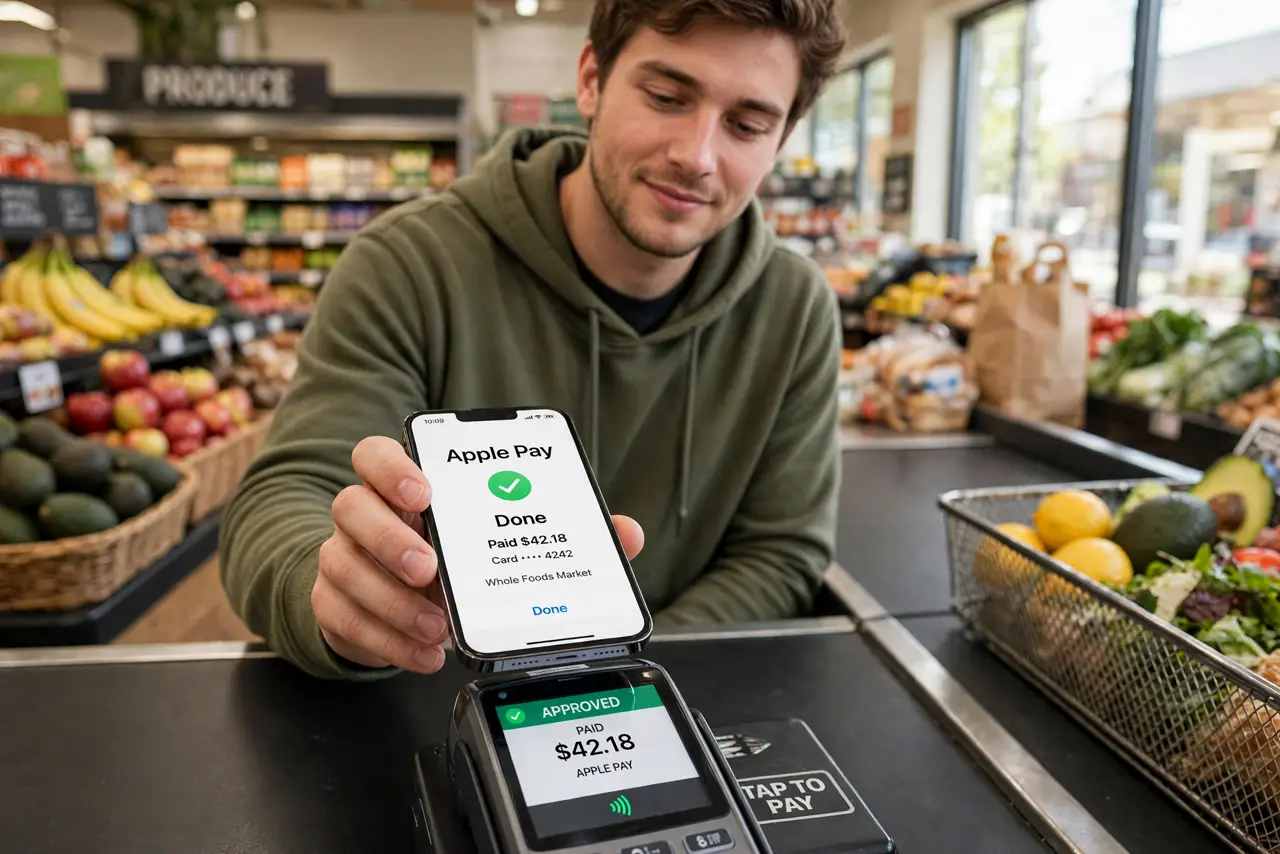
- Use your phone wallet for the best version. Phone wallets add biometric confirmation and never expose the card number at all — not even to the terminal. It is tap-to-pay with an extra identity check built in.
- Look for the tap symbol. The four-curved-lines symbol on the terminal means contactless works. Most modern terminals have it; if not, inserting the chip is your next-safest option.
- Know the limits are a feature. Small tap limits that occasionally ask for a PIN exist to cap a stolen card's damage. A lost contactless card cannot be drained in one giant tap.
- Prefer tap at risky readers. Gas pumps, outdoor ATMs, and unattended kiosks are skimmer territory — exactly where tap's no-swipe design shines. See how to spot pump skimmers.
- Keep the physical card as backup. Not every terminal takes tap yet. Carry the card for those, but make tapping your default wherever it is offered.
What NOT to do
- Do not worry about 'accidental charges' from nearby terminals. Tap requires centimeter-range contact plus, on phones, your biometric — brushing past a terminal cannot charge you.
- Do not disable contactless out of fear. You would be trading the safest payment method for the swipe, which is the least safe — the opposite of protection.
- Do not assume tap works the same everywhere. Some countries and older terminals have different limits and behaviors — watch the terminal's prompts when traveling.
- Do not hand your unlocked phone to the cashier for the tap. Keep the phone in your hand, authenticate, and tap it yourself.
Frequently asked questions
Can someone steal my card info by walking past with a reader?
In practice, no. The range is centimeters, phone wallets require your face or fingerprint, and the intercepted code cannot be reused anyway.
Is tap safer than the chip?
Marginally, yes — both use one-time codes, but tap never risks a shimmer device in the slot and is faster, so there is no reason to prefer inserting.
What if my card doesn't support tap?
Ask your bank for a contactless replacement — most issue them free. Meanwhile, use your phone's wallet, which adds tap to any card you load into it.