Webcam Hacking? The Truth
Movies show hackers watching through webcams with ease, and the fear is real enough that millions cover their cameras with tape. The truth is calmer: remote webcam spying is rare and requires malware on your machine first — but the simple defenses are so cheap that everyone should use them anyway. Here is what actually matters.
TL;DR / Quick Fix
Quick fix: keep your operating system and apps updated — malware is the only realistic path to webcam spying. Use a physical camera cover for peace of mind. Watch for the camera indicator light turning on unexpectedly. Never install remote-access software from an unsolicited call or email.
Follow these steps
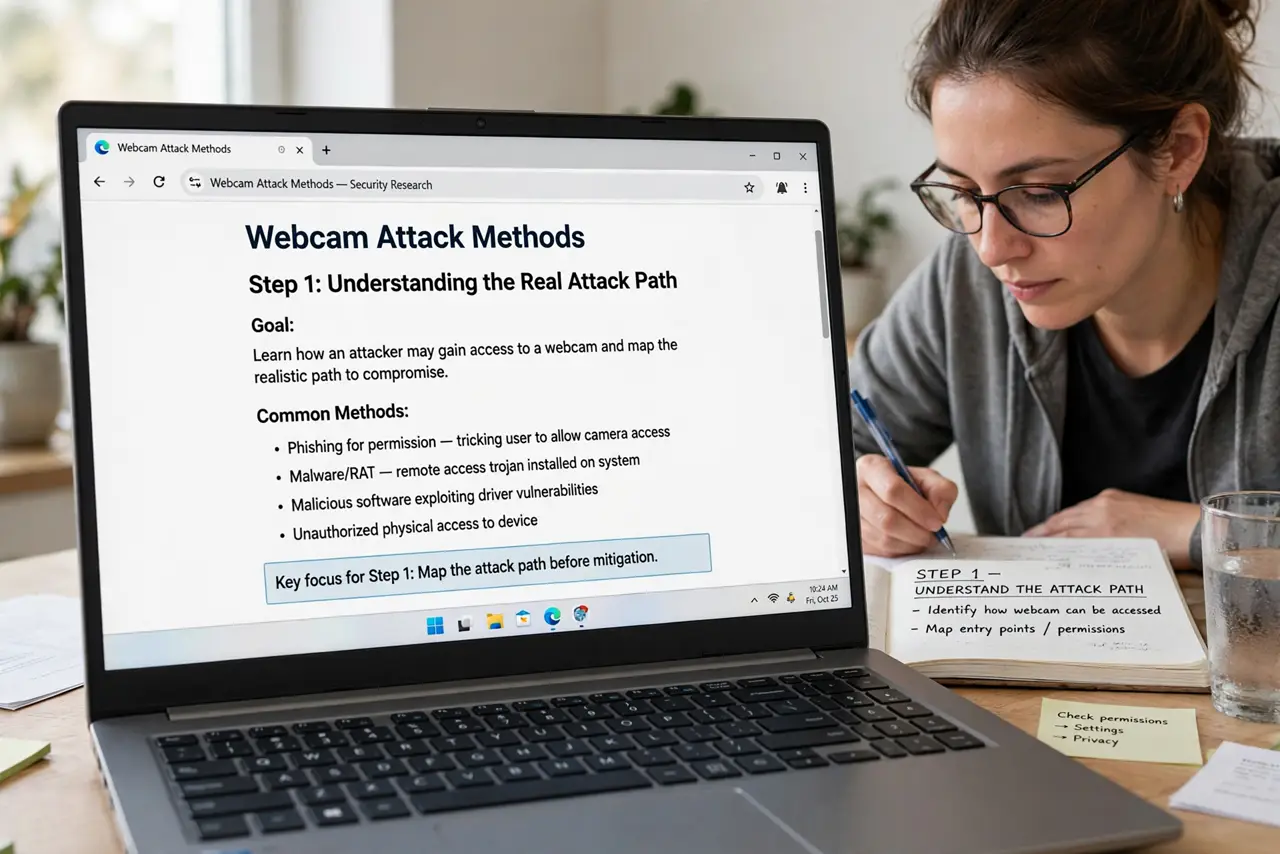
- Understand the real attack path. Nobody hacks a webcam directly — they infect the computer first, then use its camera. Antivirus, updates, and not installing sketchy software close the actual door; the camera is just a room inside.
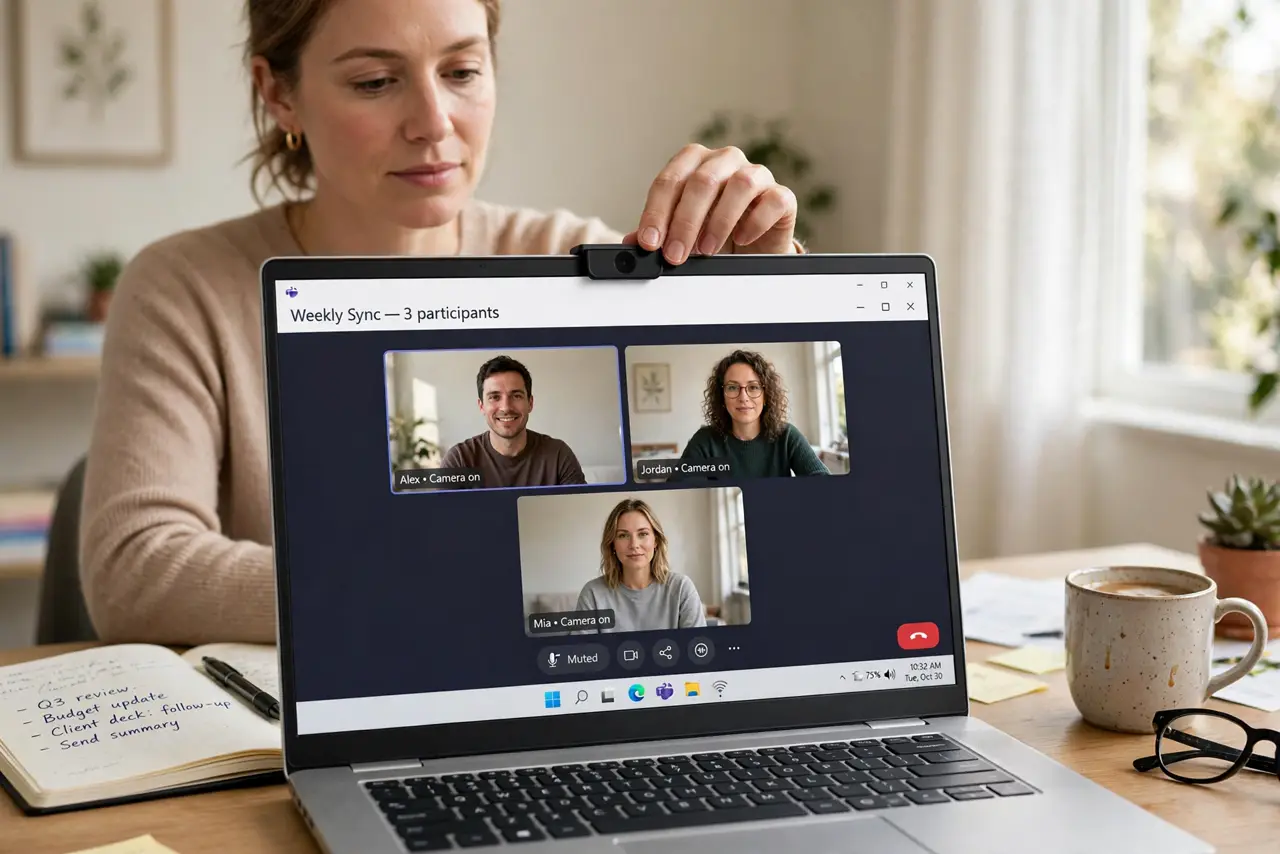
- Use a physical cover. A sliding camera cover is cheap, reliable, and removes all doubt. Tape works too, but a proper slider beats tape residue on your lens.
- Watch the indicator light. Laptops light an LED when the camera is active — malware cannot easily fake it on most models. A light that turns on by itself deserves investigation, not panic.
- Keep everything updated. OS and browser updates patch the flaws malware uses to get in. An unpatched machine is the common thread in real webcam-spying cases.
- Audit app permissions. Check which apps can use the camera in your system settings and revoke the ones that do not need it. Fewer permissions mean fewer surprises.
- Treat remote-access requests as hostile. No legitimate support agent calls you out of the blue and asks to install remote software. That call is the attack — hang up.
What NOT to do
- Do not install remote-access tools on request. Unsolicited 'support' calls asking for TeamViewer-style access are scams, full stop.
- Do not assume the cover means you can skip updates. The cover blocks the camera, not the malware — updates block the malware.
- Do not panic over a flickering light. Glitchy drivers flicker LEDs too — investigate calmly before assuming the worst.
- Do not download 'webcam security' apps from ads. Scareware promising camera protection is itself often the malware.
Frequently asked questions
Can someone watch me through my webcam right now?
Only if your computer already has malware with camera access — which updates and careful downloading prevent. A cover removes even the theoretical worry.
Does the camera light always mean recording?
It means the camera is active — an app using it legitimately, like a video call, lights it too. Unexpected lights are the ones to check.
Are phone cameras at risk too?
Same story: malware first, camera second. Keep the phone updated and apps from official stores only.