Wi-Fi QR Codes? Safety
That QR code on the café wall promises one-scan Wi-Fi — convenient, but is it safe to scan? And if you make one for your own guests, are you handing out your password in disguise? Wi-Fi QR codes are genuinely handy and mostly safe, with a few sharp edges worth knowing. Here is how to scan and share them without regret.
TL;DR / Quick Fix
Quick fix: scanning a Wi-Fi QR code in a trusted place is safe — your phone shows the network name before joining, so check it matches. Never scan QR codes from random stickers or flyers; they can point at phishing pages. Keep your own printed code inside your home.
Follow these steps
- Understand what a Wi-Fi QR code contains. It encodes your network name (SSID), password, and security type in plain text — anyone who scans it can read the password with a decoder. Treat a printed QR code exactly like a written-down password.
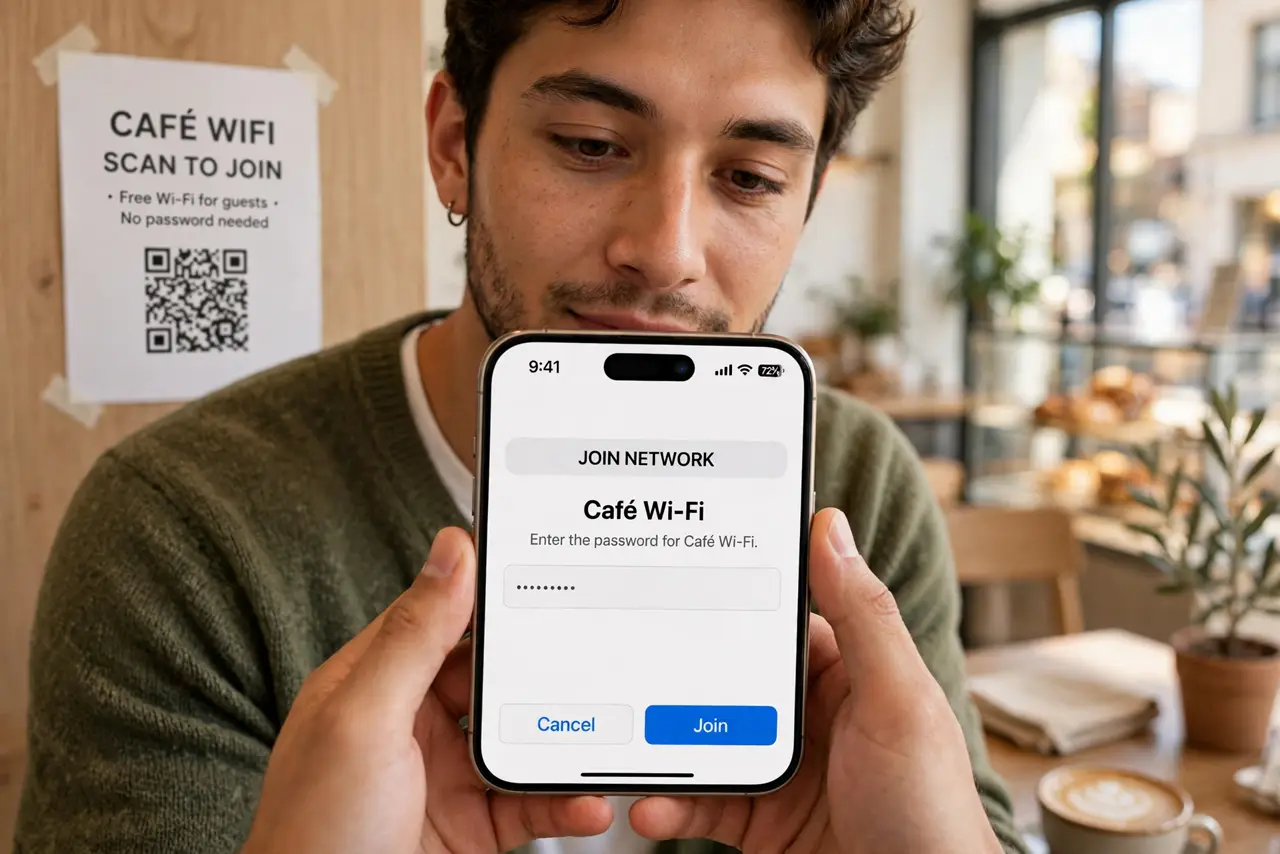
- Check the network name before joining. When you scan, your phone shows which network it is about to join — verify it matches the venue's real network. A sticker placed over the real code (a known scam) could point you at an attacker's hotspot instead.
- Be picky about which codes you scan. Scan codes inside the venue, on official signage, or handed to you by staff. Do not scan QR stickers on lampposts, random flyers, or slips tucked under your windshield wiper.
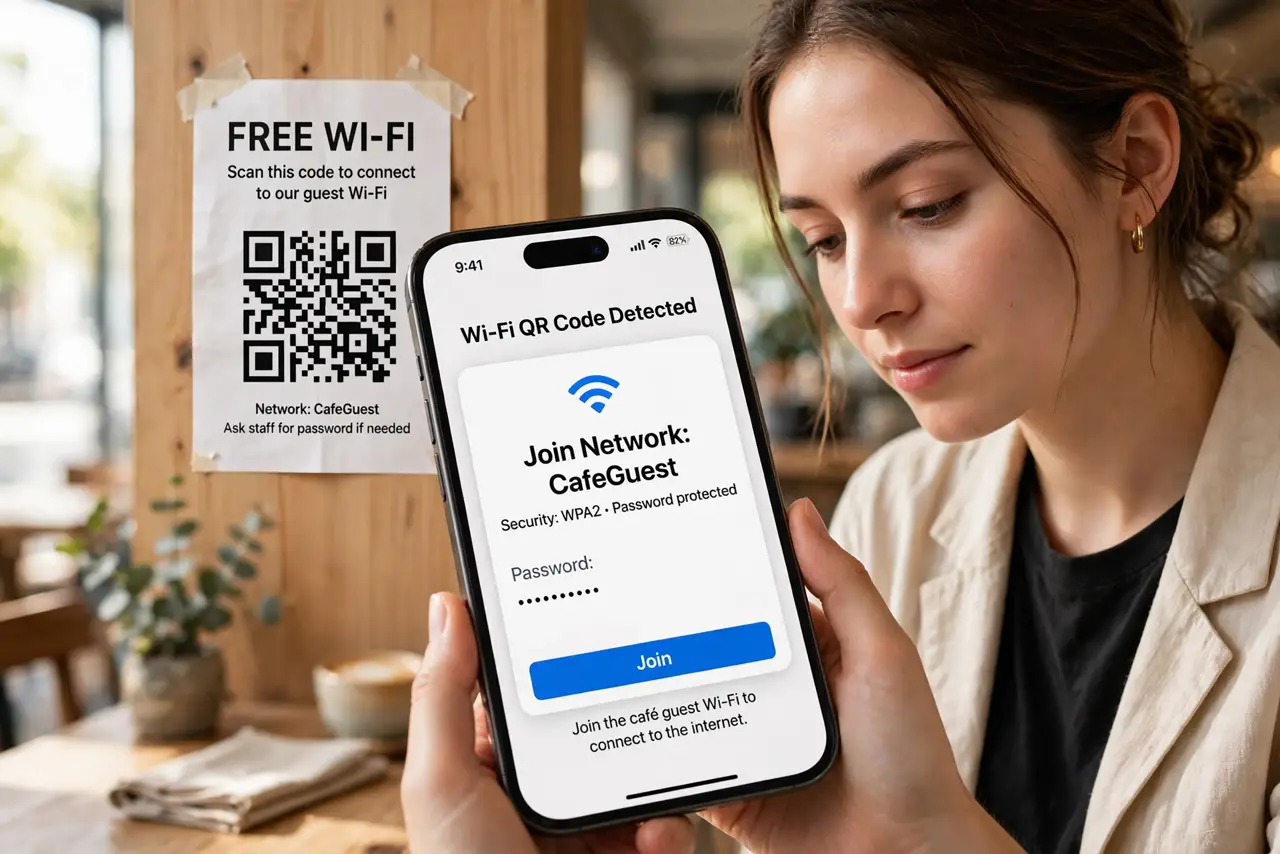
- Watch for the phishing redirect. A legitimate Wi-Fi QR opens a join-network prompt — not a web page. If scanning opens a browser asking for logins or personal details, stop: that is QR phishing, not Wi-Fi sharing.
- Keep your own codes private. Print your home Wi-Fi QR for guests, but keep it inside the house. A photo of it posted online gives the whole internet your password — share access with safe sharing habits, not public posts.
- Rotate the password if a code leaks. If a printed code went missing or was photographed by the wrong person, change the Wi-Fi password and reprint. Two minutes in the router admin ends the exposure.
What NOT to do
- Do not scan QR codes from untrusted stickers. A sticker over a real code is a classic attack — verify the code belongs to the venue.
- Do not proceed if scanning opens a web page. Real Wi-Fi QR codes trigger a join prompt; a login page means something is wrong.
- Do not post your Wi-Fi QR on social media. It is your password in picture form — the internet does not need it.
- Do not assume the network is safe just because the QR was legit. Joining safely and browsing safely are different — use HTTPS and a VPN on any shared network.
Frequently asked questions
Can someone steal my password from my QR code?
Yes — the password is encoded in the code itself, readable by any scanner. That is why the printed code stays inside your home.
My phone won't scan the QR code — why?
Older camera apps lack Wi-Fi QR support; try the dedicated scanner in Wi-Fi settings. Also check the code is not smudged and the SSID matches exactly.
Are QR codes safer than saying the password aloud?
For casual sharing, yes — no eavesdropping, no typos. For true secrecy, neither beats a guest network with its own password.